




01. Edit your lic out online
Type text, add images, blackout confidential details, add comments, highlights and more.

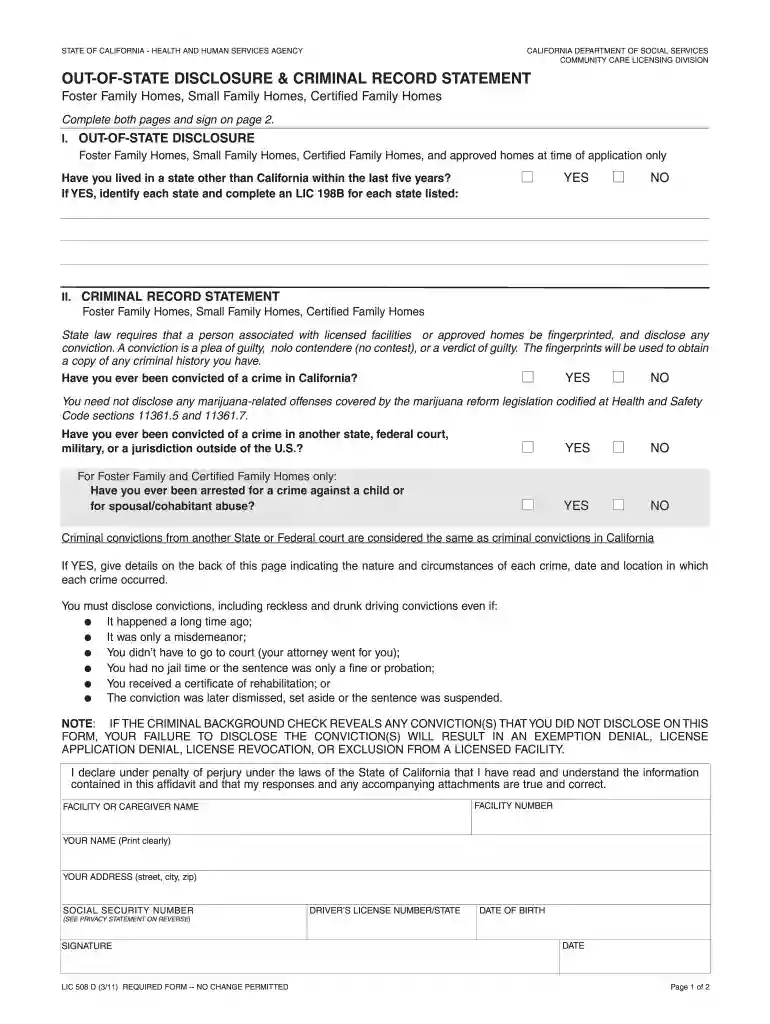
Type text, add images, blackout confidential details, add comments, highlights and more.

Draw your signature, type it, upload its image, or use your mobile device as a signature pad.

Send lic 508 d via email, link, or fax. You can also download it, export it or print it out.

Start filling out your lic 508 d form online for free today!
We've got more versions of the lic out form. Select the right lic out version from the list and start editing it straight away!
At DocHub, your data security is our priority. We follow HIPAA, SOC2, GDPR, and other standards, so you can work on your documents with confidence.
State law requires that persons associated with licensed facilities or Home Care Aide Registry applicants be fingerprinted and disclose any conviction.Read more
If the person discloses that they have lived in another state within the last five (5) years, send this form and LIC 198B(s) by fax, LIC 508 D (12/07). Page 2Read more
Congratulations on choosing a SUBARU vehicle. This Owners. Manual has all the information necessary to keep your SUBARU in.Read more


