
Get any PDF form from the DocHub library of ready-made templates - Page 2033
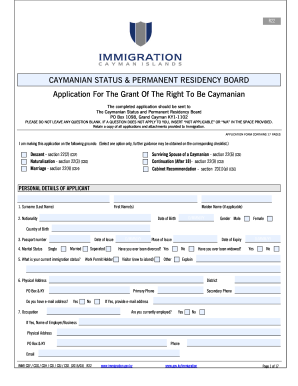
Cayman status application
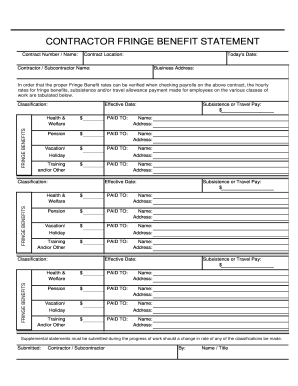
Contractors FB form

Atech mc 306 form

Excel as9102 templates
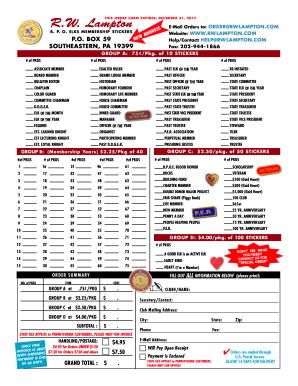
BPOE ORDER bFORMb 2016 - balkspherenet - rwlampton balksphere

Rigging inspection checklist pdf

Cell tower lease agreement pdf
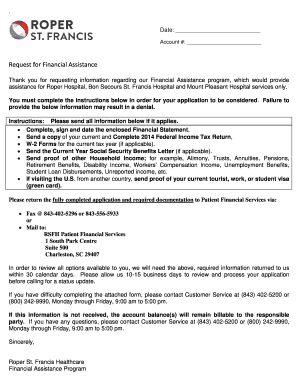
Roper charity application

Ffo proof
Aaa hotel inspection application
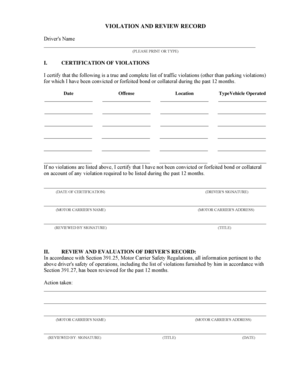
Violation and review record

Bir form 1709 excel

New Driver & Coach Practice Guide - MVA - Maryland.gov - mva maryland

Delta green character sheet

Canada visa supplementary application
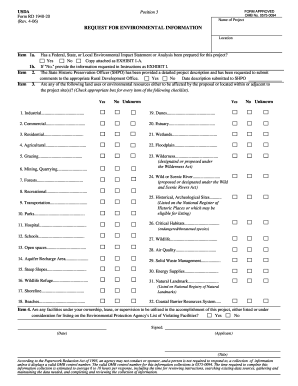
Has a Federal, State, or Local Environmental Impact Statement or Analysis been - rurdev usda

Prenatal history form
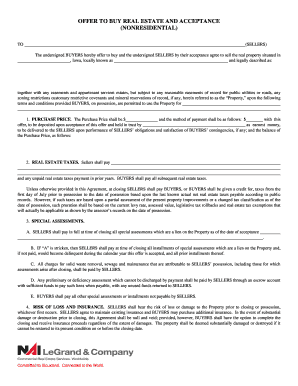
Acceptance nai legrand company
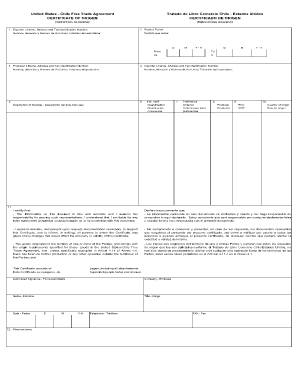
Chile trade certificate
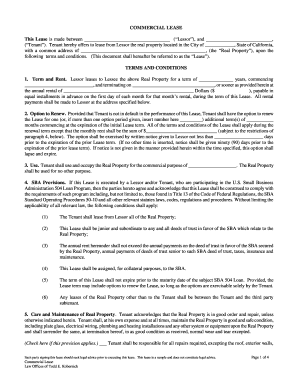
COMMERCIAL LEASE This Lease is made between - CDC Small ...
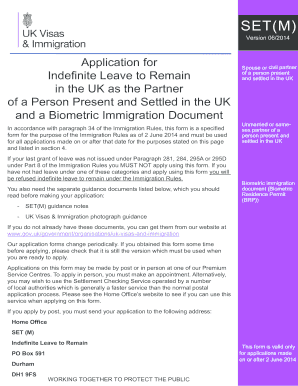
Ilr set m form pdf

What is the mrn on discharge report form
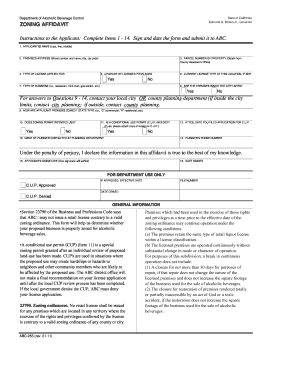
Zoning affidavit abc
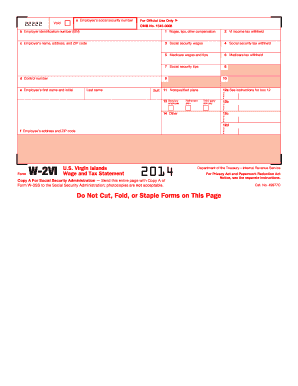
2014 w2vi form

Cacfp all from
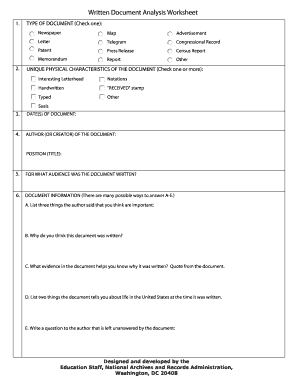
Document analysis template

Kirklees council pest control
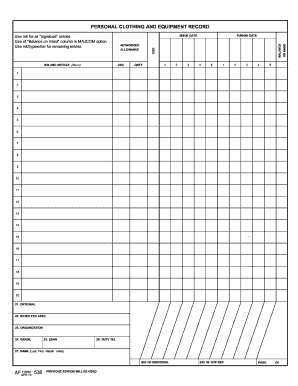
Af form 538

Process Request Form - Brazoria County

Ipegs examples
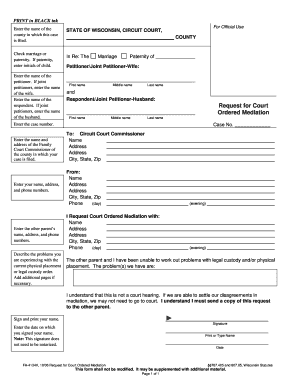
FA-4134: Request for Court-ordered Mediation - wicourts
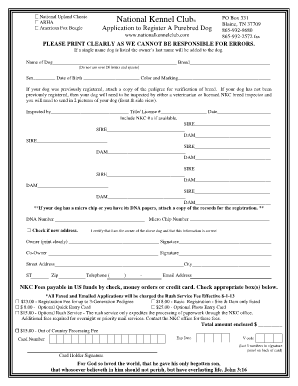
NKC Application to Register a Purebred Dog - National Kennel Club
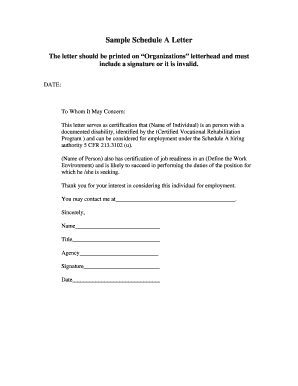
Schedule a letter
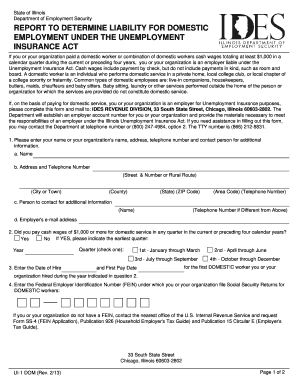
Reg ui 1
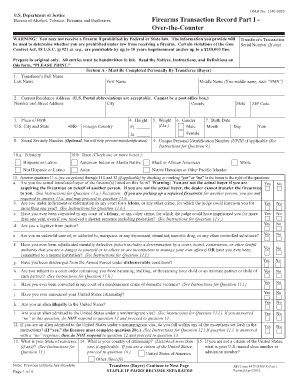
Washington state 4473 form

Certificate of name given not in baptism example
Futurescripts prior authorization form
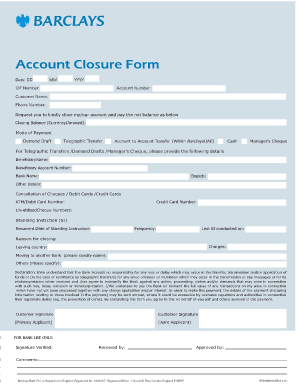
Barclays bank transfer slip
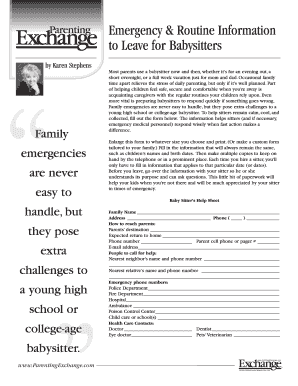
Babysitter emergency contact template
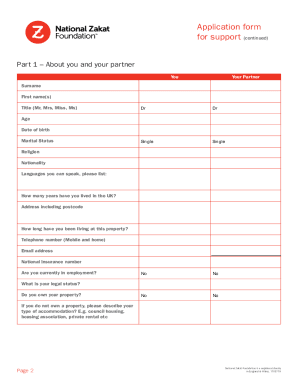
Zakat fund application form
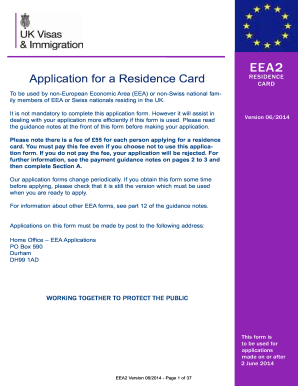
Eea2 form

Apartment application
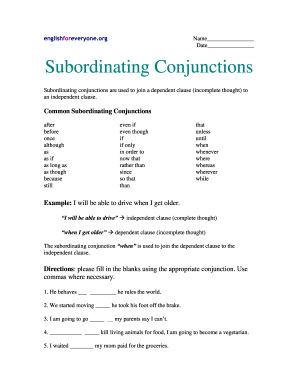
Subordinating conjunctions exercises with answers pdf
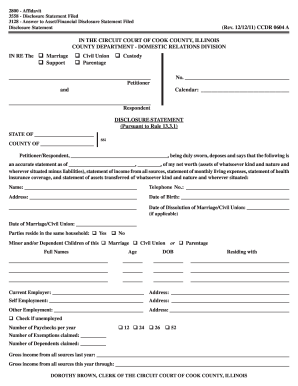
Ccdr0604a 2011 form
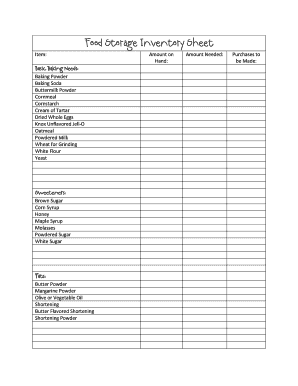
Inventory pdf
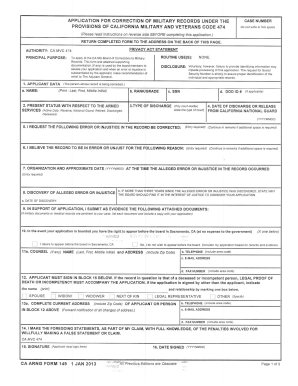
CAARNG Form 149 - California National Guard - State of California - calguard ca

Invesco withdrawal online
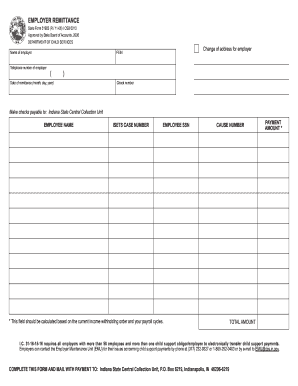
Indiana form 51923
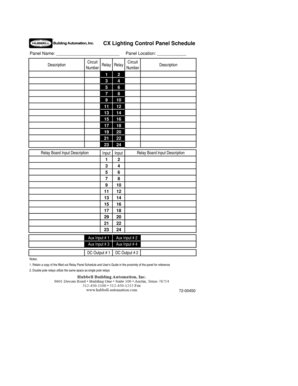
Lighting panel schedule
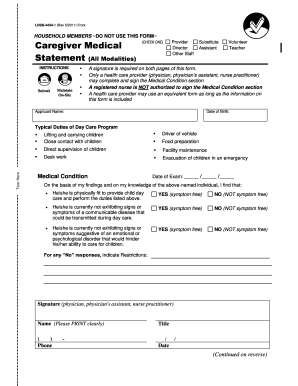
4434 1

Sharps injury log
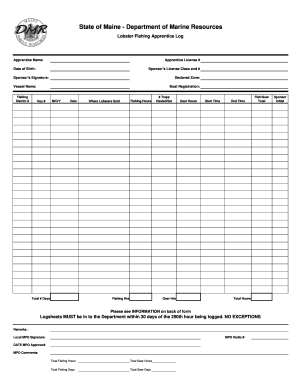
Maine lobster apprentice log sheet

Da form 4507 r
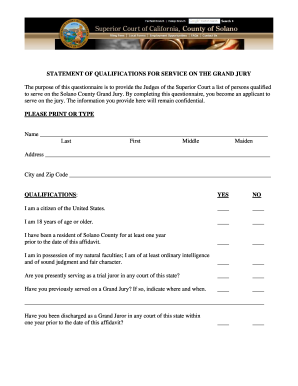
Solano county grand jury
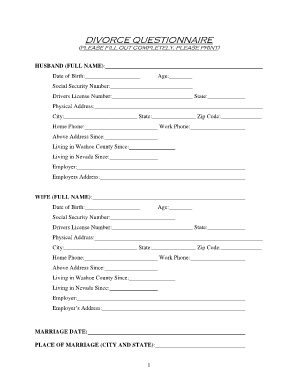
Divorce questionnaire sample
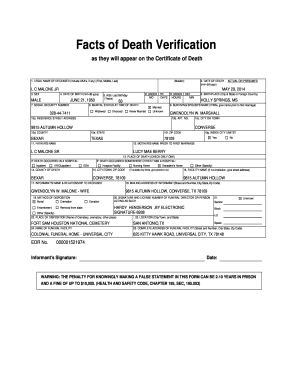
Texas death verification letter

Nyc hippa release form
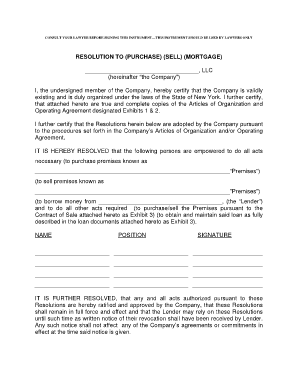
California resolution to purchase sell mortgage form
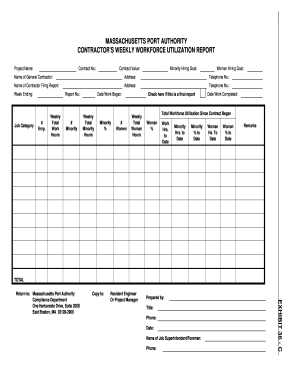
Massachusetts workforce report form

Cbt 5 part model worksheets
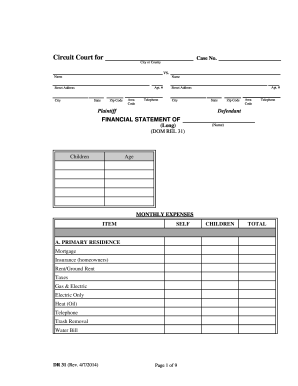
Statement form dr

Dva forms d1181 2013
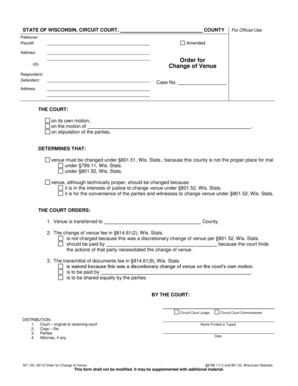
Change of venue wisconsin
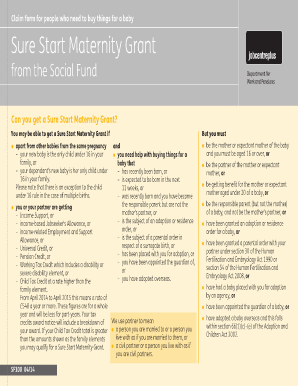
Maternity grant
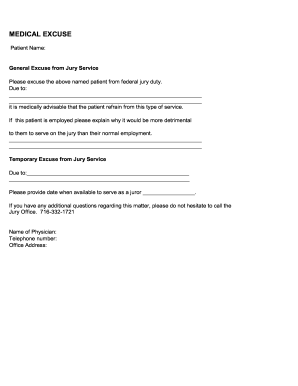
Medical excuse court

Residence Application (INZ 1000) - Immigration New Zealand
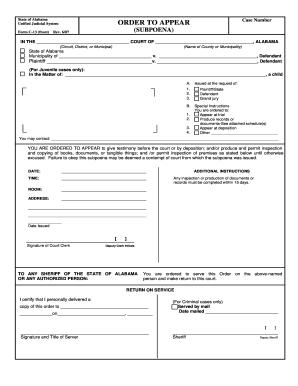
Order to Appear - E-Forms - Alabama Unified Judicial System - eforms alacourt
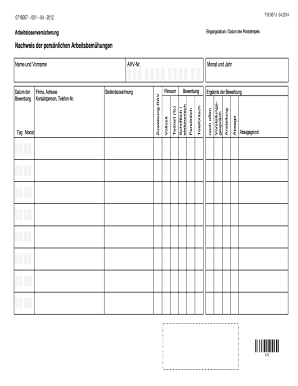
Personlichen

Declaration of proof
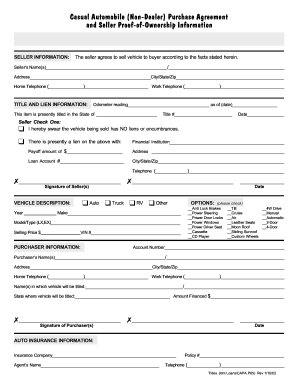
Casual Sale Agreement
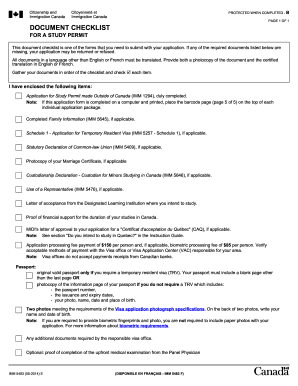
Imm 1442

INV 172A (REV - dmv ca
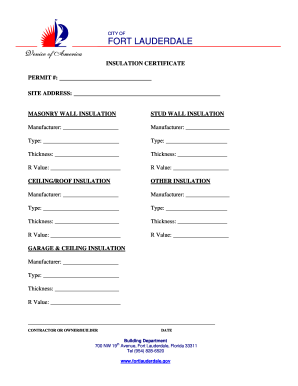
Insulation certificate
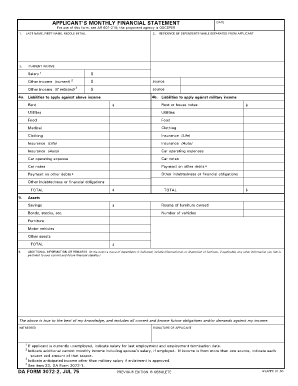
Da form 3072 2
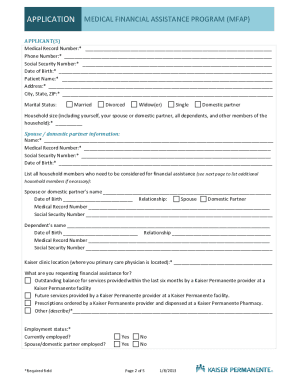
Kaiser mfa online application

Mass made simple template
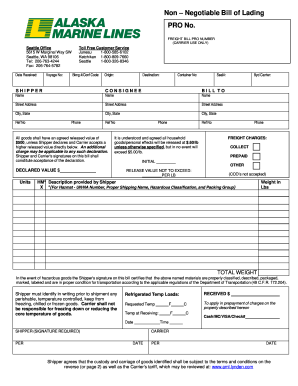
Aml bill of lading

Sample petition to probate will in solemn form georgia
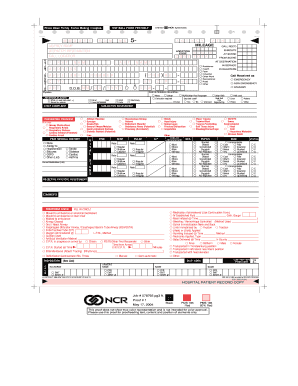
Prehospital Care Report (Version 5). Prehospital Care Report (Version 5) - health ny
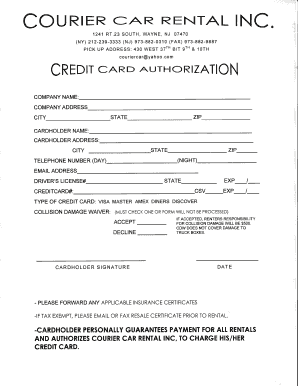
Cc rental card authorization
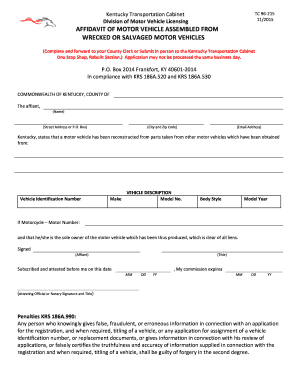
Ky form tc 96 215 2014

Harbor humane
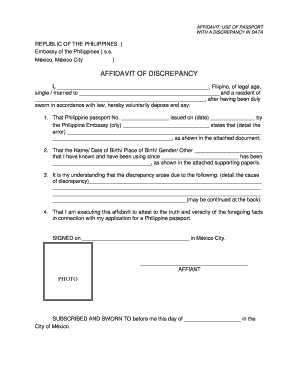
Certificate of name discrepancy pag ibig
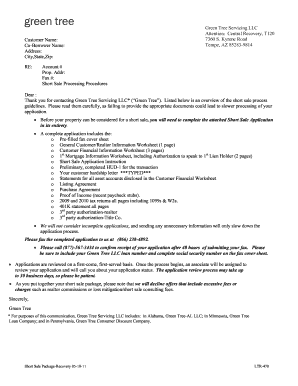
Short sale package pdf
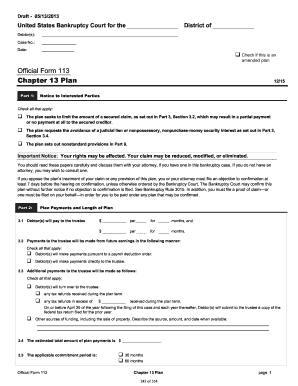
Fillable chapter 13 plan
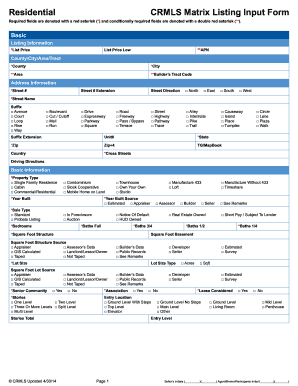
Crmls matrix form

Annual rental inspections
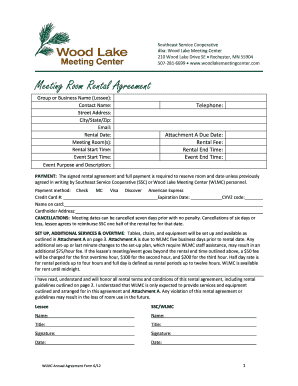
Conference room rental agreement template
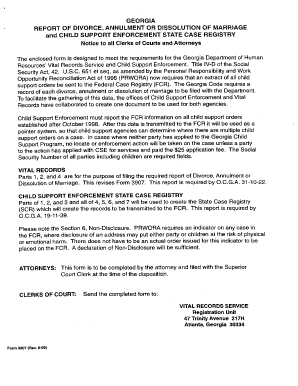
Georgia dhr report of divorce annulment or dissolution of marriage and child enforcement state case registry form

Intake assessment form counseling

Divorce agreement template
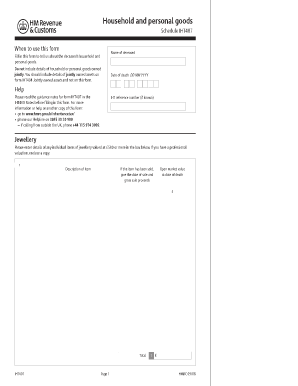
Iht407
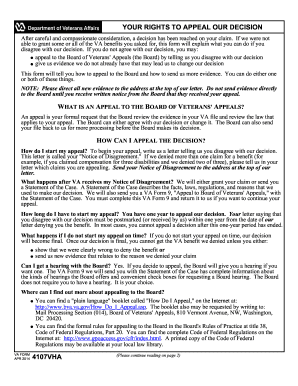
4107vha 2012 form

Fl 005 form

Eap form 1
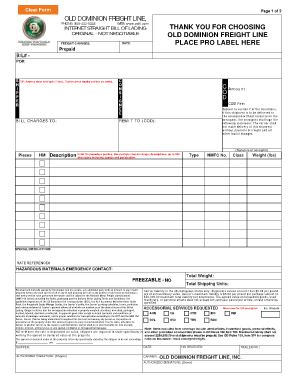
Old dominion bol pdf
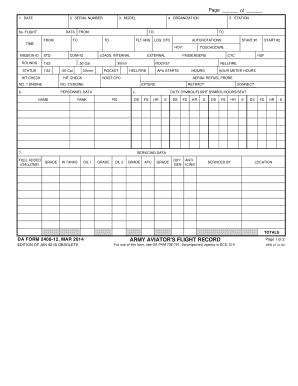
Da form 2408 12

New jersey raffle operations
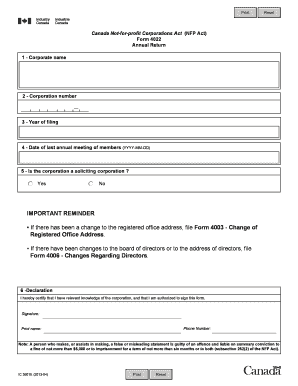
Form 4022

Lost wages form
Benefit from the DocHub online library of fillable PDF forms
Searching the PDF forms doesn't have to be a tedious and time-consuming process. With the DocHub online library, it has become easier to find the fillable PDF forms and modify them in your browser. The service allows you to adjust the document to your needs using powerful editing tools.
You can use online document editing features to modify almost any type of document with ease. You just need to find the template of your choice, open it in the editor, and use the toolbar to make the necessary corrections.
Follow this guide to get your document done with DocHub:
- Find the PDF template you need.
- Click the Get Form button to open the file in the editor.
- Use the toolbar to fill out and edit the document.
- Easily add and highlight text, insert images, checkmarks, and symbols.
- Drop new fillable fields, and rearrange or delete pages from your file.
- Save changes and download your record.
DocHub empowers everyone to streamline document editing, signing, and distribution, and form completion. Create an account and benefit from our well-organized PDF Forms library and comprehensive editor.