
Get any PDF form from the DocHub library of ready-made templates - Page 2035
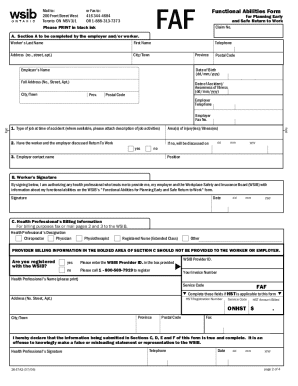
Faf form
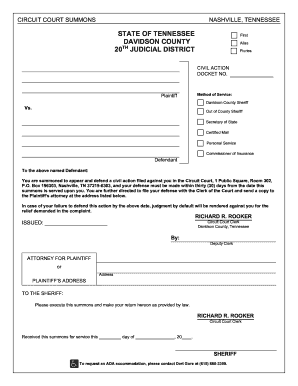
Summons - Civil - Davidson County Circuit Court Clerk - circuitclerk nashville
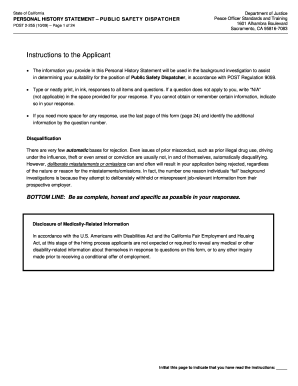
Post 2 255 form fill in 2009
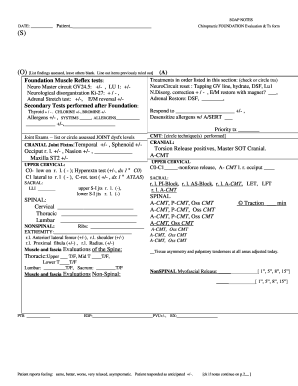
Chiropractic soap notes pdf
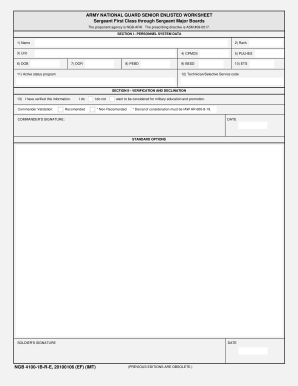
4100 1b form
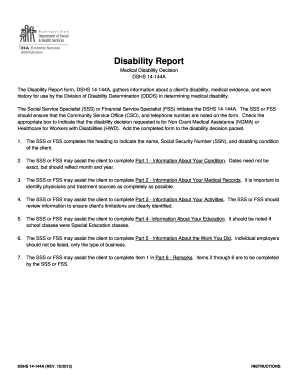
Form dshs14 144a
Cdcr form 22

Official receipt sample
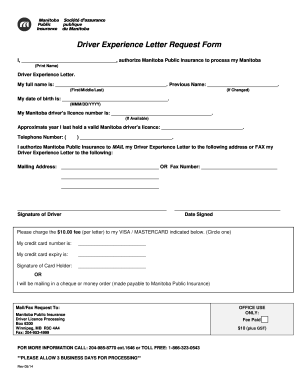
Driver experience certificate pdf 2014 form

Child support worksheet
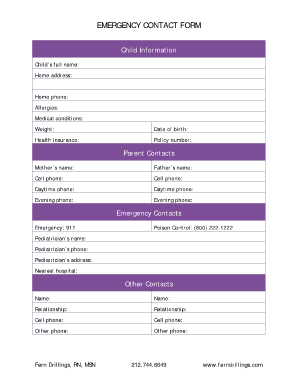
Fillable pdf emergency contact form
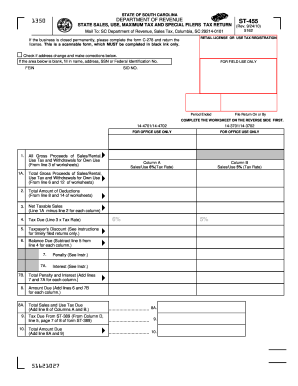
ST-455 6% 5% - the South Carolina Department of Revenue - sctax
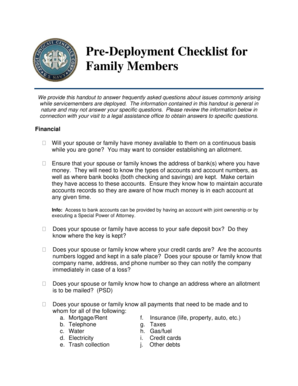
Deployment letter pdf

779002 form
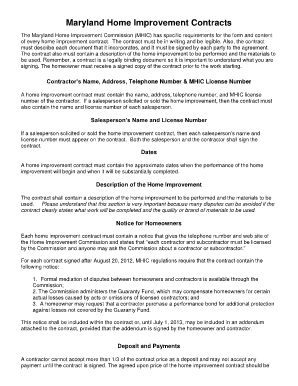
Maryland home improvement contract template

Sample car rental contract
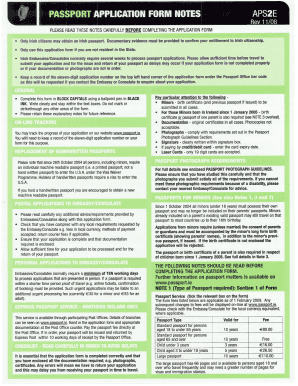
Aps2e application form 2008

Nstc 1533 117
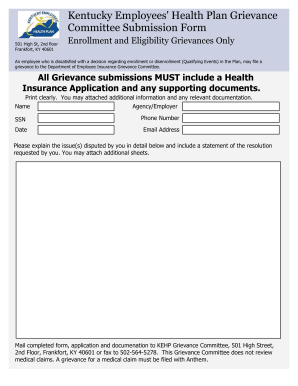
Ky grievance form
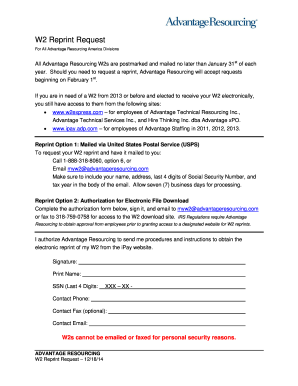
Advantage resourcing w2

Edgecombe county sheriff department gun permit
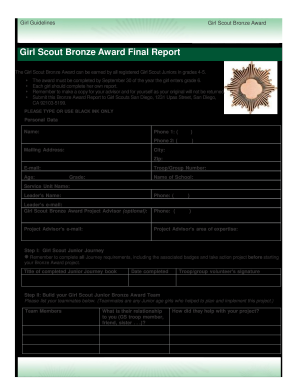
Girl scout bronze award final report form
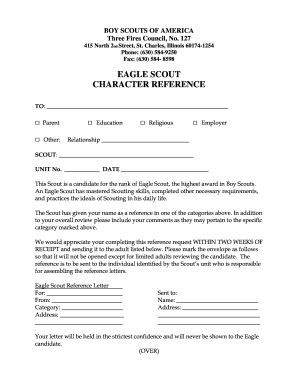
Eagle character reference
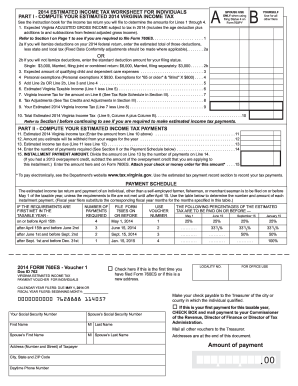
2014 virginia tax form

Dba texas
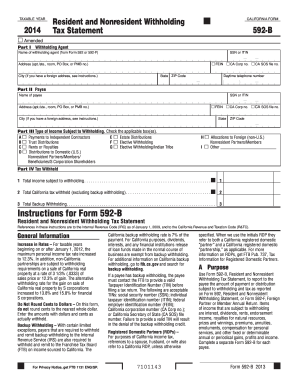
A m Payments to Independent Contractors

Print nm 2013 pit 1 form
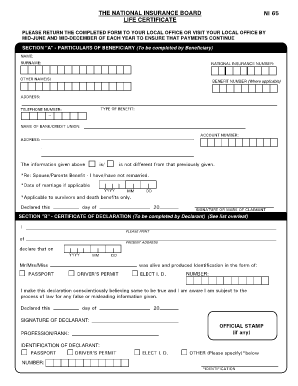
Ni 82 form
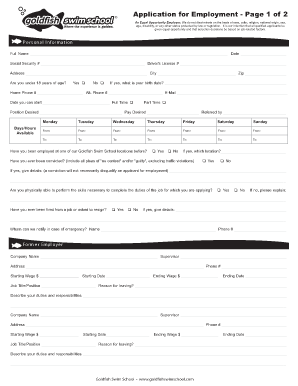
To download an employment application - Goldfish Swim School

Participant form howard county
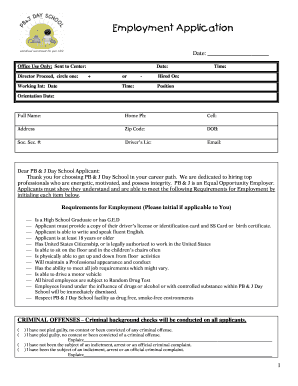
Images of employment applications for daycsare assistant
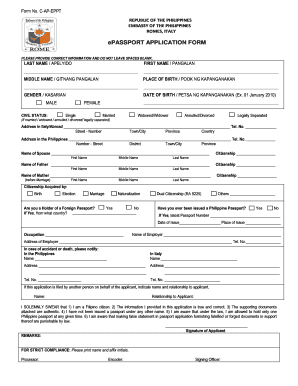
Philippine embassy rome
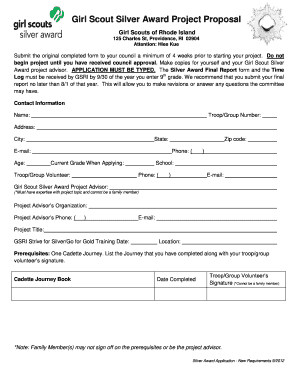
Silver award gsri
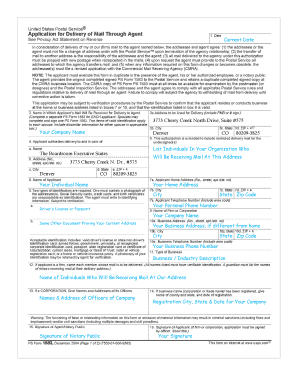
Form 1583 example
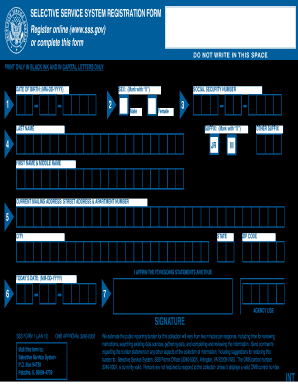
Selective service registration form

North carolina worksheet
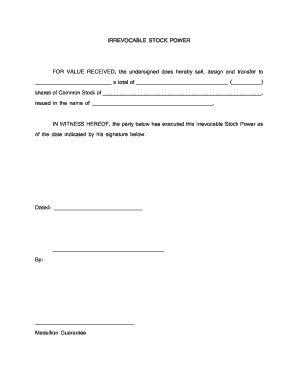
Blank stock power form

Letter of recommendation for eagle scout candidate
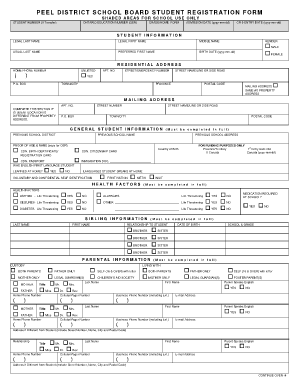
Peel district school board transfer form
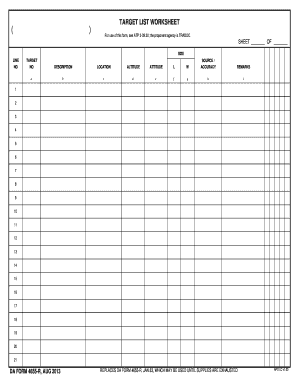
Da form 4655
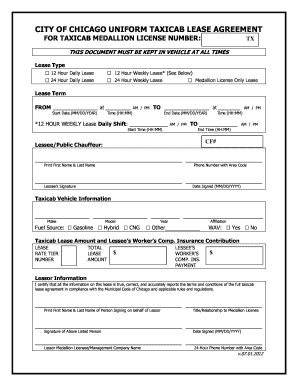
Taxi service agreement sample 2012 form
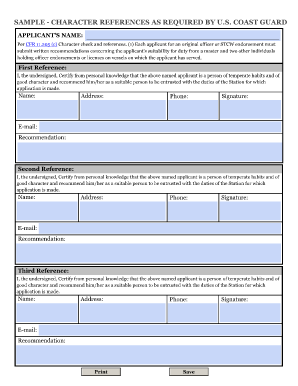
Us coast guard character reference forms
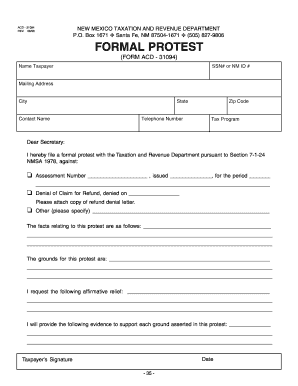
Form ACD-31094 - Taxation and Revenue Department - tax newmexico

Remodel checklist form blank
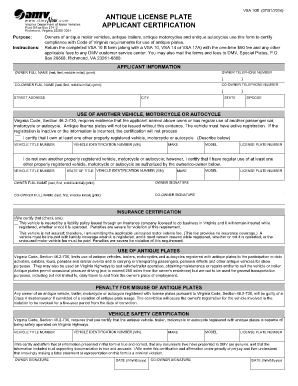
Vsa 10b
Sf181
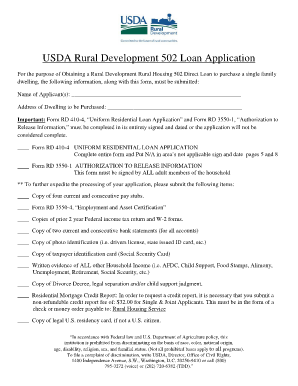
Usda direct loan application pdf
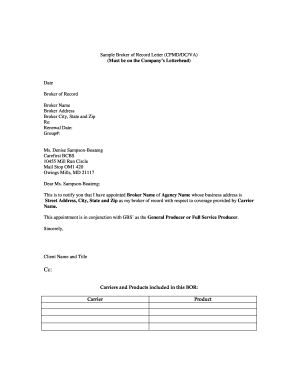
Broker of record letter template
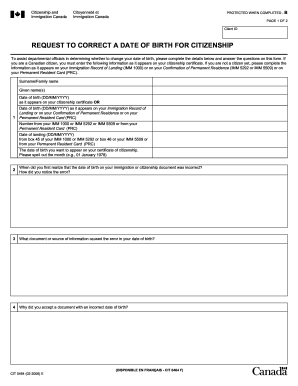
Cit 0049
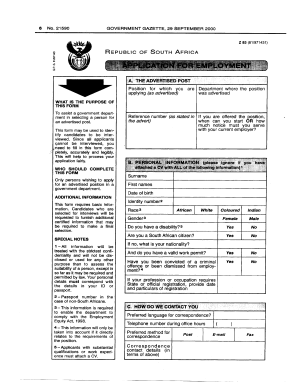
New z83 form
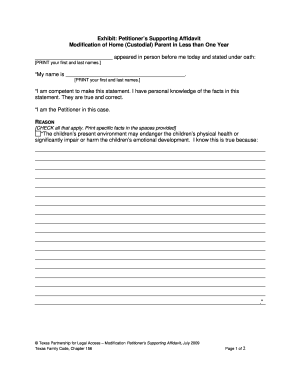
Modification Supporting Affidavit - TexasLawHelp.org - texaslawhelp
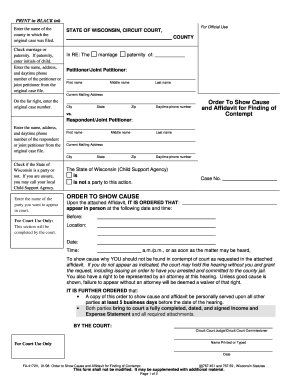
Wi order cause
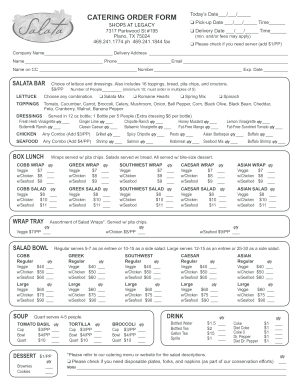
Fillable catering form
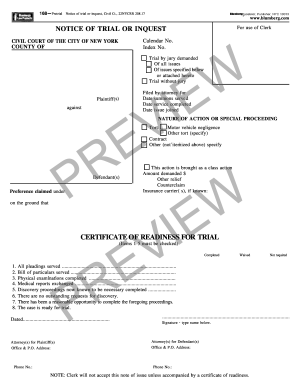
Notice of inquest form ny

Spot delivery agreement form

Gst62 fillable pdf

Pto sb 15a 2013 form

Type c2 passport application and print 2011 form
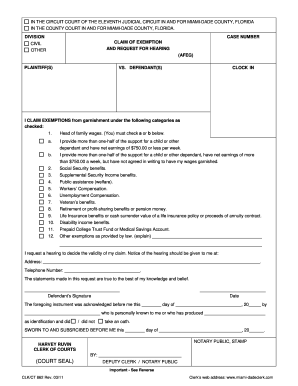
Request for hearing miami dade county 2011 form
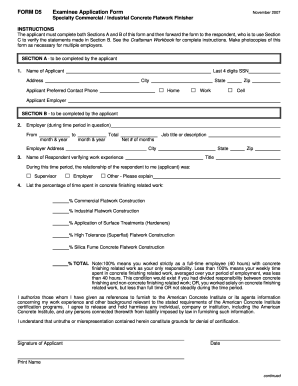
D5 form
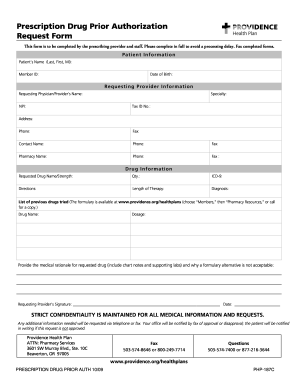
Prescription drug authorization
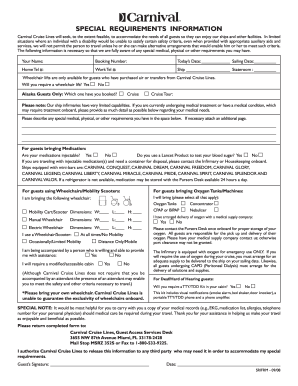
Special Requirements Information Form - Carnival Cruise Lines
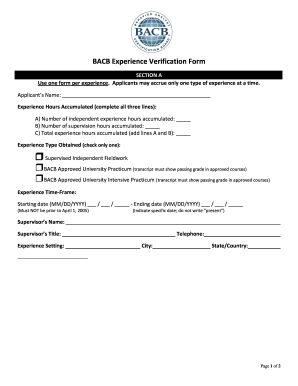
Bacb monthly verification form

Gym form pdf
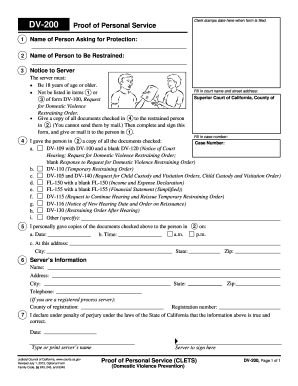
DV-200 Proof of Personal Service. Judicial Council forms

Claimant Request for Appeal of Unemployment Insurance - Missouri ... - labor mo
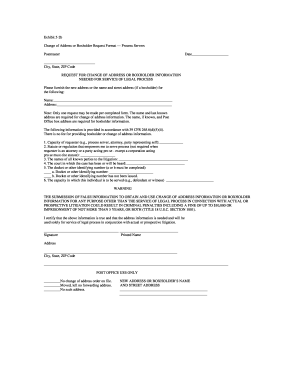
Change of address form
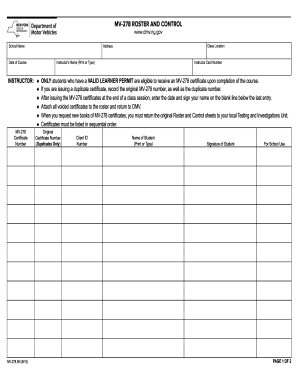
Mv278roster 2011 form
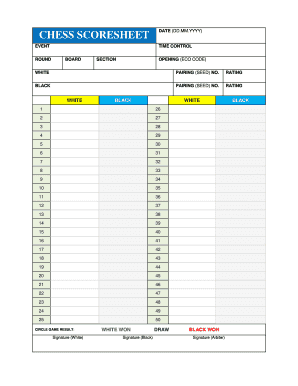
Printable chess board with notation
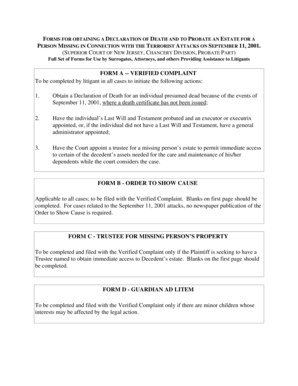
Sample verified complaint new jersey probate
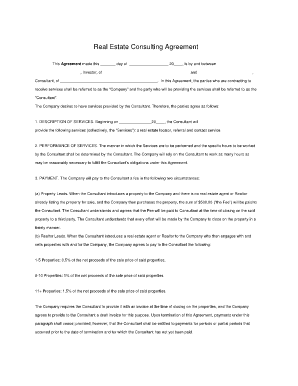
Bird dog contract pdf
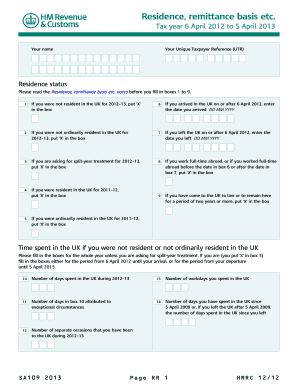
Claim for working tax credit

Florida probation community service form
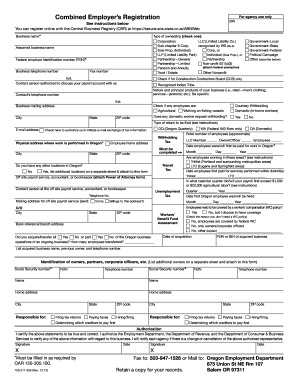
How to fill combined employers registration 2012 form
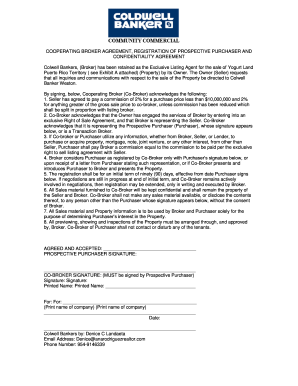
Co broker agreement template
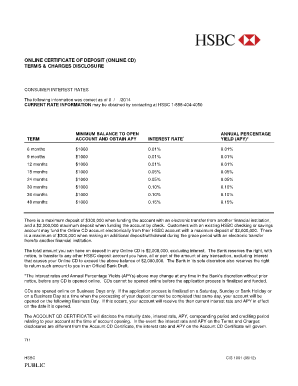
Fd certificate format
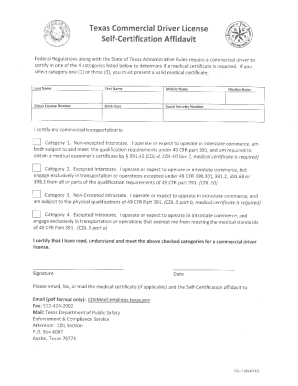
CDL-7 - Texas Department of Public Safety
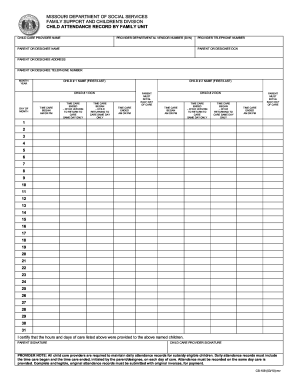
Child attendance record by family unit
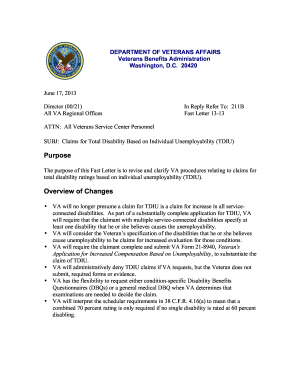
Va form 27 0820

National twic

Handy ride application

Weld continuity
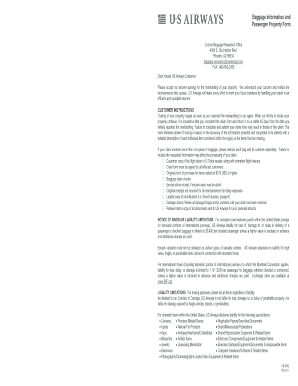
Lost baggage form

Bradford publishing residential lease

Agreed Motion to Terminate Withholding for Child Support - texaslawhelp
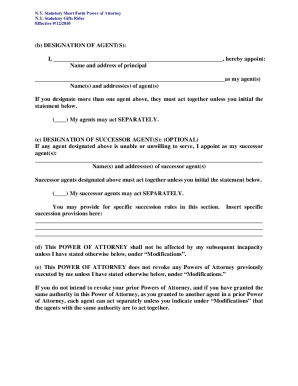
Judicial title forms

Emagine donation
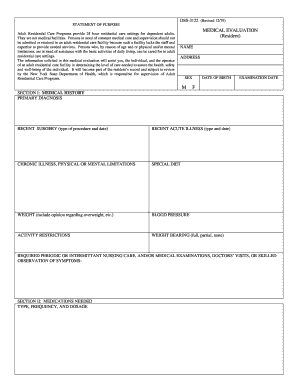
Dss 3122 form
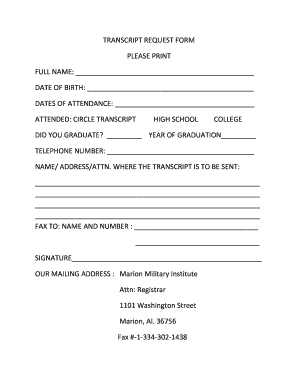
Marion military institute transcript request

2013 form il 1120 st

Form i 129 petition for a nonimmigrant worker 2011
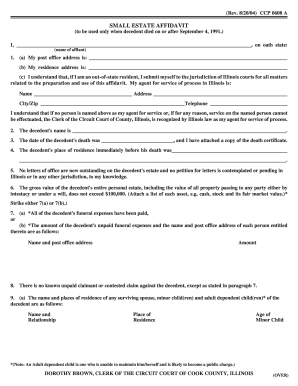
82004) CCP 0608 A - 12 218 239

Handbook letter 203
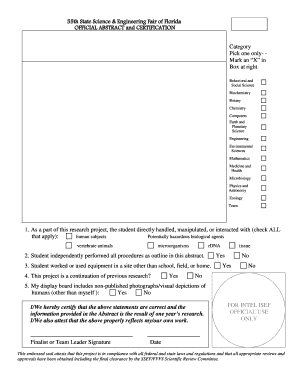
2016 ssef abstract form

Hold harmless agreement florida

1780 27 form
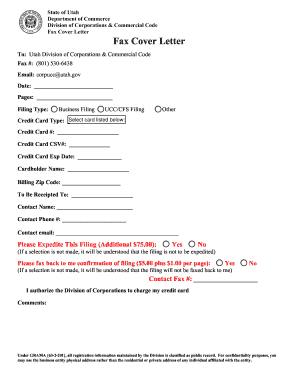
Irs fax cover sheet
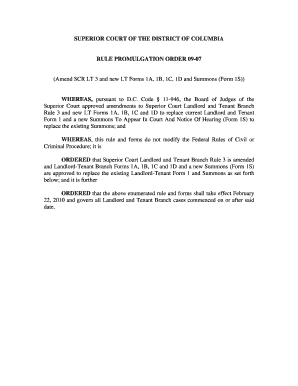
Lt forms 1a 1b 1c 1d and summons form 1s
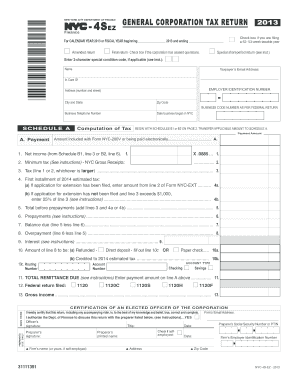
Minimum tax (See instructions) - NYC Gross Receipts:

Equal employment opportunity form
Benefit from the DocHub online library of fillable PDF forms
Searching the PDF forms doesn't have to be a tedious and time-consuming process. With the DocHub online library, it has become easier to find the fillable PDF forms and modify them in your browser. The service allows you to adjust the document to your needs using powerful editing tools.
You can use online document editing features to modify almost any type of document with ease. You just need to find the template of your choice, open it in the editor, and use the toolbar to make the necessary corrections.
Follow this guide to get your document done with DocHub:
- Find the PDF template you need.
- Click the Get Form button to open the file in the editor.
- Use the toolbar to fill out and edit the document.
- Easily add and highlight text, insert images, checkmarks, and symbols.
- Drop new fillable fields, and rearrange or delete pages from your file.
- Save changes and download your record.
DocHub empowers everyone to streamline document editing, signing, and distribution, and form completion. Create an account and benefit from our well-organized PDF Forms library and comprehensive editor.