
Get any PDF form from the DocHub library of ready-made templates - Page 2024

Adding and subtracting scientific notation worksheet with answer key pdf
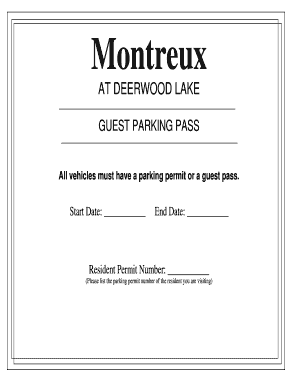
Vehicles must have a parking permit or a guest pass. - Montreux at ...
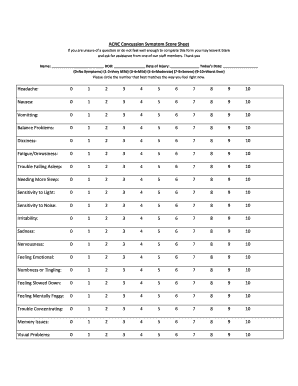
Concussion symptom score sheet

Kneaded bliss bodywork chair massage intake form
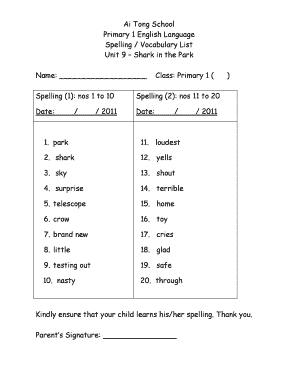
Vocubulary primary 1
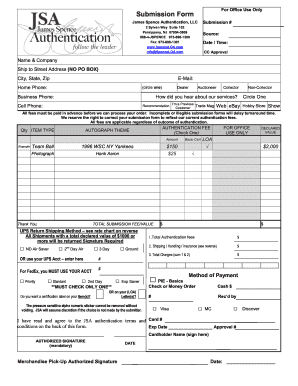
Jsa submission form
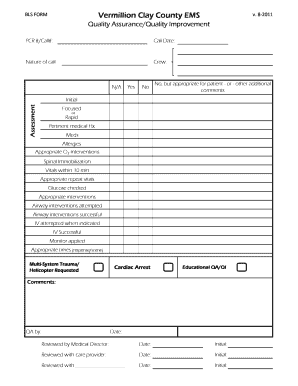
Qaqi
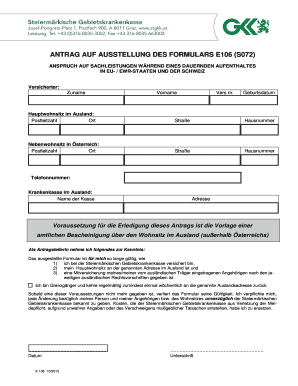
S072 formular
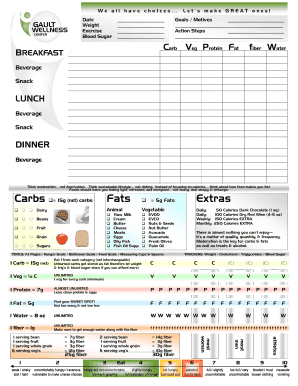
Food Journal Page pdf - Gault Wellness

ACKNOWLEDGMENT OF RISK AND RELEASE OF LIABILITY (AR0103) For Participants Under the Age of Majority in the Province or Territory in which the Equine Activities are Provided by the Host WARNING: THIS AGREEMENT WILL AFFECT YOUR LEGAL RIGHTS

First physicians group new patient forms

Ipss
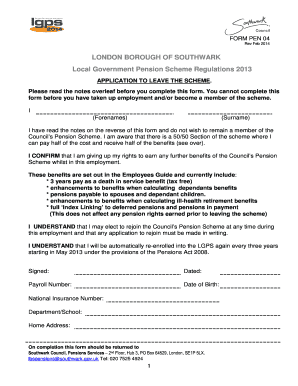
Form 4 warning to caveator to edit
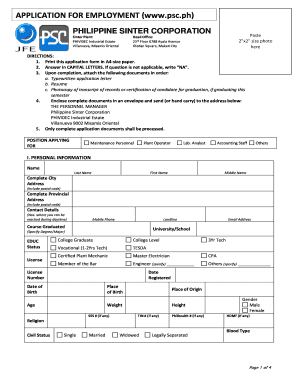
Philippine sinter corporation hiring
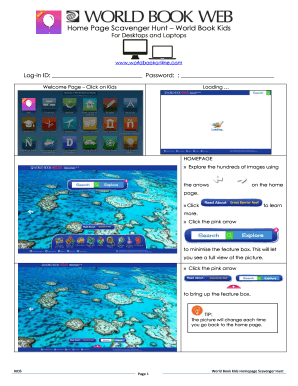
World book online scavenger hunt
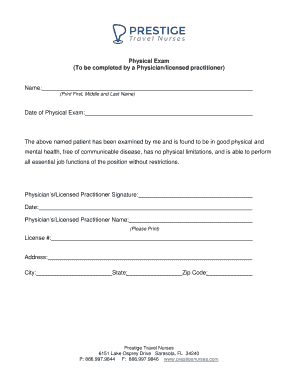
Travel nurse physical form
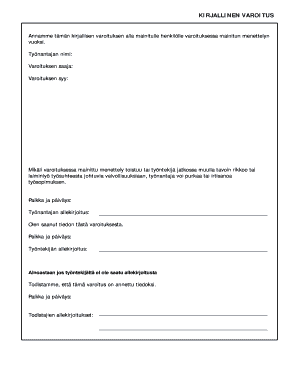
KIRJALLINEN VAROITUS - bmarabbfib
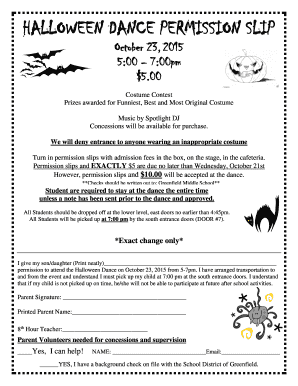
HALLOWEEN DANCE PERMISSION SLIP - bSchoolDeskb

Jamie eason live fit phase 3 pdf
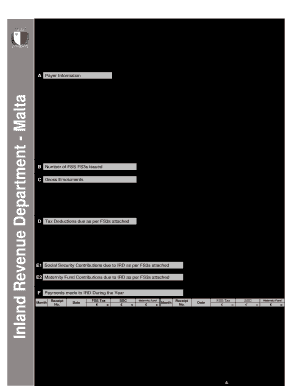
Fs7 fillable
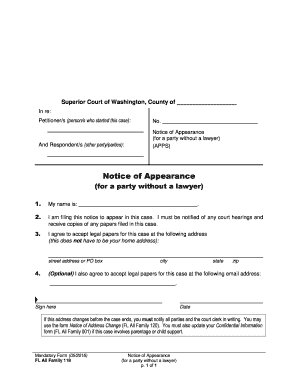
Of appearance
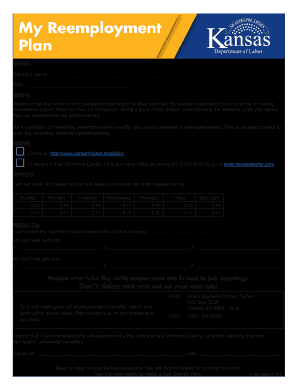
K ben 990 2016 form

Bgea rrt
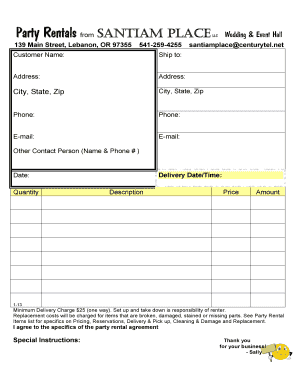
Party rental invoice template
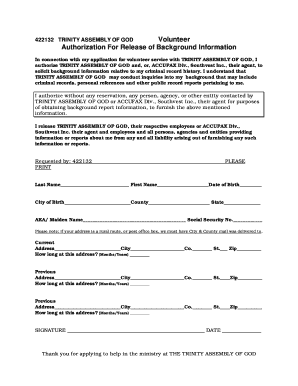
Voulenteer fourm templet
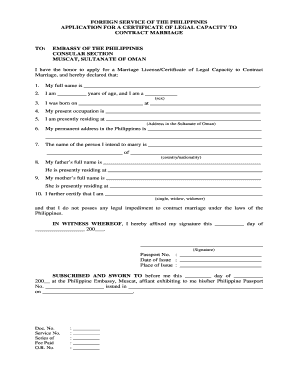
Certificate of legal capacity to contract marriage form
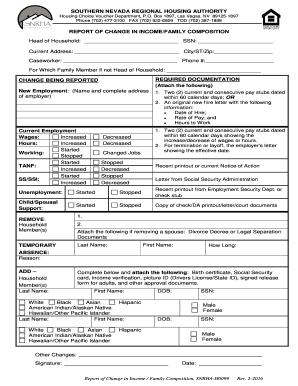
Snrha change form
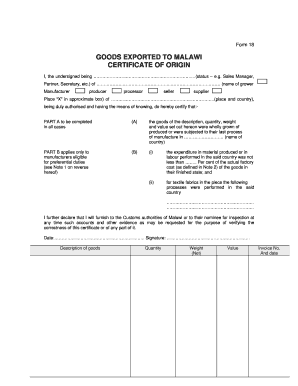
Form 18 malawi

Boreab

Fggm
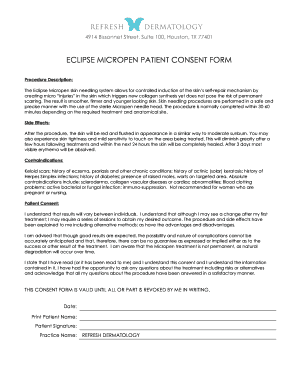
Micropen form

Fillable diplomas
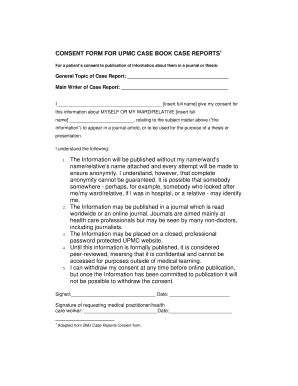
Do you need consent to write a case report
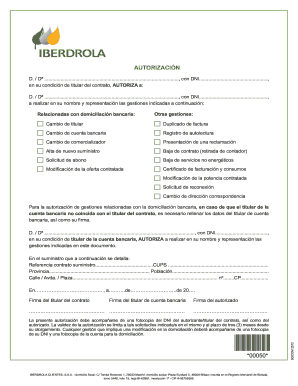
00050 - Iberdrola Elche Alicante Ganda Villajoyosa

Ipad sign out sheet
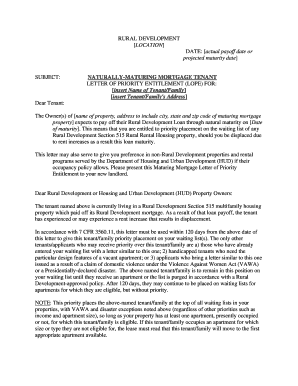
Lope letter for housing
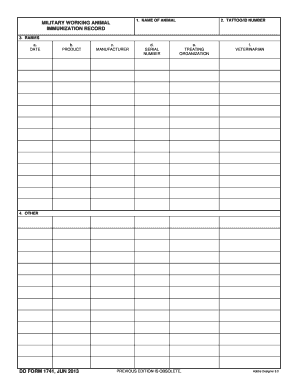
BDD Formb 1741 Military Working Animal Immunization Record June bb - dtic
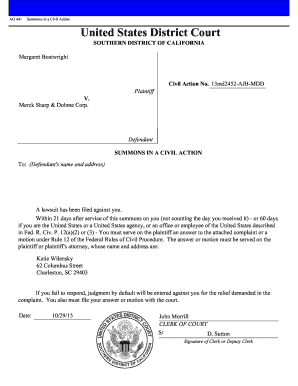
Ao 441
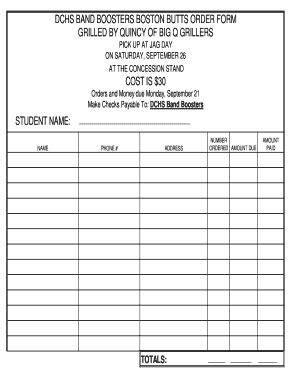
Boston Butt Order Form - bdcspridebbcomb
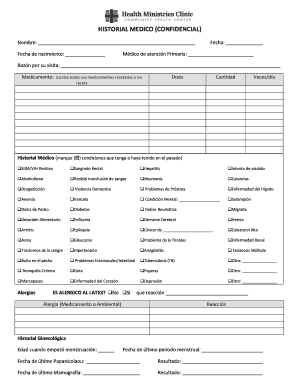
Historial médico

Declaration lithium form

Sample of cameroon birth certificate
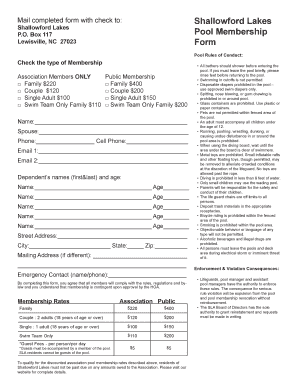
Shallowford lakes pool membership
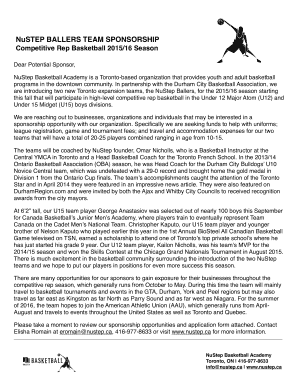
NuStep Team Sponsorship Letter - NuStep Basketball - nustep

Fortera direct deposit
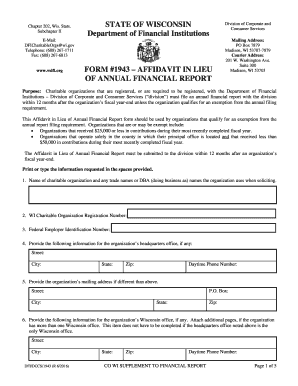
Dfi dccs 1943
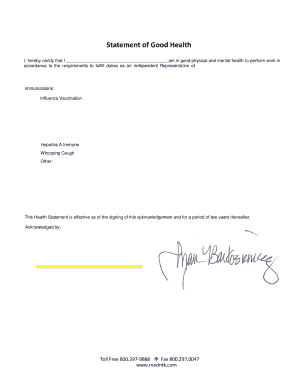
Good health letter

Crossword puzzle irregular verbs pdf
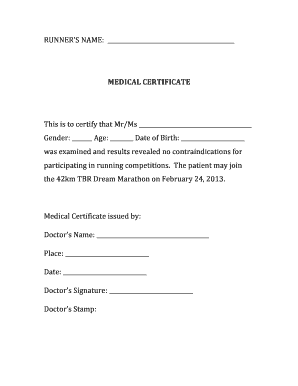
Medical certificate
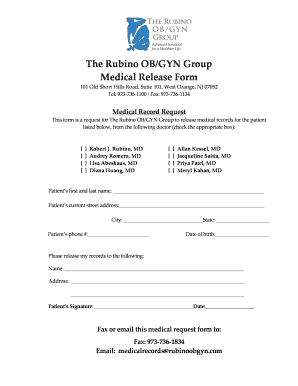
Rubino ob gyn group

Printable ftm top surgery letter

Form si3
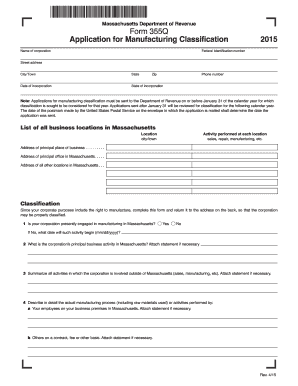
355q
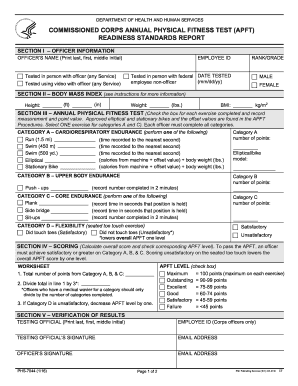
Phs 7044

Ap 023

Behavior rating scale template
Walmart labeling
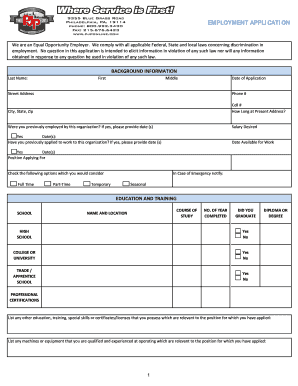
Pjp full form
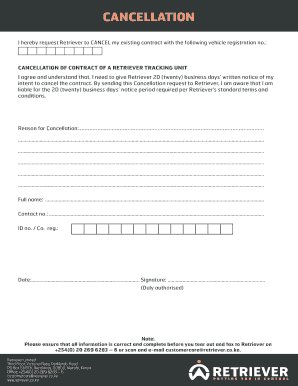
Tracker cancellation letter
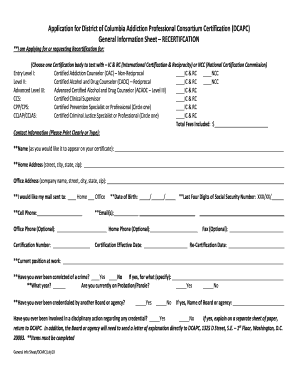
Dcapc

Mv 4st
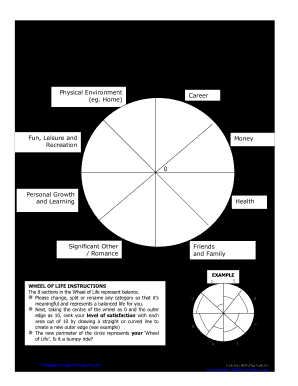
Leaders Building Leaders Adding Value to Individuals and Organizations NAME: DATE: The Wheel of Life (Zig Ziglar) Physical Environment (eg

Interview questions template

Parq
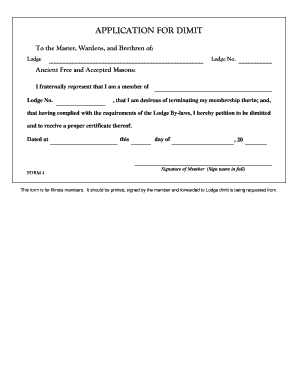
Application for Demit (PDF) - Normal Masonic Lodge #673 - normal673

General physical exam form pdf

Anatolian shepherd puppies nc
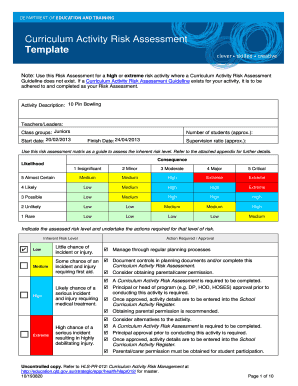
Curriculum risk assessment
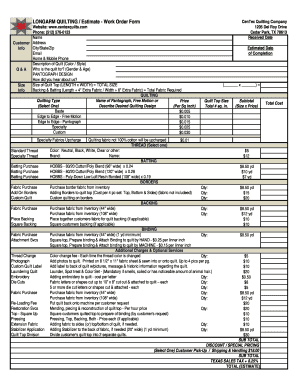
LONGARM QUILTING Estimate - Work Order Form

TIME AS A PUBLIC HEALTH CONTROL WRITTEN PROCEDURES

Solanco midget football
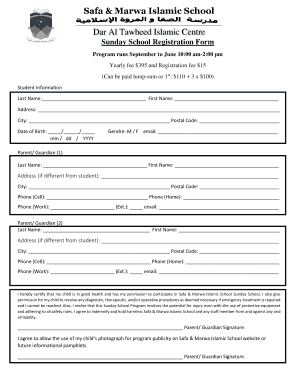
Safa registration forms
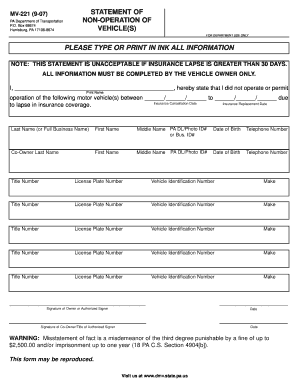
Statement of non-operation of vehicle(s) - PennDOT
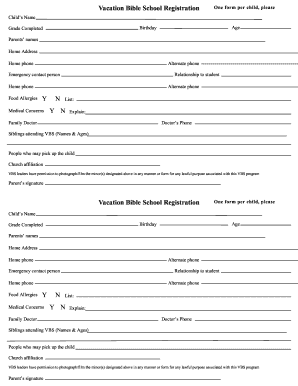
Vacation bible school form
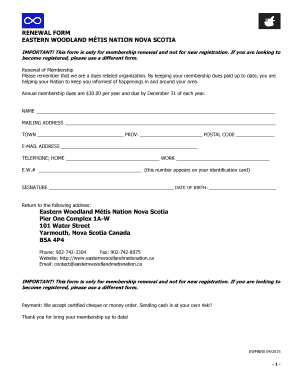
Eastern woodland métis renewal
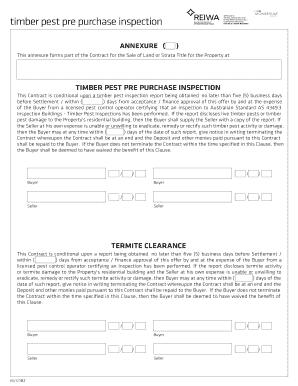
Reiwa annexure forms
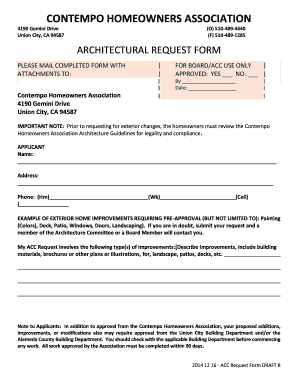
Architectural request form
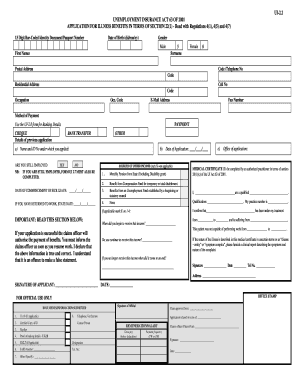
Ui 2 2 form
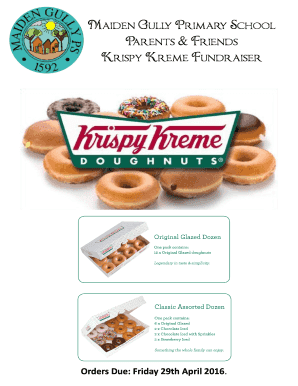
Krispy kreme fundraiser order form
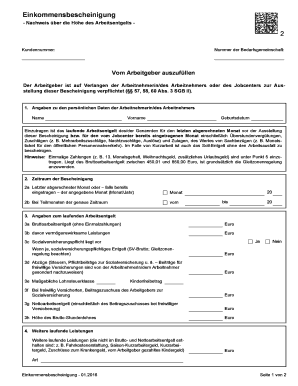
Einkommensbescheinigung muster kostenlos

United kingdom medical certificate
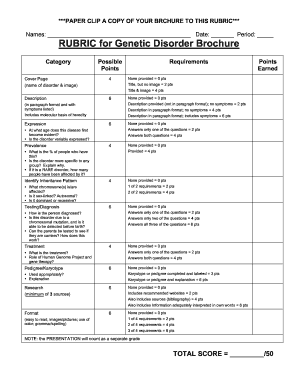
Rubric genetic disorder
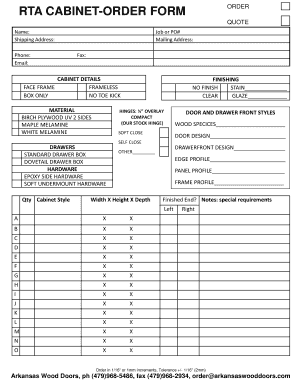
RTA CABINET-ORDER FORM ORDER - arkansaswooddoorscom

House allotment letter in hindi pdf
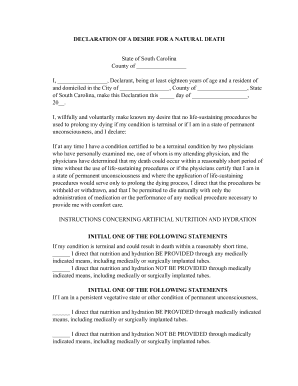
Declaration of a desire for a natural death sc

Breakthrough broker house hunting checklist
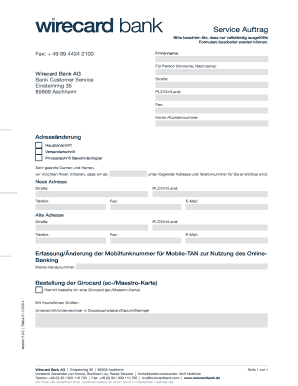
Adressnderung - WIRECARD BANK Startseite
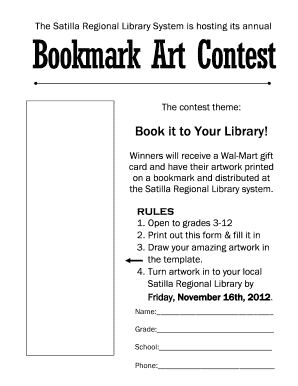
Satilla regional library
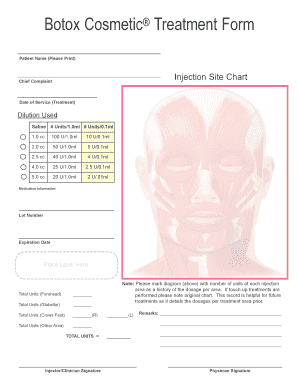
Botox treatment form pdf
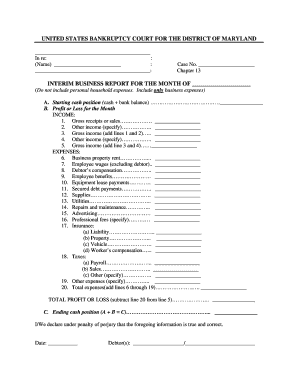
Interim Business Report - Chapter 13 Bowie

Vat 555 form
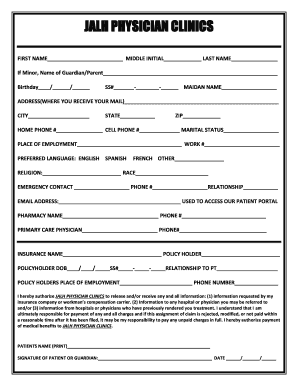
Patient demographic form
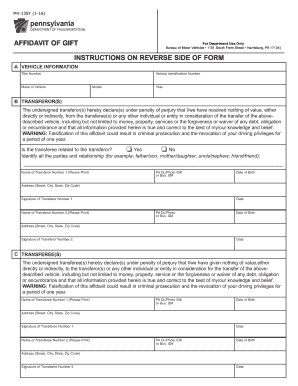
Need affidavit of gift form mv 13st

Towne nursing timesheet
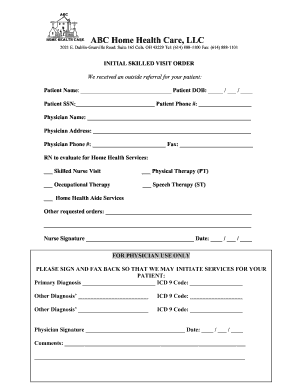
SERENITY HOME HEALTH CARE LLC
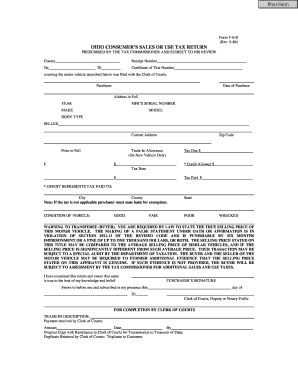
Ohio form t 610
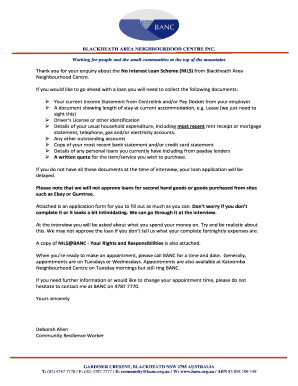
No interest loan scheme nils
Southern california edison bill template pdf
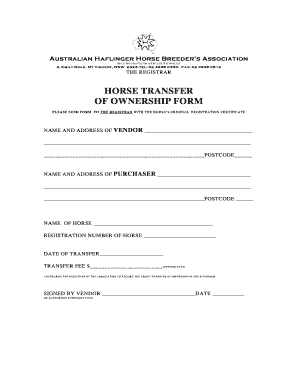
Horse transfer of ownership form

Robosson supply
Benefit from the DocHub online library of fillable PDF forms
Searching the PDF forms doesn't have to be a tedious and time-consuming process. With the DocHub online library, it has become easier to find the fillable PDF forms and modify them in your browser. The service allows you to adjust the document to your needs using powerful editing tools.
You can use online document editing features to modify almost any type of document with ease. You just need to find the template of your choice, open it in the editor, and use the toolbar to make the necessary corrections.
Follow this guide to get your document done with DocHub:
- Find the PDF template you need.
- Click the Get Form button to open the file in the editor.
- Use the toolbar to fill out and edit the document.
- Easily add and highlight text, insert images, checkmarks, and symbols.
- Drop new fillable fields, and rearrange or delete pages from your file.
- Save changes and download your record.
DocHub empowers everyone to streamline document editing, signing, and distribution, and form completion. Create an account and benefit from our well-organized PDF Forms library and comprehensive editor.