




Here's how it works

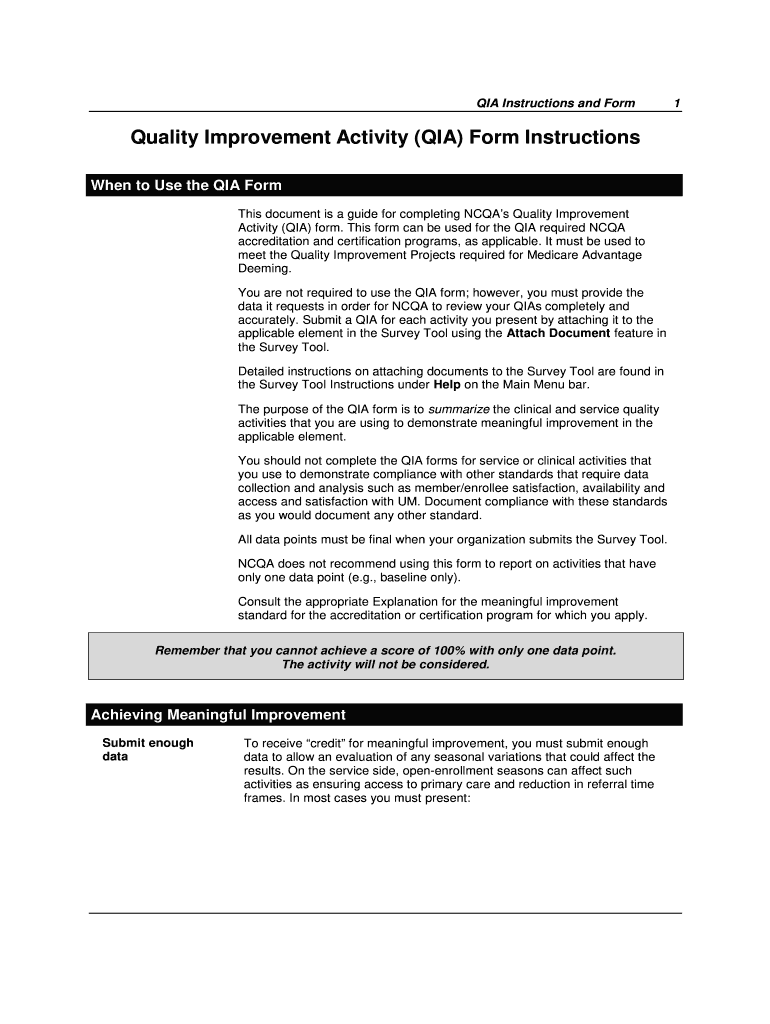
01. Edit your the document provides comprehensive instructions clinical and service quality activities online
Type text, add images, blackout confidential details, add comments, highlights and more.

02. Sign it in a few clicks
Draw your signature, type it, upload its image, or use your mobile device as a signature pad.

03. Share your form with others
Send clinical documentation quality improvement via email, link, or fax. You can also download it, export it or print it out.
How to use or fill out quality improvement form with our platform

- Click ‘Get Form’ to open the Quality Improvement Activity (QIA) form in the editor.
- Begin with Section I by providing an activity name that succinctly describes the purpose of your quality improvement initiative. Use action words like 'improving' or 'decreasing'.
- In Section II, list all quantifiable measures related to your activity. Include numerators, denominators, and any baseline benchmarks or goals you have established.
- Proceed to Section III for the analysis cycle. Here, summarize your quantitative and qualitative analyses, focusing on trends and barriers identified during your review.
- In Section IV, document the interventions implemented to address identified barriers. Be specific about each intervention's details and its intended impact.
- Optionally, create a visual representation in Section V by attaching a chart or graph that illustrates the relationship between your interventions and results over time.
Start using our platform today for free to streamline your quality improvement documentation process!
Fill out quality improvement form online
It's free
See more quality improvement form versions
We've got more versions of the quality improvement form form. Select the right quality improvement form version from the list and start editing it straight away!
| Versions | Form popularity | Fillable & printable |
|---|---|---|
| 2007 | 4.8 Satisfied (127 Votes) |
Security and compliance
At DocHub, your data security is our priority. We follow HIPAA, SOC2, GDPR, and other standards, so you can work on your documents with confidence.
Learn more


