
Get any PDF form from the DocHub library of ready-made templates - Page 1996
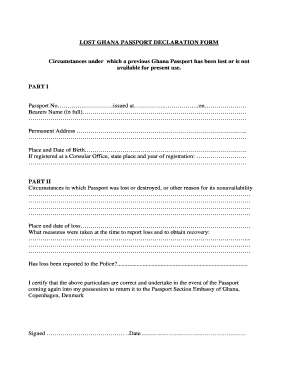
Affidavit for lost passport ghana
Sau 19 form
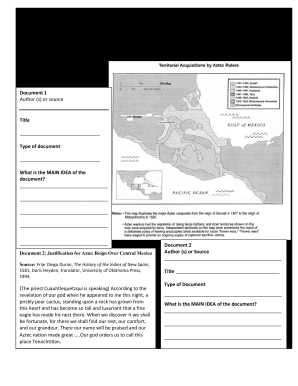
Aztec dbq

Fort belvoir legal assistance will worksheet

Dms690 form
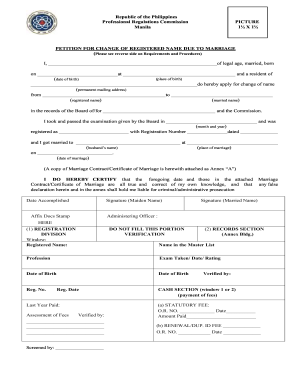
Petition for change of name prc
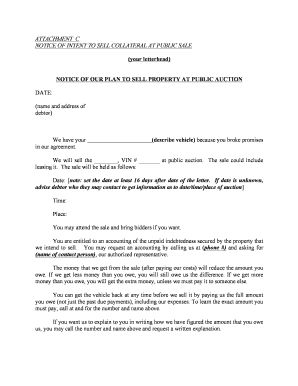
REPOSSESSION OF VEHICLE FINAL and
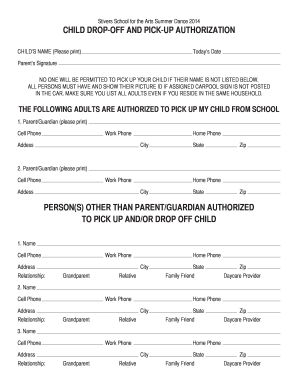
CHILD DROP-OFF AND PICK-UP AUTHORIZATION
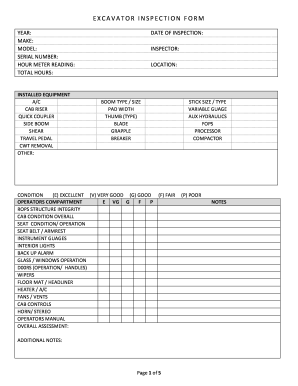
Bobcat e50 inspection forms
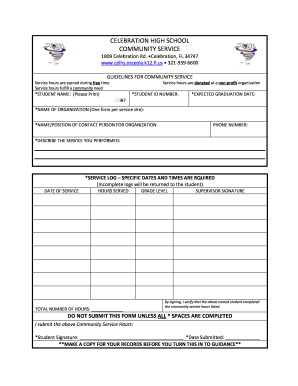
Celhs
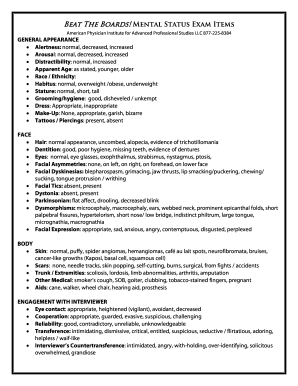
Mental status exam cheat sheet
25-104 Annual Insurance Tax Report - Surplus Lines

Parenting Plan - Fulton County Superior Court
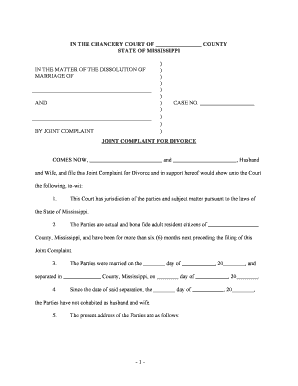
IN THE CHANCERY COURT OF COUNTY STATE OF MISSISSIPPI
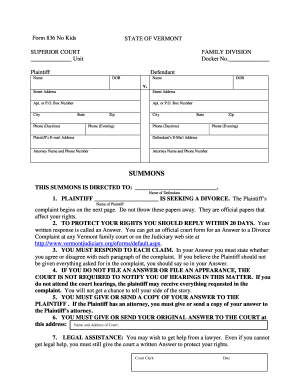
Divorce forms
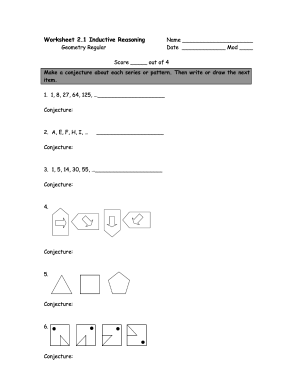
Worksheet inductive reasoning

Declaration in invoice
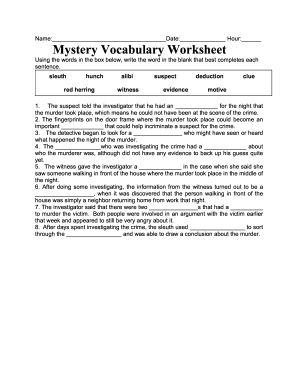
Gull vocabulary worksheet

Employee Emergency Information Contact Form

Professional Portfolio Forms - College of Dental - cdho
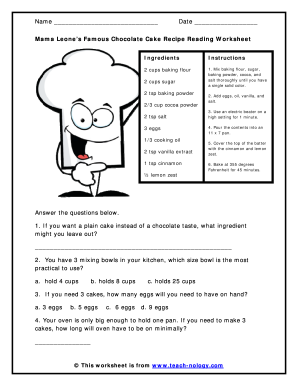
Reading a recipe worksheet pdf

Author study worksheet pdf
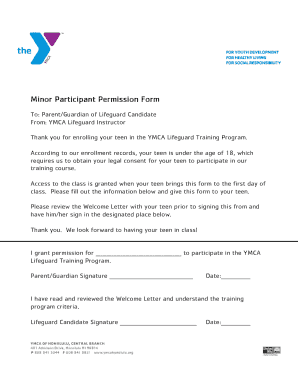
Ymca minor participants permission form

National geographic colliding continents video worksheet answer key pdf

DHS-5784-ENG 4-09 MFIPDWP Employment Services Weekly Job - co washington mn
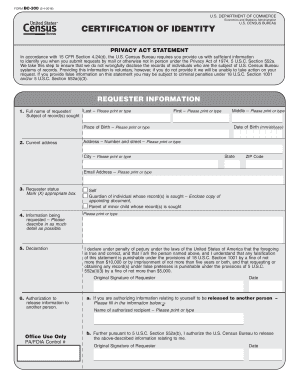
Census bc

Construction work ticket template
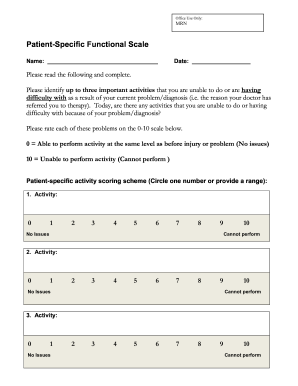
Patient functional scale pdf
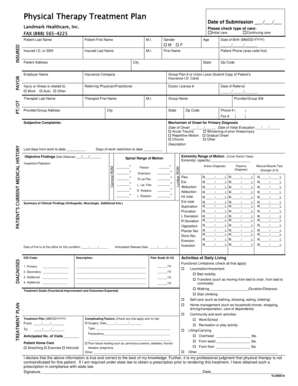
Physical therapy plan of care template
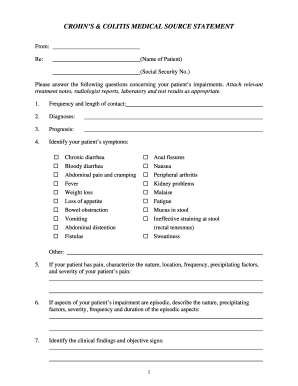
Crohn medical source form
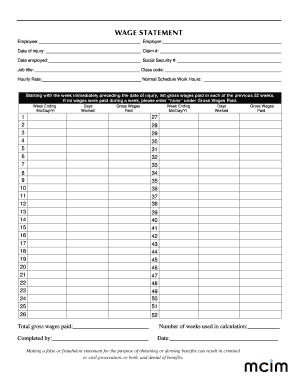
Wage statement template
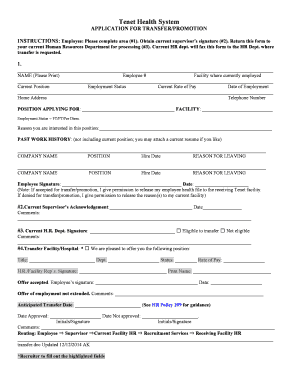
Tenet Health System
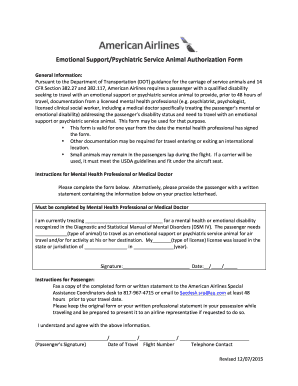
American airlines esan form
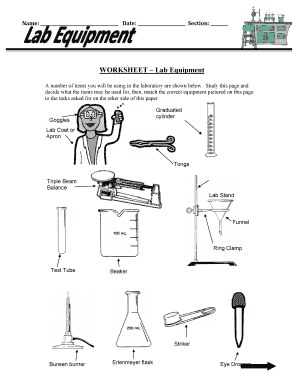
Lab equipment worksheet pdf

Learn to swim card
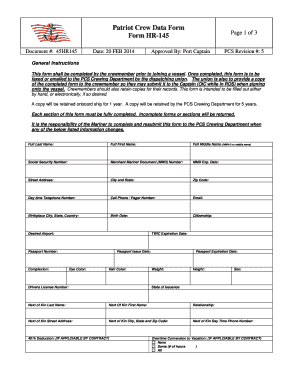
Patriot data form
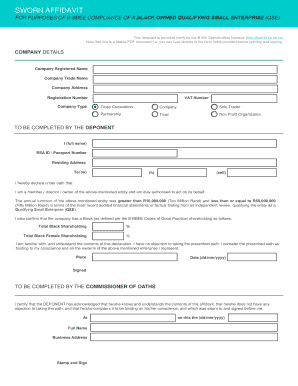
Bbbee certificate download
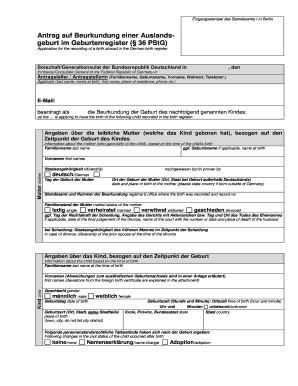
Formular Geburtsanzeige mit 334bersetzungdoc - germany
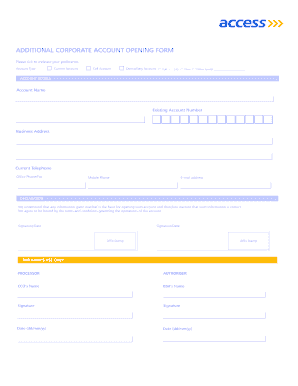
How to open a bank account with acess bank

32a form get

School monitoring form

Administrative action 5216
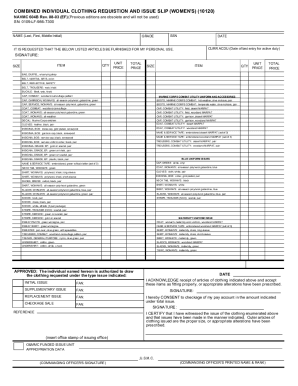
Navmc 604b
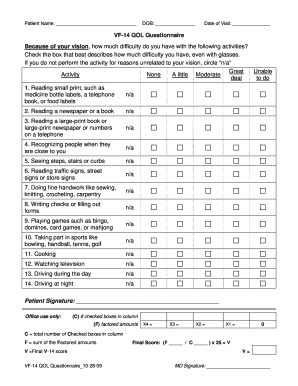
Vf 14 qol questionnaire

Joint Pretrial Statement - Pinal County - 67-128-3-9 dia static qwest
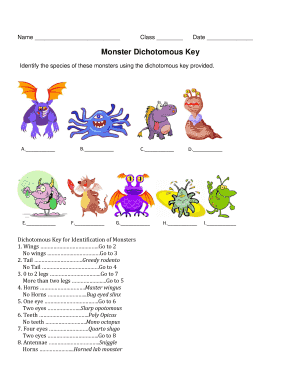
Monster dichotomous answer key
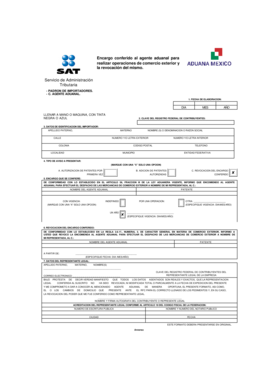
Carta de encomienda
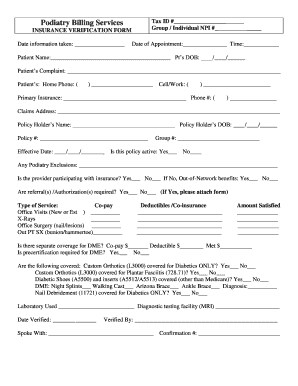
Dme insurance verification template

Ins5210
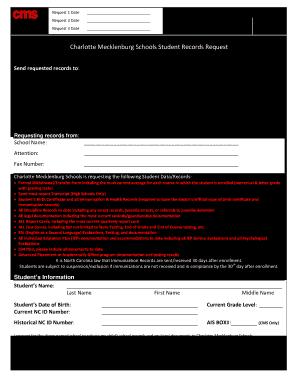
Cms student records
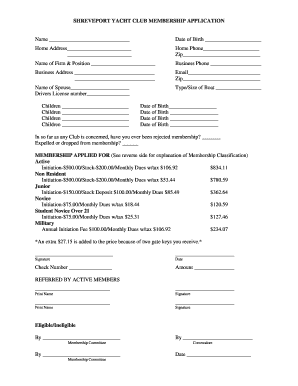
Club shreveport yacht

Zakat declaration form

Life skills progression pdf

Property Data Form - Residential
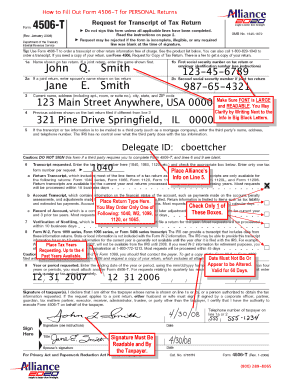
How to fill 4506t form
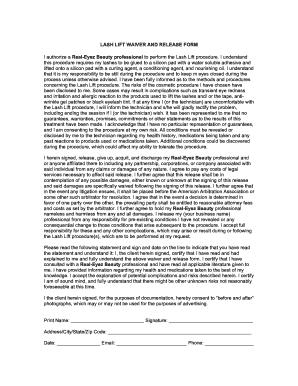
Lash lift and tint waiver form
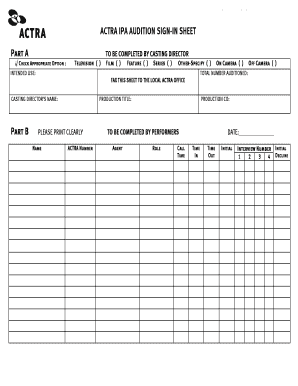
Audition sign in sheet

Troop deposit record

Verkoopovereenkomst auto pdf

Louisiana ccap application
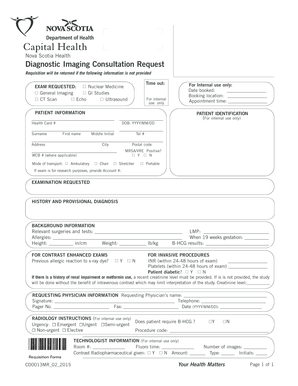
Nova scotiax ray requisition

Ibas proctor form

Marine cargo proposal form
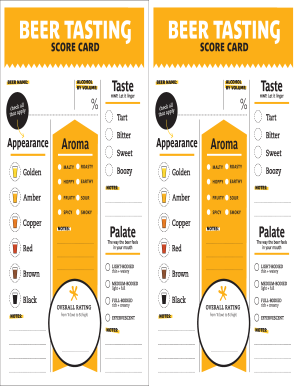
Tasting score get

Affidavit of equitable interest
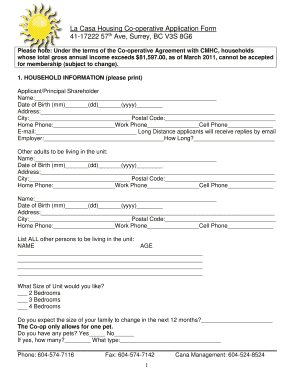
La casa housing co op
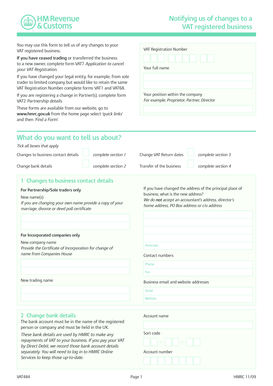
Vat484

Extended response template
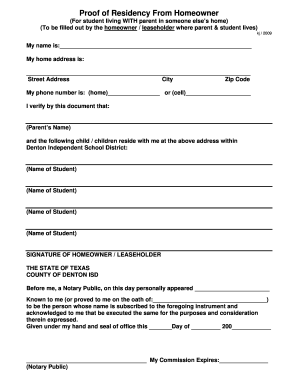
Proof of Residency - Denton ISD

Sechelt Hospital Authorization for Release of Information
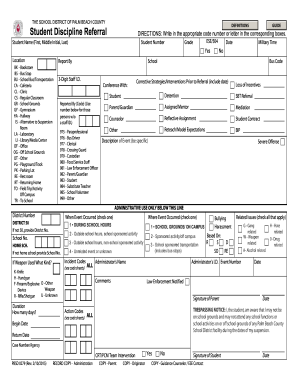
Coventya
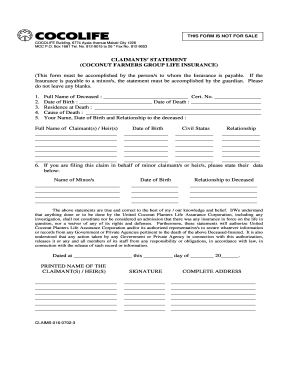
How to claim cocolife insurance benefits

Reg24x electronic
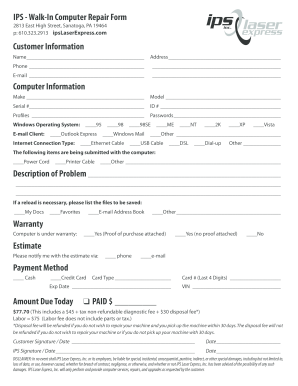
Walk-In Computer Repair Form - IPS LaserExpress

Ctprp final edit
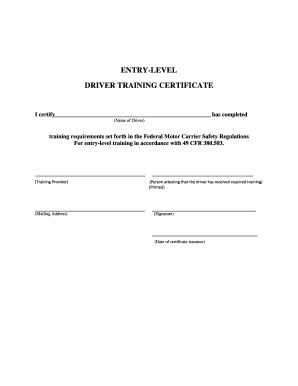
ENTRY-LEVEL DRIVER TRAINING CERTIFICATE
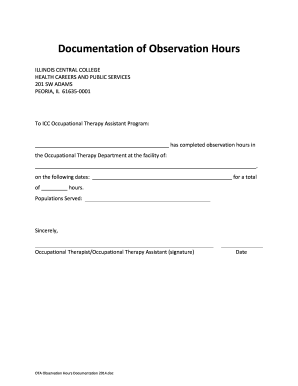
Occupational Therapy Assistant - Documentation of Observation Hours - icc
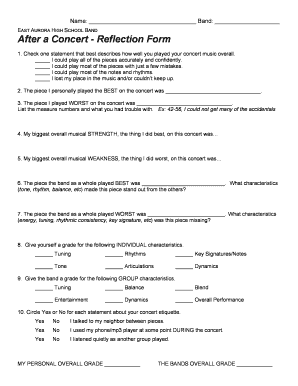
Band concert reflection worksheet
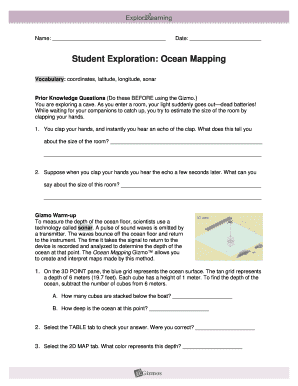
Ocean mapping gizmo answer key
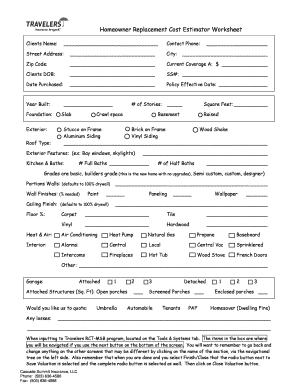
Msb replacement cost estimator
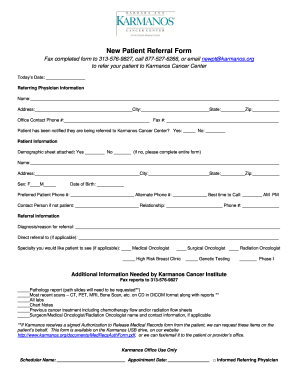
New patient referral form
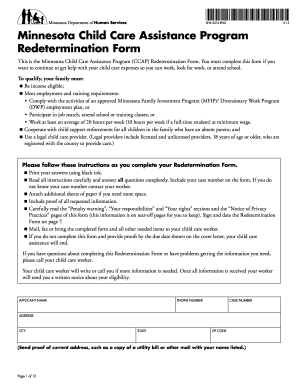
DHS-5274-ENG Child Care Assistance Program Redetermination Form
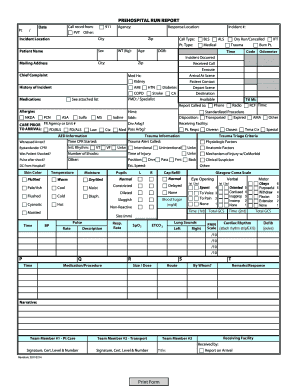
Printable ems run report template
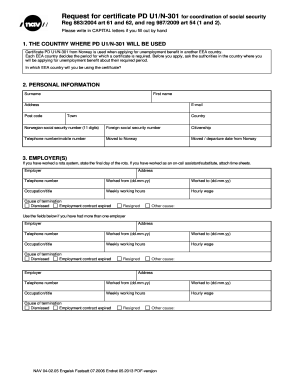
Request for certificate PD U1N-301 NAV 04-0205
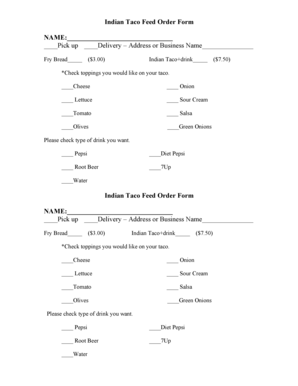
Taco order form
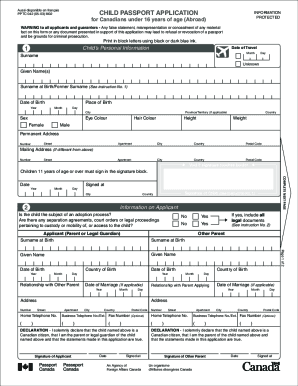
Canada passport application pptc
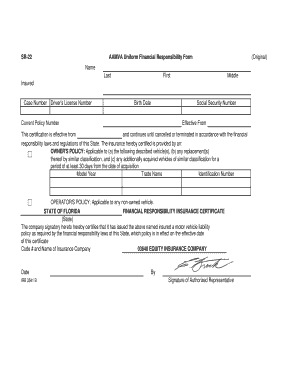
Aamva form iowa
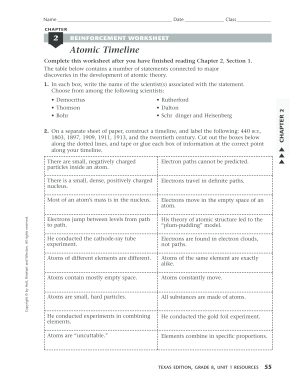
Make an atomic theory timeline worksheet answer key
Nursing feedback template

Srs 2 scoring worksheet
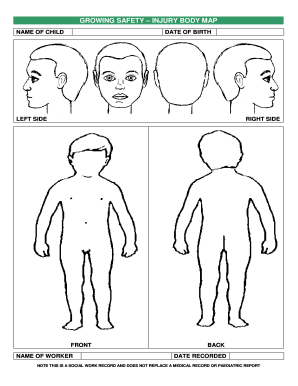
GROWING SAFETY INJURY BODY MAP
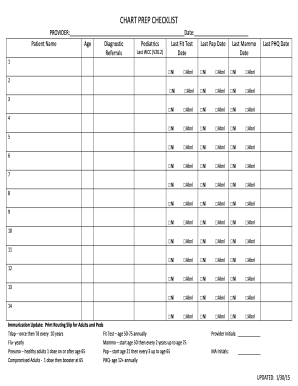
Chart prep checklist
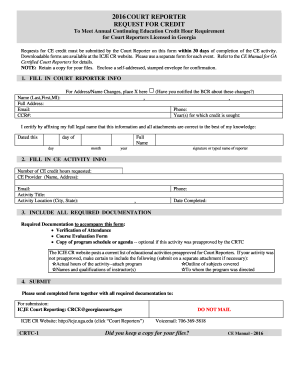
Request credit form reporter
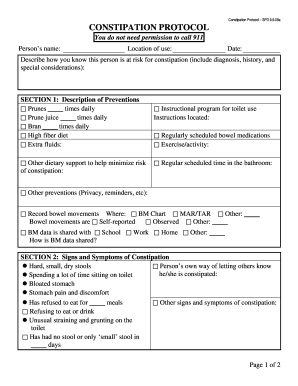
Wa constipation protocol

48 bccbfaorgb blank

Crane load chart practice test pdf

Puppy Sitter Information And Feedback Report - CCI - cci
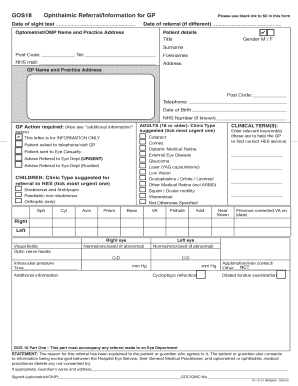
Gos18

Actors fcu international online
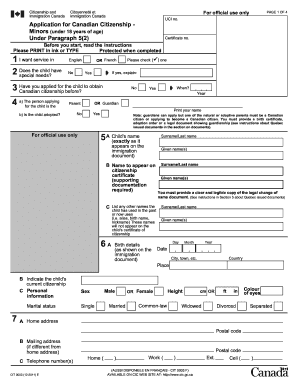
CIT 0003E Application for Canadian Citizenship - Minors
Benefit from the DocHub online library of fillable PDF forms
Searching the PDF forms doesn't have to be a tedious and time-consuming process. With the DocHub online library, it has become easier to find the fillable PDF forms and modify them in your browser. The service allows you to adjust the document to your needs using powerful editing tools.
You can use online document editing features to modify almost any type of document with ease. You just need to find the template of your choice, open it in the editor, and use the toolbar to make the necessary corrections.
Follow this guide to get your document done with DocHub:
- Find the PDF template you need.
- Click the Get Form button to open the file in the editor.
- Use the toolbar to fill out and edit the document.
- Easily add and highlight text, insert images, checkmarks, and symbols.
- Drop new fillable fields, and rearrange or delete pages from your file.
- Save changes and download your record.
DocHub empowers everyone to streamline document editing, signing, and distribution, and form completion. Create an account and benefit from our well-organized PDF Forms library and comprehensive editor.