
Get any PDF form from the DocHub library of ready-made templates - Page 1995

Duties Form 62 Purchaser Statement - State Revenue Office - sro vic gov
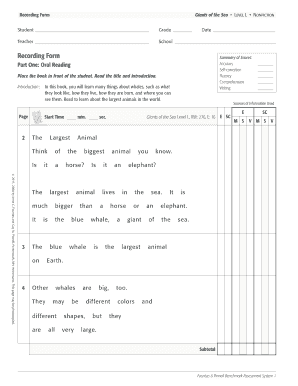
Giants of the sea running record
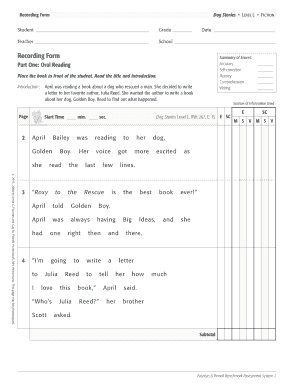
Dog stories running record
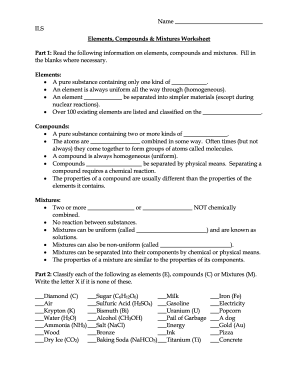
Elements compounds and mixtures worksheet grade 7 pdf
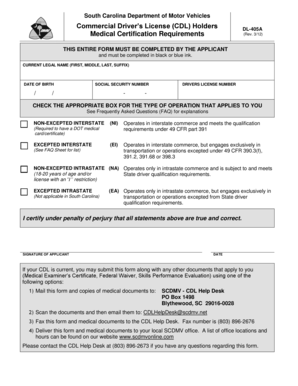
Dl 405a
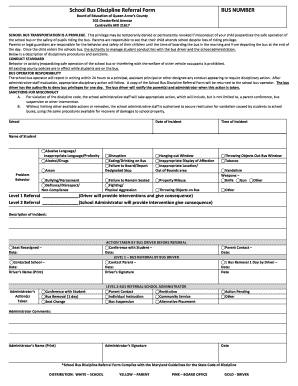
Bus discipline DocHub
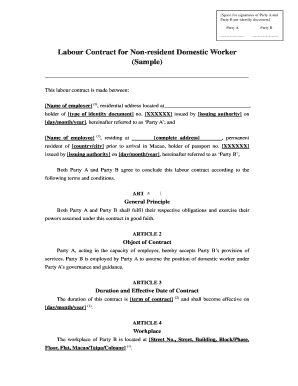
Macau labor law for domestic helper

Executive Director39s Annual Performance Review - NADOorg - nado

LC 6-1 Team T-Shirt Order Form - Cyberschool
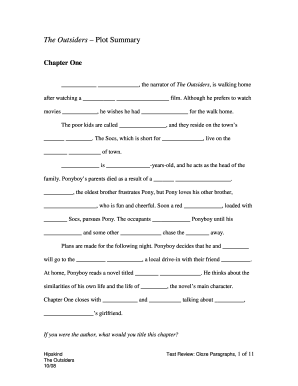
The Outsiders Plot Cloze Paragraphs 10-08doc - ezwebsite
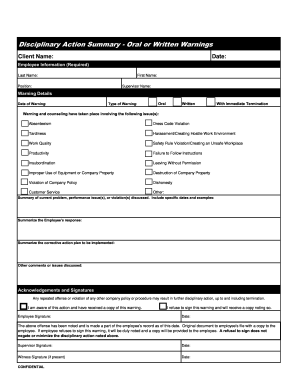
Disciplinary Action Summary Oral or Written Warnings Client Name: Date: Employee Information (Required) Last Name: First Name: Position: Supervisor Name: Warning Details Date of Warning: Type of Warning: c Oral c Written c With Immediate

Notice of removal of a human corpse from a facility

Australia nswnma letter
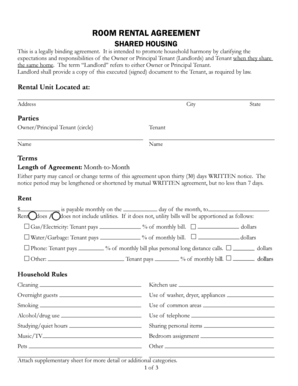
Room Rental Agreement for Shared Housing - UCSC Community ...

PAST DUE RENT VERIFICATION FORM - hfuw

Mankind the story of all of us episode 10 revolutions worksheet answers

Australia trust funds withdrawal
Kentucky water plan
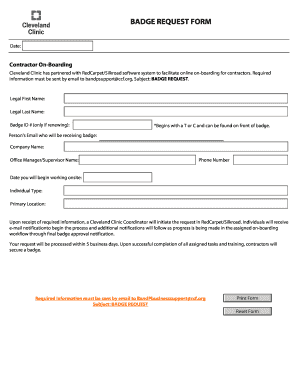
Silkroad cleveland clinic

Mitosis worksheet

Kern county probation check in online
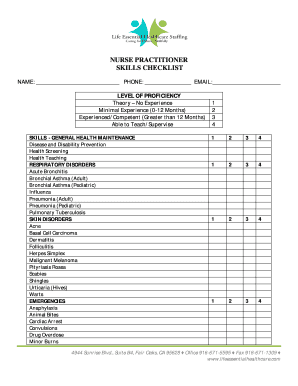
Cv template
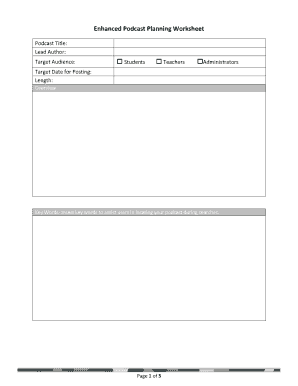
Podcast planning worksheet pdf
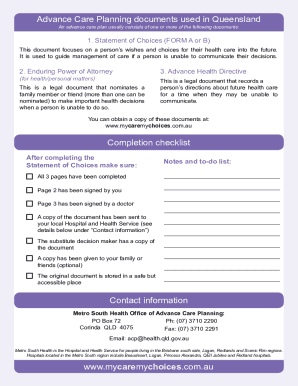
Statement of choices

Ashworth proctor
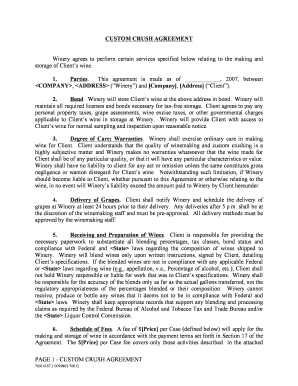
CUSTOM CRUSH AGREEMENT 1 Company Address 2 - law uoregon
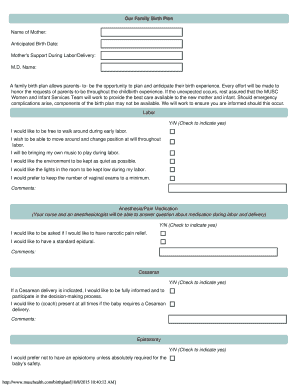
Musc birth plan template

Quality control report pdf
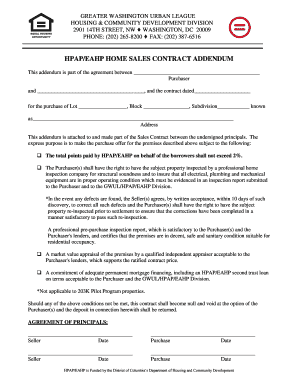
Hpap eahp home sales contract addendum
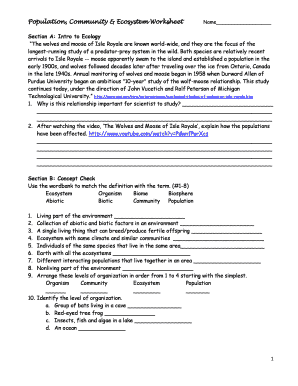
Population community and ecosystem worksheet answer key pdf
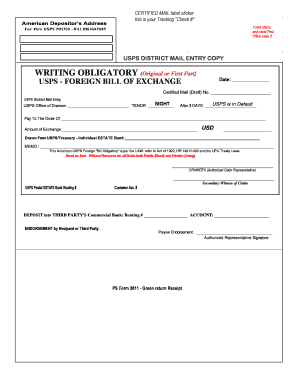
Bill of exchange template

EmerGency heALth serVices commission first responder report - frontlinefirstaid
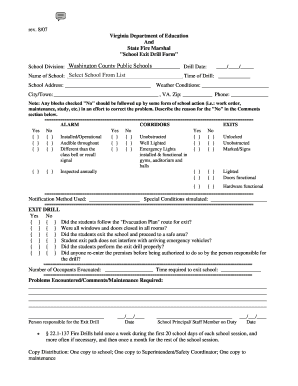
"School Exit Drill Form"

Verizon loa
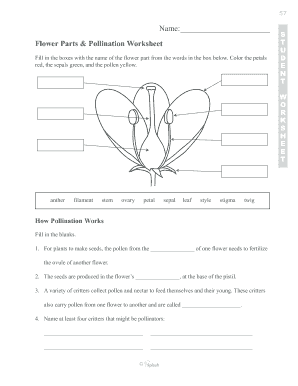
Flower Parts & Pollination Worksheet
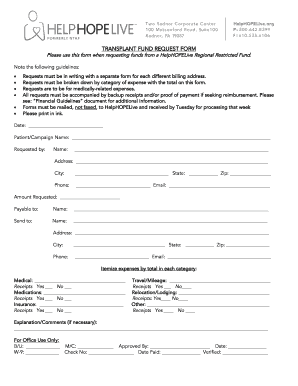
Help hope live fund request form
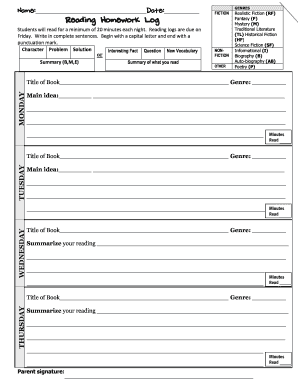
Reading Homework Log - Granbury ISD

National safety code bc training
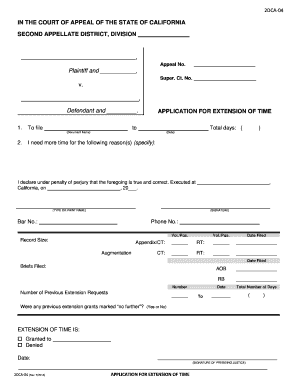
2DCA04 IN THE COURT OF APPEAL OF THE STATE OF CALIFORNIA SECOND APPELLATE DISTRICT, DIVISION , Appeal No
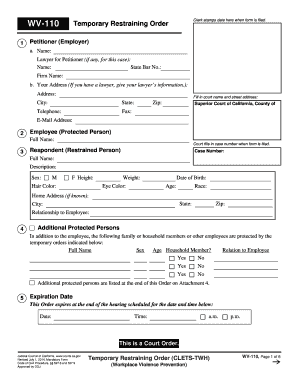
WV-110 Temporary Restraining Order Clerk stamps date here
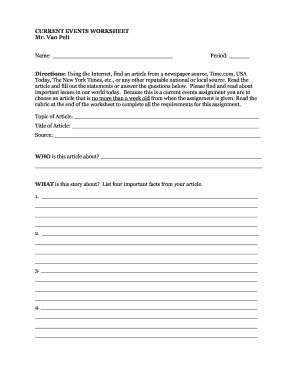
CURRENT EVENTS WORKSHEET - manasquanschoolsorg
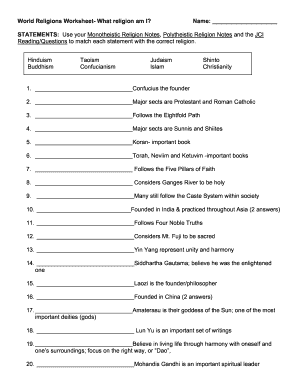
World religions worksheet pdf answers
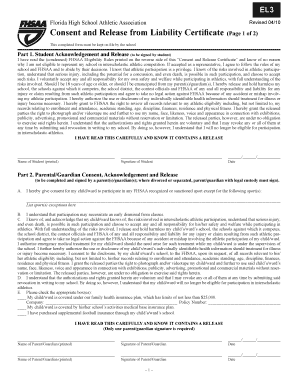
El3 form
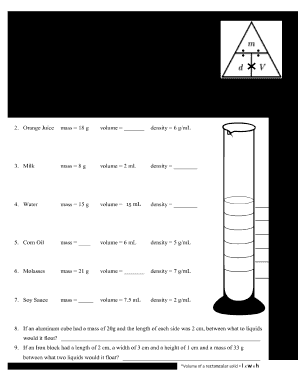
Density column worksheet pdf
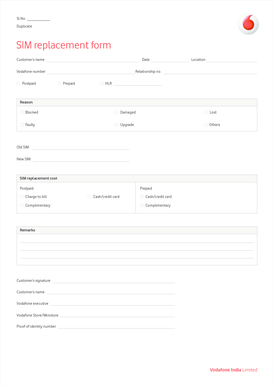
Vodafone sim replacement online india
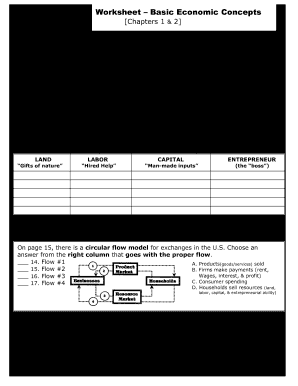
Basic economic concepts worksheet activity 1 2

Mountain view student form

PUBLIC INFORMATION REQUEST FORM - Houston
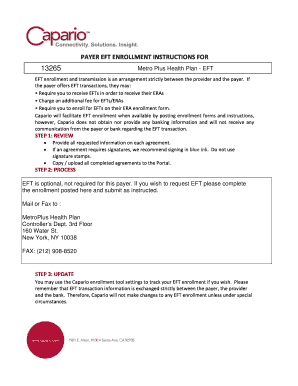
Metroplus eft enrollment
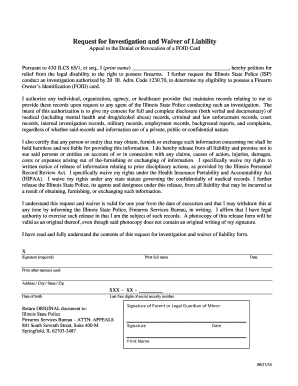
Il state foid card
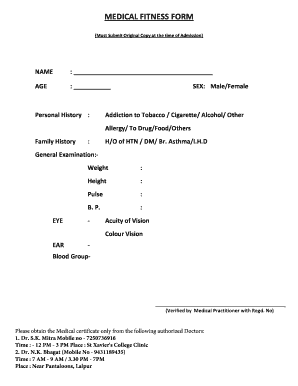
Medical fitness certificate for nursery admission
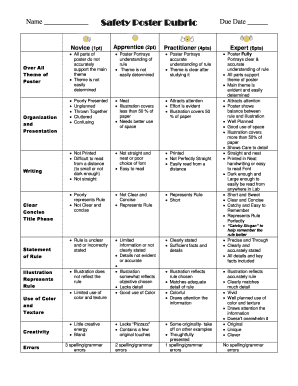
Safety poster rubric

Oneclay portal
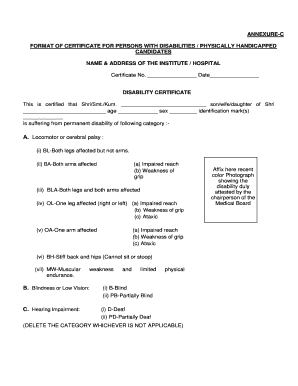
Disability certificate download pdf
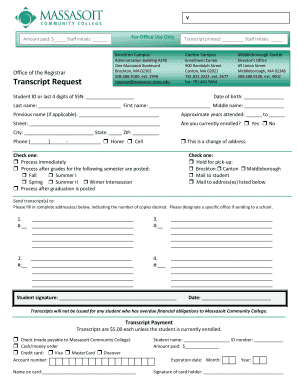
Massasoit community college transcript request

Teaching Sample Planning Form - NYC Teaching Fellows

Client Intake Form - University of California Berkeley - www-bsac eecs berkeley

Stop sign petition template

Cocleint
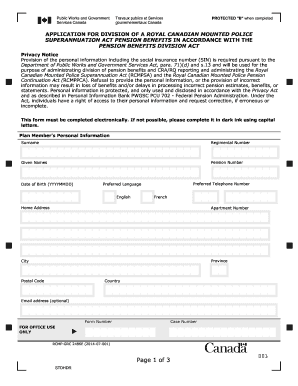
Rcmo grc2486

Stay away agreement elementary school

Oxford illustrated science encyclopedia

Official Form 103B Application to Have the Chapter 7 Filing - hib uscourts
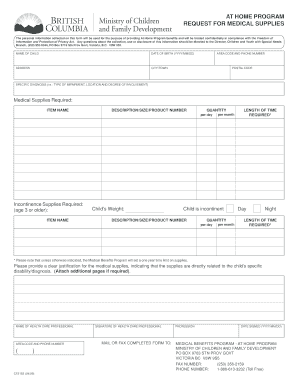
At home program application

Staples gym membership reimbursement form

Exam form - chiropractic - ChiroAssistantscom

Dss 8116 i
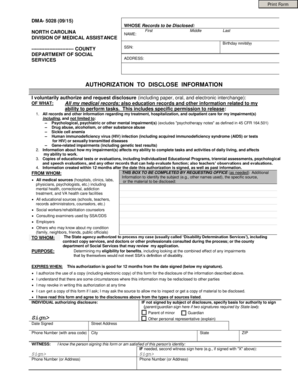
Dma 5028

Mt sac petition for exceptional action
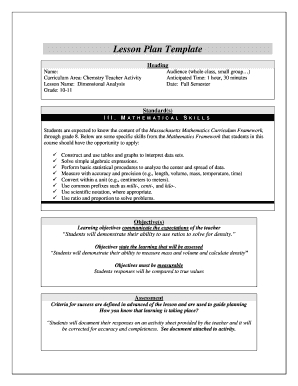
Community college lesson plan template
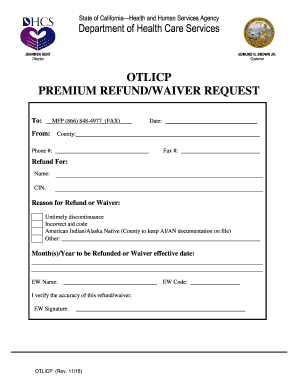
Otlicp
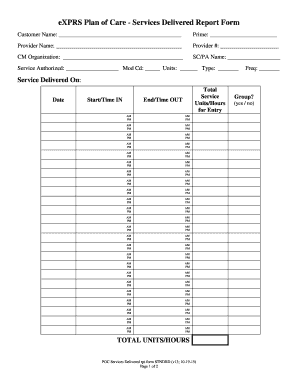
EXPRS Plan of Care - Services Delivered Report Form - apps state or
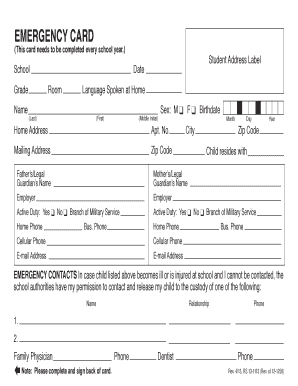
Doe emergency contact card
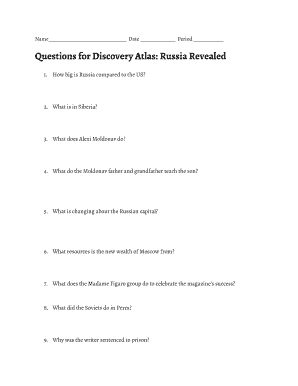
Russia revealed study guide answers
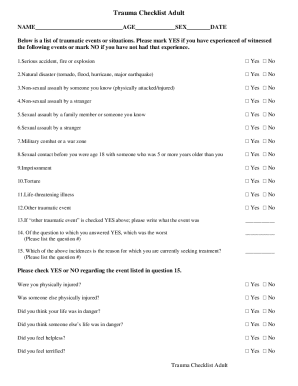
Nslijhs

Bayou health behavioral health assessment
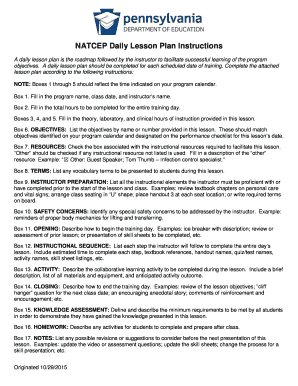
Pa lesson plan template
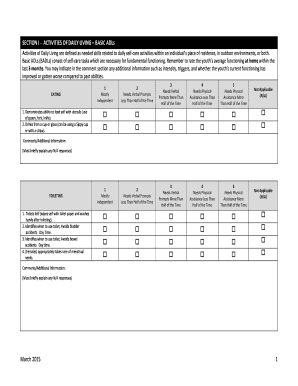
New jersey child adaptive
Functional medicine cleveland clinic
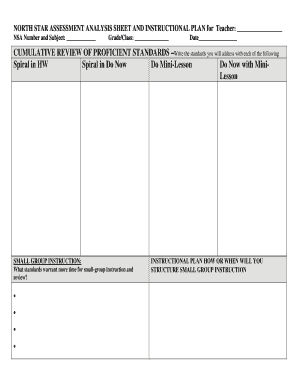
NORTH STAR ASSESSMENT ANALYSIS SHEET AND INSTRUCTIONAL
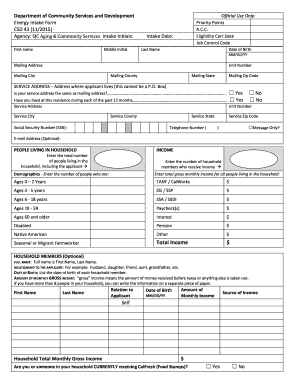
Csd 43 form 2015-2019
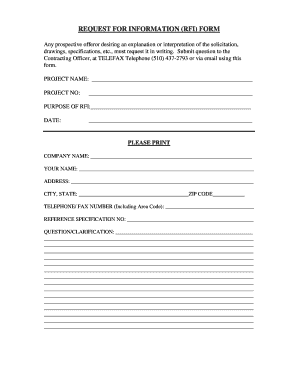
REQUEST FOR INFORMATION RFI FORM - atcplancom
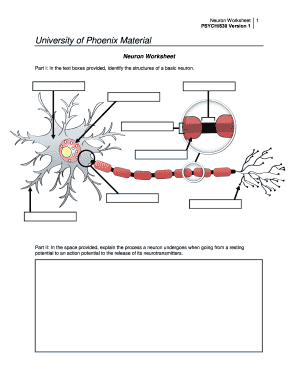
Fillable neuron
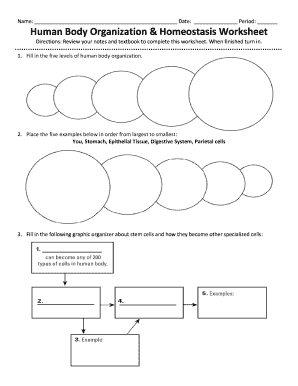
Body homeostasis worksheet
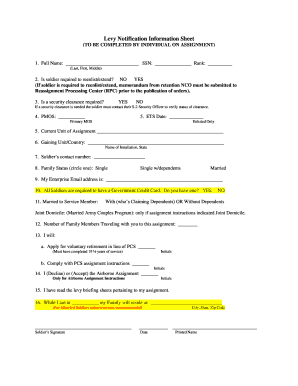
Army levy notification sheet
PD-49 Applications Made by Requisition - courts gov bc
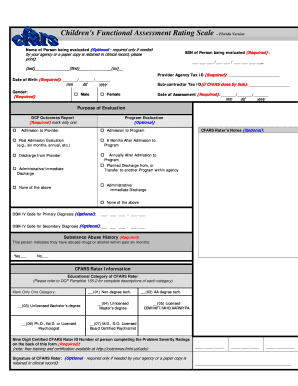
Fars functional assessment rating scale pdf

Sy14 15 algebra exit exam
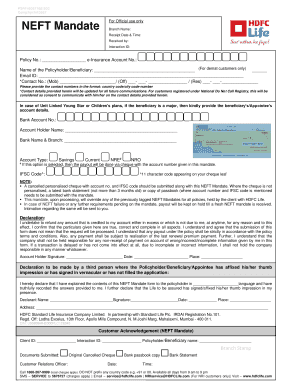
Neft mandate form
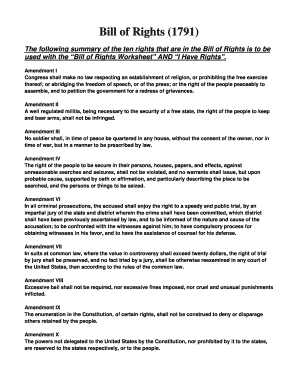
Bill of rights 1791 worksheet answers pdf
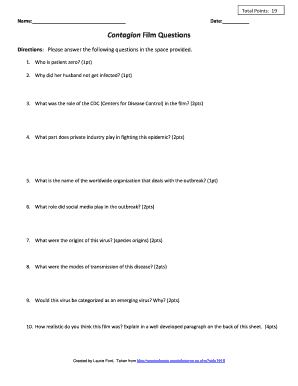
Contagion movie questions answer key pdf

Agricultural society grant

Request brazos county
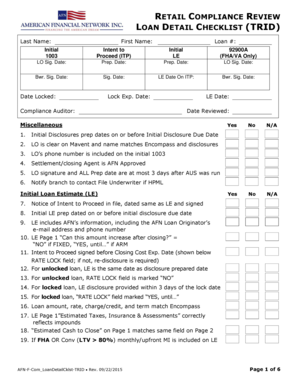
Trid compliance checklist
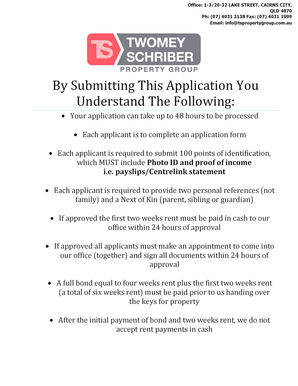
Twomey schriber rentals
RESIDENTIAL CARE ESTABLISHMENTS BUSINESS CONTINUITY PLAN
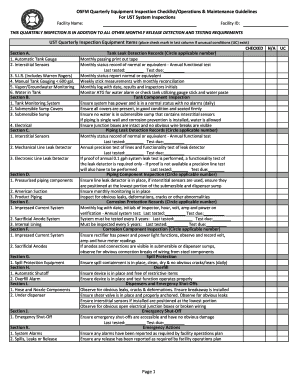
Osfm quarterly equipment inspection checklist
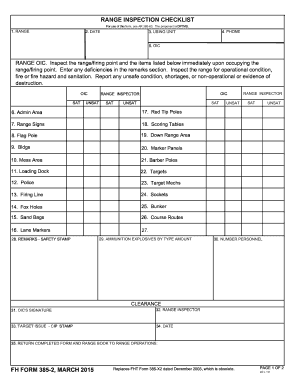
Fh form 385
18003440996
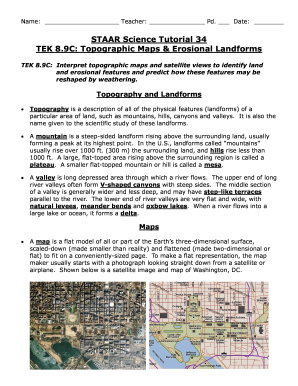
Staar science tutorial 34 answer key
Benefit from the DocHub online library of fillable PDF forms
Searching the PDF forms doesn't have to be a tedious and time-consuming process. With the DocHub online library, it has become easier to find the fillable PDF forms and modify them in your browser. The service allows you to adjust the document to your needs using powerful editing tools.
You can use online document editing features to modify almost any type of document with ease. You just need to find the template of your choice, open it in the editor, and use the toolbar to make the necessary corrections.
Follow this guide to get your document done with DocHub:
- Find the PDF template you need.
- Click the Get Form button to open the file in the editor.
- Use the toolbar to fill out and edit the document.
- Easily add and highlight text, insert images, checkmarks, and symbols.
- Drop new fillable fields, and rearrange or delete pages from your file.
- Save changes and download your record.
DocHub empowers everyone to streamline document editing, signing, and distribution, and form completion. Create an account and benefit from our well-organized PDF Forms library and comprehensive editor.