
Get any PDF form from the DocHub library of ready-made templates - Page 1998
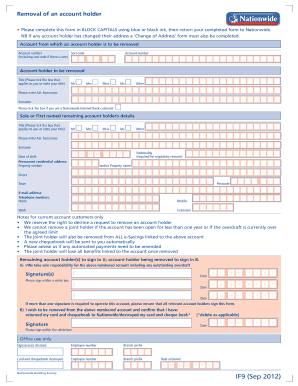
Nationwide removal of account holder form

Lax security badges

Trn supplemental form
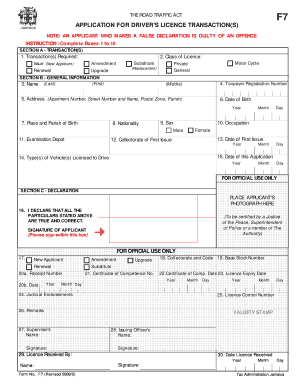
APPLICATION FOR DRIVERS LICENCE TRANSACTIONS

Duration data sheet
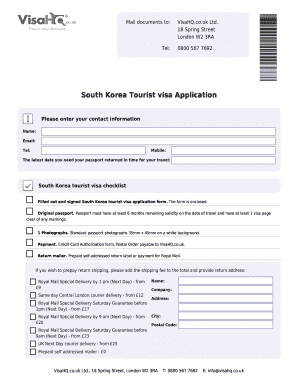
South korea visa application form pdf
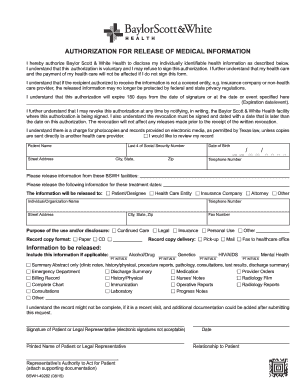
Baylor scott authorization to release
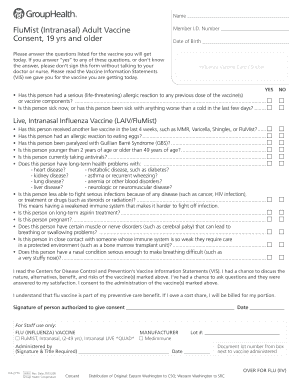
Kroger flu shot form
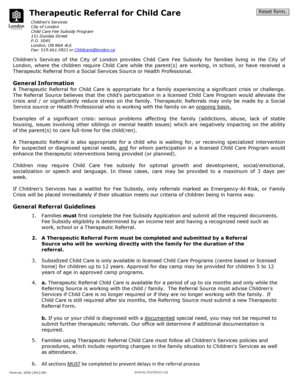
Therapeutic Referral for Child Care - London Ontario - london

Relay auction
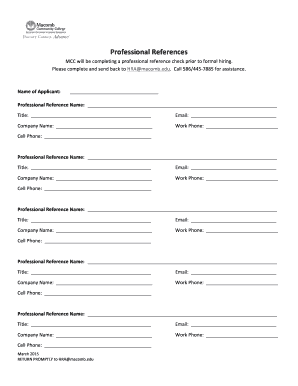
Macomb correctional facility visitation forms
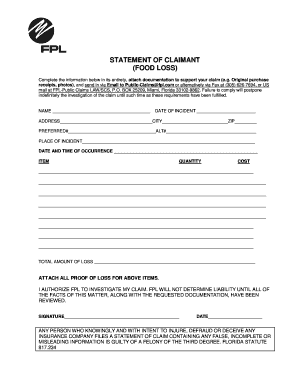
Fpl claim statement
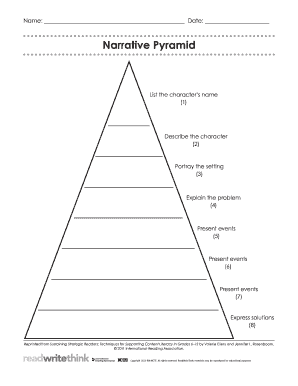
Story pyramid pdf
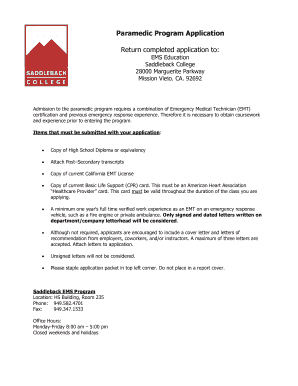
Paramedic Program Application - saddlebackedu

Facility 222.doc

Charge dispute form kotak mahindra bank

Writing algebraic expressions from word problems worksheet with answers pdf

Dd form 3006

Affidavit of direct payments texas

School transportation bus
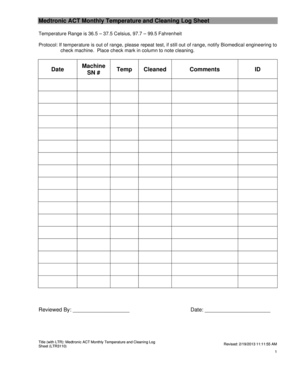
Ice machine cleaning log
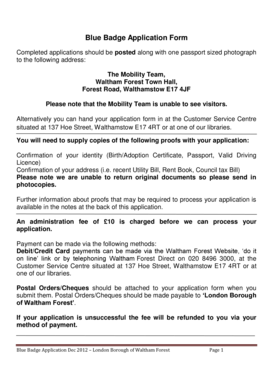
Waltham forest blue badge renewal

Task order form
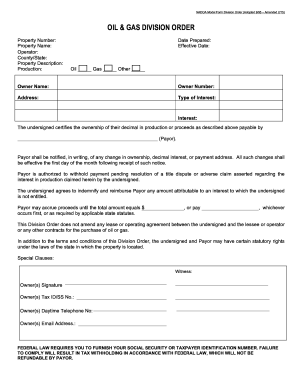
Division Order Model Blank Form 2015 - nadoa
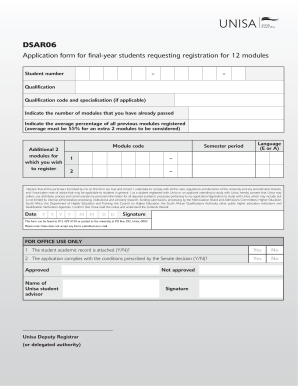
Dsar06
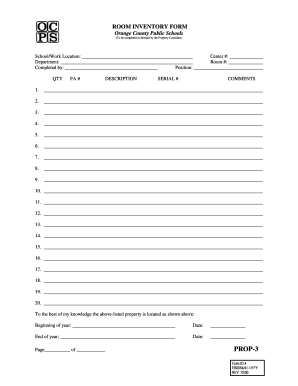
ROOM INVENTORY FORM - Orange County Public Schools - ocps

Farm fuel alberta
Qbcc mfr report pdf
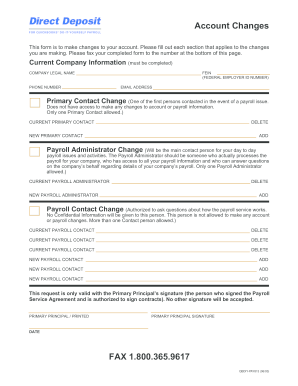
Direct Deposit Account Changes - Intuit
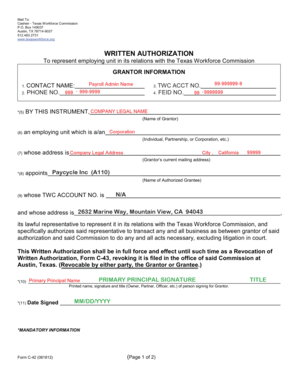
Twc form c 42 pdf
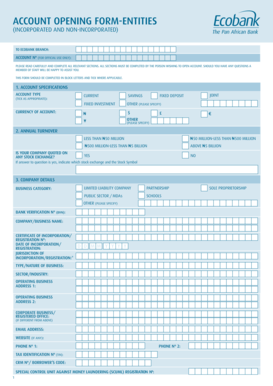
Ecobank corporate account opening form

Motion relief form miami dade

Oesp application

Ukc affidavit
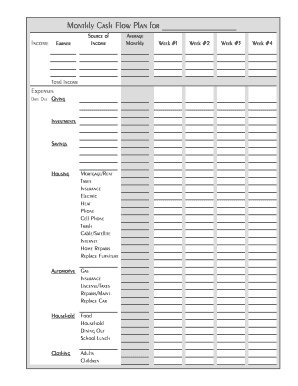
Printable household planner
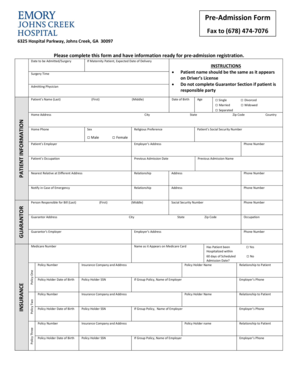
Hospital admission form

Lincoln national life beneficiary forms
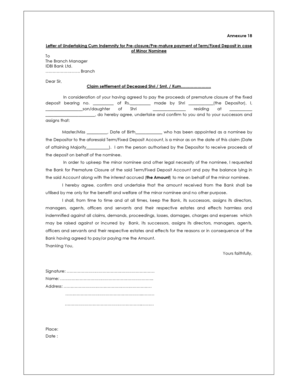
Indemnity bond format for insurance claim

Ownership verification form
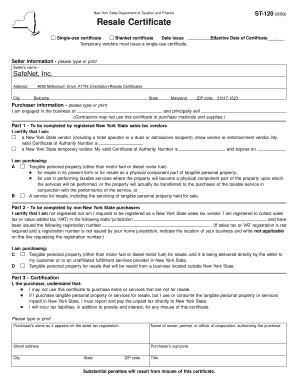
Ny resale certificate
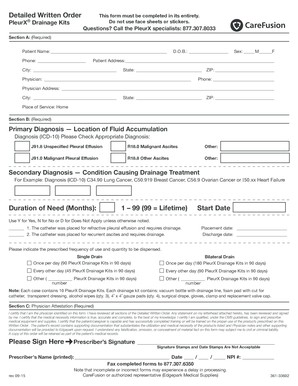
Pleurx catheter order form

Per band potawatomi
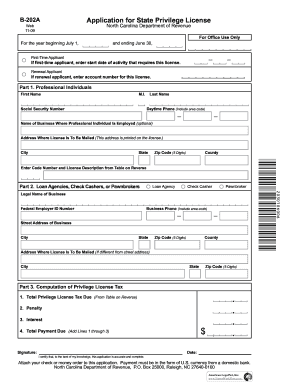
North carolina privilege license
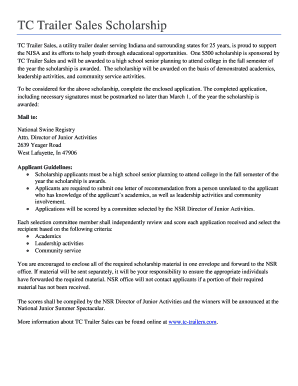
Tc trailer checklist

Nwb200689csc

Reading placement test pdf
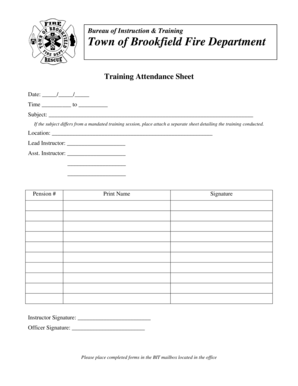
Bureau of Instruction Training Town of Brookfield Fire

Debris form lee county
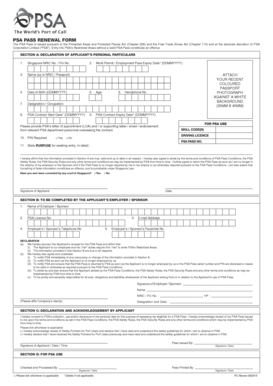
Psa pass renewal form
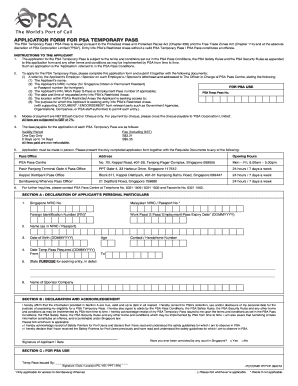
Form psa
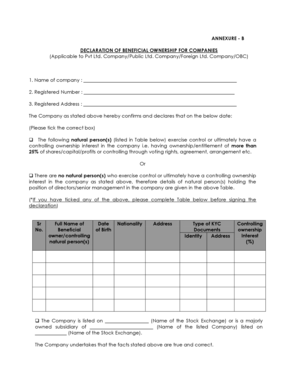
Beneficial ownership declaration format in word

Child chuda chudi
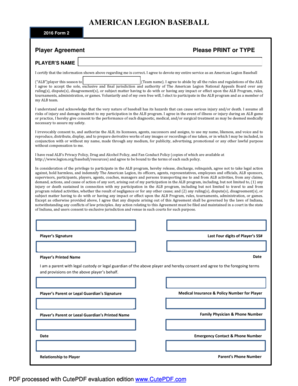
American legion baseball form 2
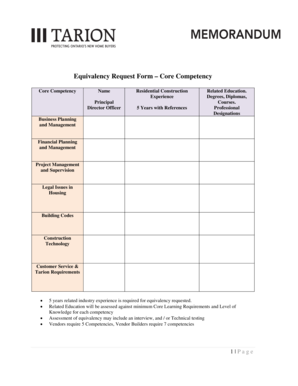
Equivalency Request form - Tarion
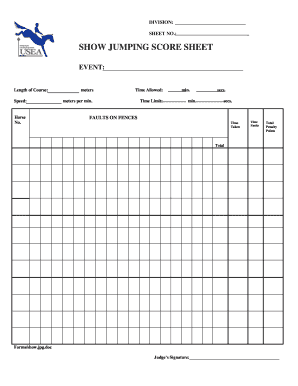
SHOW JUMPING SCORE SHEET
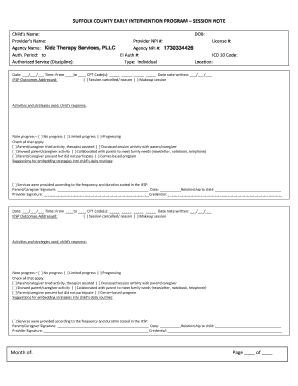
County early intervention session note
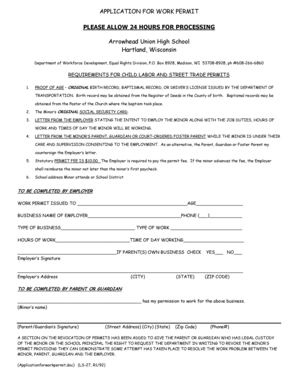
Bapplicationb for work permit - Arrowhead Union High School District - arrowheadschools

Lf601
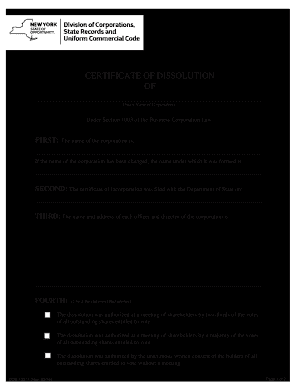
Dos 1337 f
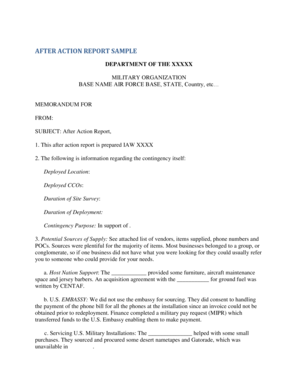
Air force after action report template

Pa caoscs
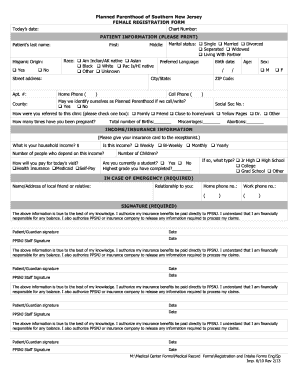
PATIENT INFORMATION PLEASE PRINT - Planned Parenthood - plannedparenthood

Notice 6811

C2 f
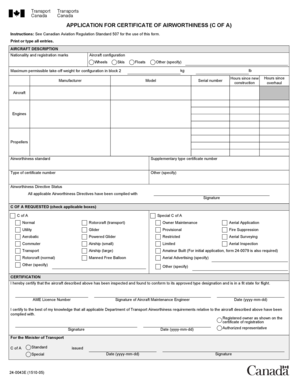
Canada 24-0043E 2005

Sdr form 24 0038e
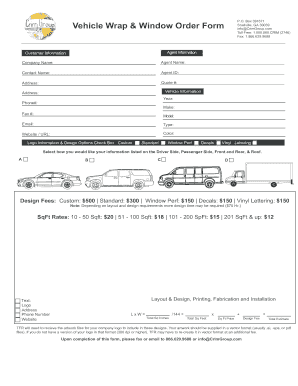
Vehicle Wrap amp Window Graphic Order Form

DEKALB COUNTY SCHOOL FOOTBALL DEFENSIVE STATS bFORMb bb - dekalb k12 ga
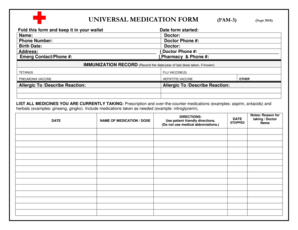
Universal medication form

Broadway bank financial statement
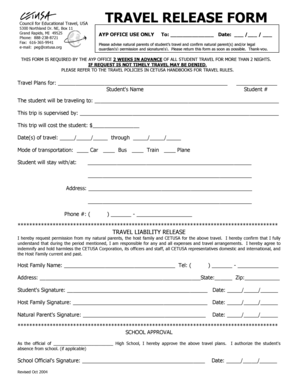
Cetusa travel release form

Chef contract pdf

Moderate sedation certificate

Consent for Release of Confidential Health andor - vadoc virginia

Tr 4276a 3 15
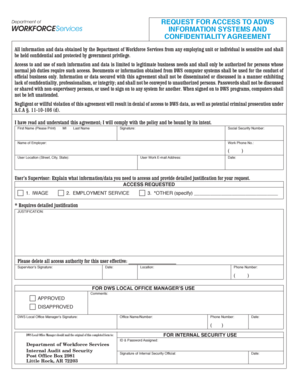
Adwsbpc arkansas gov

F-3 - Arkansas Commission on Law Enforcement Standards and - beebeark

Motion for continuence southeast legail aid
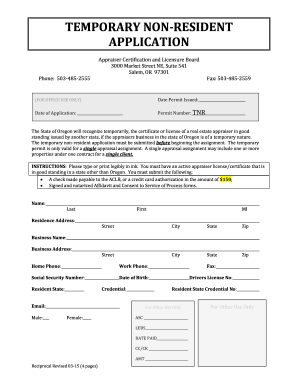
TEMPORARY NON-RESIDENT APPLICATION - ACLB - oregonaclb

General privacy form

RBS Mortgage Deed 2011 4 borrowersDOC - rbs co
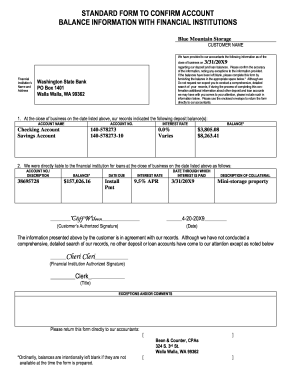
Standard form to confirm account balance information with financial institutions

Hepitis b atibiody for school form

Trinity university teacher evaluation
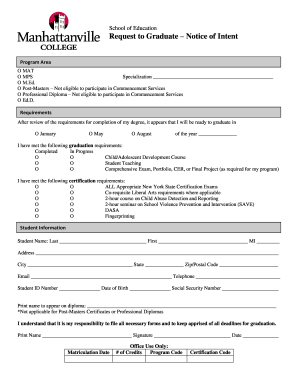
Request to Graduate Notice of Intent - Manhattanville College
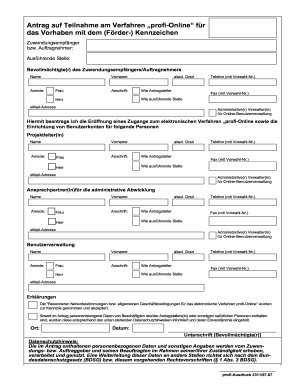
Profi teilnahme form template
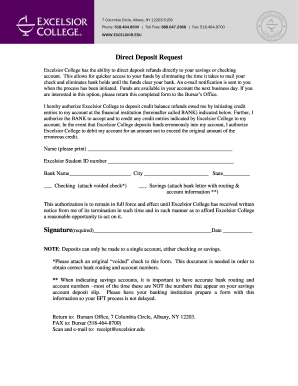
Excelsior college form
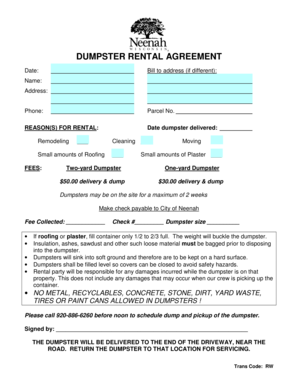
Dumpster rental agreement

Seattle grading extension
City of yelm b o tax
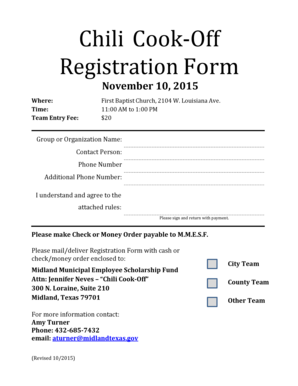
Chili cook off registration form
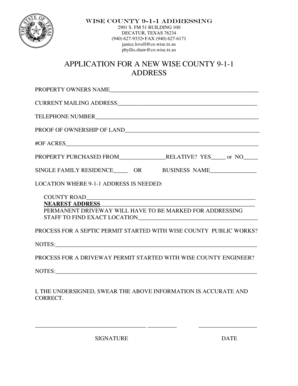
Wise county 911 addressing
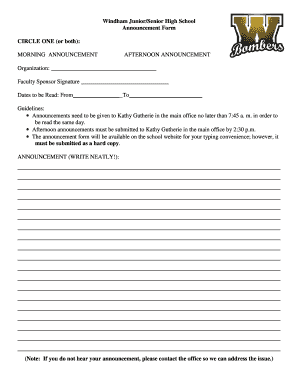
Announcement form

Application for a person to be Authorised on a - police nsw gov
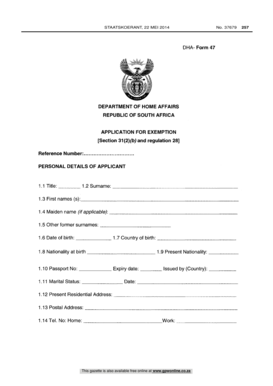
Form 47
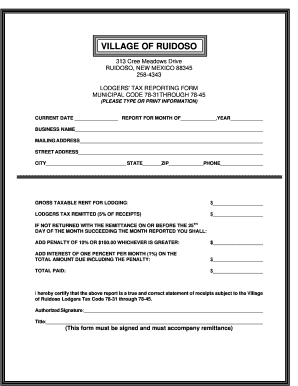
Form ruidoso form print
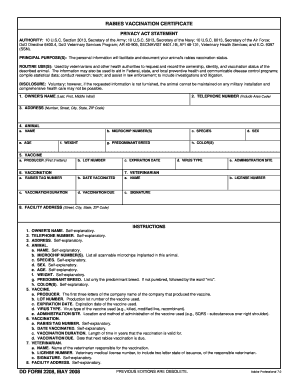
Dd2208
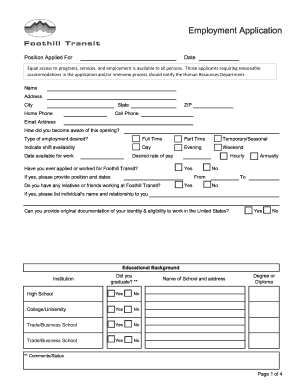
Foothill transit employment

Days Inn of Casselton, ND

EASEMENT ENCROACHMENT ACKNOWLEDGEMENT - hollywoodfl
Benefit from the DocHub online library of fillable PDF forms
Searching the PDF forms doesn't have to be a tedious and time-consuming process. With the DocHub online library, it has become easier to find the fillable PDF forms and modify them in your browser. The service allows you to adjust the document to your needs using powerful editing tools.
You can use online document editing features to modify almost any type of document with ease. You just need to find the template of your choice, open it in the editor, and use the toolbar to make the necessary corrections.
Follow this guide to get your document done with DocHub:
- Find the PDF template you need.
- Click the Get Form button to open the file in the editor.
- Use the toolbar to fill out and edit the document.
- Easily add and highlight text, insert images, checkmarks, and symbols.
- Drop new fillable fields, and rearrange or delete pages from your file.
- Save changes and download your record.
DocHub empowers everyone to streamline document editing, signing, and distribution, and form completion. Create an account and benefit from our well-organized PDF Forms library and comprehensive editor.