
Get any PDF form from the DocHub library of ready-made templates - Page 1989
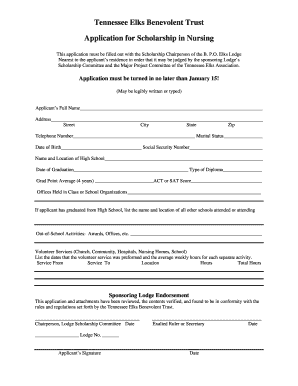
Tennessee benevolent trust scholarship

Va form 1172
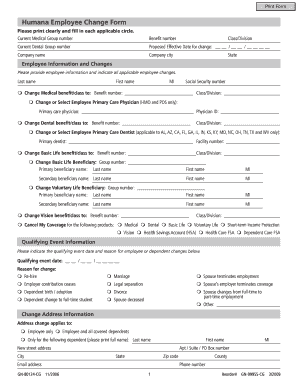
Humana change form
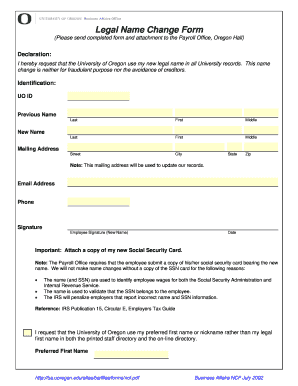
Name change orleans parish forms print
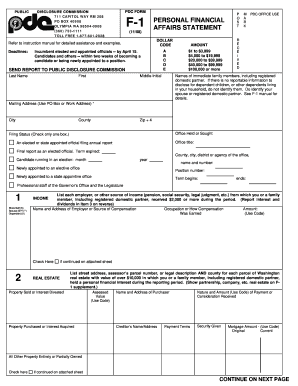
PDC Form F1 Personal Financial Affairs Statement - wei sos wa
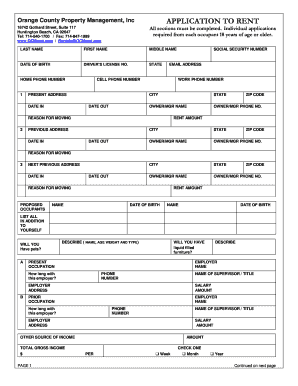
California application rent
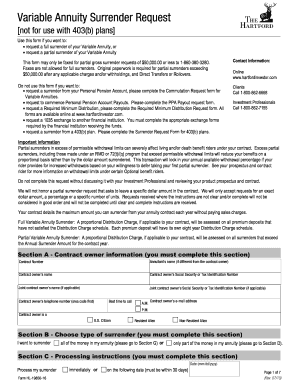
Fome fill

Social security administration form ha 4631 2004
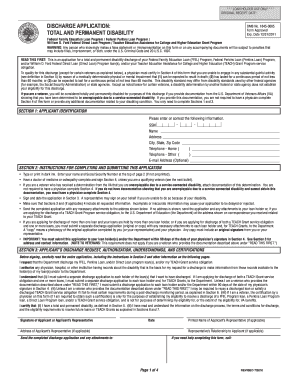
Tpd discharge application form

Library card new orleans
Naupa reporting software

Florida title packet

Annual notice protect your child from lead poisoning and window falls 2011 2013 form

Csa irma forms

University of new haven transcript request
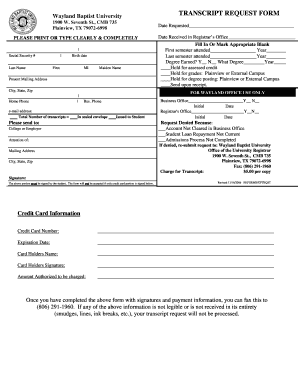
Wayland baptist transcript request
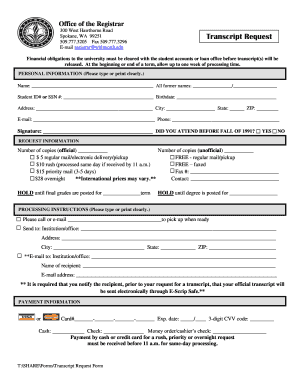
Whitworth university transcripts
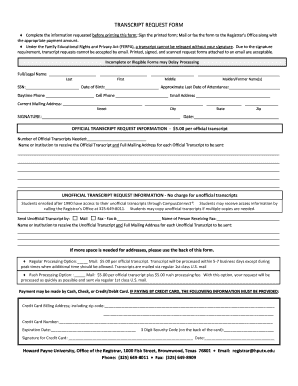
Howard payne university transcript request
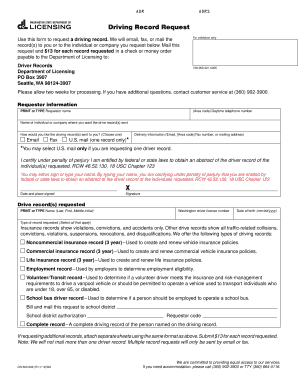
Driving record request form - Washington Department of Licensing - dol wa
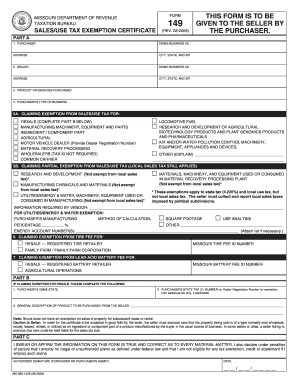
Tax form 149 2008
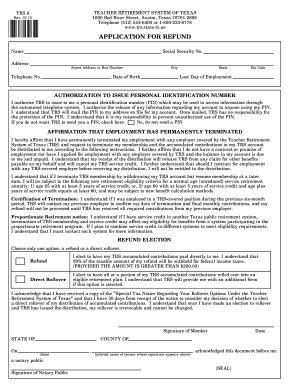
Trs form 6 2013
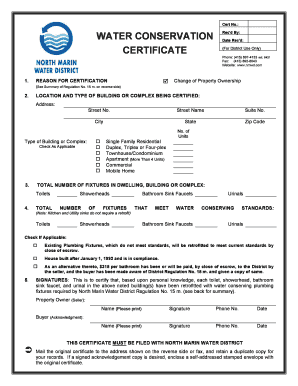
Water efficiency certificate template
Boys town application
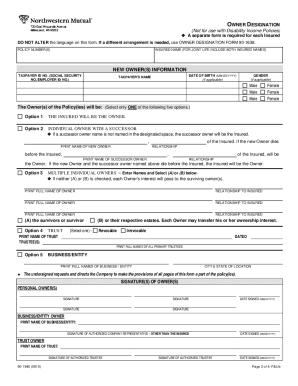
Northwestern mutual form 90 1940

Louisiana indian gaming unit
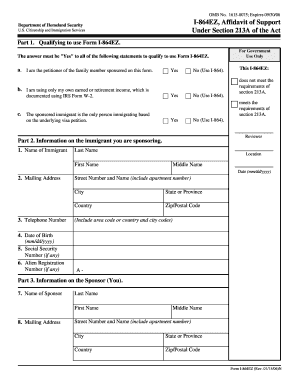
I-864EZ, Affidavit of Support Under Section 213A of the Act Instructions
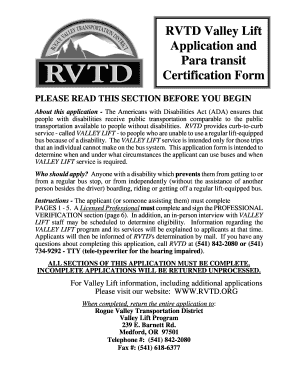
Valley lift
Bbs change
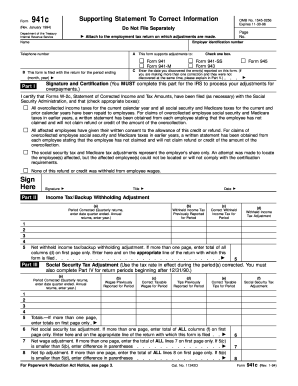
Form 941C
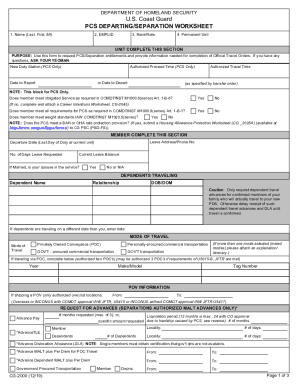
Pcs worksheet
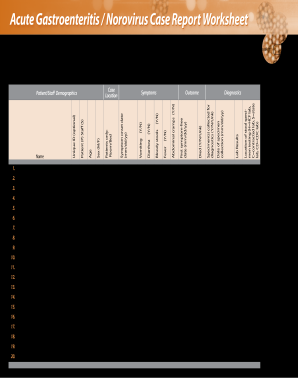
Acute gastroenteritis norovirus
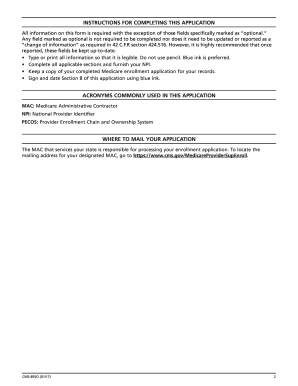
What needs to be filled out on an cms 855o application form

Form cms701 form
Freight rate sheet template
Pptc 473
Crop scouting

Form 4130
1994 form 540
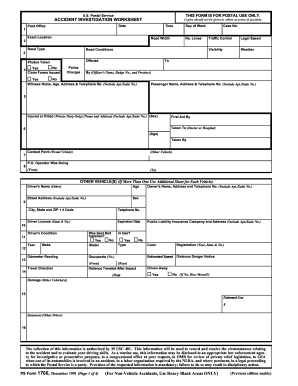
Ps form 1700
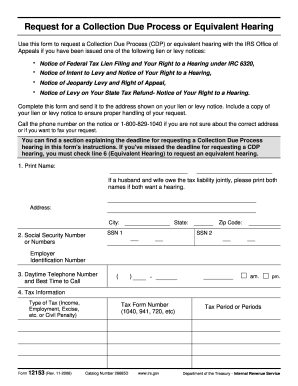
Irs form 12153 fill in 2006

F power attorney

Epa 3520 21
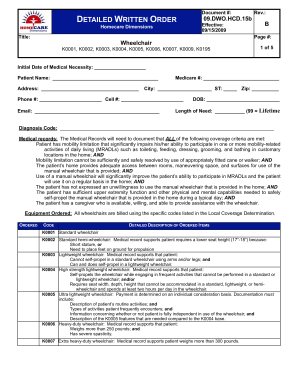
Dwo form
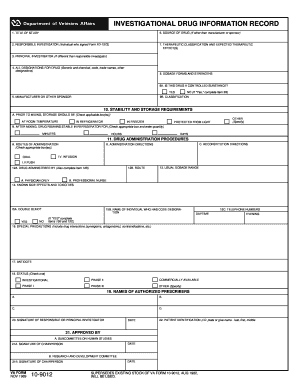
9012 form
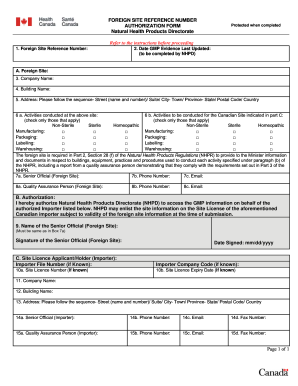
Foreign site reference number

Virginia appeal trial court

Adr disposition notice
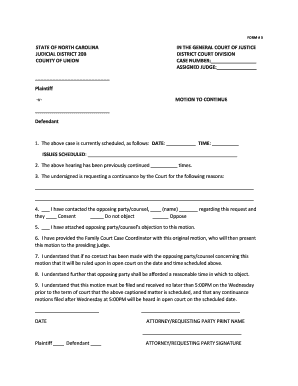
Motion to continue
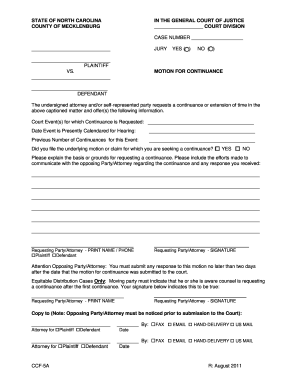
Nc motion continuance

Motion to set aside form georgia
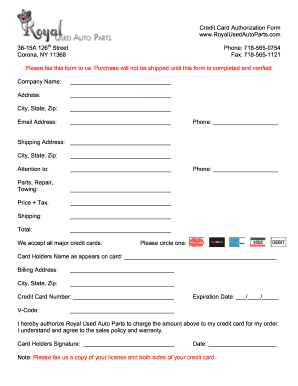
Used auto part credit card authorization form
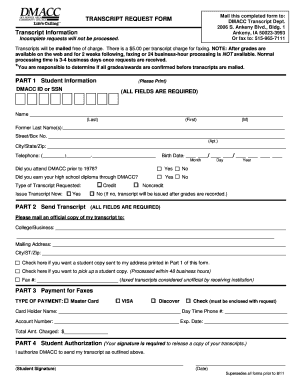
Des moines area community college transcript request
Sbu parking permit
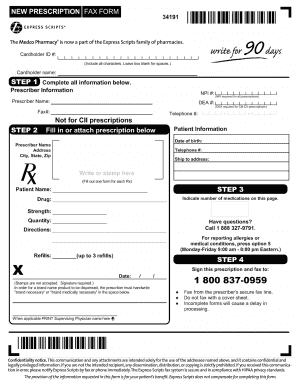
Fax prescription

Eafc forms
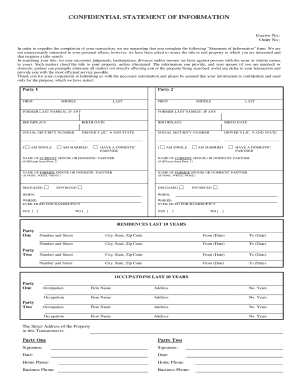
Statement of information
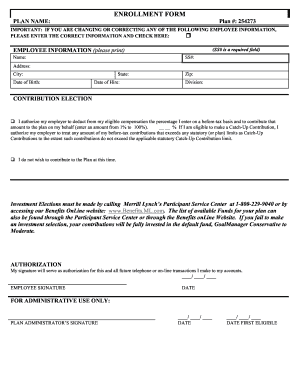
401k enrollment form examples
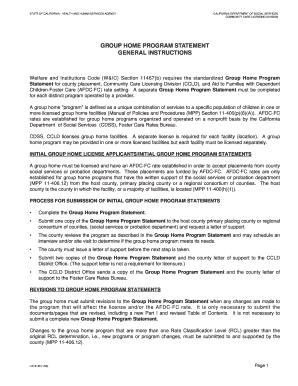
Group home financial statement samples
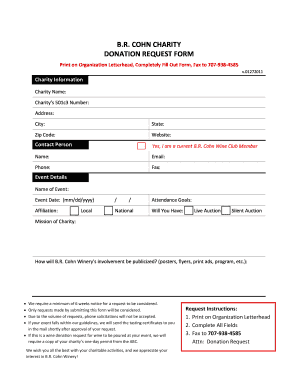
Charity fund raising letter sample
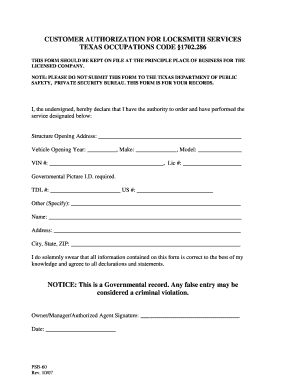
Authorization to replace lock in the house

Drainage air test certificate template
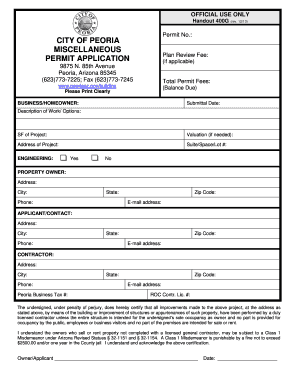
City of peoria az building permit application 2013 form
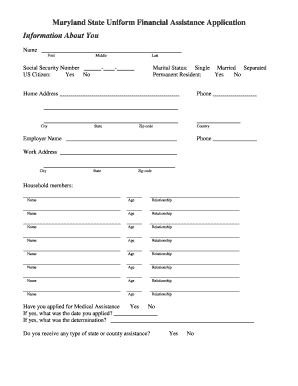
Maryland state uniform financial assistance application

Osha program report
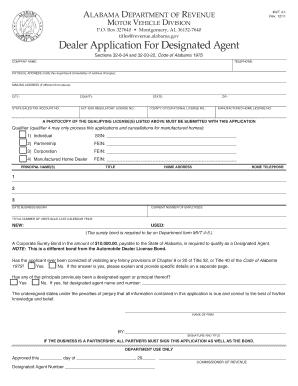
Mvt 4 1 form
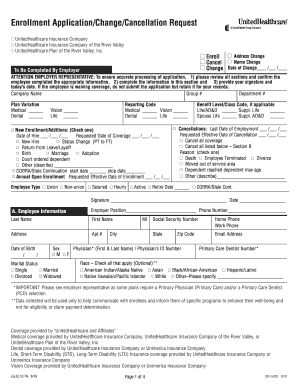
United healthcare enrollment application change cancellation request form
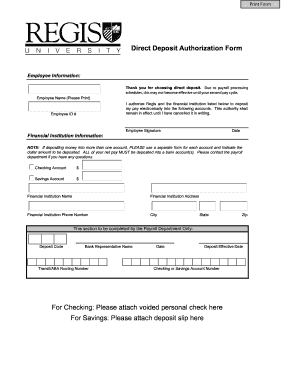
Paperless employee

Oh cat form cs
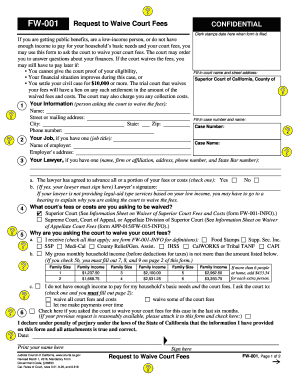
Fee waiver san bernardino superior court
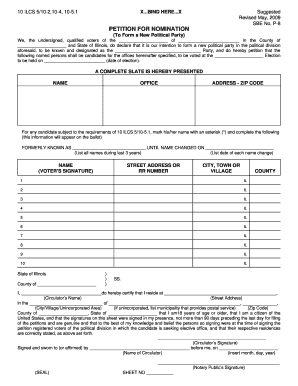
Political party hereby

Health history

Patient registration kleinert

Vsa 66 form 2008
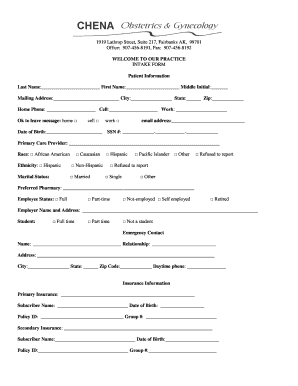
Gyn patient intake form
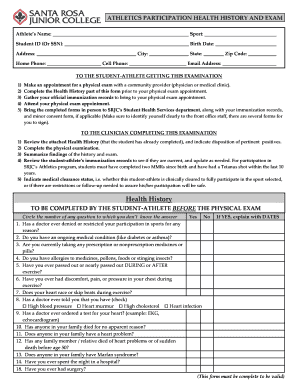
Athlete screening template

Dd370 1984 form

Cdsp request
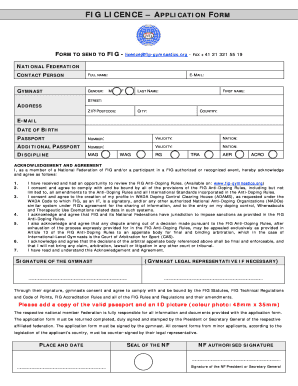
Fig license application form
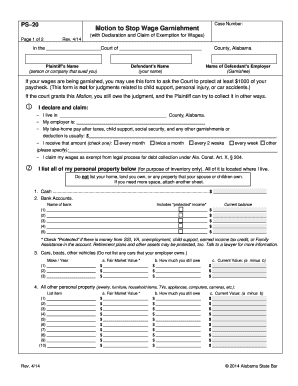
Alabama garnishment exemption form
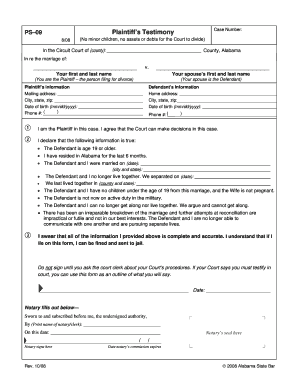
Testimony of plaintiff alabama

Addiction severity cf get
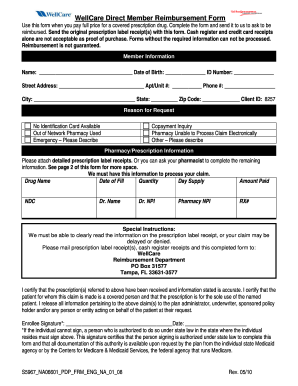
Wellcare reimbursement form
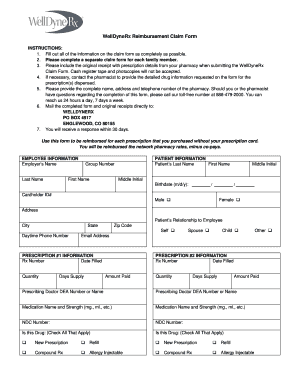
Welldyne prior authorization form

Form mvr 33a 2012

Dic form 81

Sprint lifeline program

Ncoa form

Uci unofficial transcript

Mckesson s application

Mwphglsc
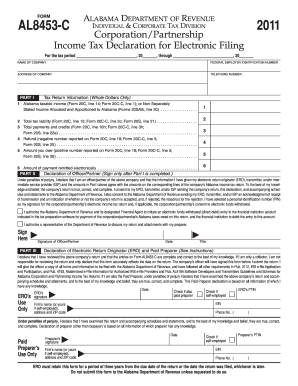
Al 8453 c

Oregon temporary post judgment immediate danger fillable DocHub
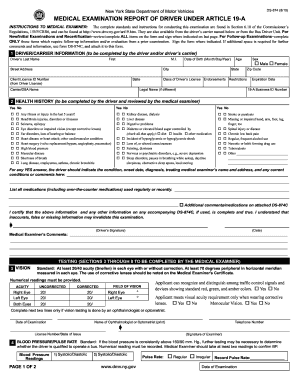
Genetic medical examination form
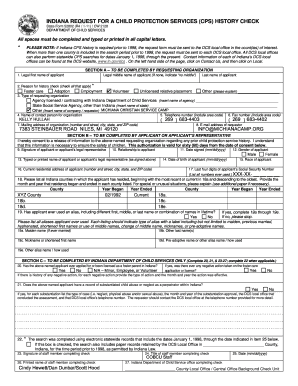
Indiana request for a child protection services form

Dmv junk slip form

Ldss 3707 iaf

Cmp m1 garand order form
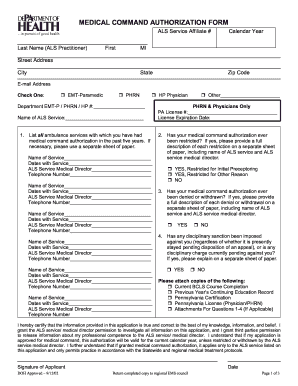
Pa medical command authorization form
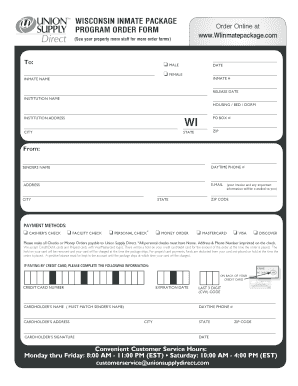
Wiinmatepackage

Completed sample of a part822 chemical dependence outpatient services comprehensive psychosocial evaluation 2011 form
Benefit from the DocHub online library of fillable PDF forms
Searching the PDF forms doesn't have to be a tedious and time-consuming process. With the DocHub online library, it has become easier to find the fillable PDF forms and modify them in your browser. The service allows you to adjust the document to your needs using powerful editing tools.
You can use online document editing features to modify almost any type of document with ease. You just need to find the template of your choice, open it in the editor, and use the toolbar to make the necessary corrections.
Follow this guide to get your document done with DocHub:
- Find the PDF template you need.
- Click the Get Form button to open the file in the editor.
- Use the toolbar to fill out and edit the document.
- Easily add and highlight text, insert images, checkmarks, and symbols.
- Drop new fillable fields, and rearrange or delete pages from your file.
- Save changes and download your record.
DocHub empowers everyone to streamline document editing, signing, and distribution, and form completion. Create an account and benefit from our well-organized PDF Forms library and comprehensive editor.