
Get any PDF form from the DocHub library of ready-made templates - Page 1990
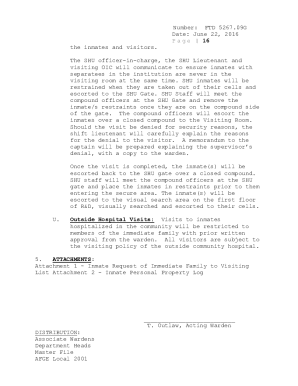
Fort dix federal prison visitation
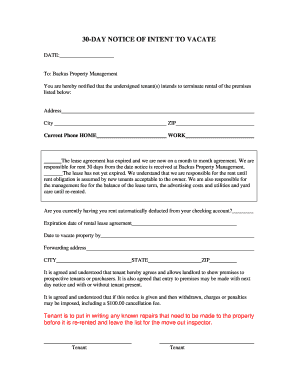
Backus 30 notice vacate
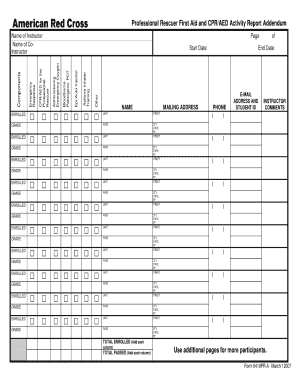
Class roster form
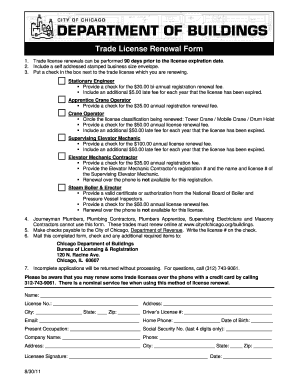
Trade license renewal form
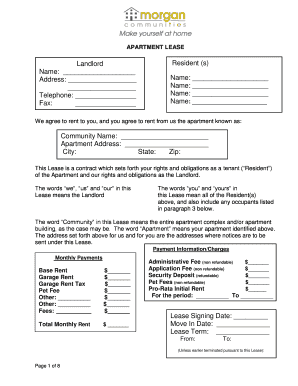
Morgan properties lease agreement
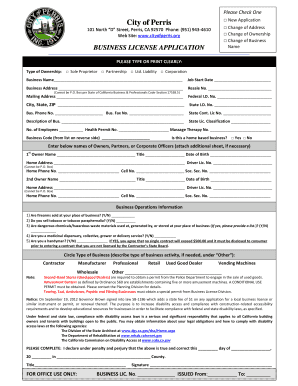
Business license renewal
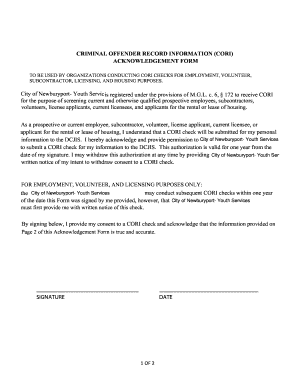
Cori form
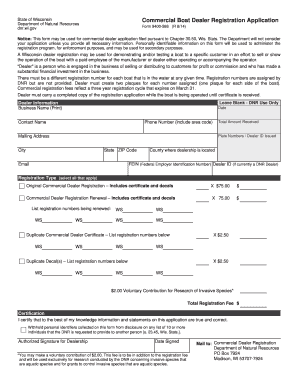
Wisconsin department natural resources 9400
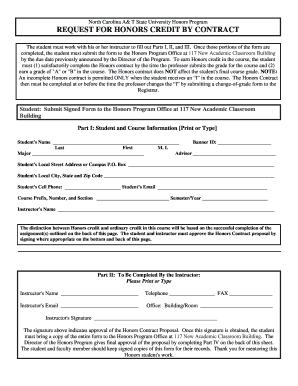
Residential lease agreement north carolina
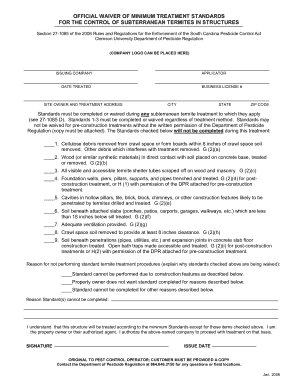
South carolina official minimum structures
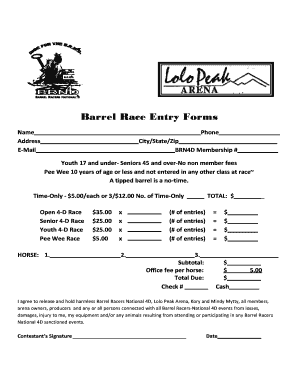
All in barrel race entry form

Transcript request from fairmont 2011 form
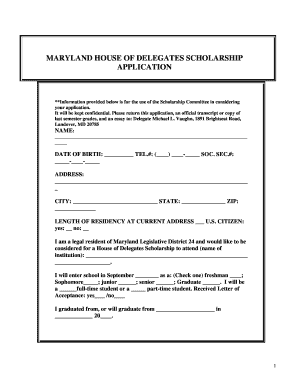
Maryland house delegates scholarship application
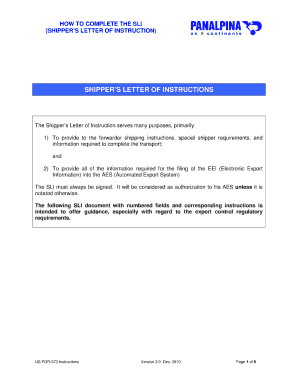
Panalpina shippers letter of instruction

Nj medical license application
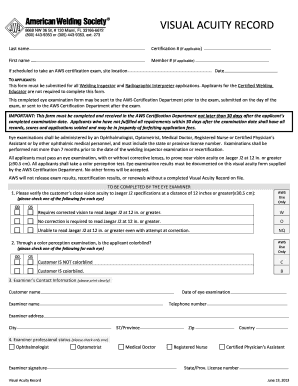
Aws visual acuity form
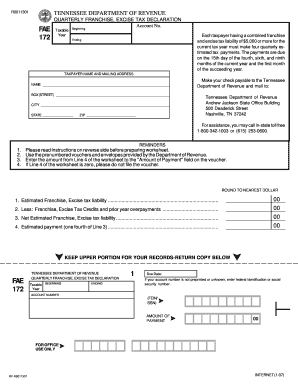
Tn form fae 170 instructions 2020
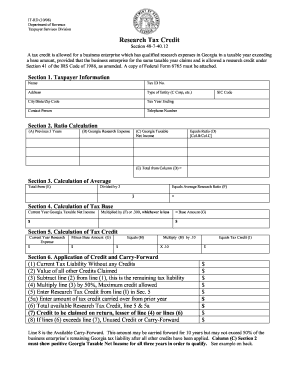
Research tax credit form ga 2008
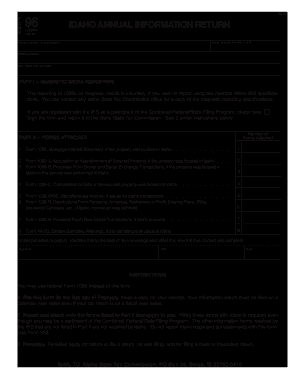
Idaho form 96 2004
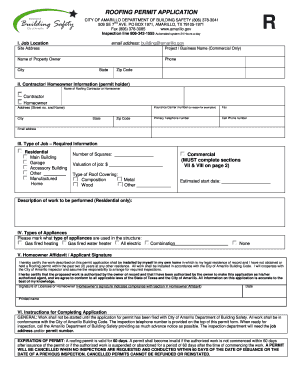
Roofing permit application
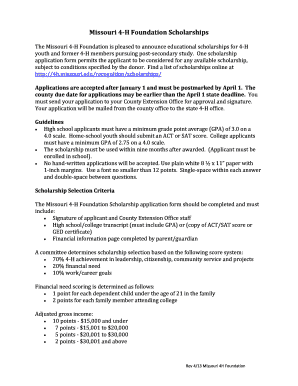
Missouri 4h foundation
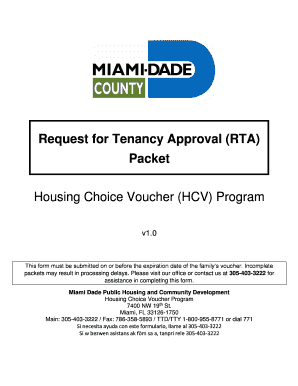
Request for tenancy approval
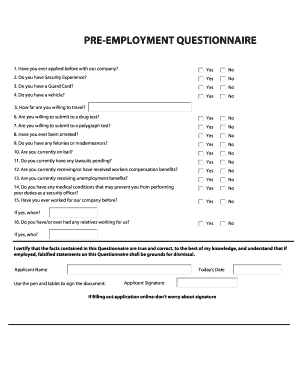
Americanguardonline

St 121 fill in online 2010 form
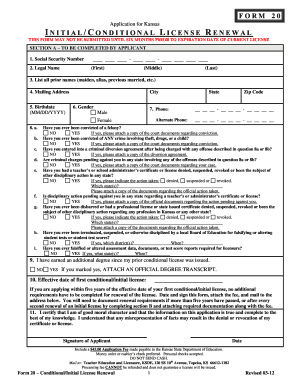
Ks form 20
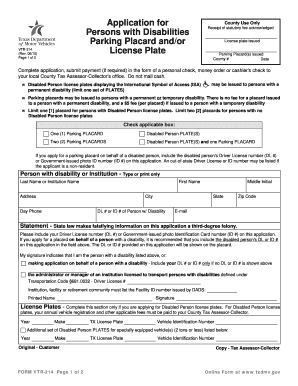
Person with disability parking placard application form
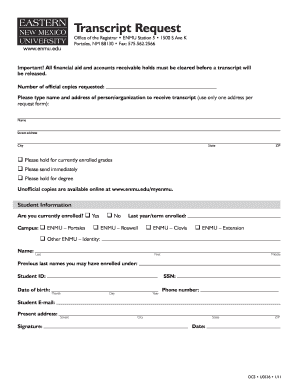
Enmu transcript request

T 107a
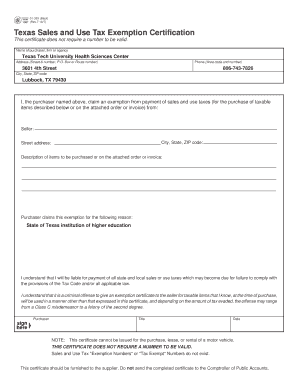
Tax exempt form texas
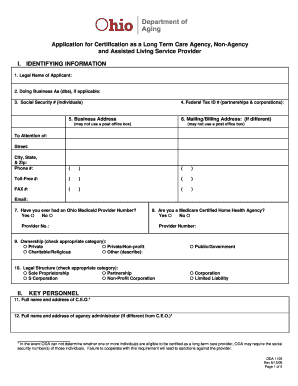
Department aging form oda
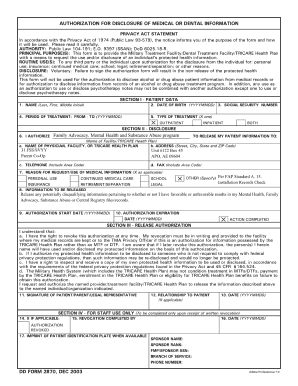
Dd 2870 example

New employee application 2007 form

Pennsylvania enterprise registration form

Manufacturer certificate of origin for trailer template
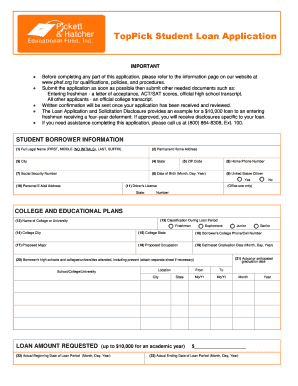
Student loan form
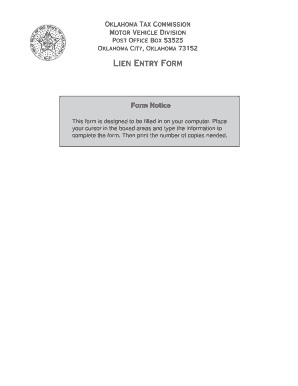
Oklahoma lien entry form 2004

Form b307 2007
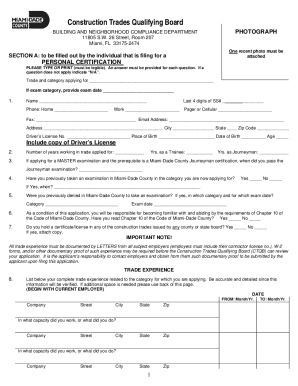
Construction trades qualifying

Hawaii spo application identification
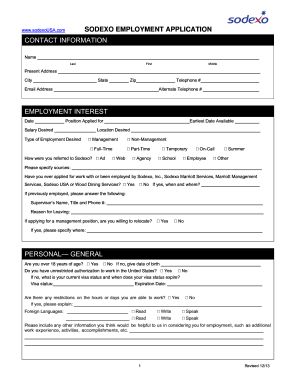
Sodexo fillable applacation 2013 form
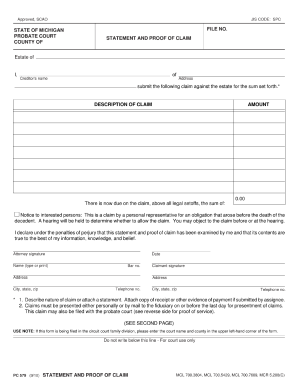
Pc 579
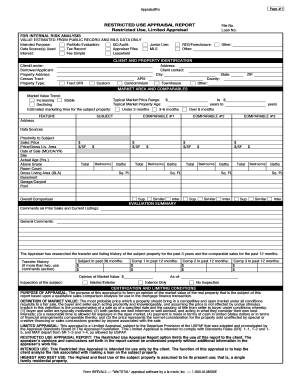
Restricted use limited
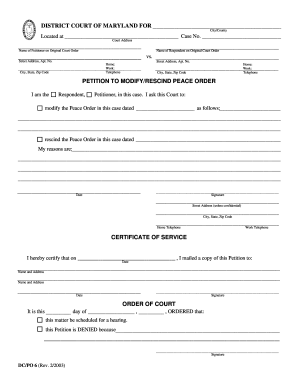
Maryland peace order form
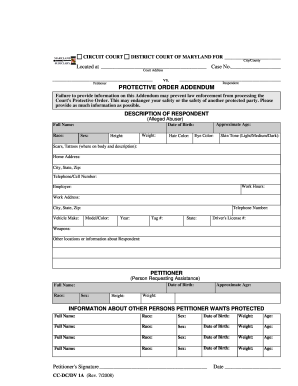
Maryland protective order addendum 2008 form
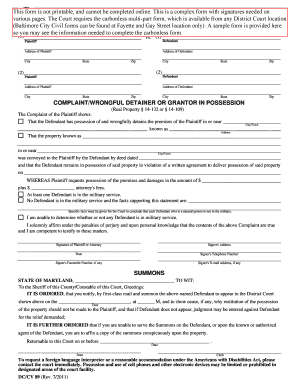
Wrongful detainer grantor in possession
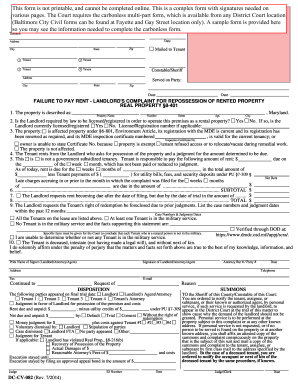
Maryland cv 2011 form

Request for postponement form maryland

Motion form maryland 2013
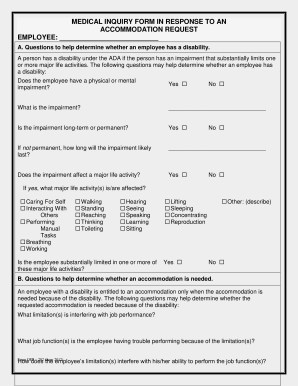
Medical inquiry form
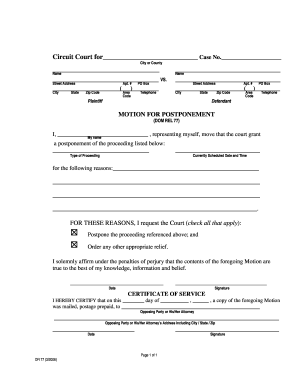
Dr 77
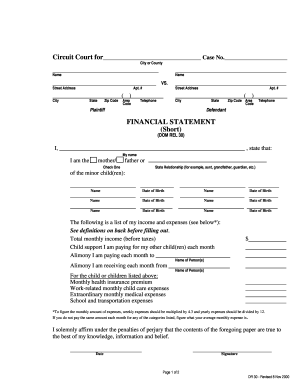
Md financial statement
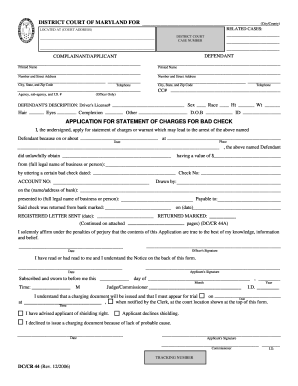
Maryland district court forms fillable 2006
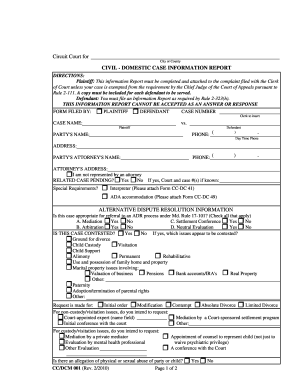
Cc dcm 001
Wisconsin mv3029
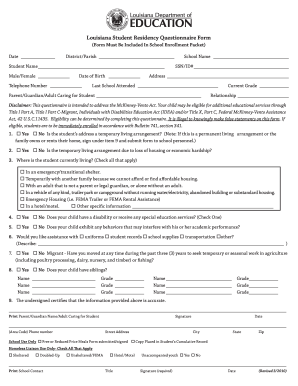
Louisiana change child school residency form notary

Wilmington university affidavit of support

Ds 5504 pdf fillable form
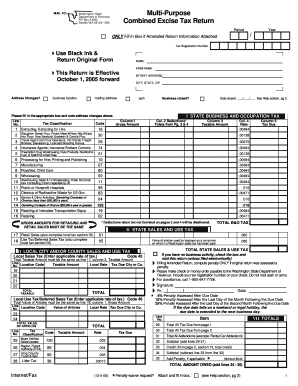
Combined excise tax return

Massage receipt template
Ssef abstract form
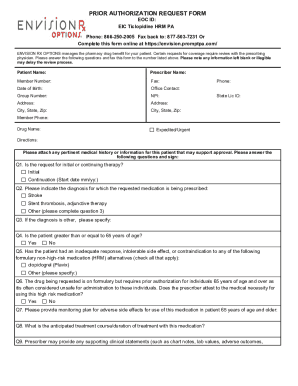
Envision rx prior auth form
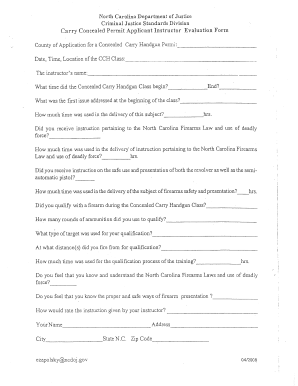
Cumberland county concealed carry
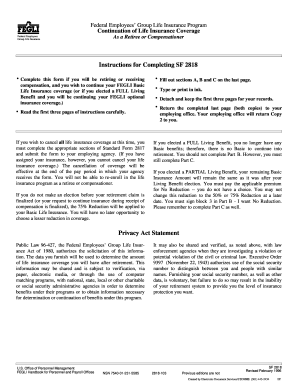
Sf 2818 fillable form 1996
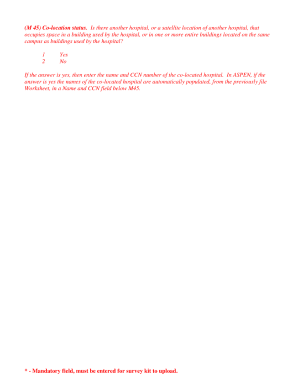
Exhibit worksheet
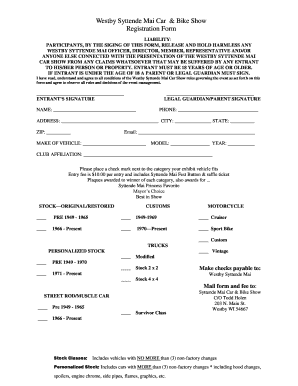
Car show registration template
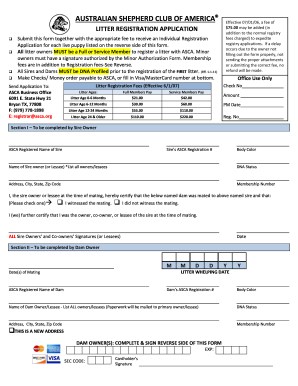
Asca litter registration

Info sheet sample
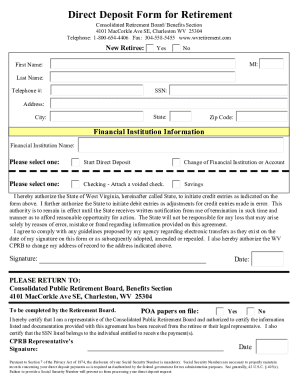
Wv retirement board
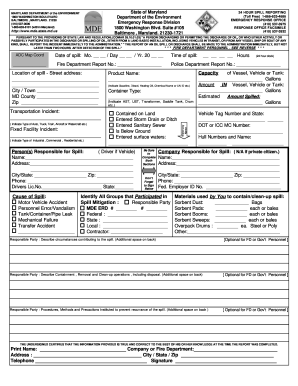
Oil spill incident report example
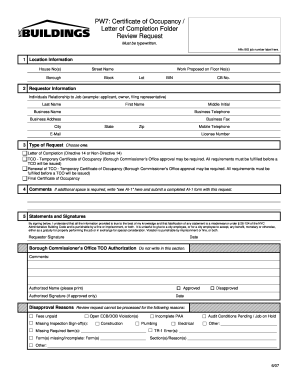
Pw7 form esa 2007
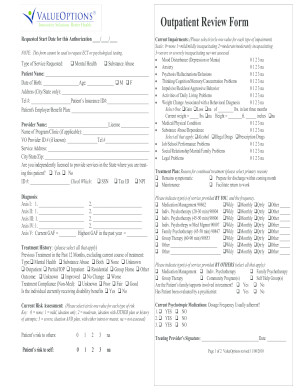
Value options outpatient review form

Glenwild form

Online fillable employment application

Request to remove personal information from the harris county appraisal district website
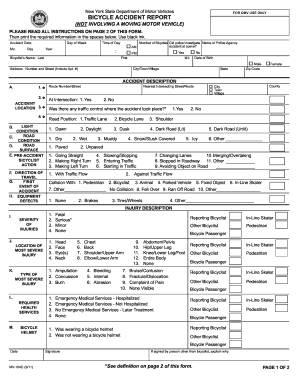
Accident report ny
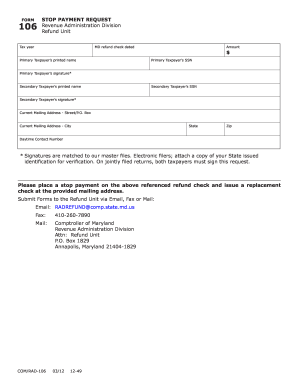
Put a stop payment on a tax refund for maryland form
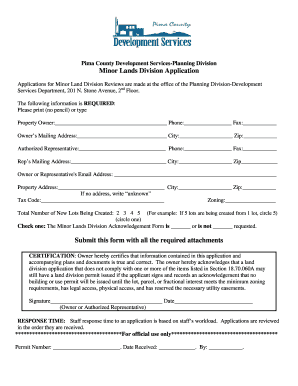
Pima county minor land division
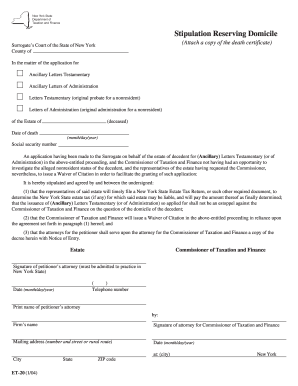
Form et 20
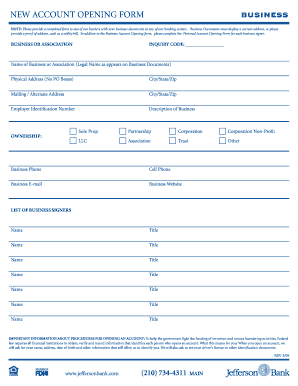
Business account application form

Navajo telecommunications regulatory commission certificate of convenience and necessity application 2011 form

Re 435 form fillable 2009

Nys et 706 810 2010 form
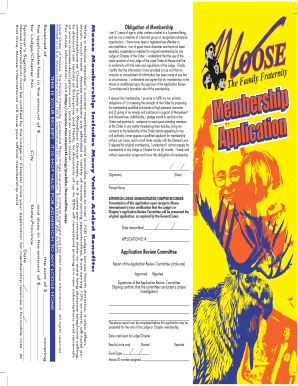
Moose lodge membership application
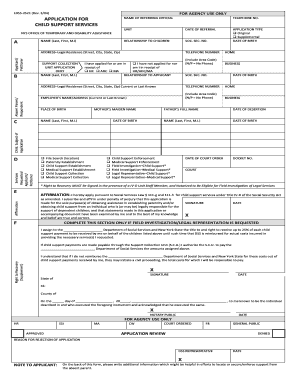
Printable child support application
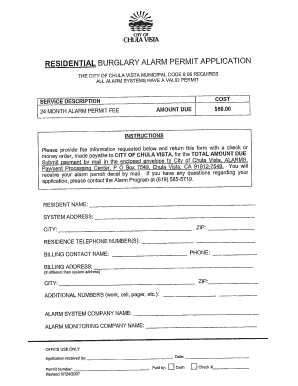
Chula vista alarm permit

Certificate of incorporation of nyc 2012 form
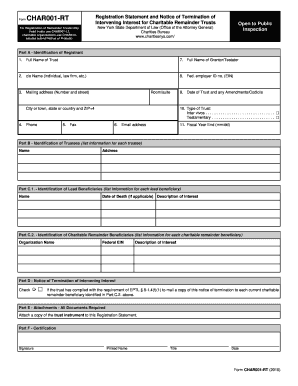
Char001 rt
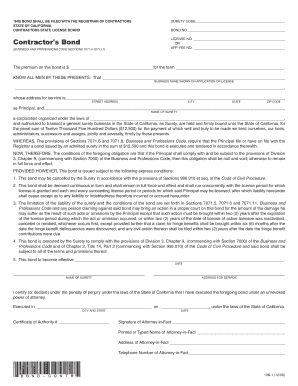
Contractors bond form 13b 1

Oregon temporary custody forms
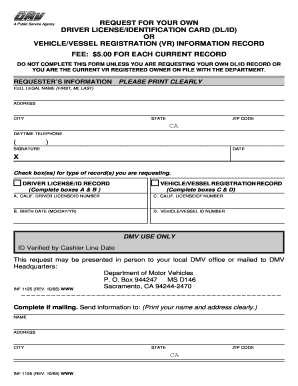
Inf 1125
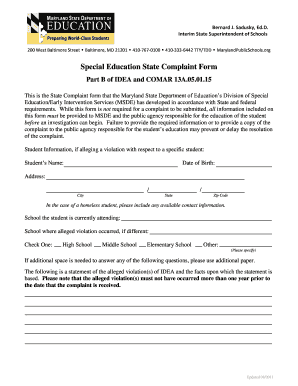
Msde state complaint special education form
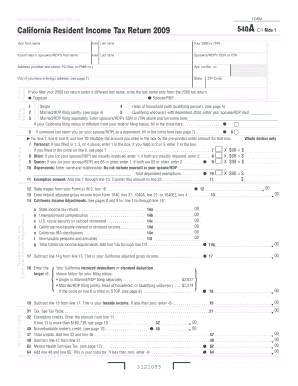
2009 california tax form

829 dues check off form
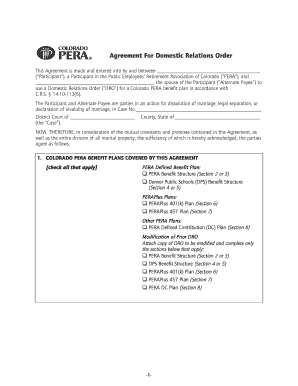
Pera agreement form

IB - P - ZC 2002 -0005 Yard Modification Policy-9-22-04 - Ladbs . org - ladbs

Nys dmv dtf 804 2005 form

Fwcdle 049a form

Granting authority
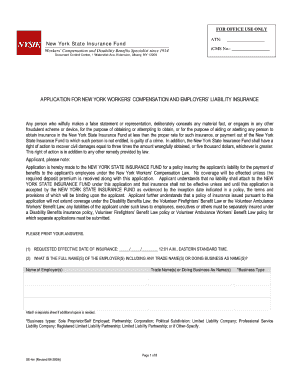
New york state insurance fund form ue 4m 2009
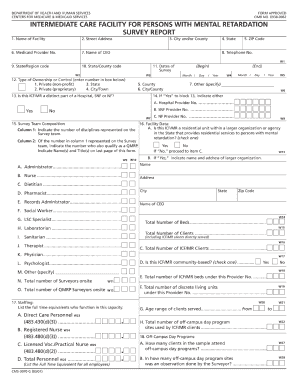
Omb no 0938 0062 form
Benefit from the DocHub online library of fillable PDF forms
Searching the PDF forms doesn't have to be a tedious and time-consuming process. With the DocHub online library, it has become easier to find the fillable PDF forms and modify them in your browser. The service allows you to adjust the document to your needs using powerful editing tools.
You can use online document editing features to modify almost any type of document with ease. You just need to find the template of your choice, open it in the editor, and use the toolbar to make the necessary corrections.
Follow this guide to get your document done with DocHub:
- Find the PDF template you need.
- Click the Get Form button to open the file in the editor.
- Use the toolbar to fill out and edit the document.
- Easily add and highlight text, insert images, checkmarks, and symbols.
- Drop new fillable fields, and rearrange or delete pages from your file.
- Save changes and download your record.
DocHub empowers everyone to streamline document editing, signing, and distribution, and form completion. Create an account and benefit from our well-organized PDF Forms library and comprehensive editor.