
Get any PDF form from the DocHub library of ready-made templates - Page 1987
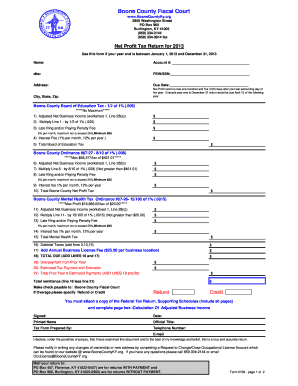
Ky boone county form 2013

Power of attorney form california
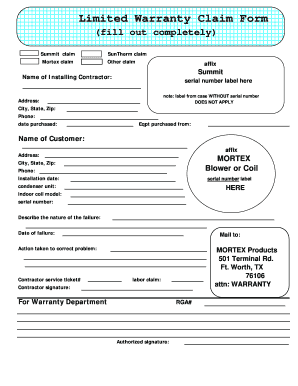
Mortex warranty registration

Valencia hispano application form
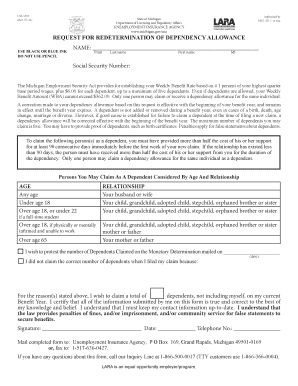
Uia 1553
Hire houston first application and affidavit form

Usa scorebook

Medical certificate for service at sea appendix iv
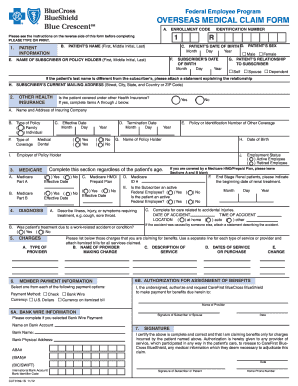
Federal bcbs basic overseas claim form 2012
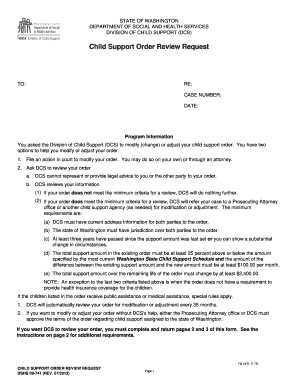
Washington dshs request

Hagood company application form

Duke energy excavation permit application form

Kentucky subpoena form

Unisa deferment form
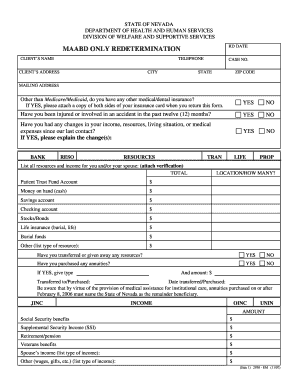
State of nevada medical assistance redetermination
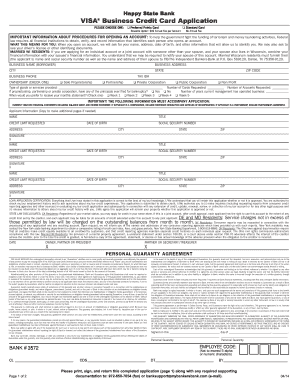
Happy state bank credit card
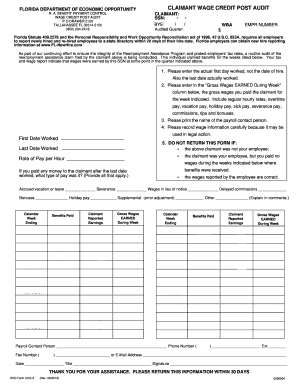
Deo fax number

2012 2350 form
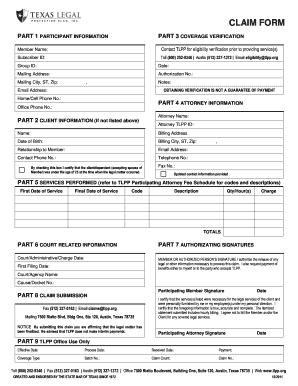
Diminished value form
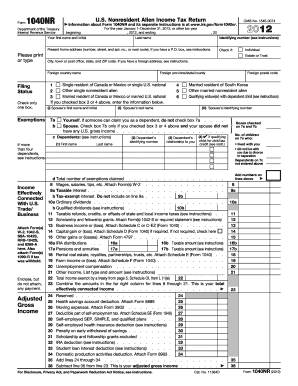
Nj 1040nr
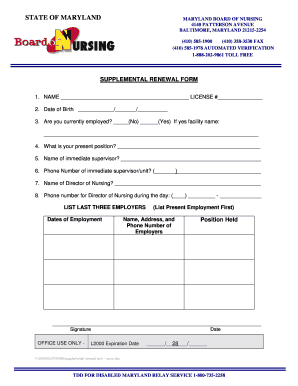
Mbon license lookup
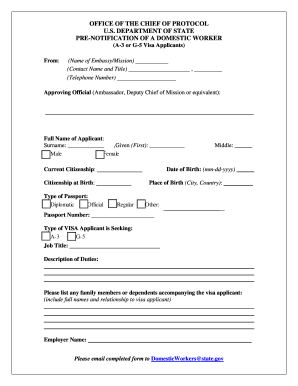
Pre notification of a domestic worker form
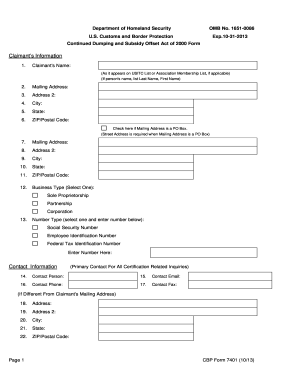
Cbp form 7401 2013

Brockton school transcript
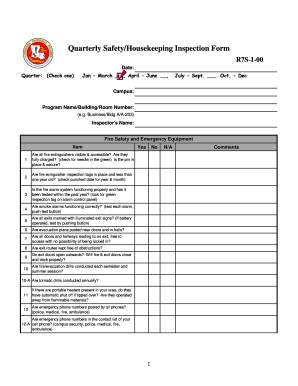
Housekeeping inspection checklist for apartments
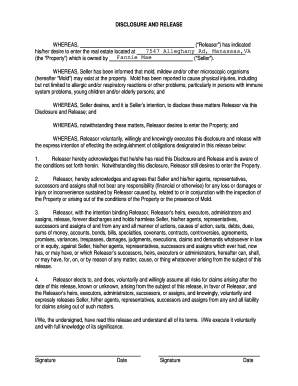
Discoloration disclosure release

California state fund mileage form 2013
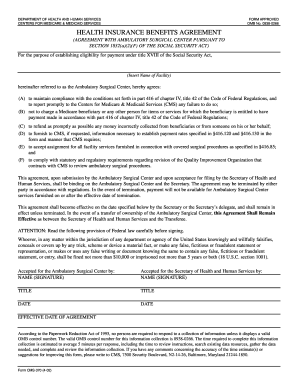
Insurance agreement pdf

Oakland countysoil erosion permit application form

Wigwamen housing
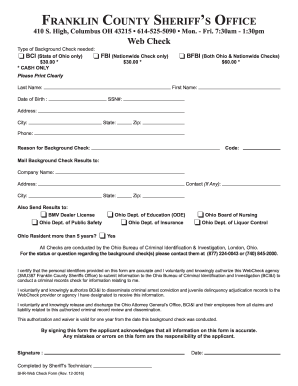
Franklin county sheriff office ohio form

Pennrose application
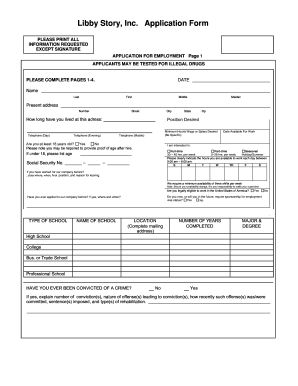
Libby application
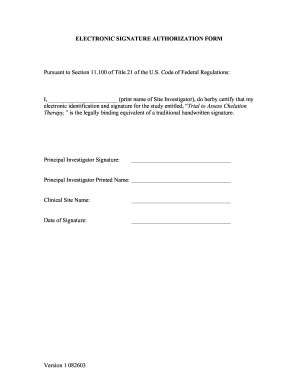
Download pdf signature
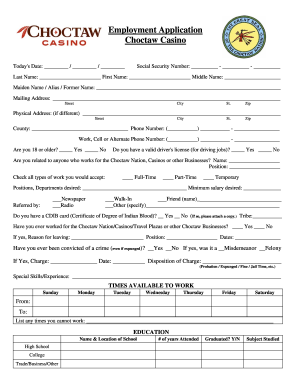
Choctaw casino online application form
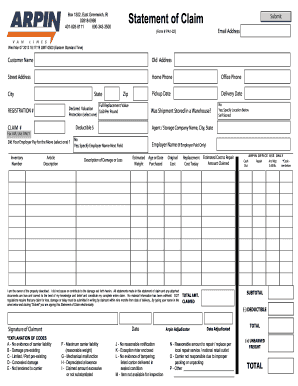
Form pa1 statement
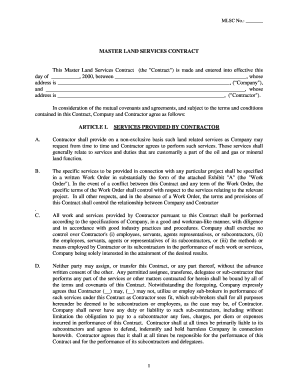
Master land services contract
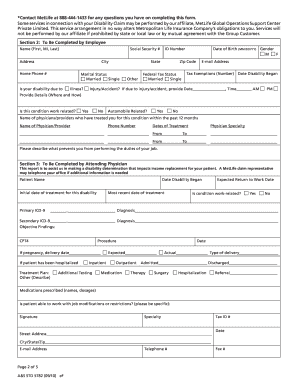
Metlife short term disability claim form pdf
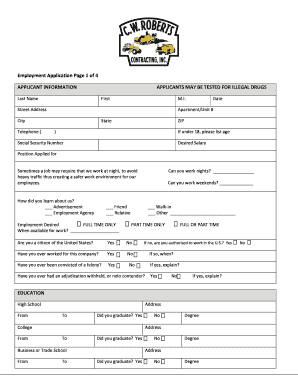
Cw roberts application
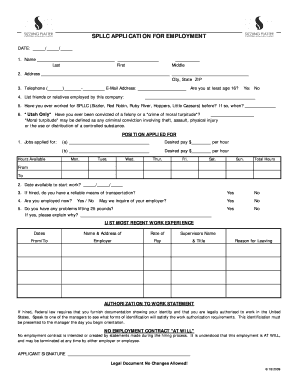
Sizzler application pdf form
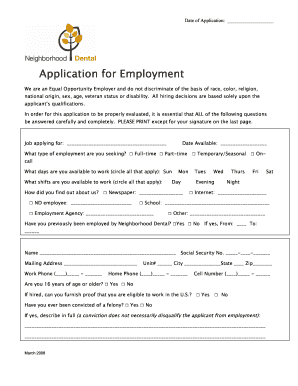
Employment Application - Neighborhood Dental
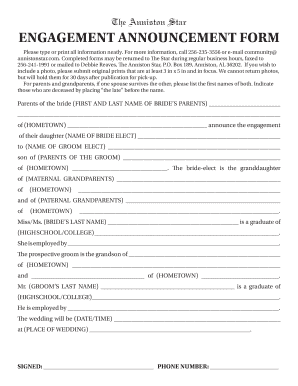
Engagement form
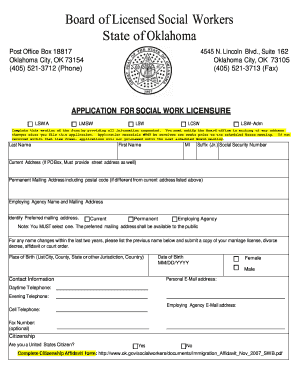
Oklahoma application social worker

General power of attorney form
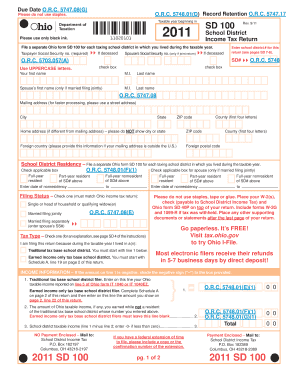
Sd 100 form 2020
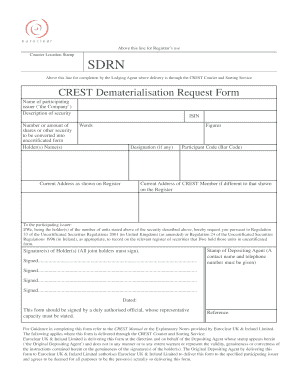
Crest dematerialisation form
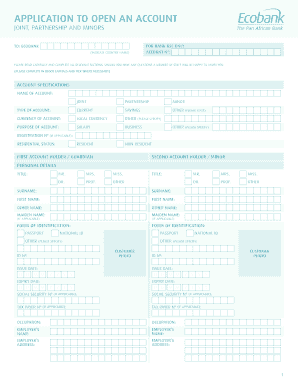
Online bank account registration in ghana
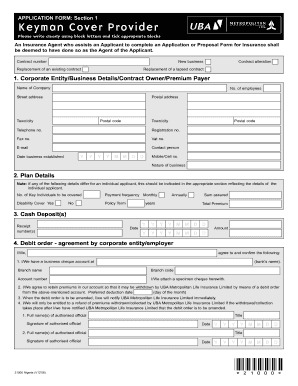
Uba loan for non salary earners
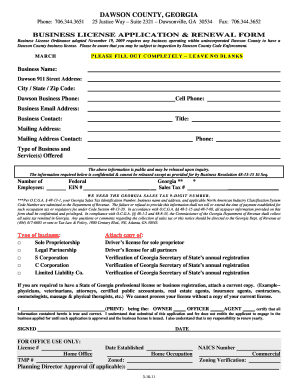
Business license in grady county georgia
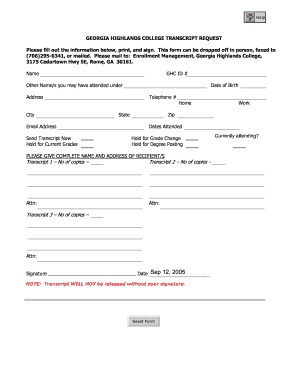
Ga highland college transcript
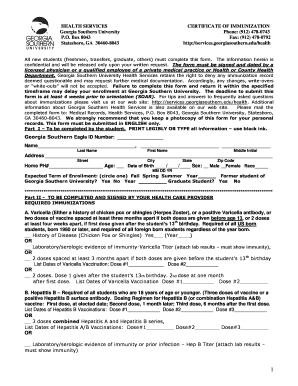
Georgia southern immunization

665b form 2013
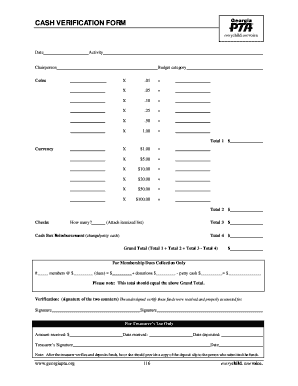
Cash verification format
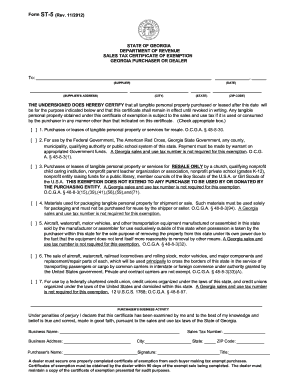
Georgia form st 5 how to complete 2012

Empire win loss statement 2011 form

Modification baruch printable

Senior Football Player Questionnaire - Athens Christian School

Mandatory problem reporting procedure template

Dhs 1100b
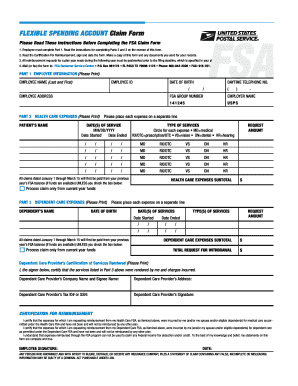
2005 fsa form
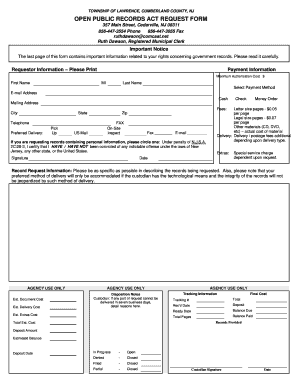
Township lawrence public records

Colorado mountain college transcript
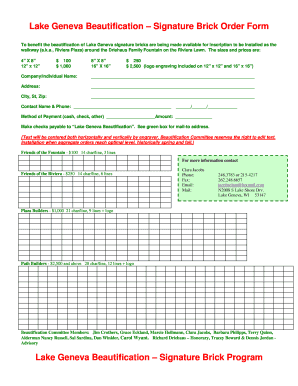
Buy a brick lake geneva wi form
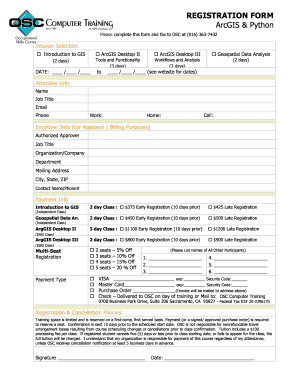
Osc computer form
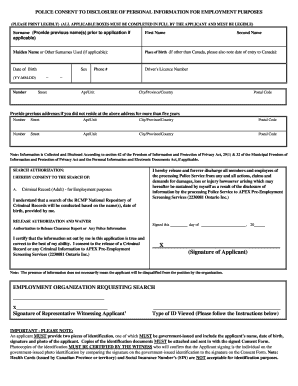
Cpic consent form
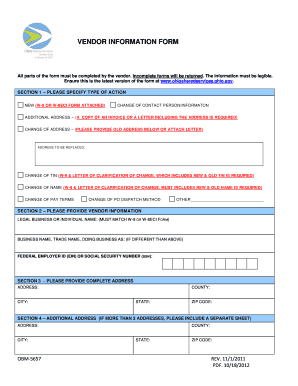
Obm 5657 information form
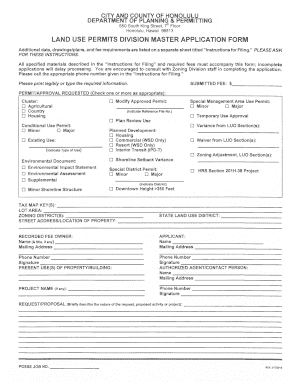
Honolulu permits master
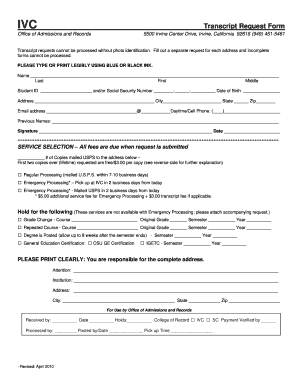
Transcript request ivc
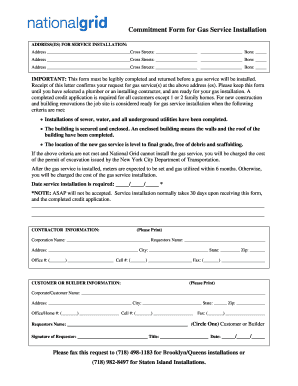
National grid form gas service

Behavioral intervention plan
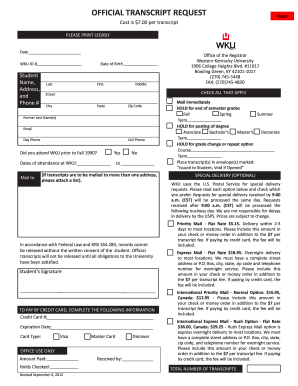
Wku transcript 2012 form
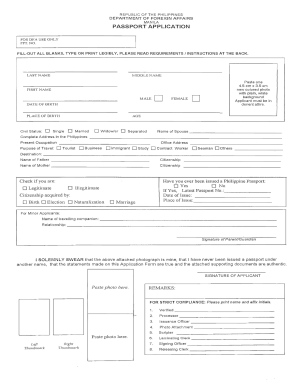
Passport application form editable pdf

Blank coi form

Patient encounter form pdf
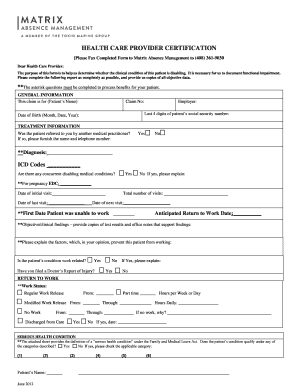
Fmla tn forms

California medical board form l5 2012
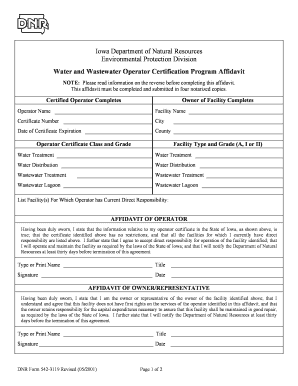
Microsoft word affidavit template
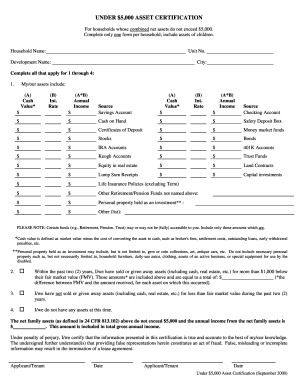
Under 5 000 asset certification how to fill out
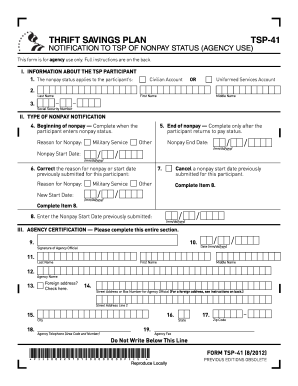
Nc 41 form post office No Download Needed
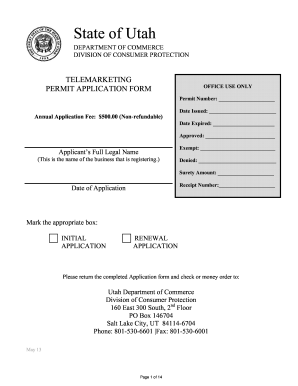
Utah permit to carry forms
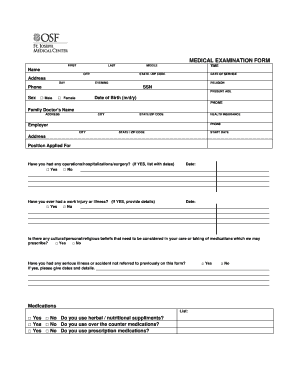
Work physical form florida
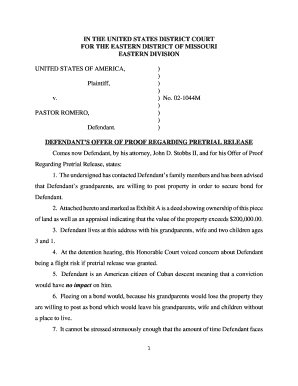
Romero motion california
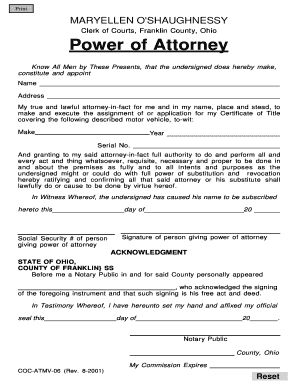
Franklin county clerk of courts
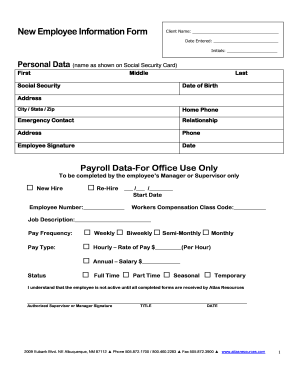
New Employee Information Form - Atlas Resources
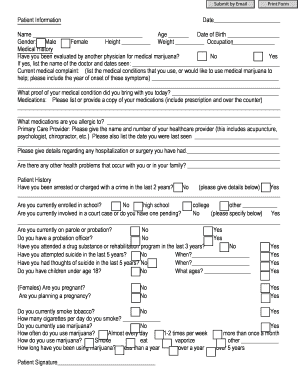
Medical marijuana florida
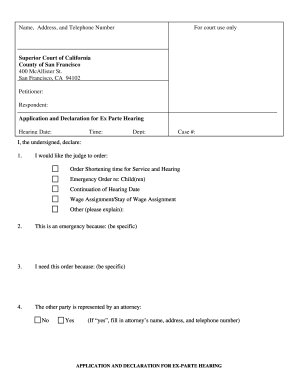
Ex parte hearing
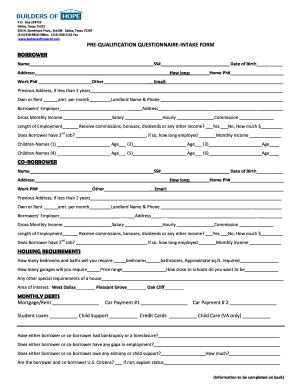
Of pre qualification questionnaire
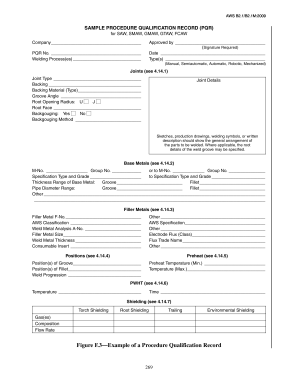
Aws b2 2 pdf

Doctor report
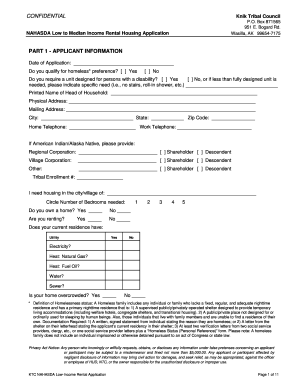
Knik tribal council application
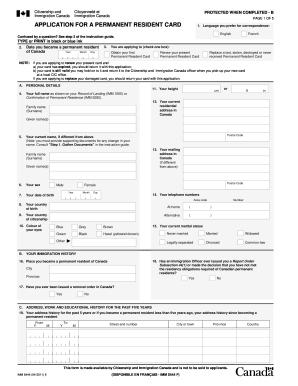
Imm5444e printable form 2011
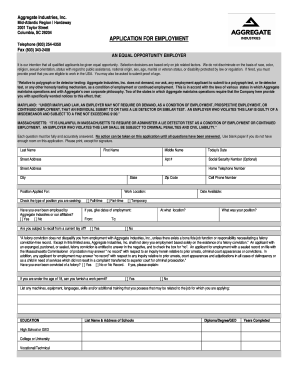
Glen sanders quarry

Texoma regional police academy

City of cocoa beach building department
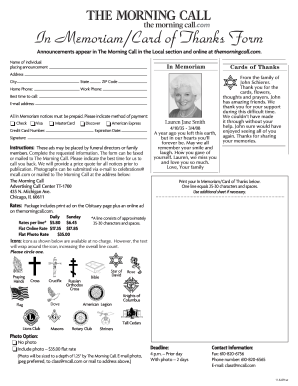
Call memoriam form
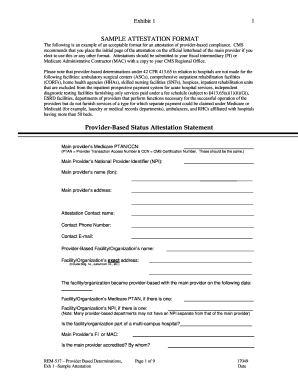
Attestation filling sample
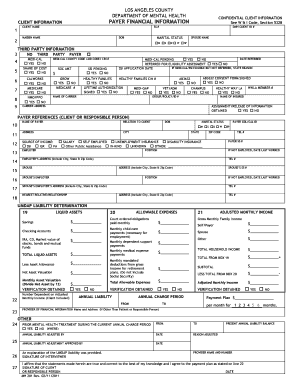
Fillable mh 281
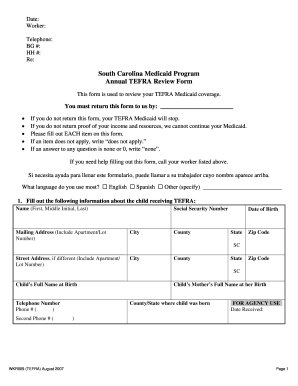
How to apply for tefra in south carolina 2007 form
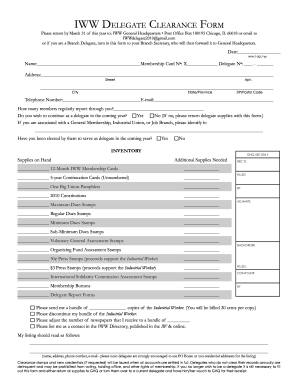
Delegate you form
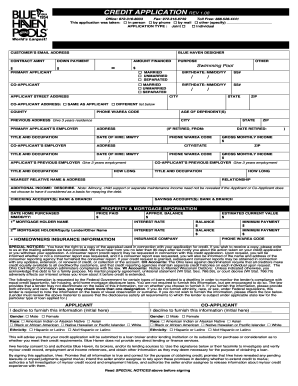
Credit application rev 1.08 - Blue Haven Pools
Benefit from the DocHub online library of fillable PDF forms
Searching the PDF forms doesn't have to be a tedious and time-consuming process. With the DocHub online library, it has become easier to find the fillable PDF forms and modify them in your browser. The service allows you to adjust the document to your needs using powerful editing tools.
You can use online document editing features to modify almost any type of document with ease. You just need to find the template of your choice, open it in the editor, and use the toolbar to make the necessary corrections.
Follow this guide to get your document done with DocHub:
- Find the PDF template you need.
- Click the Get Form button to open the file in the editor.
- Use the toolbar to fill out and edit the document.
- Easily add and highlight text, insert images, checkmarks, and symbols.
- Drop new fillable fields, and rearrange or delete pages from your file.
- Save changes and download your record.
DocHub empowers everyone to streamline document editing, signing, and distribution, and form completion. Create an account and benefit from our well-organized PDF Forms library and comprehensive editor.