




01. Edit your legal name online
Type text, add images, blackout confidential details, add comments, highlights and more.

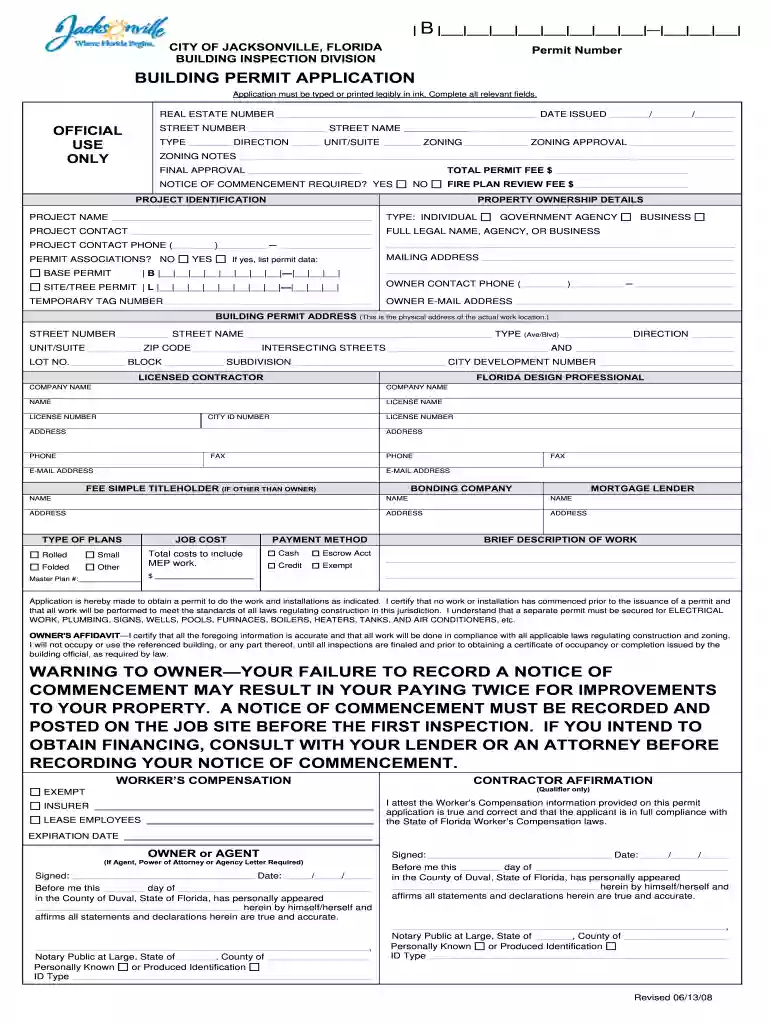
Type text, add images, blackout confidential details, add comments, highlights and more.

Draw your signature, type it, upload its image, or use your mobile device as a signature pad.

Send full legal name via email, link, or fax. You can also download it, export it or print it out.

Start using our platform today to streamline your document editing and ensure all your forms are filled out correctly!
At DocHub, your data security is our priority. We follow HIPAA, SOC2, GDPR, and other standards, so you can work on your documents with confidence.
Strategies for challenging deliberative process withholdings. Records not predecisional. If an agency is seeking to withhold records that describe a finalRead more
Jul 19, 2024 Youll want to choose a business name that reflects your brand identity and doesnt clash with the types of goods and services you offer.Read more
A fictitious business name is a name used by a natural person or entity for conducting business under such a name, which is different from its legal name.Read more


