




01. Edit your cris crash online
Type text, add images, blackout confidential details, add comments, highlights and more.

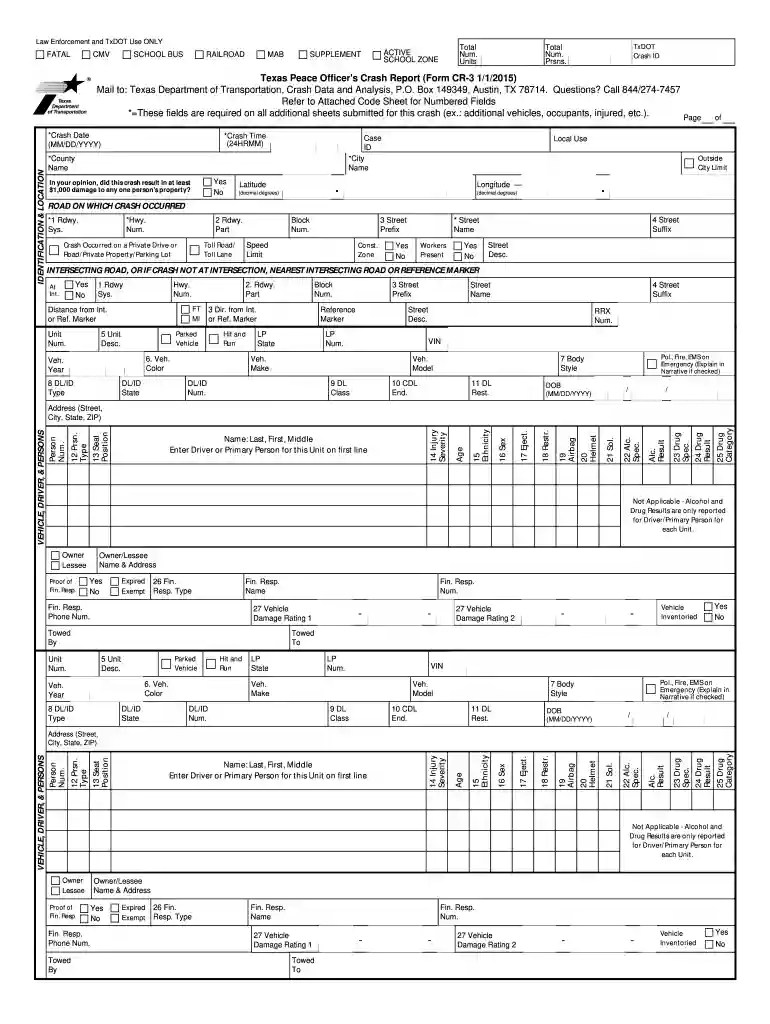
Type text, add images, blackout confidential details, add comments, highlights and more.

Draw your signature, type it, upload its image, or use your mobile device as a signature pad.

Send cris crash login via email, link, or fax. You can also download it, export it or print it out.

Start using our platform today to effortlessly fill out your tx accident forms cr 3 printable for free!
At DocHub, your data security is our priority. We follow HIPAA, SOC2, GDPR, and other standards, so you can work on your documents with confidence.
In Texas, CMV crash data are collected through one section of the Texas Peace Officers. Crash Report (CR-3 form). Data fields include information on the CMVRead more
Note: The CR-3 and CR-3 Alternate forms are for use by Texas law enforcement agencies only. 2023 Texas Peace Officers crash report forms. The 2023 forms andRead more
You can print multiple pages on a single sheet of paper to save paper (2-Up printing). See the. Software section. You can use preprinted forms and letterheadRead more


