




01. Edit your reg 5103 online
Type text, add images, blackout confidential details, add comments, highlights and more.

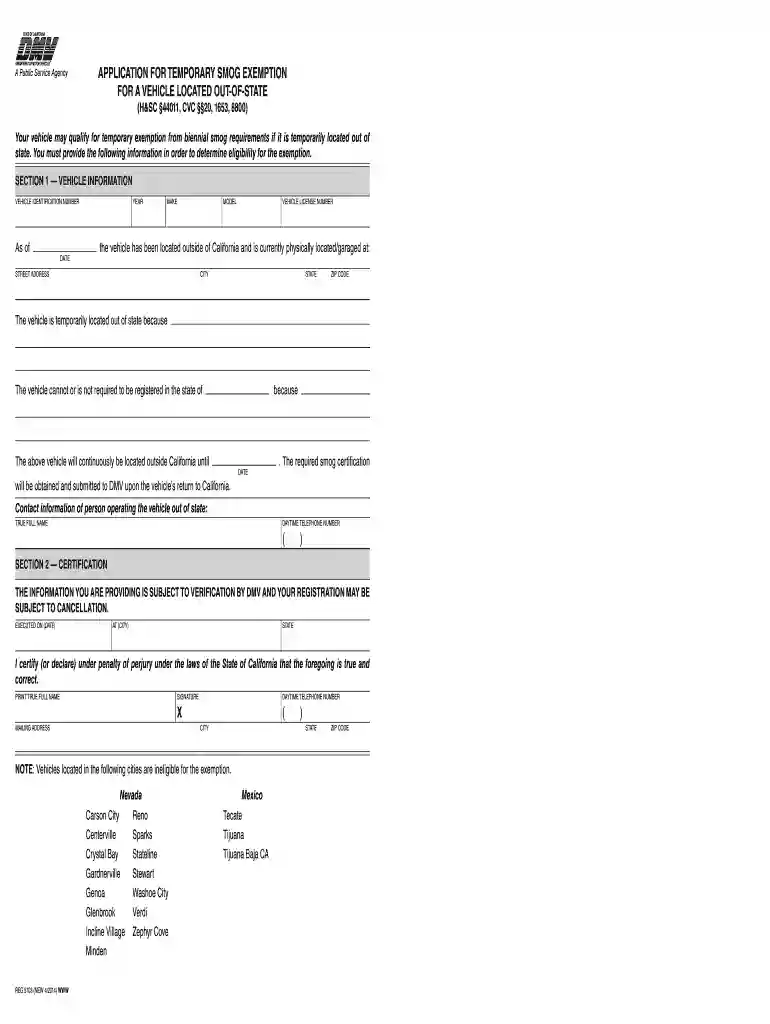
Type text, add images, blackout confidential details, add comments, highlights and more.

Draw your signature, type it, upload its image, or use your mobile device as a signature pad.

Send temporary smog exemption reg 5103 via email, link, or fax. You can also download it, export it or print it out.

Start using our platform today to fill out reg 5103 online for free!
At DocHub, your data security is our priority. We follow HIPAA, SOC2, GDPR, and other standards, so you can work on your documents with confidence.
Your vehicle may qualify for temporary exemption from biennial smog requirements if it is temporarily located out of state. You must provide the followingRead more
by CM Evans 2002 Cited by 44 Reg. 5,103, 5,103 (1942); see also Quirin, 317 U.S. at 22 (summarizing the presi- dents actions in appointing a military commission). 81Read more
MD/DVD receiver (CA-NXDV3). Amplifier. Output power. Front. 30 W + 30 W at 4 (10% THD). Surround 30 W + 30 W at 4 (10% THD). Input terminals.Read more


