
Get any PDF form from the DocHub library of ready-made templates - Page 1755
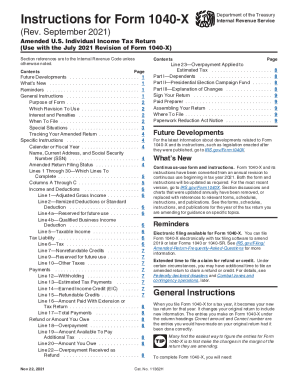
Instructions instruction form get

Connecticut residential property
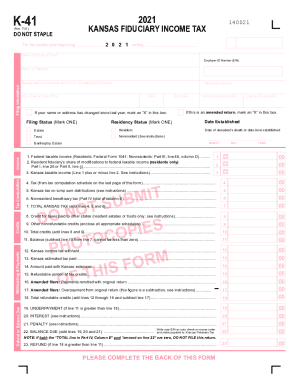
K 41
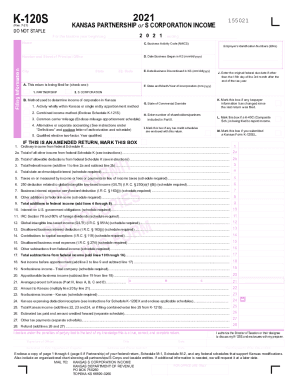
Kansas k 120s
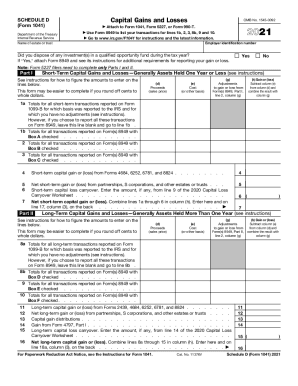
Irs schedule d

Form 1040 schedule 3
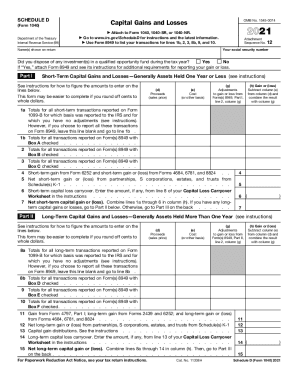
Schedule d
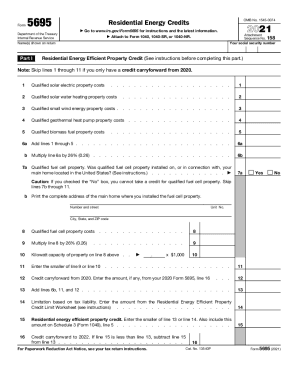
Irs form 5695
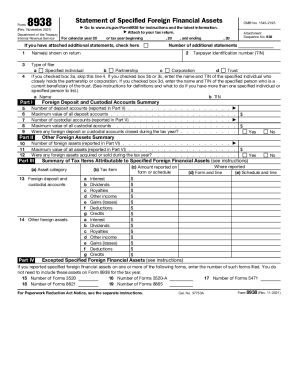
Form 8938
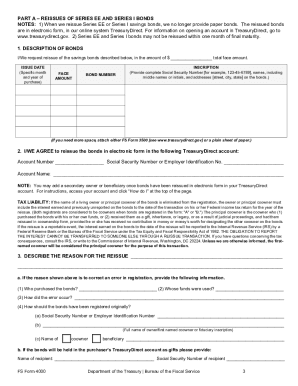
Fs form 4000
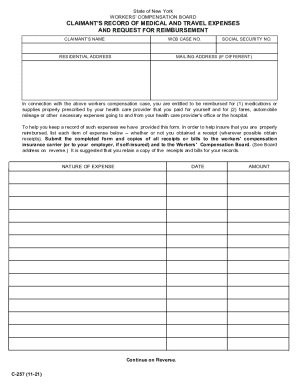
Claimants reimbursement form
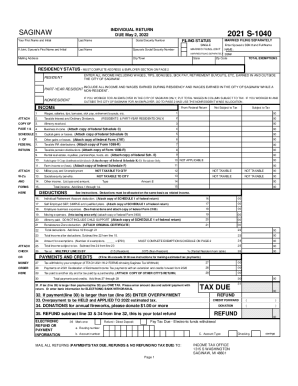
Mi s 1040
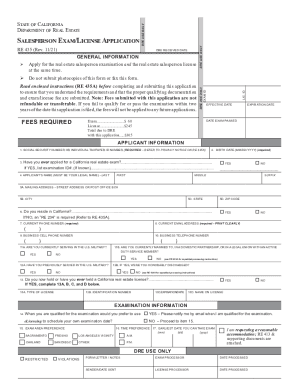
Real estate exam application california
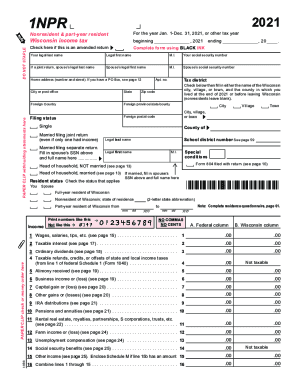
Wisconsin form 1 npr
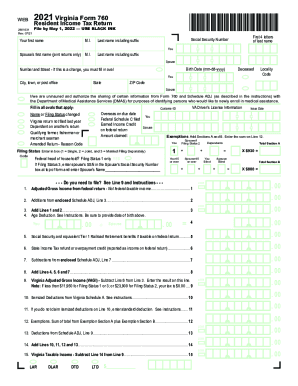
2021 va form 760

It 370 pdf 2021
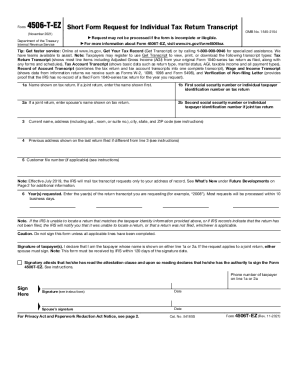
Ez form 2021
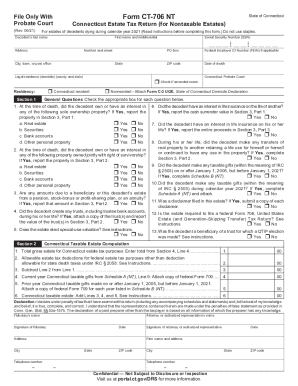
Ct 706 nt
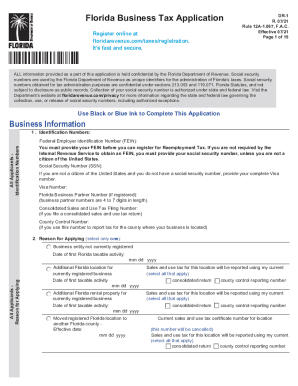
PDF Florida Business Tax Application Business Information - Florida ...

Form 3520 a
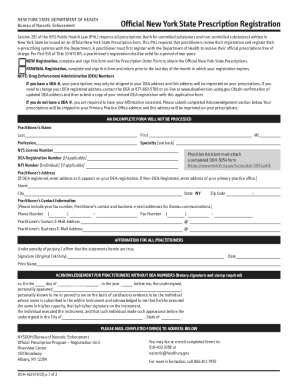
Doh form 2021

Form dl 143
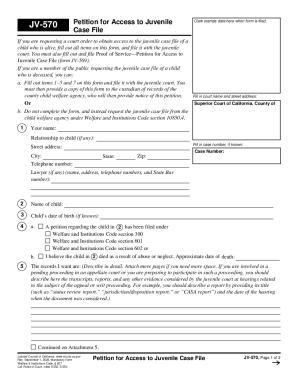
Jv 570
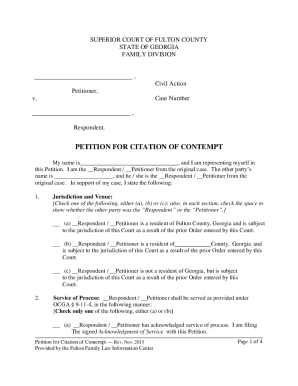
Petition georgia name form

Marijuana support application
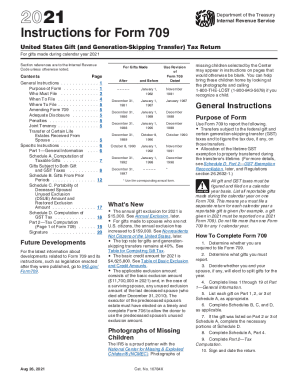
Form 709 instructions
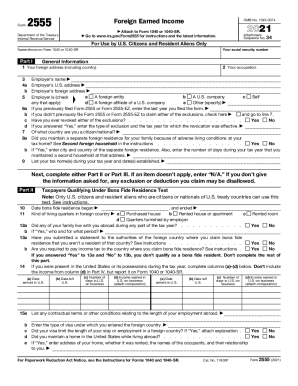
Form 2555
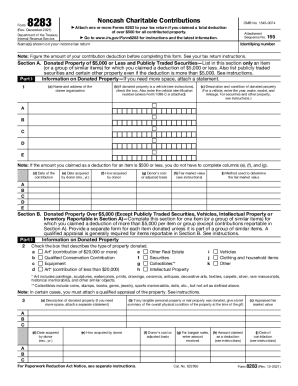
Form 8283
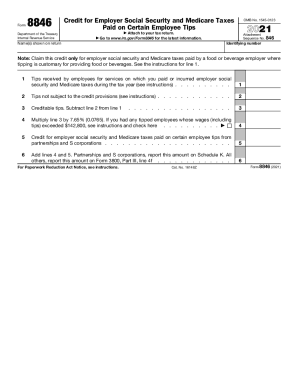
Form 8846 credit

Kansas for profit annual report
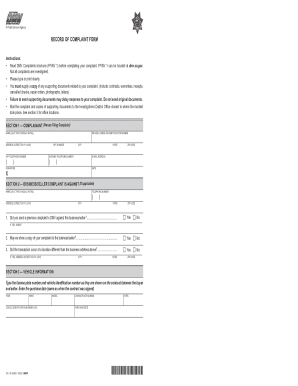
Ca inv dmv online

Sf330
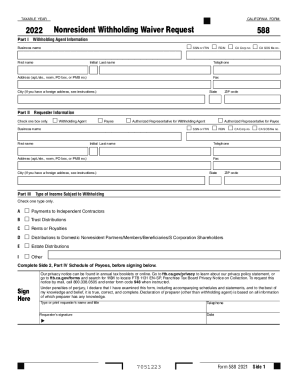
Ftb
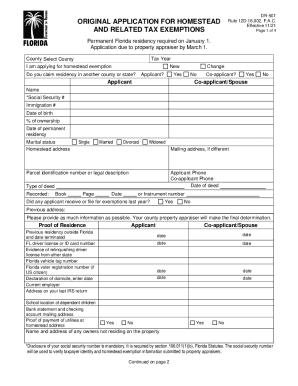
Homestead application florida
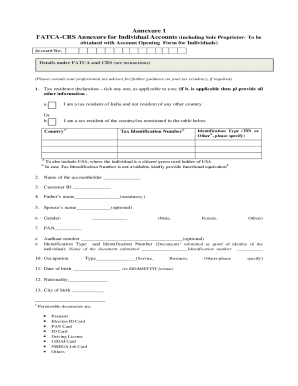
Form 5020 - Fill Online, Printable, Fillable, Blank ...
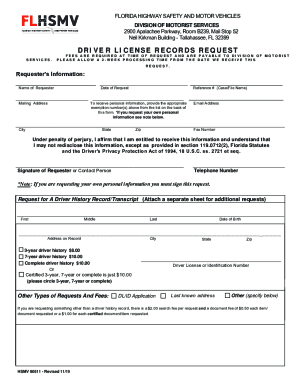
Fl department of motor vehicles
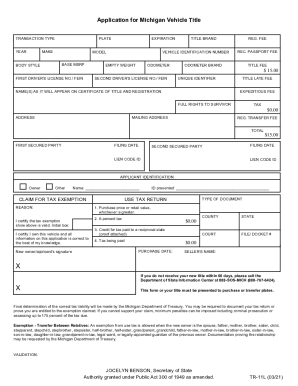
Mi title tr
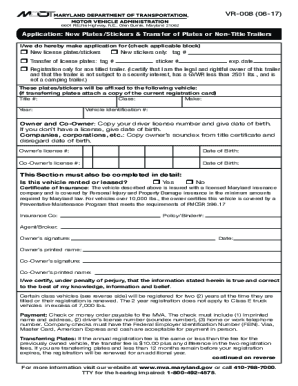
Maryland transfer form
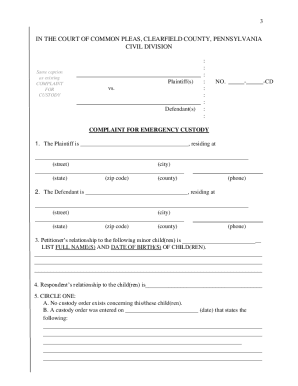
Emergency custody forms pa
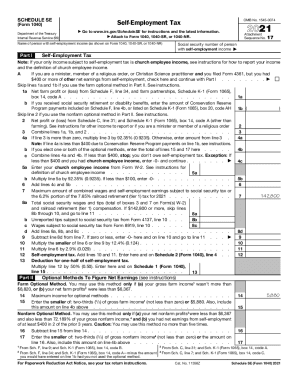
Schedule se
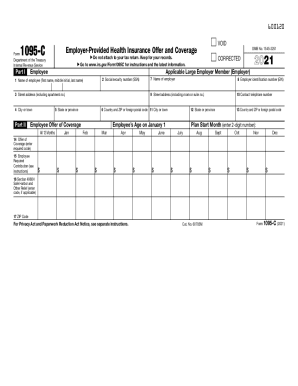
1095 c
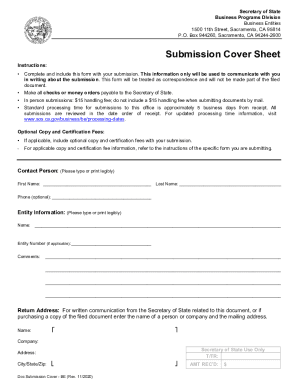
California sos 47 company
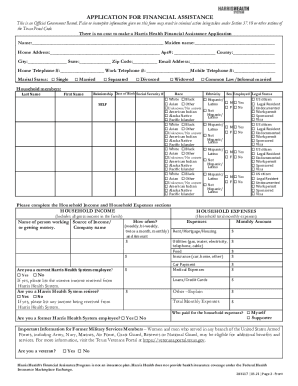
Apply for harris county gold card

Hesta withdrawal form
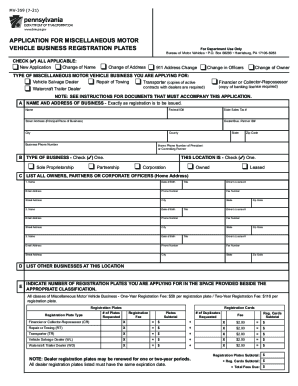
Mv 359
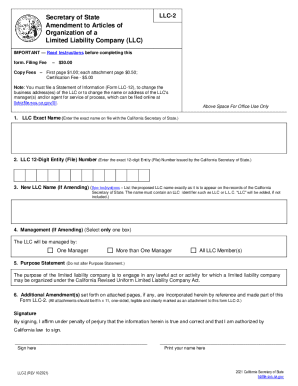
Llc 2
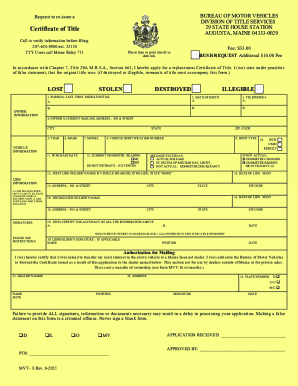
Mvt 8
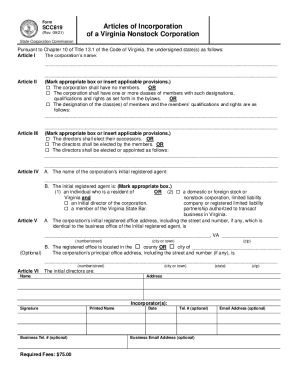
Va incorporation

Nonresident sheet form
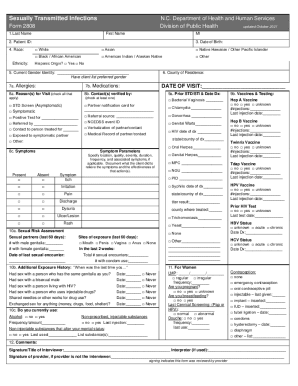
Dhhs 2808
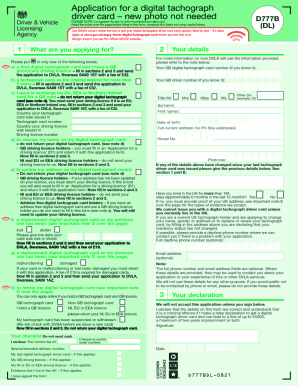
Dvla application completion form
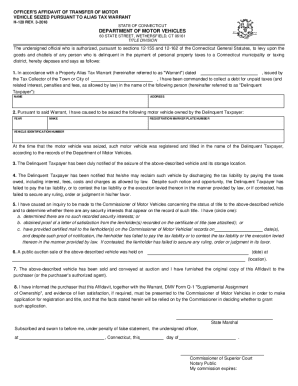
Q1 form
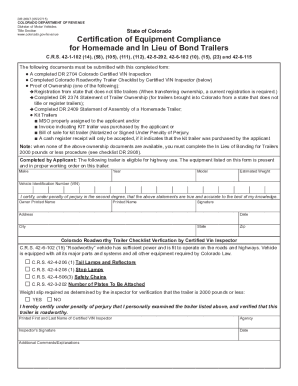
Dr2697
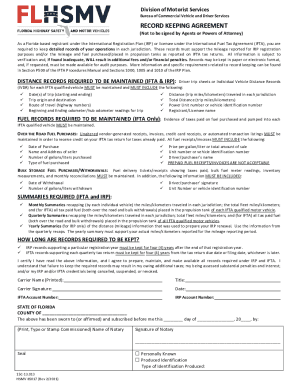
Hsmv 85017
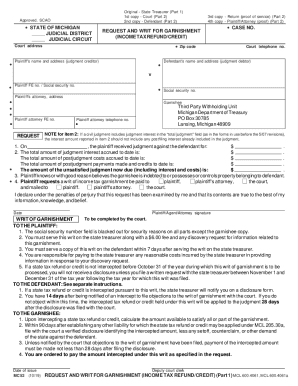
Request writ garnishment
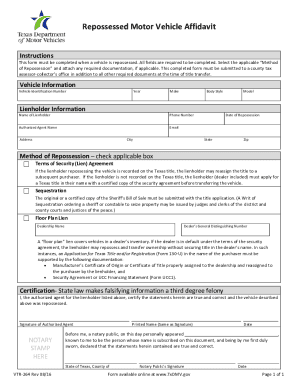
Vtr 264
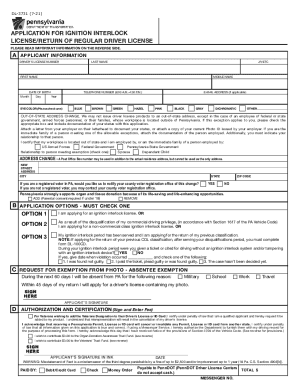
Dl 3731

Alaska dmv form 413
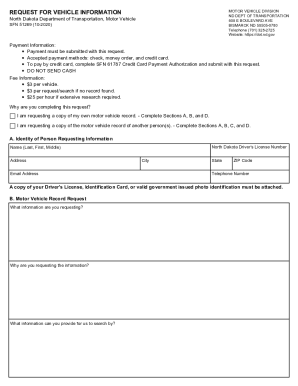
Form sfn 51269
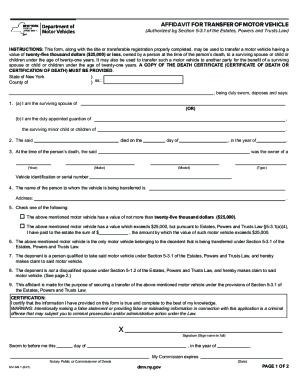
Mv 349 1
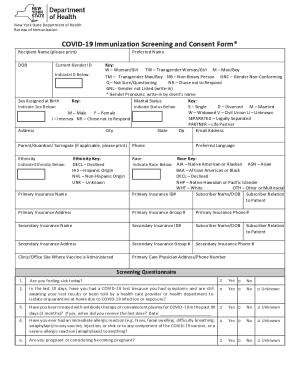
Immunization screening consent
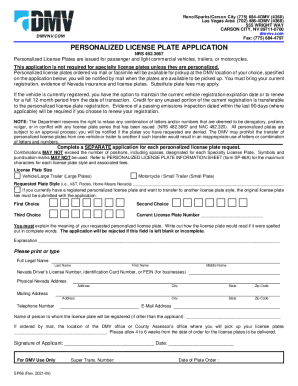
Personalized plates nevada
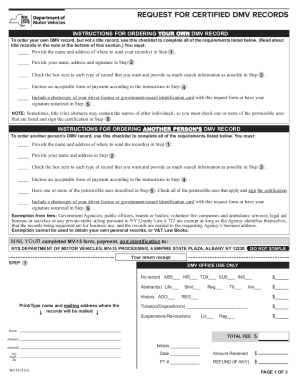
Dmv

Std 692 form
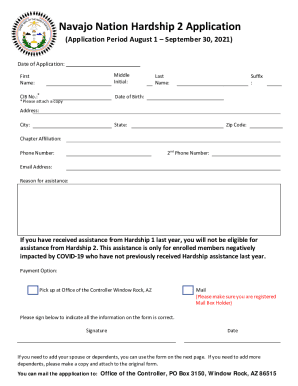
Navajo nation hardship application
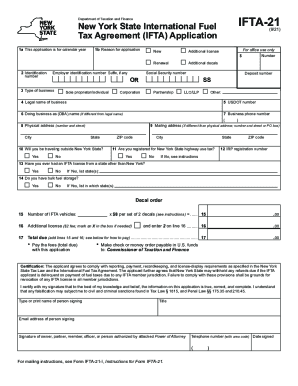
Ifta 21
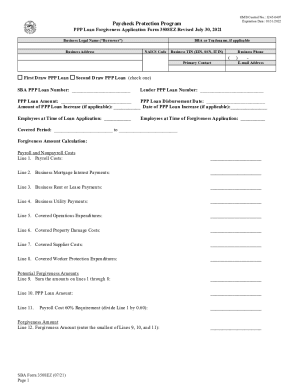
Form 3508ez fillable
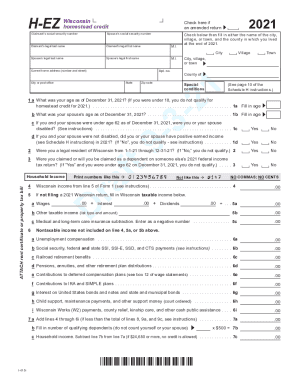
Wisconsin homestead credit form 2021
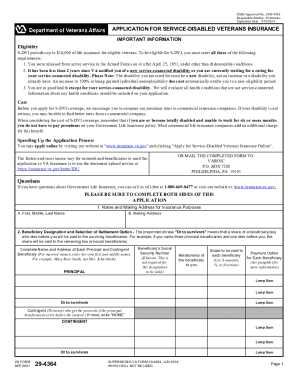
Va form 29 4364
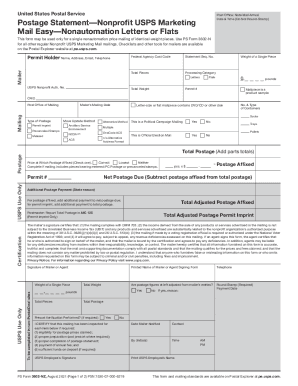
Ps form 3602 nz

Gms1 form word
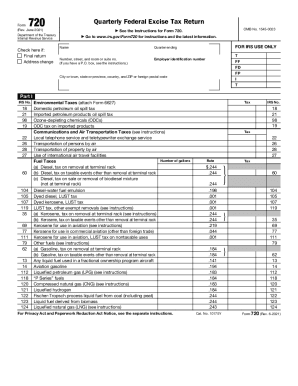
Form 720 (Rev. June 2021). Quarterly Federal Excise Tax Return
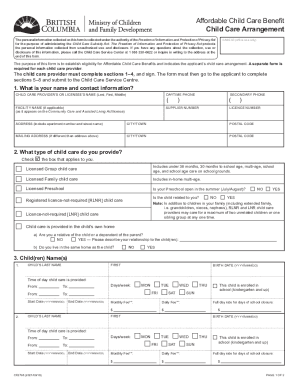
Cf2798
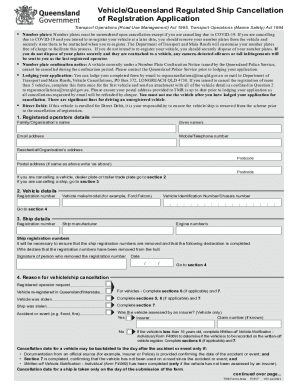
Form f3517
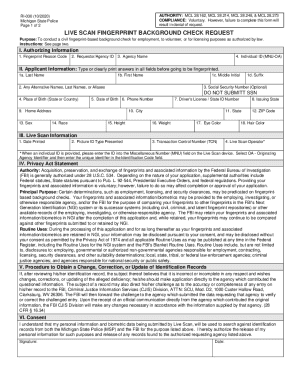
Ri 030
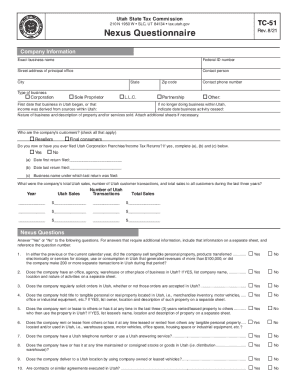
Tax ut exact form

Corporation california nonprofit
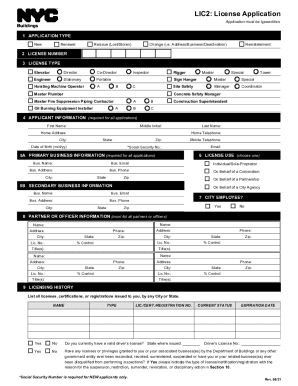
Lic2
Pharmanet patient

Imm 5556
Mtrustcompany com

Mi complaint
Fa 4110v
Granting petition
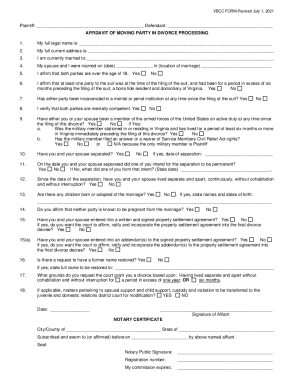
Affidavit of Moving Party in Divorce Without Court Hearing

Form 420 form

Form 2687

Ir8a form 2022
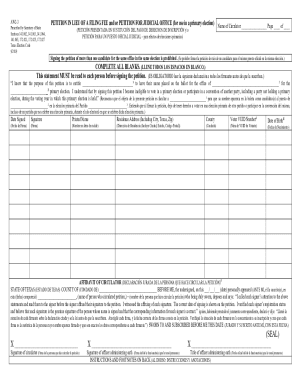
Tx petition lieu
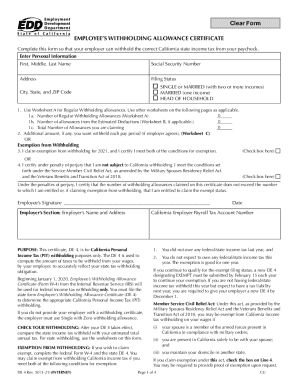
4 employee withholding form
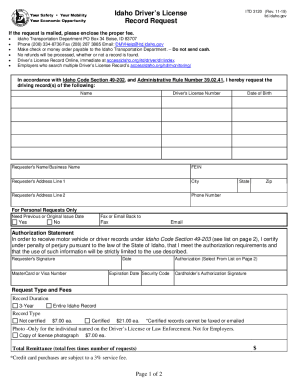
Idaho driving record request form
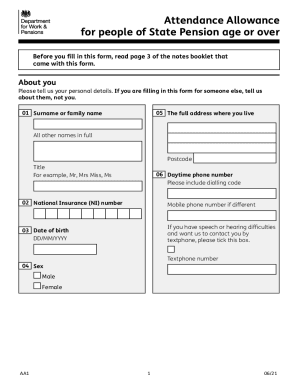
Attendance allowance form
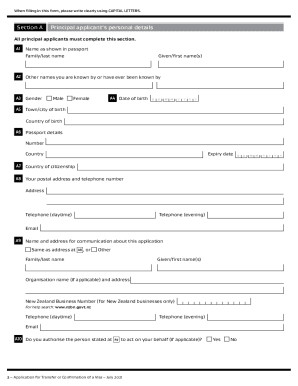
Inz 1023

Inz 1017 form 2022

Rebate redemption form
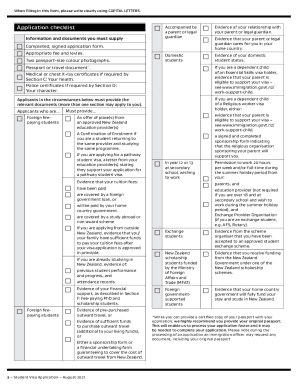
New zealand visa application form
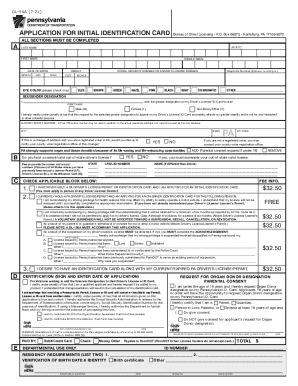
Pa identification card
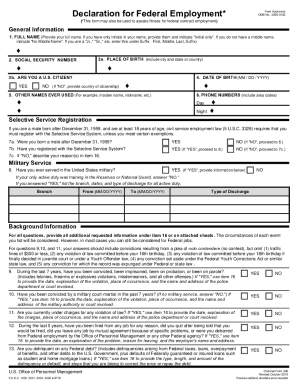
Omb no 3206 0182 fillable

I 192
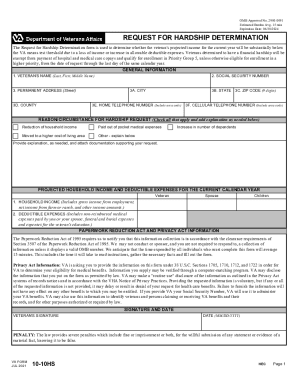
Va form 10 10hs
Benefit from the DocHub online library of fillable PDF forms
Searching the PDF forms doesn't have to be a tedious and time-consuming process. With the DocHub online library, it has become easier to find the fillable PDF forms and modify them in your browser. The service allows you to adjust the document to your needs using powerful editing tools.
You can use online document editing features to modify almost any type of document with ease. You just need to find the template of your choice, open it in the editor, and use the toolbar to make the necessary corrections.
Follow this guide to get your document done with DocHub:
- Find the PDF template you need.
- Click the Get Form button to open the file in the editor.
- Use the toolbar to fill out and edit the document.
- Easily add and highlight text, insert images, checkmarks, and symbols.
- Drop new fillable fields, and rearrange or delete pages from your file.
- Save changes and download your record.
DocHub empowers everyone to streamline document editing, signing, and distribution, and form completion. Create an account and benefit from our well-organized PDF Forms library and comprehensive editor.