
Get any PDF form from the DocHub library of ready-made templates - Page 1753

Sample WPS Form (GMAW & FCAW) WELDING PROCEDURE ... - aws
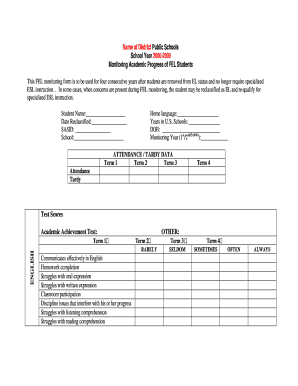
Academic fel template
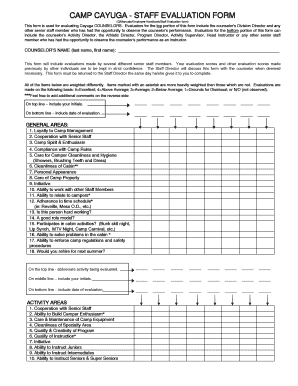
Karate evaluation form

Counselor evaluation form
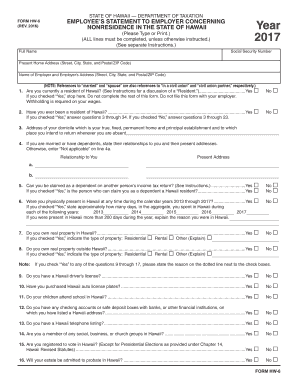
Hw6
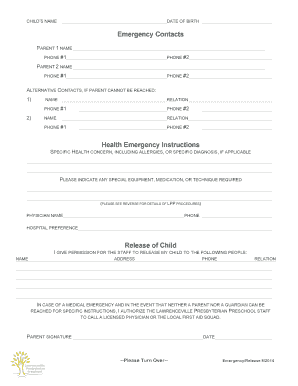
New jersey health release
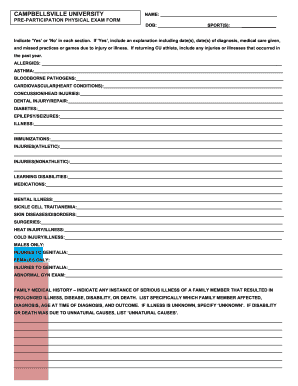
CAMPBELLSVILLE UNIVERSITY PRE-PARTICIPATION PHYSICAL EXAM ...
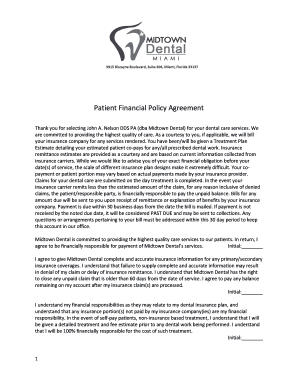
Patient Financial Policy Agreement - Midtown Dental
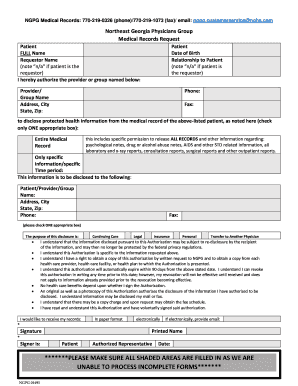
Ngpg request
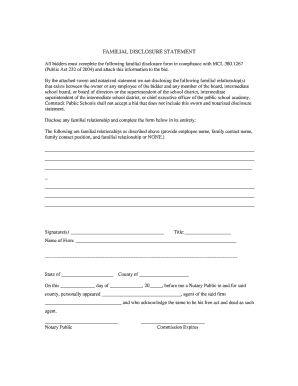
All bidders must complete the following familial disclosure form in compliance with MCL 380 - comstockps
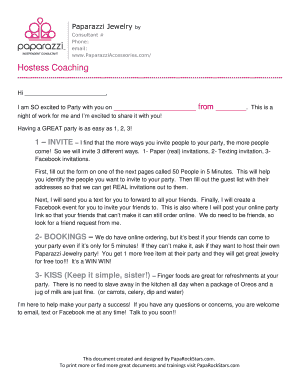
Paparazzi Jewelry
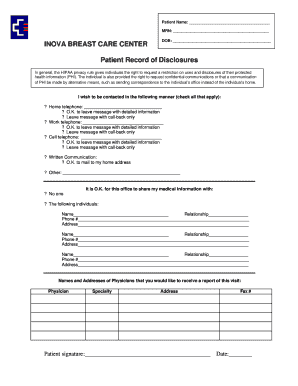
Information Disclosure Form.doc - inova
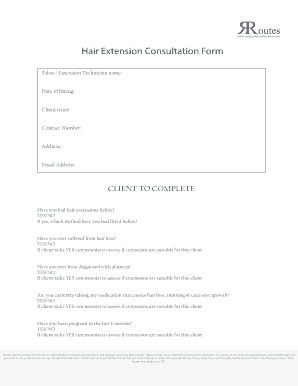
Hair extension consultation form
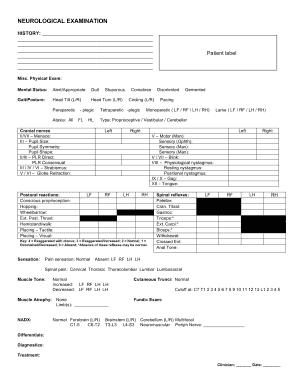
Neuro exam sample pdf
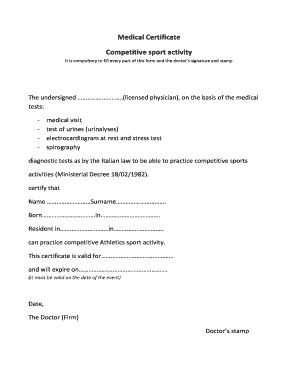
Sports medical certificate

2017 Ticket Order Form - westminsterkennelclub.org

PVS Renewal Application - wnjpin.state.nj.us
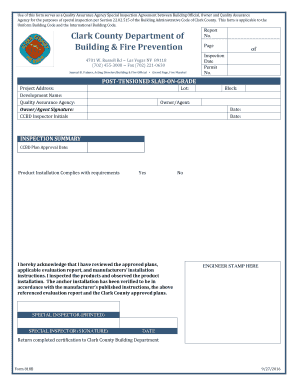
Form 818B-POST-TENSIONED SLAB-ON-GRADE - clarkcountynv
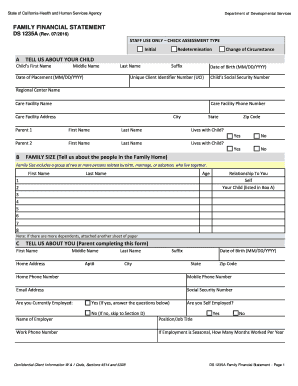
DS 1235A - Family Financial Statement. Parental Fee, Family Financial Statement - dds ca
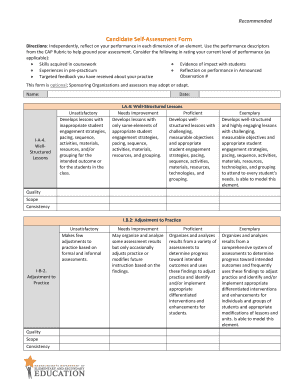
Candidate Self-Assessment Form - doe mass
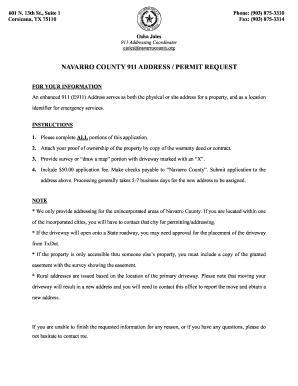
Navarro county 911 address
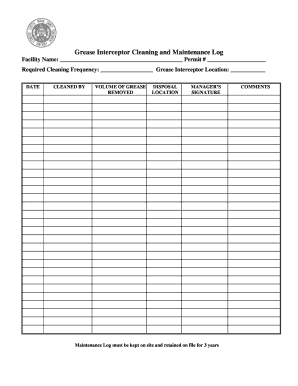
Grease trap log sheet
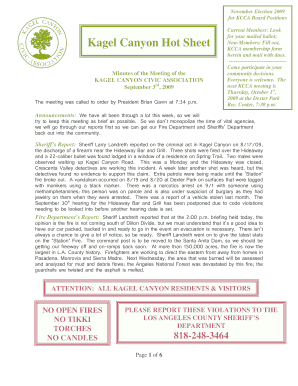
Kagel canyon civic association
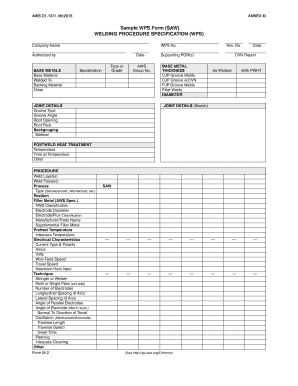
Sample WPS Form (SAW)

Qualified Public Depository Annual Report to the Chief Financial Officer. QPD annual report of Florida public deposit accounts

Consent form for bellafill

EBIP ABC-Data-Collection.docx - vkc mc vanderbilt
Carpfm
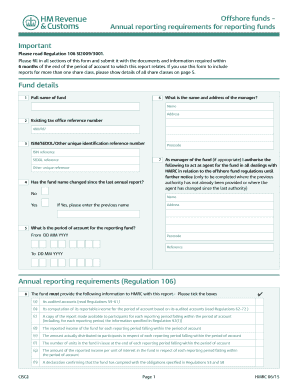
2015 hmrc funds annual requirements form printable

PAL Doctor's Medical Release 2016-17.doc - saccds

Library registration form pdf

Waste services request form - Hume City Council - hume vic gov
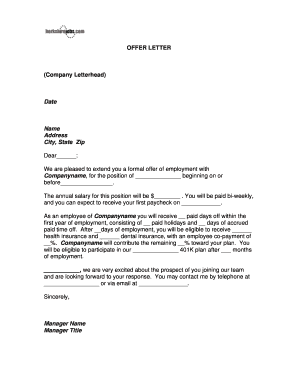
Letterhead offer letter
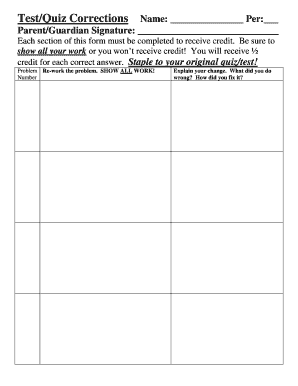
Test/Quiz Corrections - kyrene
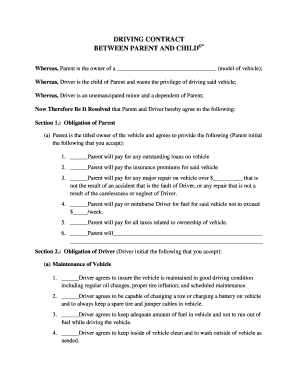
DRIVING CONTRACT
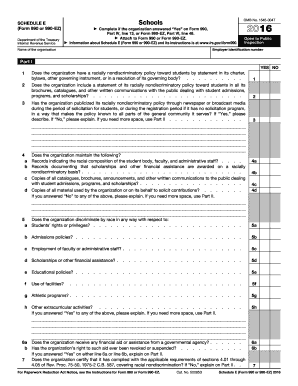
2016 990 e form
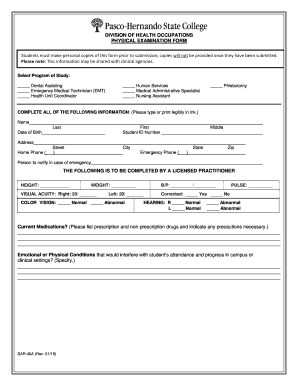
SAR-40A.docx

Shelledy life zones

Registration form - the Mechanicsburg Area Senior High School ...

New york auto repair
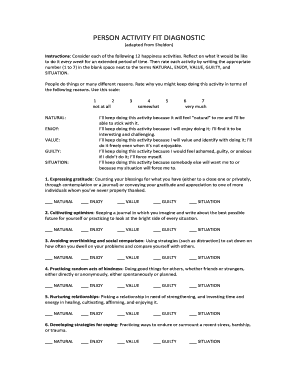
Person activity fit diagnostic

Otda 4968 m wbe form

Complete list of all yugioh cards pdf
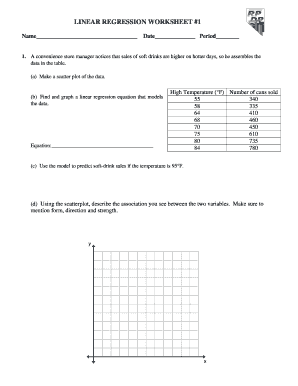
Linear regression worksheet 1 rpdp answer key
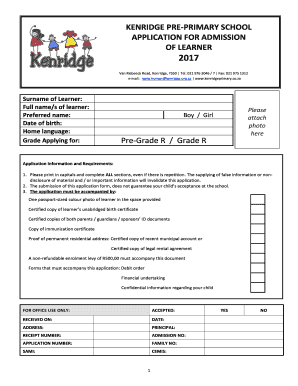
Primary school application
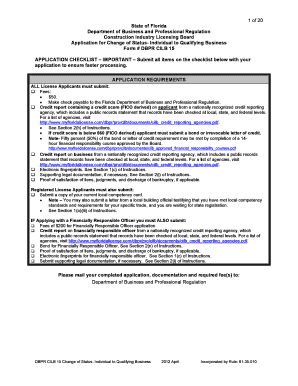
Dbpr cilb
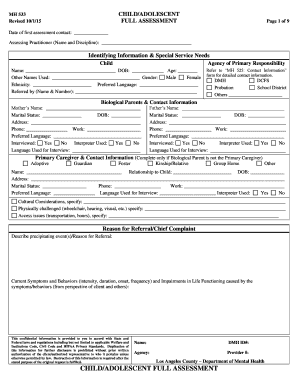
Dmh child adolescent full assessment
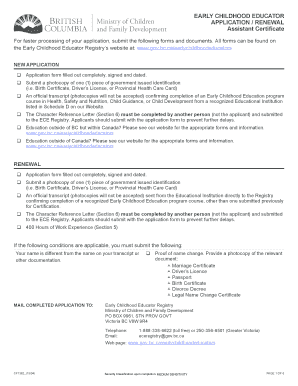
EARLY CHILDHOOD EDUCATOR APPLICATION / RENEWAL ...
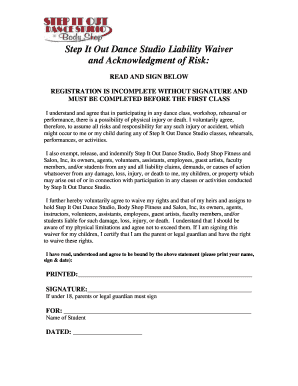
The Pulse Dance Studio Liability Waiver

Swale borough council application
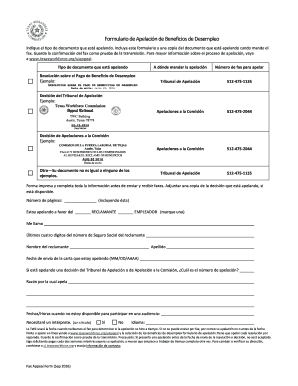
Formulario de desempleo

Lg861e
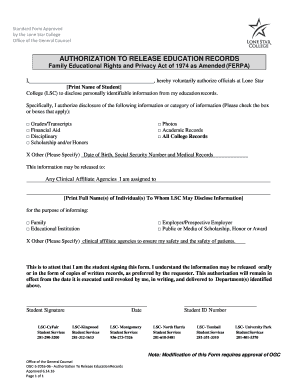
Release education form
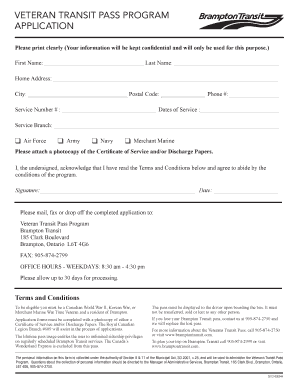
Veteran transit pass program application - City of Brampton - brampton
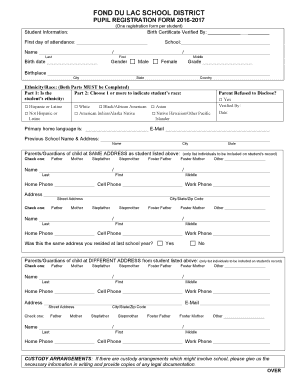
PUPIL REGISTRATION FORM 2016-2017 - fonddulac k12 wi
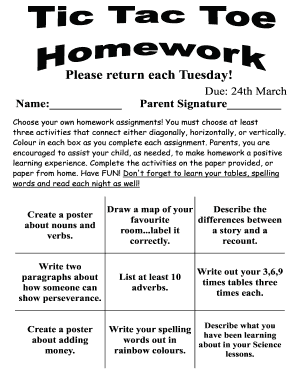
Tic tac toe homework
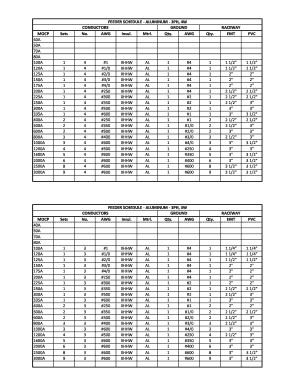
Aluminum feeder schedule
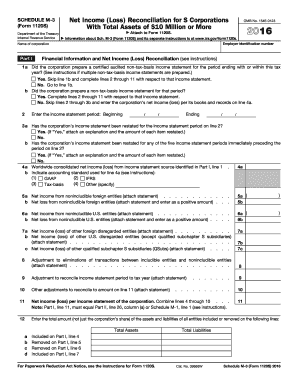
Corporate tax return due date 2016 form
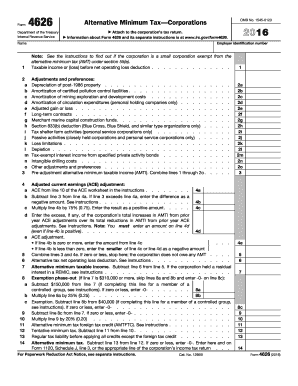
2016 Form 4626. Alternative Minimum TaxCorporations
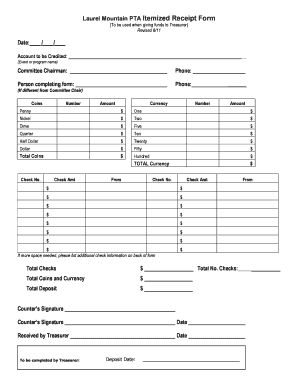
Laurel mountain pta
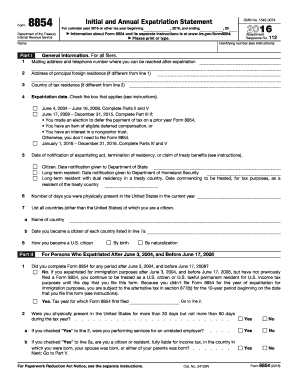
2016 Form 8854. Initial and Annual Expatriation Statement
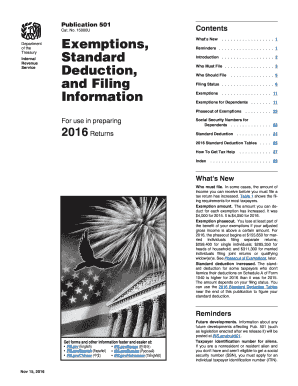
Publication 501 2016 form
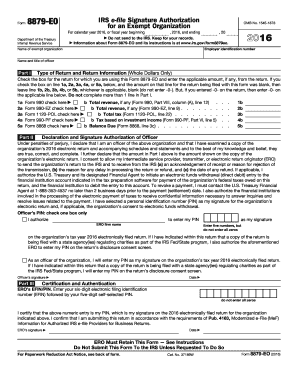
2016 form 8879 eo
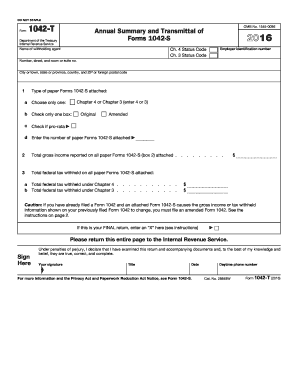
2016 1042 t form
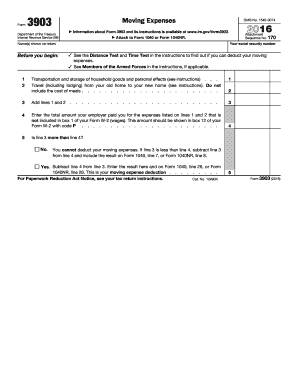
2016 form 3903
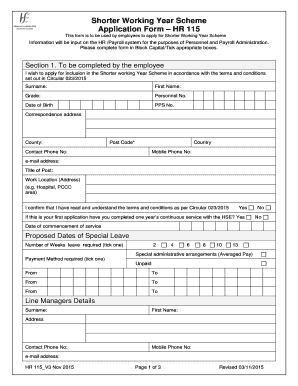
Working form hse
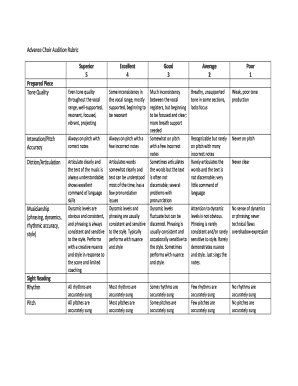
Vocal audition rubric
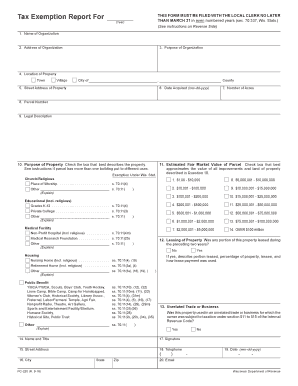
Tax exemption report
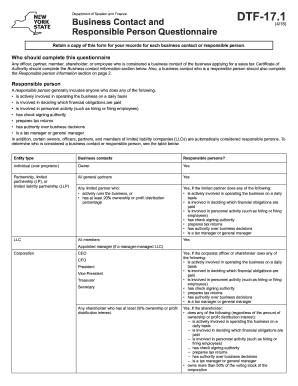
Dtf 17 1 form
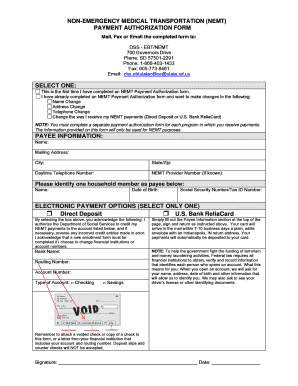
Non emergency medical transportation nemt payment authorization form
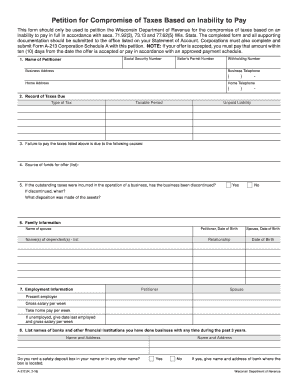
Wi dor a212 on line
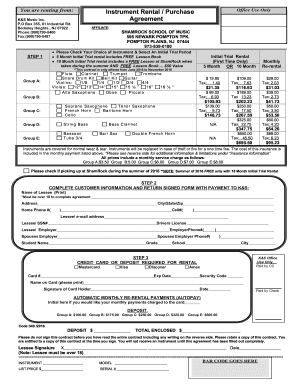
Rental Agreement - ShamRock School of Music

Ct jury form

ZONING VERIFICATION LETTER REQUEST - City of Camarillo - cityofcamarillo
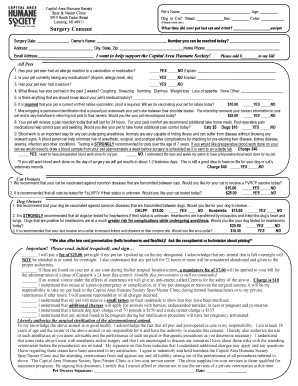
Cahs lansing

Dual match sheet

Usd travel grafenwoehr
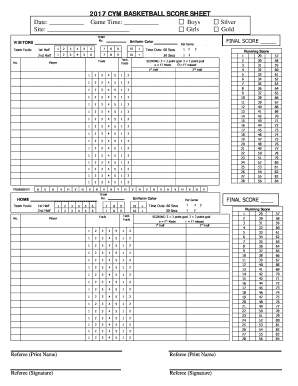
2017 CYM BASKETBALL SCORE SHEET
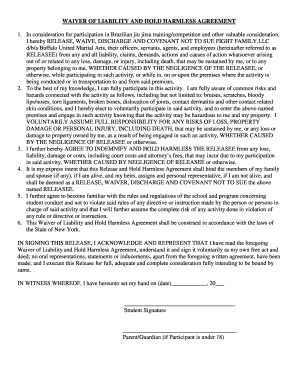
Buma harmless agreement

ABC Duration-Latency Intensity Data Notes ver.2 GC .doc

Event frequency data sheet
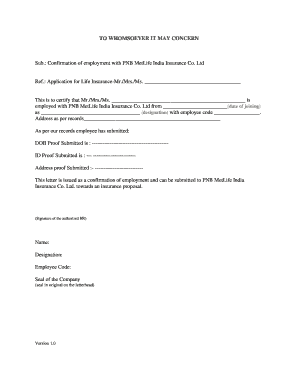
Pnb neft form pdf
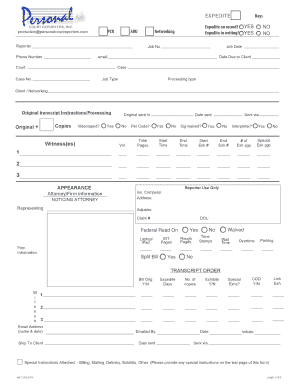
Personal Court Reporters, Inc. Court Reporter Worksheet. Court Reporter Worksheet
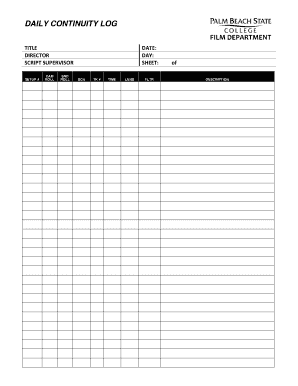
Financial Disclaimer - Real Daily - Breaking News and Opinion on ...
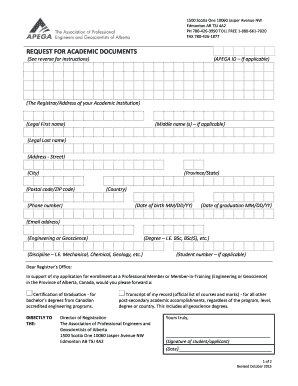
Request for academic documents - Apega
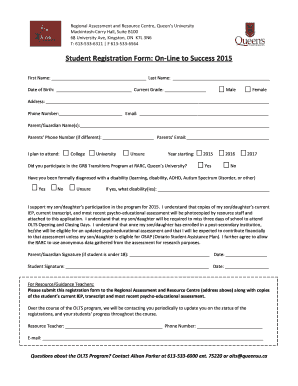
Student Registration Form: On-Line to Success 2015 - Queen's ...

Observation log
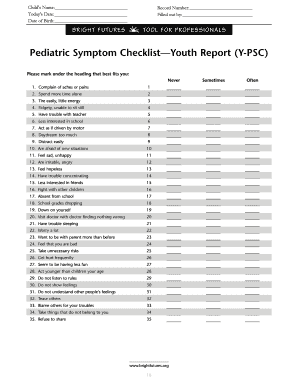
Pediatric symptom checklist
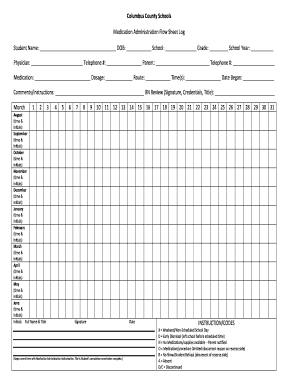
Medication Administration Flow Sheet Log

Canada trade agreement form
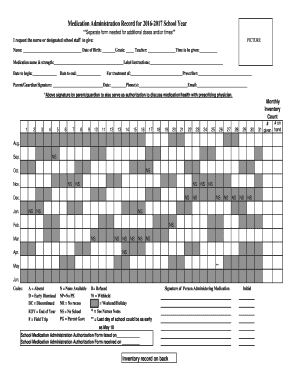
School medication log form

Diners - Transaction dispute form revised - dinersclub

School pledge form
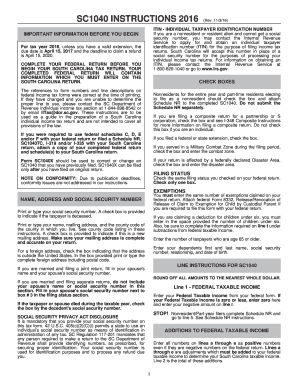
Complete 2017 sc1040 online
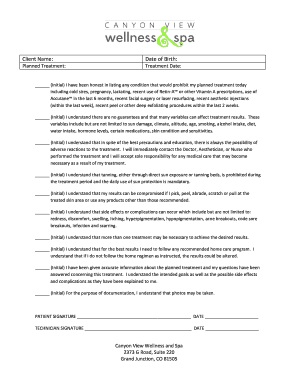
Microdermabrasion consent form
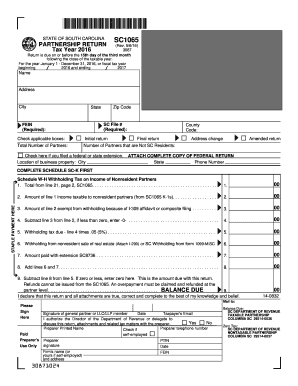
Sc1065 2016 form
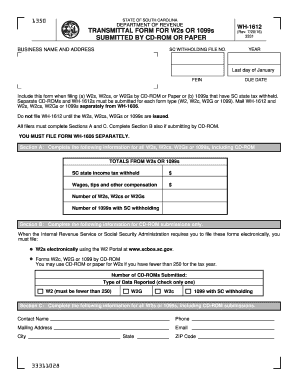
Sc wh form 2016
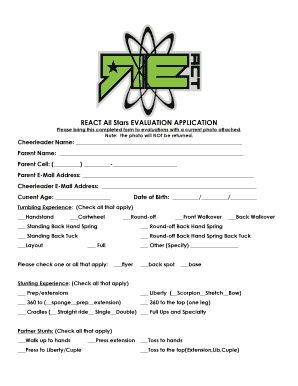
Evaluation packet 2016-2017- Full year - react all star cheer & tumble
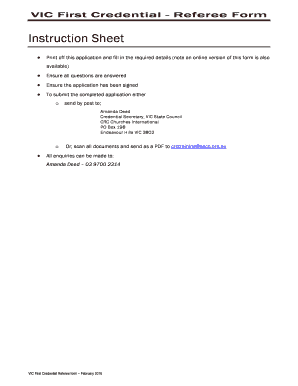
VIC Credential Referee form written - crcchurches.org
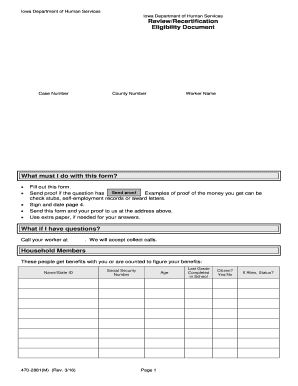
470-2881(M) Review/Recertification Eligibility Document - Iowa ... - dhs iowa
Benefit from the DocHub online library of fillable PDF forms
Searching the PDF forms doesn't have to be a tedious and time-consuming process. With the DocHub online library, it has become easier to find the fillable PDF forms and modify them in your browser. The service allows you to adjust the document to your needs using powerful editing tools.
You can use online document editing features to modify almost any type of document with ease. You just need to find the template of your choice, open it in the editor, and use the toolbar to make the necessary corrections.
Follow this guide to get your document done with DocHub:
- Find the PDF template you need.
- Click the Get Form button to open the file in the editor.
- Use the toolbar to fill out and edit the document.
- Easily add and highlight text, insert images, checkmarks, and symbols.
- Drop new fillable fields, and rearrange or delete pages from your file.
- Save changes and download your record.
DocHub empowers everyone to streamline document editing, signing, and distribution, and form completion. Create an account and benefit from our well-organized PDF Forms library and comprehensive editor.