




01. Edit your maryland school transfer form online
Type text, add images, blackout confidential details, add comments, highlights and more.

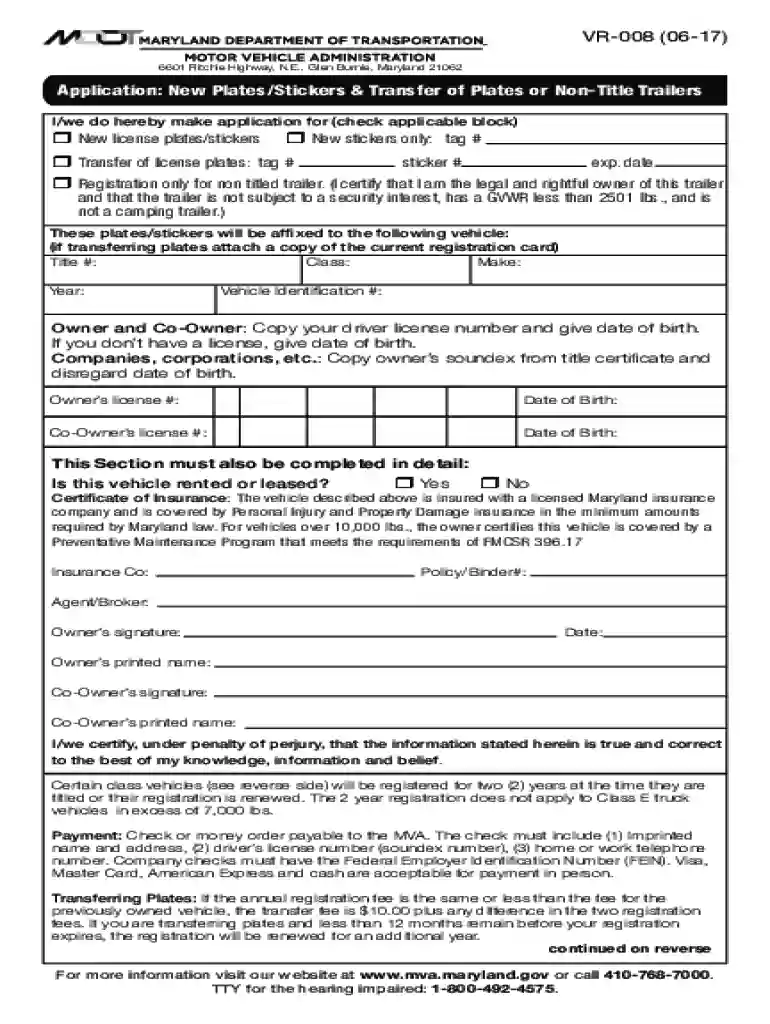
Type text, add images, blackout confidential details, add comments, highlights and more.

Draw your signature, type it, upload its image, or use your mobile device as a signature pad.

Send maryland school transfer form pdf via email, link, or fax. You can also download it, export it or print it out.

Start filling out your Maryland Transfer Form online for free today!
We've got more versions of the maryland school transfer form form. Select the right maryland school transfer form version from the list and start editing it straight away!
At DocHub, your data security is our priority. We follow HIPAA, SOC2, GDPR, and other standards, so you can work on your documents with confidence.
Energy transfer works at close proximity (within 10 nm), and we expect that the geometry shown in the figure will exhibit very efficient transfer. Thus, weRead more
Form 21. Please complete this form if the business has sold, transferred, or disposed of ALL of its tangible assets in accordance with 10-402.Read more
Apply as a transfer student if you are a high school graduate who has completed at least 12 semester hours or 18 quarter hours after high school graduation.Read more


