




01. Edit your 1023 online
Type text, add images, blackout confidential details, add comments, highlights and more.

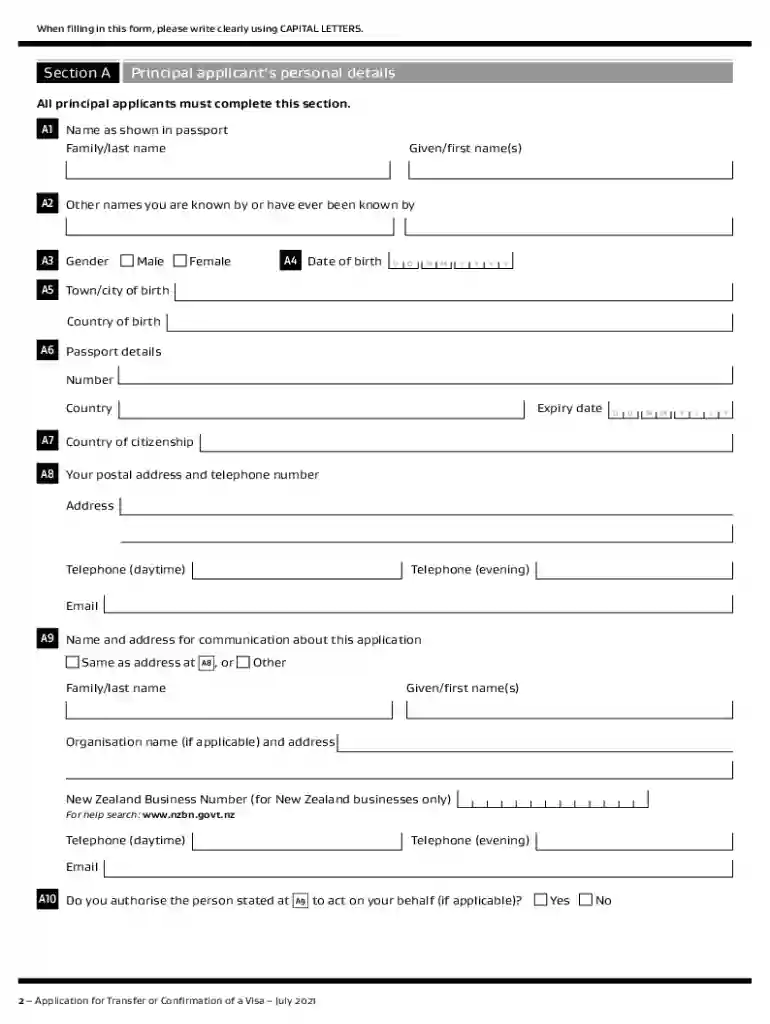
Type text, add images, blackout confidential details, add comments, highlights and more.

Draw your signature, type it, upload its image, or use your mobile device as a signature pad.

Send drop inz via email, link, or fax. You can also download it, export it or print it out.

Start filling out your INZ 1023 form online for free today!
We've got more versions of the 1023 form. Select the right 1023 version from the list and start editing it straight away!
At DocHub, your data security is our priority. We follow HIPAA, SOC2, GDPR, and other standards, so you can work on your documents with confidence.
Oct 21, 2022 You stated on the Form 1023-EZ that you are operating a burial cemetery located inZ. The adjacent land and lots in said cemetery will beRead more
The authors wish to thank their colleagues and local staff who offered valuable assistance throughout all phases of this project. The University of Florida,Read more
Definition TArray.h:1023 TArray::FindByPredicate. FORCEINLINE const FORCEINLINE FVector(const FVector2D V, float InZ). Definition Vector.h:931.


