
Get any PDF form from the DocHub library of ready-made templates - Page 1696
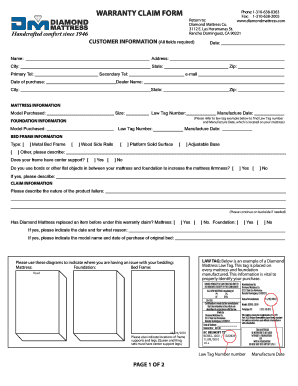
Diamond foam warranty claim
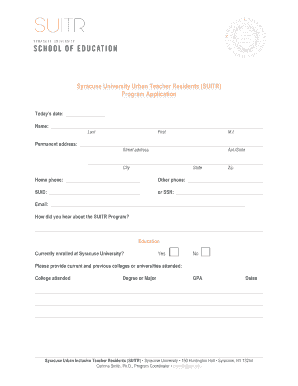
Syracuse urban inclusive teacher residents form

Terminal leave nyc doe

Oregon purchase sale agreement for

Clothassembler
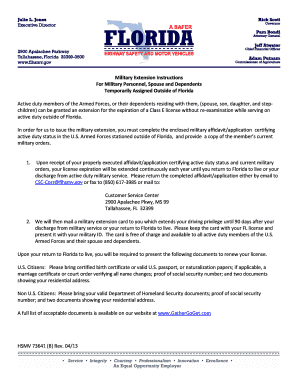
Milextcardpdf florida form
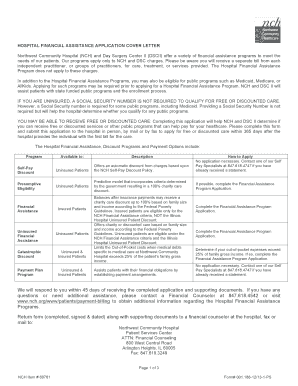
Northwest community hospital financial assistance
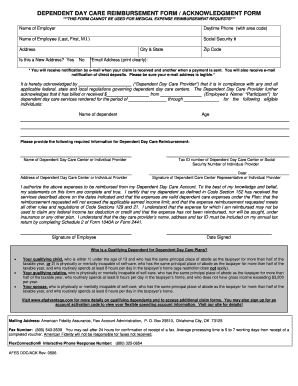
Dependent day care provider acknowledgement form
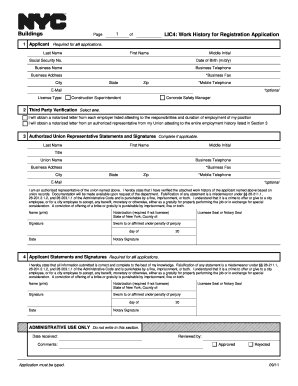
Lic4 form 2011
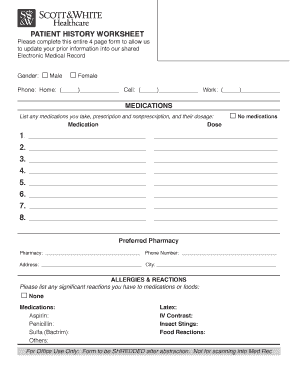
Patient history worksheet form

How to apply for shriners hospital
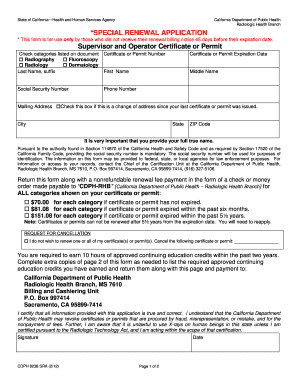
California fluoroscopy supervisor and operator permit application
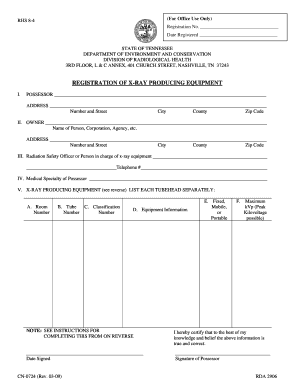
Rhs 8 4 form
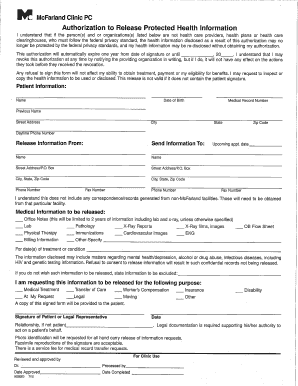
Mcfarland clinic health information

Sample letter of requesting dental xrays
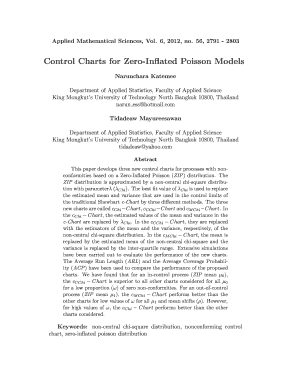
Mathematical charts inflated printable
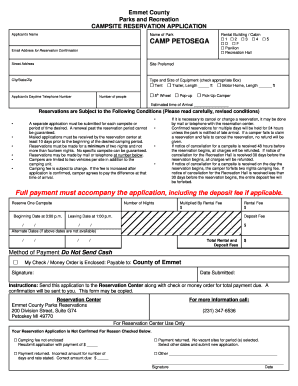
Camp petosega reservations
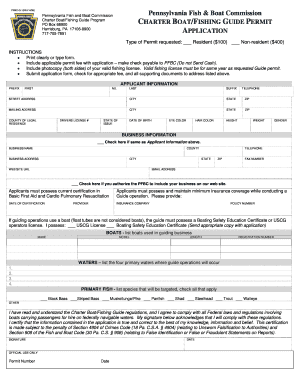
Pa fishing guide application
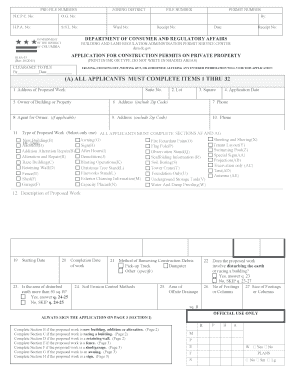
Zoning data summary
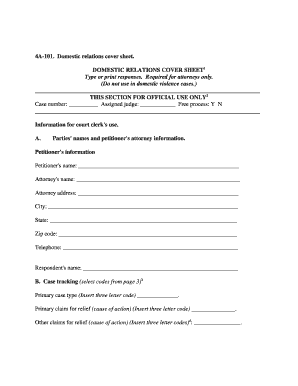
New mexico cover sheet
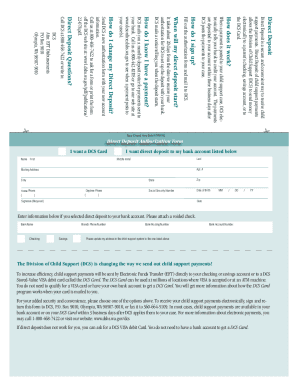
How do i change my direct deposit for child support in illinois

Dshs 14 057
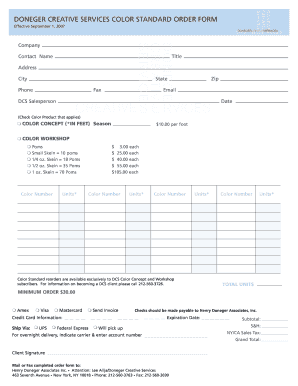
Doneger standard
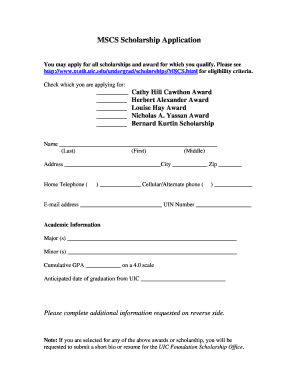
Math DocHub form
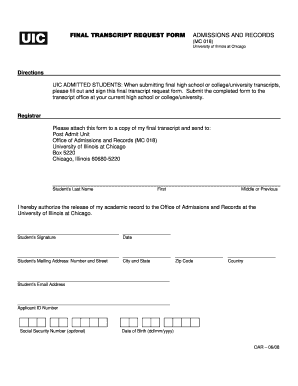
Uic transcripts
Form vs 35 disinterment
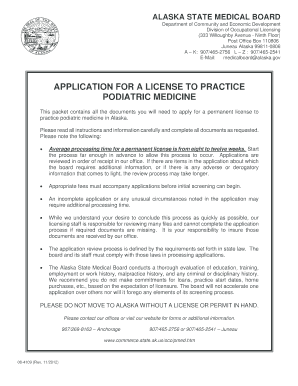
Alaska application for a license to practice podiatric medicine 2012 form
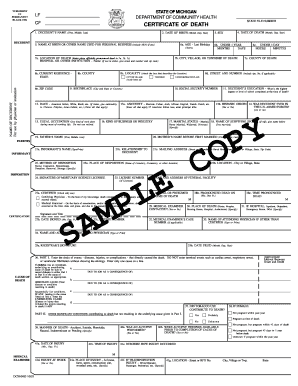
Michigan medical certificate of death dch 0483mc
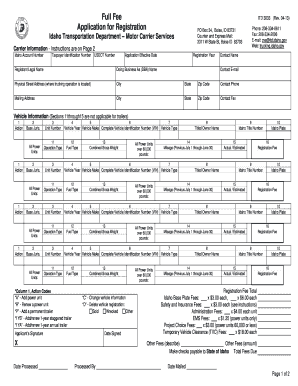
Idaho Full Fee Registration Application - ITD 3033. Idaho Full Fee Registration Application - ITD 3033 - itd idaho
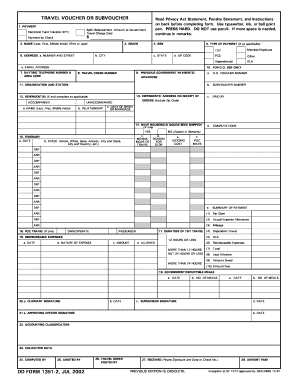
Dd form 1351 2
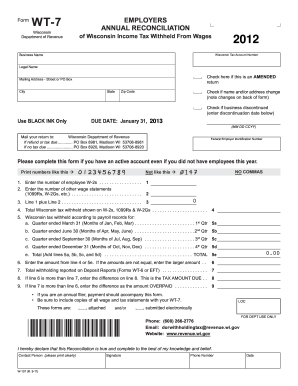
Wisconsin wt 7 tax form 2011
Beyond parental control kentucky

Form cr 11 rev 1 96 appearance bond form

Aoc sp 905 fillable form
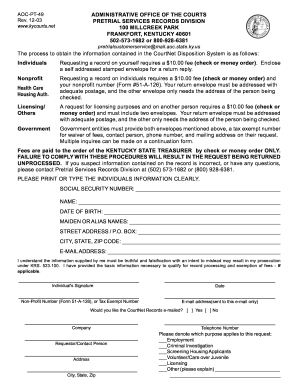
Aoc pt 49 form
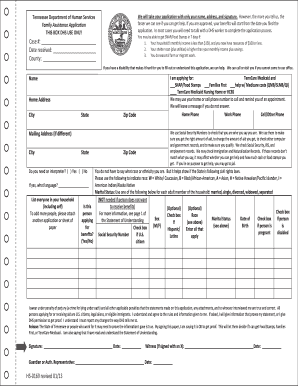
Hs 0169 form
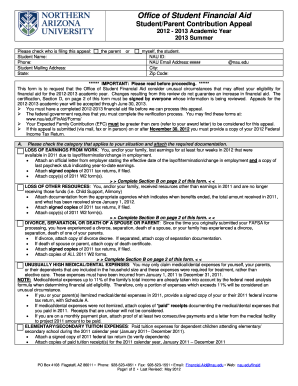
Office of Student Financial Aid - nau
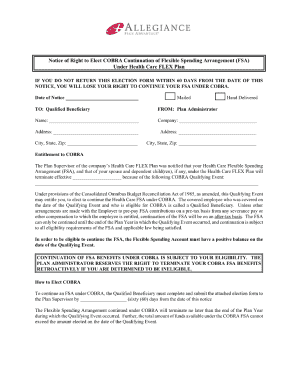
IF YOU DO NOT RETURN THIS ELECTION FORM WITHIN 60 DAYS FROM THE DATE OF THIS NOTICE, YOU WILL LOSE YOUR RIGHT TO CONTINUE YOUR FSA UNDER COBRA

St4 application questionnaire

Indiana human resources employment
Restaurant certificate of employment sample
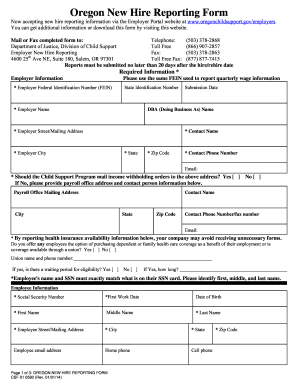
Oregon new hire reporting form
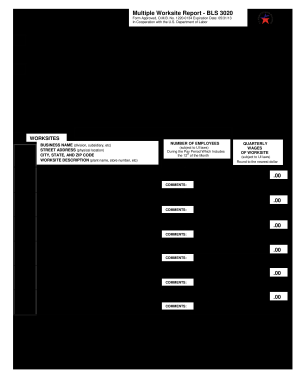
Online edd bls 3020 2013 form

Guiding form
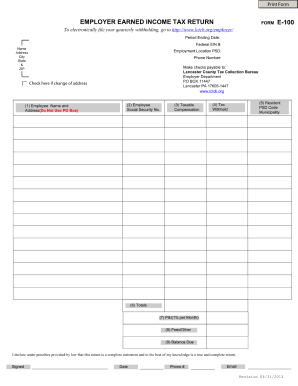
Lancaster county tax form 2018

Ncblpc quarterly supervision report
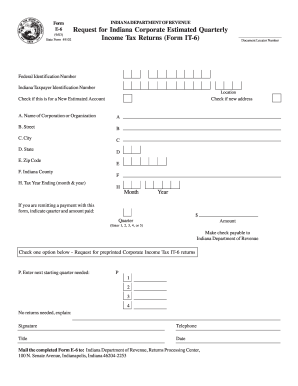
Indiana fillable e 6 2003 form
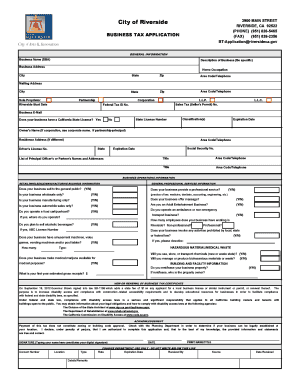
Bt application riversideca gov

Application for renewal of motor vehicle business license

New york retail renewal
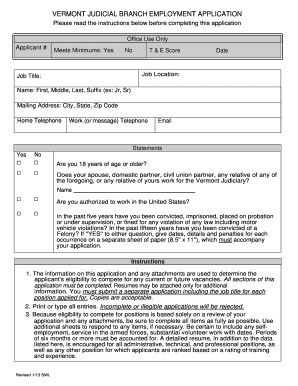
VERMONT JUDICIAL BRANCH EMPLOYMENT APPLICATION - vermontjudiciary
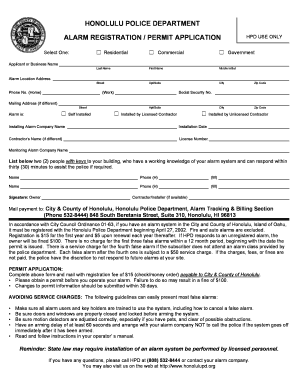
City and county of honolulu false alarm program

State of california forms

Michigan miosha form 300a
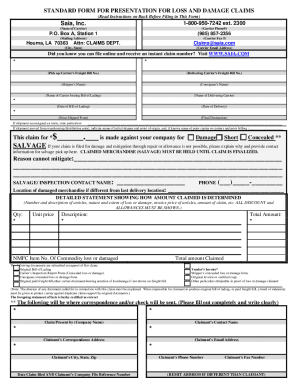
Saia claim form

Mv1 form

FERPA Release Form - Georgia College & State University - gcsu

Wc 102b

Abandoned car notice
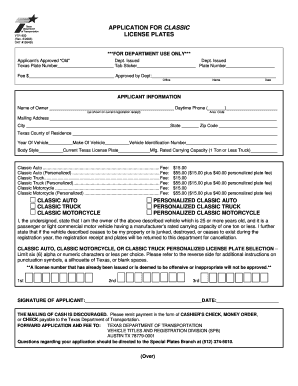
Form vtr 850

Tennessee discrimination

Fax bpss 153 student records request new york state education department 2014 form

Lane county hardship dwelling

Paychex employee information form

Mv35

Employment Application - Douglas Emmett
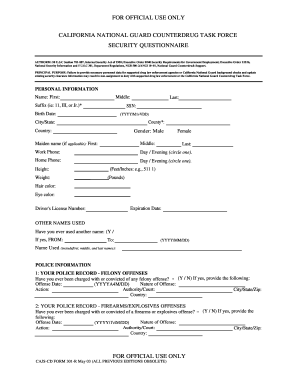
Ca cajscd r guard online

Warrant www alacourt gov
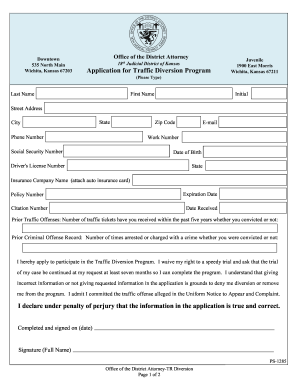
Sedgwick county traffic diversion program form

Pamtproperty
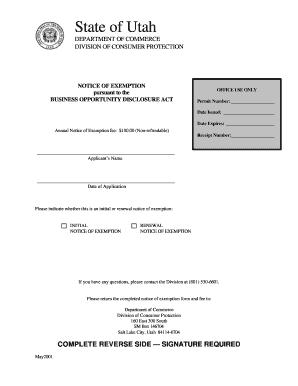
Utah business opportunity exemption filing
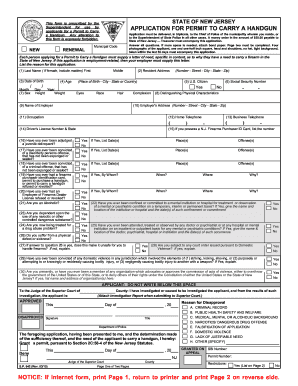
Sp 642 2009 form
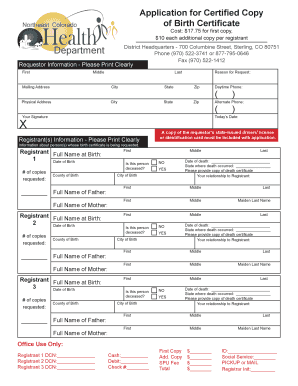
Manitoba birth certificate form

Lsq funding form online
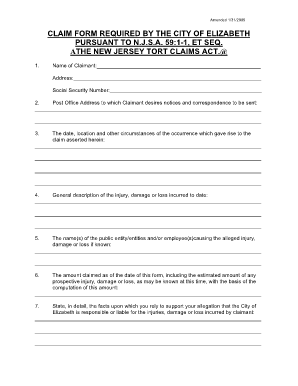
New jersey tort claims act njsa 591 1 et seq notice of claim form

Dps0927c
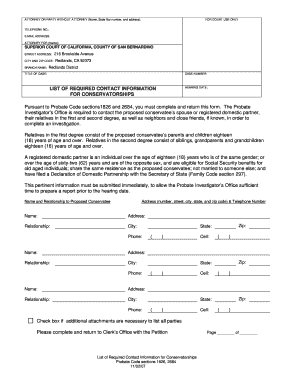
Form sb12224 2007
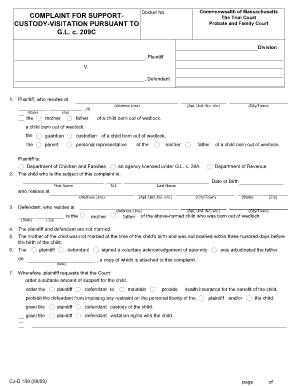
Where do i send complaint for support custody visitation form 209c instructions

Workman compensation file claim government form pdf kentucky tn

Federal form 2740 1 2010
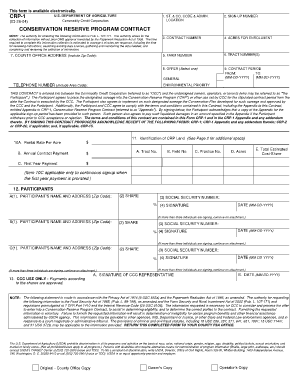
Crp 1 fillable form
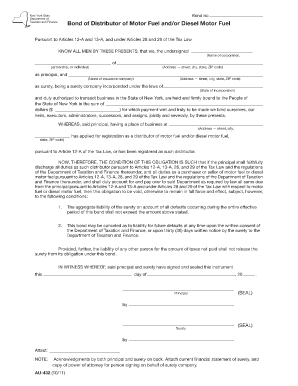
Au 262 55

Davis vision claim fax number form

Bca 2 10 articles incorporation
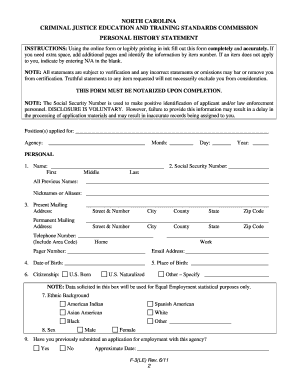
North carolina criminal justice education and training standards commission personal history statement revised 611 2011 form

Employment application for heritage inn charlottesville va form
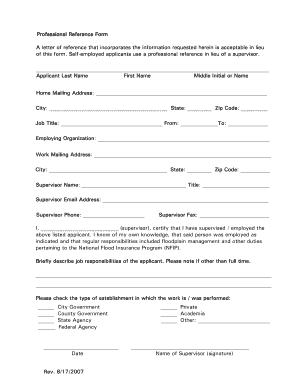
Professional references form

How to missouri 367

Masshealth buy in 2013 form

Texas special grant elks
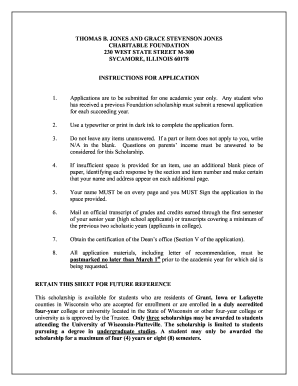
Grace stevenson jones scholarship

Cacfp annual enrollment form

Sh 9001 2003 form
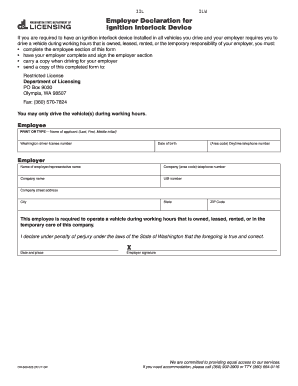
Employer declaration for ignition interlock device form
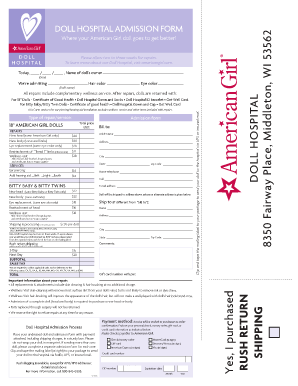
Amrican

Td 420 065
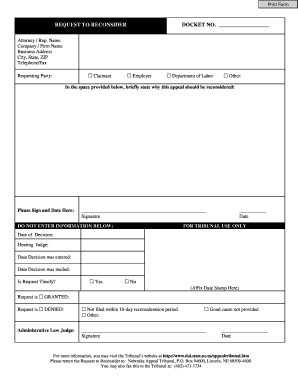
Nebraska request reconsider

Cbrf certification online
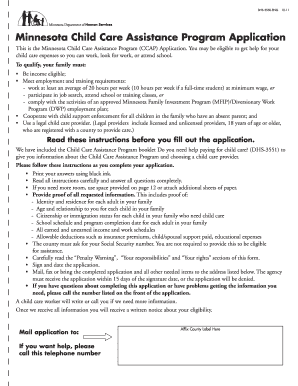
Dhs 3550 eng 2011 form

Dhs4258 eng 4 17
Benefit from the DocHub online library of fillable PDF forms
Searching the PDF forms doesn't have to be a tedious and time-consuming process. With the DocHub online library, it has become easier to find the fillable PDF forms and modify them in your browser. The service allows you to adjust the document to your needs using powerful editing tools.
You can use online document editing features to modify almost any type of document with ease. You just need to find the template of your choice, open it in the editor, and use the toolbar to make the necessary corrections.
Follow this guide to get your document done with DocHub:
- Find the PDF template you need.
- Click the Get Form button to open the file in the editor.
- Use the toolbar to fill out and edit the document.
- Easily add and highlight text, insert images, checkmarks, and symbols.
- Drop new fillable fields, and rearrange or delete pages from your file.
- Save changes and download your record.
DocHub empowers everyone to streamline document editing, signing, and distribution, and form completion. Create an account and benefit from our well-organized PDF Forms library and comprehensive editor.