
Get any PDF form from the DocHub library of ready-made templates - Page 1697

Duncanville high school transcript
Johnstone supply credit application

Nc residency form get

Form st 18

BT-136 Permit Application - Wisconsin Department of Revenue - revenue wi
Background check disclosure and authorization form adp
Camden county police department print application pdf form
Walton county government applications form

Physician additional
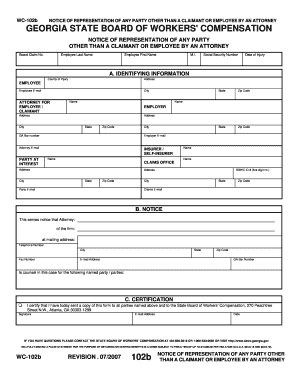
Wc 102b fillable 2007 form
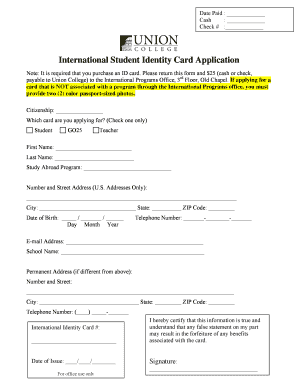
Student identity card form

Goodwill application
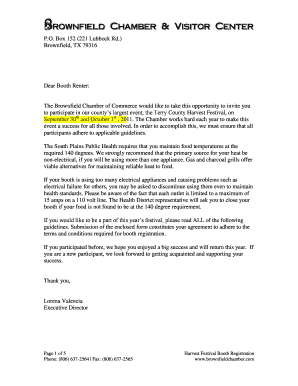
Brownfield harvest parade

Spending reimbursement form

San bernardino county recorder clerk application certified copy form
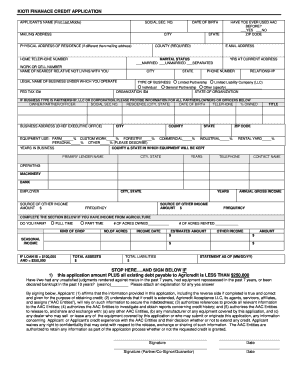
Kioti financing credit score requirements

Dnrwigovorgcaercsservicecenterssbycountyhtm form
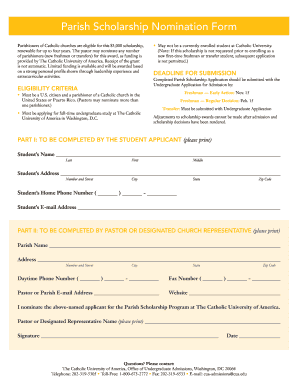
Cua parish scholarship form

Pennsylvania pa 40ez
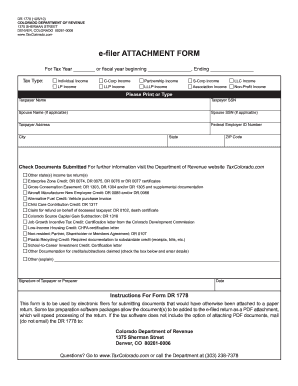
Colorado dr 1778
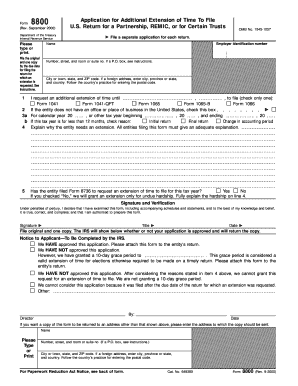
Irs form 8800
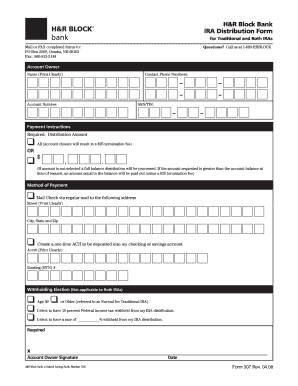
$ , . H&R Block Bank IRA Distribution Form
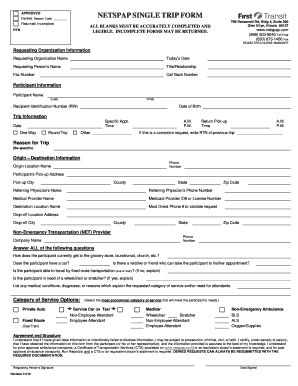
First transit standing order form
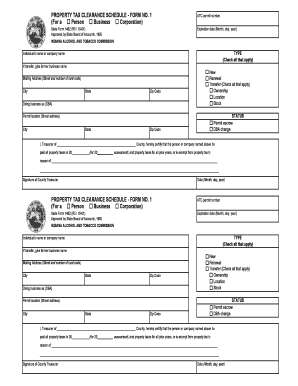
Indiana state form 1462

How to fill a mc52 2010 form
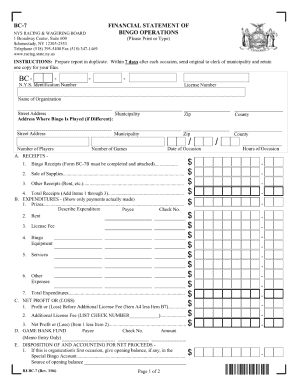
Help in filling out bingo form bc 7
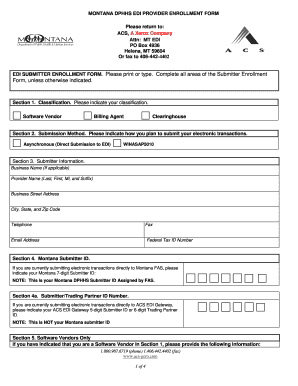
Montana dphhs edi provider form
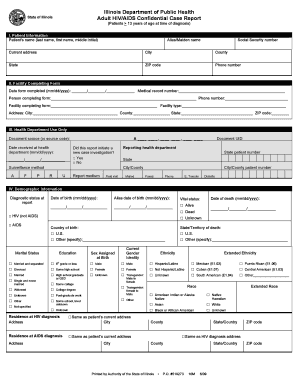
Idph adult hivaids confidential case report form
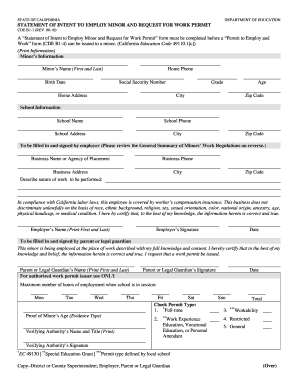
Hbuhsd work permit 2010 form
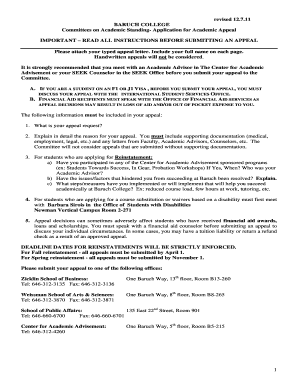
Baruch reinstatement
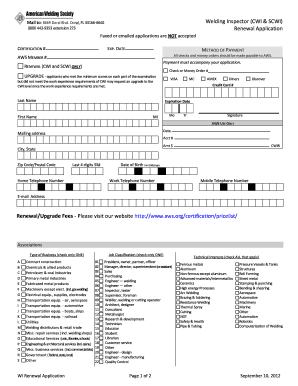
Aws cwi renewal application online

Usps letterhead
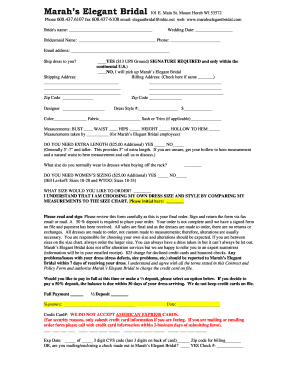
Marahs bridal order form pdf
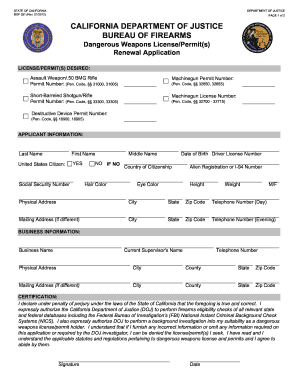
Bof license
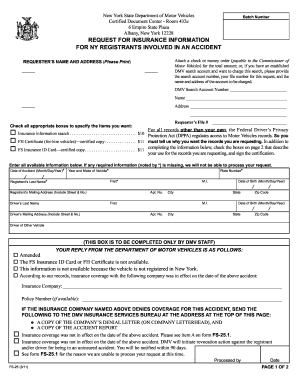
Form fs 25
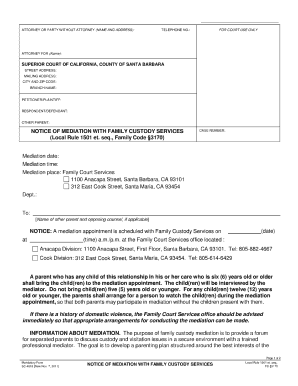
Sc 4018
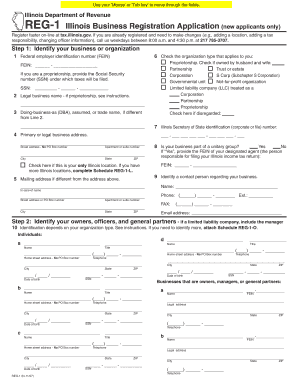
Reg 1 illinois

Baton rouge small claims court

Doe fingerprinting hawaii
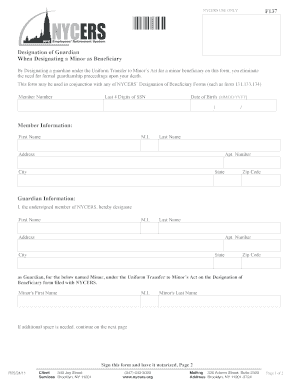
Nycers form 137
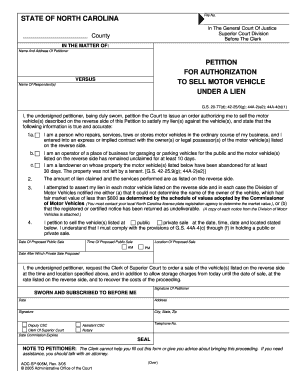
Aoc sp 905 fillable form
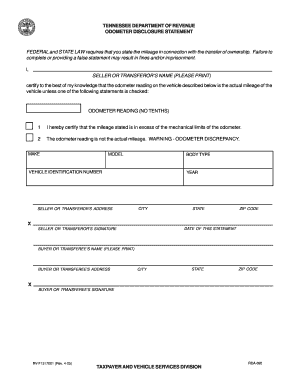
Rv f1317001 2005 form
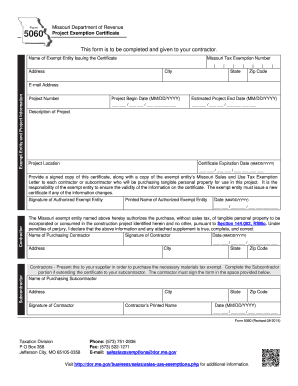
Mo form 5060 2014

Massachusetts non payment of wage and workplace complaint form

M44 211a
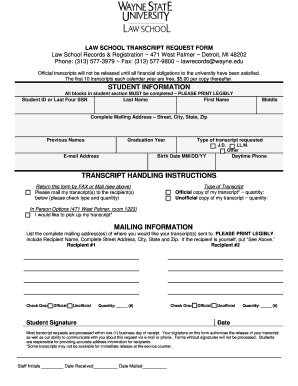
School transcript request form

Online based proctor
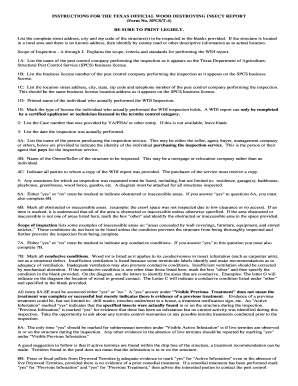
Texas official wood destroying insect report blank form
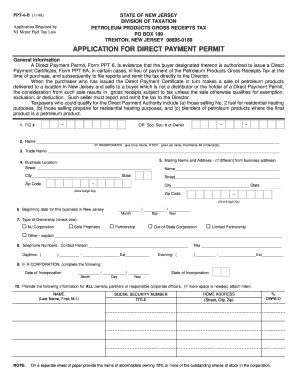
New jersey direct pay permit application form
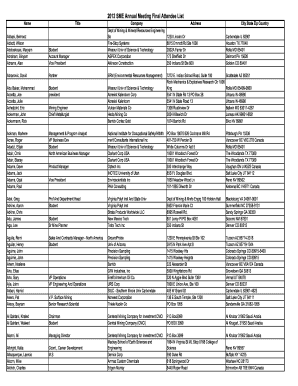
Meeting form

Rdmv705

Eagle scout rank application 58 728a 2001 form
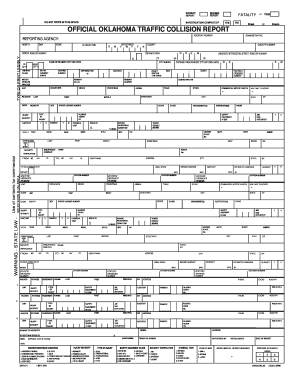
OFFICIAL OKLAHOMA TRAFFIC COLLISION REPORT - actar

Congregational information

Separation notice tn

Rebounderz waiver
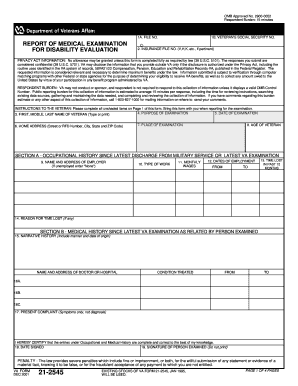
Va form 21 2545 fillable
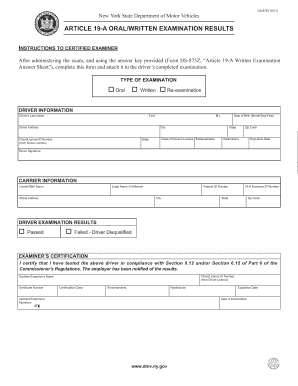
Ds 875q answer key
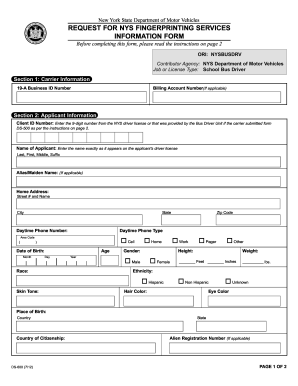
Ori number ny
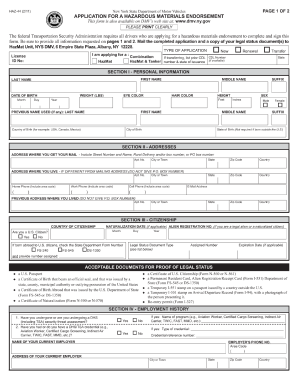
Help filling out haz 44 2011 form

Nys dmv ds 5 form 2011

Birth affidavit ds 10 07 2017

Florida election petition form

Texas lottery eft form 2008

Vendor eft form
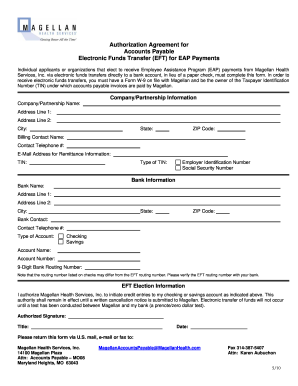
Telephonic billing codes magellan eap 2010 form
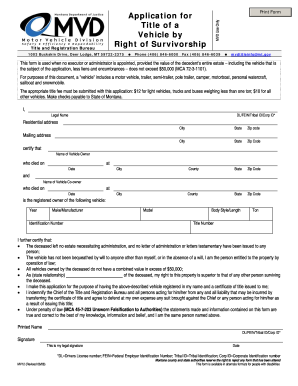
Right of survivoship montana mv12 2008 form

Louisiana state science fair DocHub for abstract 2002 form
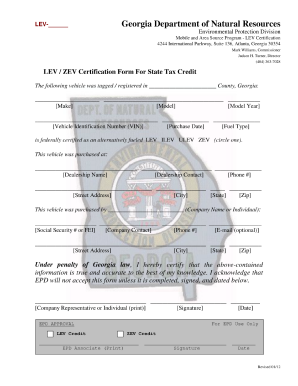
Georgia form credit
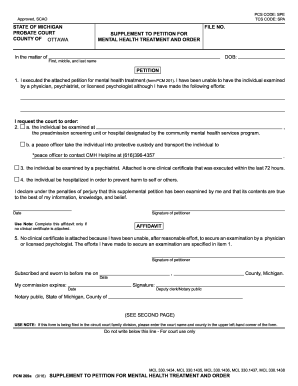
Pcm 201
Form 4100 174
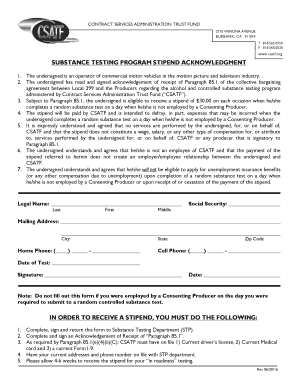
Csatf stipend form

Printable blue cross and blue shield precertification forms

Application for lunch form for ny
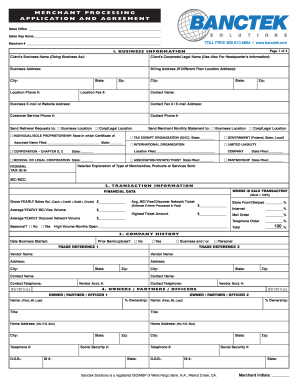
Merchant processing application agreement
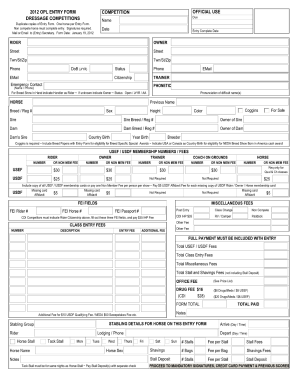
Opl entry form fillable 2012
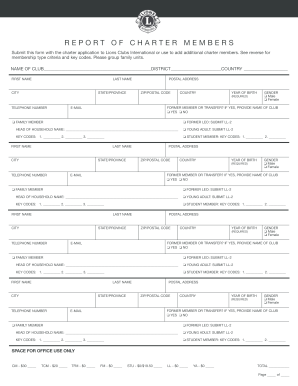
Tk21a form lions 2012
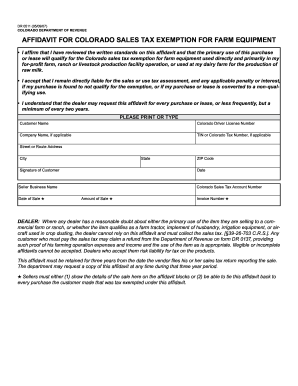
Colorado dept of revenue dr0511 2007 form
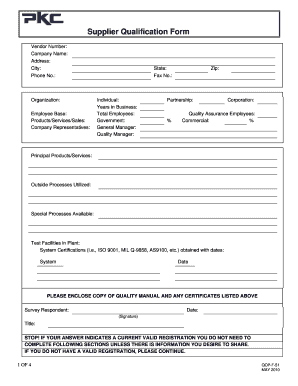
Supplier qualification form
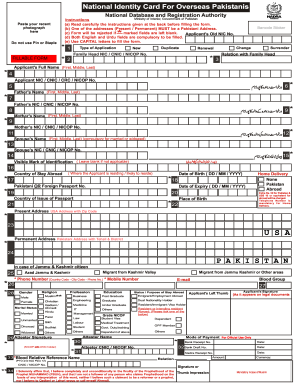
Crc application form
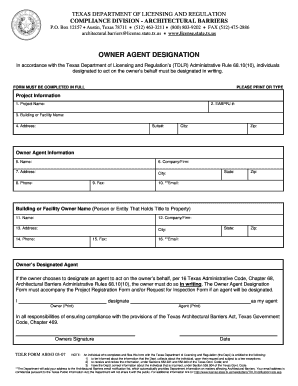
Tdlr owner agent designation form
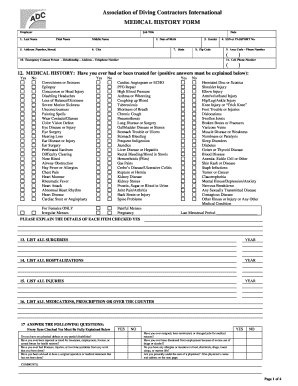
Association of diving contractors international medical history form

Humana tricare residential application

New york new patient

Cms 1500 for print on preprinted forms
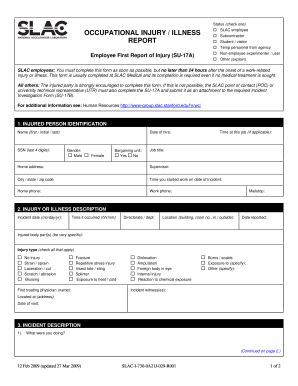
First report of injury form
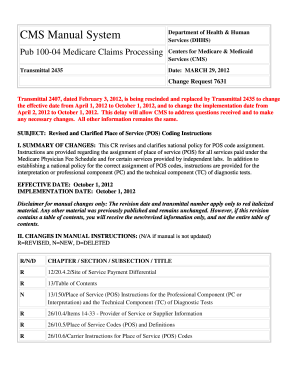
Transmittal 2435 cms
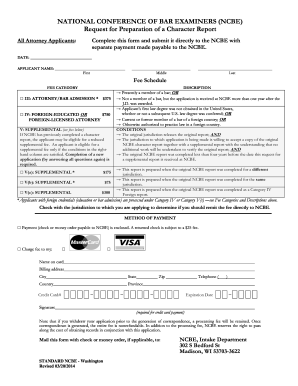
Ncbe character report 2014 form
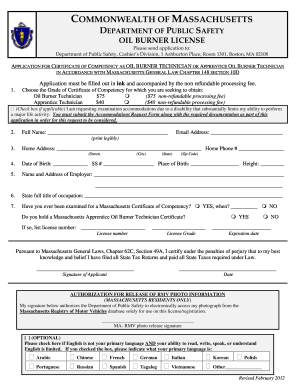
Fill out mass oil burner tech license application 2012 form
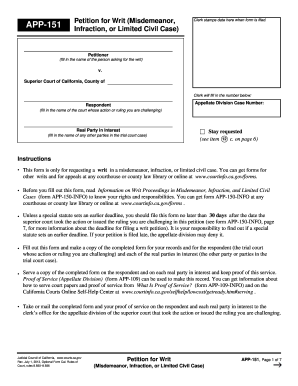
App 151 writ 2013 form

Doctors report

Virginia department of health tb risk assessment form tb512 2012
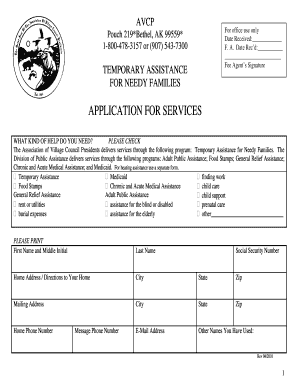
Avcp tanf

Employment application uson make
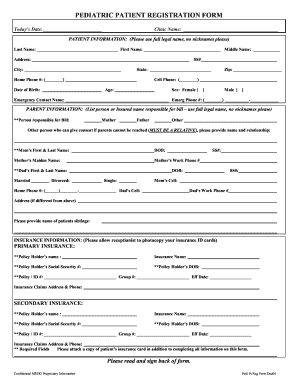
Pediatric patient registration form template
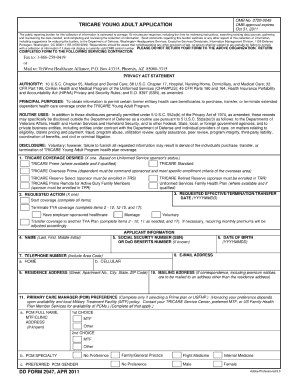
Dd form 2947
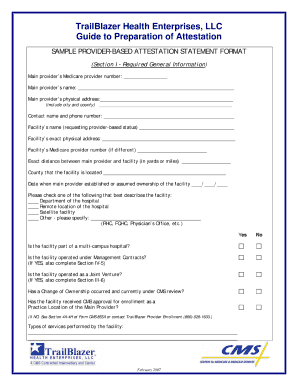
Trailblazer provider attestation
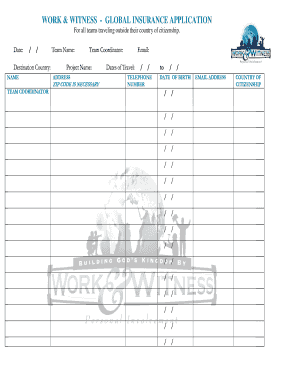
Work and witness nazarene
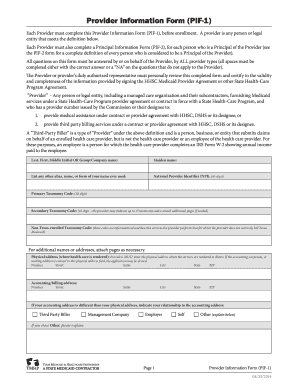
Provider information form pif 1 fillable

Referral form baseline
Benefit from the DocHub online library of fillable PDF forms
Searching the PDF forms doesn't have to be a tedious and time-consuming process. With the DocHub online library, it has become easier to find the fillable PDF forms and modify them in your browser. The service allows you to adjust the document to your needs using powerful editing tools.
You can use online document editing features to modify almost any type of document with ease. You just need to find the template of your choice, open it in the editor, and use the toolbar to make the necessary corrections.
Follow this guide to get your document done with DocHub:
- Find the PDF template you need.
- Click the Get Form button to open the file in the editor.
- Use the toolbar to fill out and edit the document.
- Easily add and highlight text, insert images, checkmarks, and symbols.
- Drop new fillable fields, and rearrange or delete pages from your file.
- Save changes and download your record.
DocHub empowers everyone to streamline document editing, signing, and distribution, and form completion. Create an account and benefit from our well-organized PDF Forms library and comprehensive editor.