
Get any PDF form from the DocHub library of ready-made templates - Page 1694

800a 1 2010 form

SPA COVER ORDER FORM - Premium Spas & Billiards
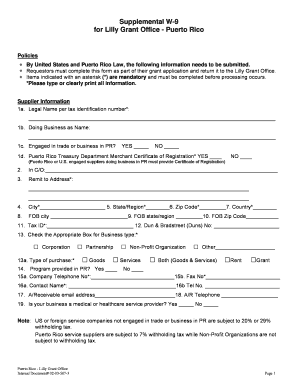
W9 puerto rico
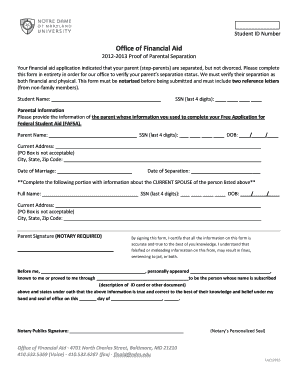
Proof of separation letter sample

Cnmonwealth challenge

Minor visitation form
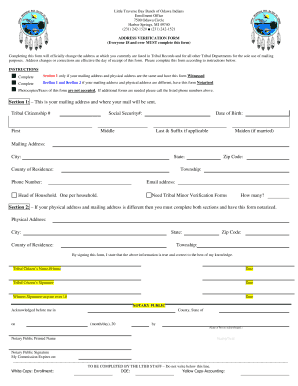
Ltbb

Change of Address Form for Notary Public for ... - Nashville Clerk
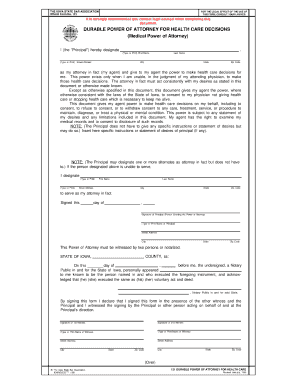
Iowa poa form 121 1999

Sc1120 instructions
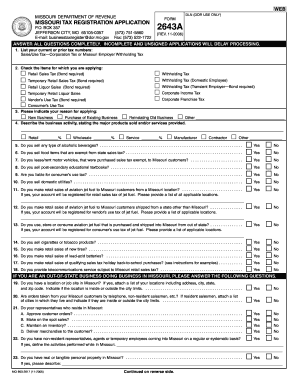
Iphone ic579c 2643a price 2006 form

Rrb ub 11
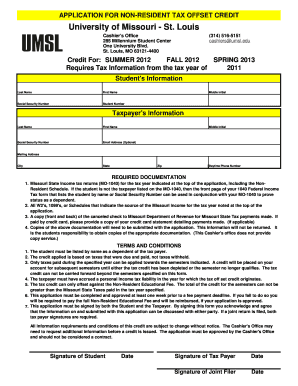
Umsl tax credit
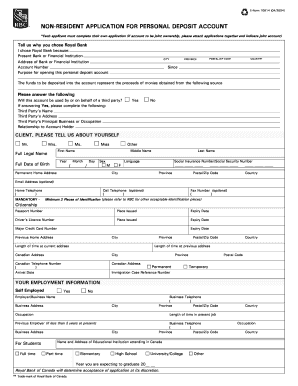
Non resident application for personal deposit account e form 10814
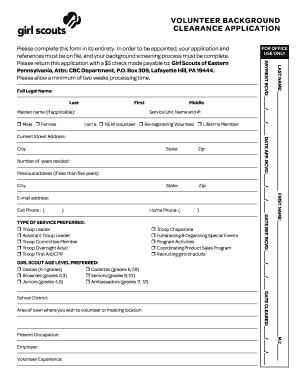
Gsep clearance form
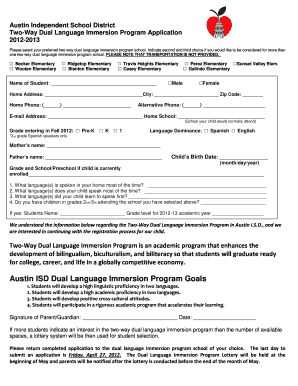
Aisd dual language pre k financial assistance change form
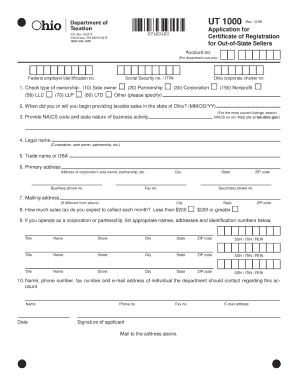
Oh form ut 1000
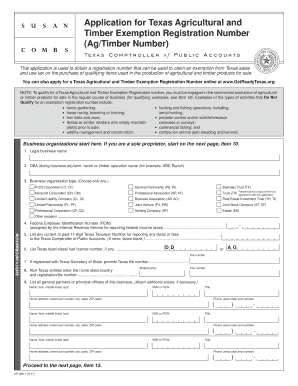
Application for texas agriculture exemption form ap 228

Typable rita form

Form 4763 2011
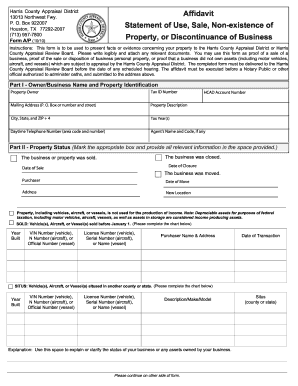
Texas affidavit statement

Richies pawn central

City of dallas auto repair license 2011 form
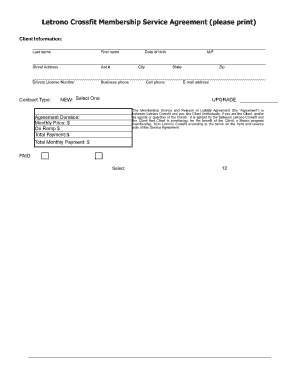
Crossfit membership form
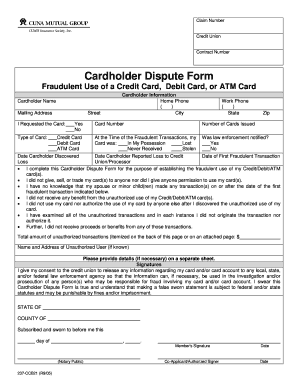
Cuna dispute form
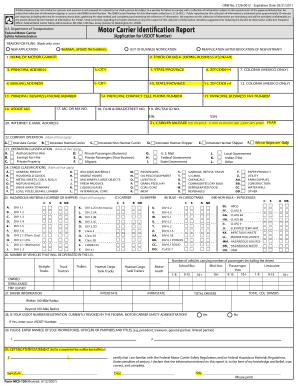
Msc150
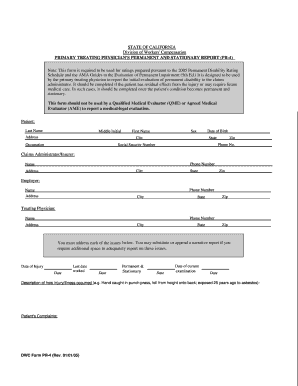
Pr 4 fillable form 2005
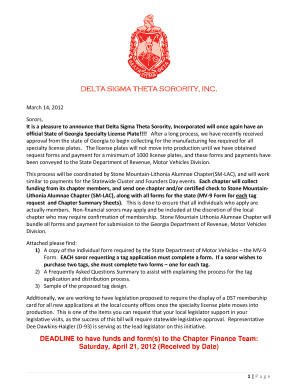
Delta sigma theta license plate

Boat 4 pa

Colorado address supreme court
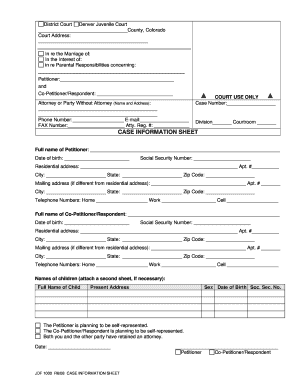
Jdf forms 2008

Wellsfargo401k
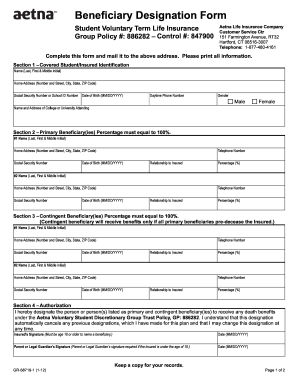
Aetna life insurance company designation of beneficiary

Gas integrity test & gas turn on affidavit 2009 form

College fee waiver program for veterans dependents fillable form

Bof4010a

Ne form request

Bir form 2305 november 2014

Chicago association of realtors residential lease 2022 pdf
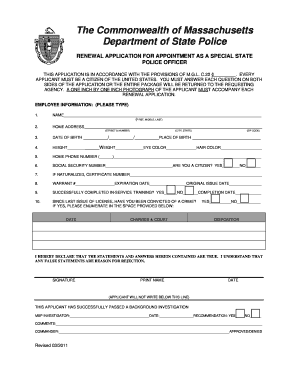
The Commonwealth of Massachusetts Department of State Police - mass

Party notice form

Lions Club Financial Assistance Application - lionsdistrict22c

New jersey supplemental questionnaire
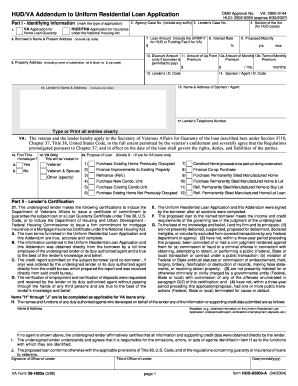
92900a
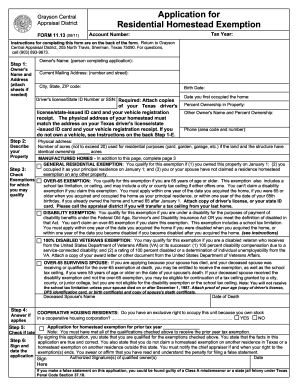
Grayson cad
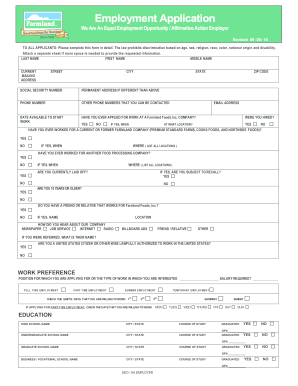
Farmland pdf foods make
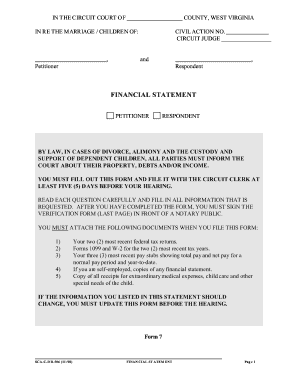
Financial statement form west virginia divorce
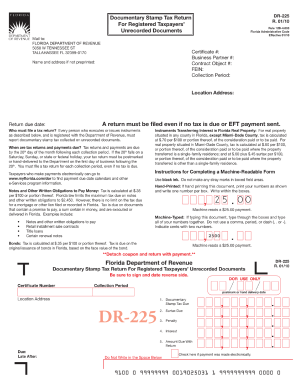
Dr 225 2010 form
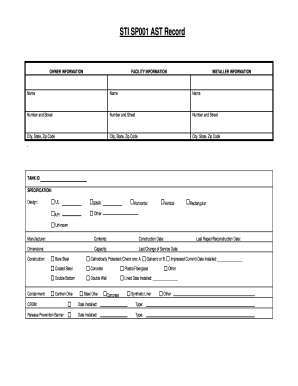
Sti sp001 pdf

Medical form of uca
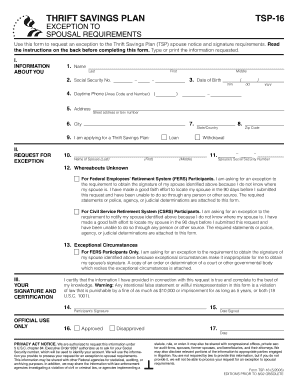
Tsp 16 form
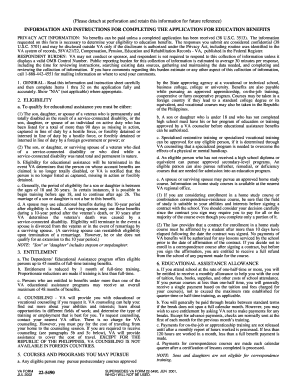
Va form dec 22 5490 2002
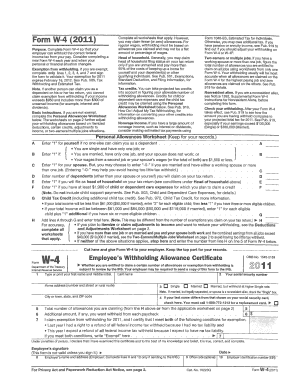
Sfusd change w4 form
Kentucky inheritance tax fill in forms 2005
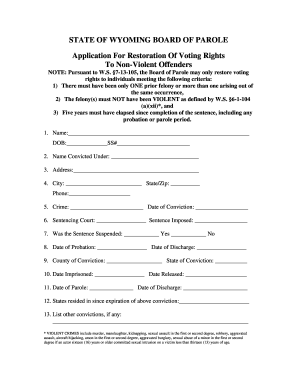
Application for restoration of rights w a s 7 13 105a form
Get jmac package online
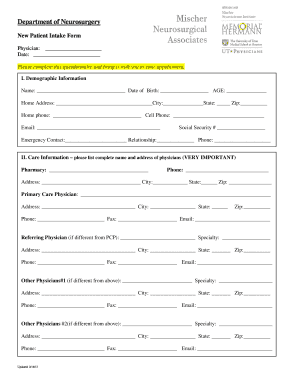
Department of Neurosurgery New Patient Intake Form Physician: Date: Please complete this questionnaire and bring it with you to your appointment

Algonac building department
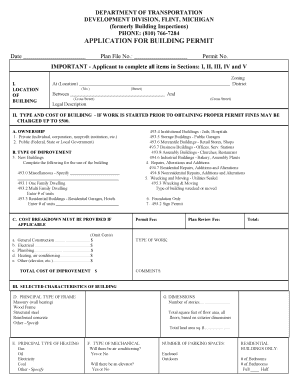
City of flint building department
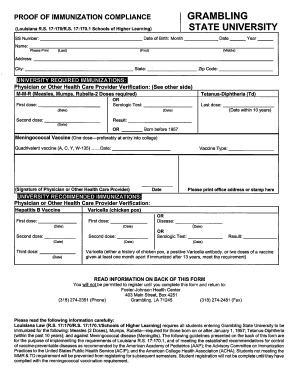
Grambling immunization fax number 2009 form

Proof of vaccination form
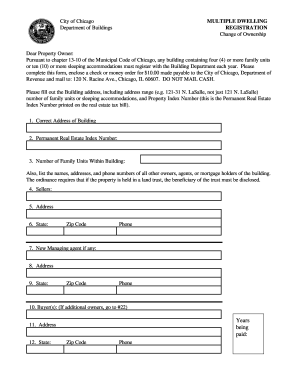
Chicago multiple dwelling
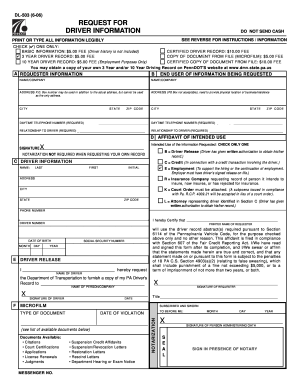
Pa form dl 503 6 06 2006

Subway order form

Csudh dental insurance form

Pala employment application
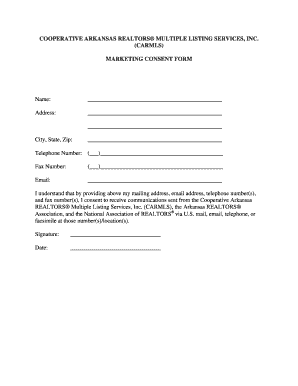
Carmls

Household member shelter utility verification job and family services forms
Ccis delaware county pa 2006 form

Abl 920 2009 form
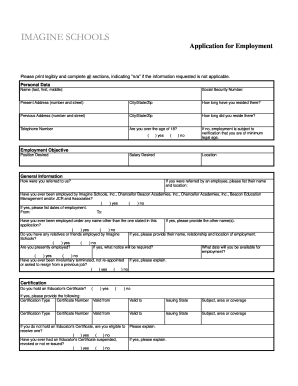
Addendum form job application
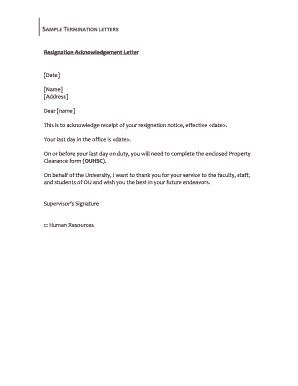
Exit clearance request mail

California los angeles county
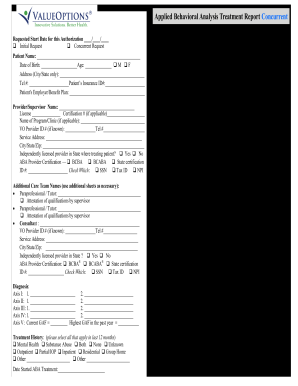
Valueoptions aba concurrent 2012 form

Petition for child custody forms arkansas

Spanish massage intake form
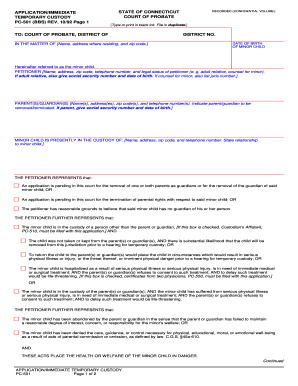
Pdf fill and sign online temporary guardianship without court 1992 form

Eec voucher
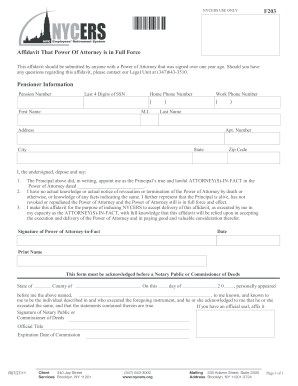
Nycers power

Covenant security claims
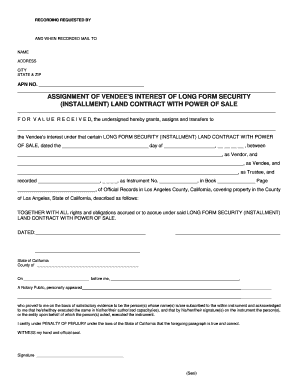
Assignment of vendee form
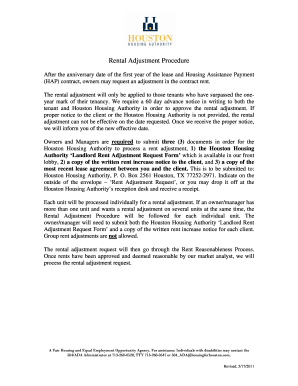
Houston rental adjustment form

WEST WHITELAND TOWNSHIP GEOCACHE IDENTIFICATION FORM - westwhiteland
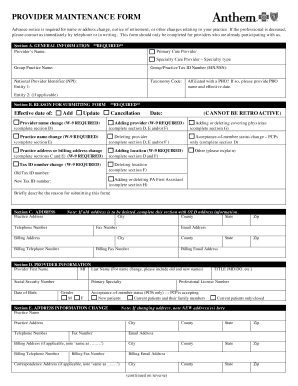
Anthem provider forms ohio

APPLICATION FOR AUTHORIZATION TO CONDUCT A LIEN SALE ... - idahohousingalliance
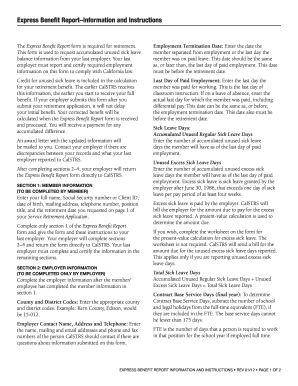
Calstrs express benefit report 2012 form
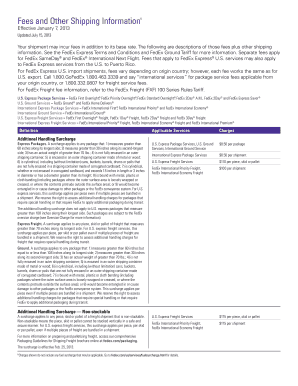
Shipping waybill template
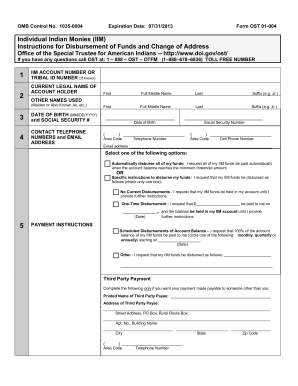
Ost iim account

Disbursement of funds form
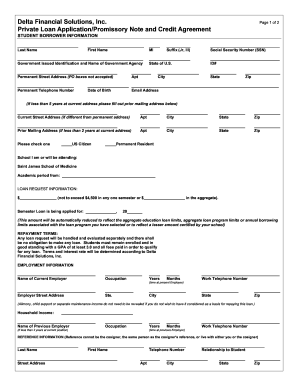
Delta financial solutions

Hyundai service agreement
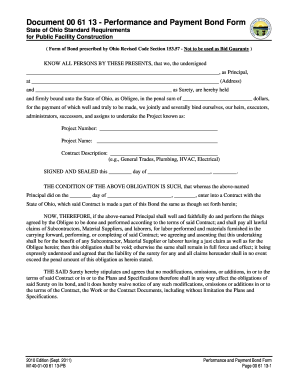
State of ohio performance and payment bond form
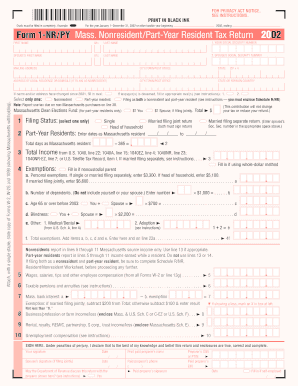
Form 1 nrpy filled sample
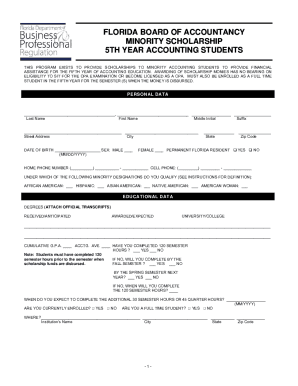
Ymca letterhead
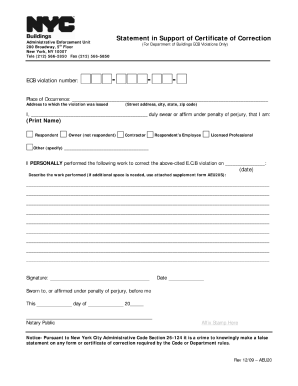
Statement in support of certificate of correction 2009 form
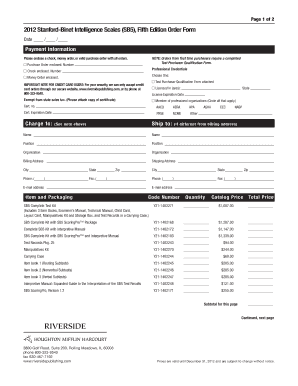
Stanford binet test pdf
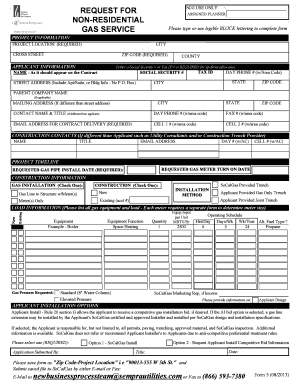
Gas form request

Kentucky odometer disclosure statement 2008 form

Relocation form

Odometer disclosure statement kansas
Benefit from the DocHub online library of fillable PDF forms
Searching the PDF forms doesn't have to be a tedious and time-consuming process. With the DocHub online library, it has become easier to find the fillable PDF forms and modify them in your browser. The service allows you to adjust the document to your needs using powerful editing tools.
You can use online document editing features to modify almost any type of document with ease. You just need to find the template of your choice, open it in the editor, and use the toolbar to make the necessary corrections.
Follow this guide to get your document done with DocHub:
- Find the PDF template you need.
- Click the Get Form button to open the file in the editor.
- Use the toolbar to fill out and edit the document.
- Easily add and highlight text, insert images, checkmarks, and symbols.
- Drop new fillable fields, and rearrange or delete pages from your file.
- Save changes and download your record.
DocHub empowers everyone to streamline document editing, signing, and distribution, and form completion. Create an account and benefit from our well-organized PDF Forms library and comprehensive editor.