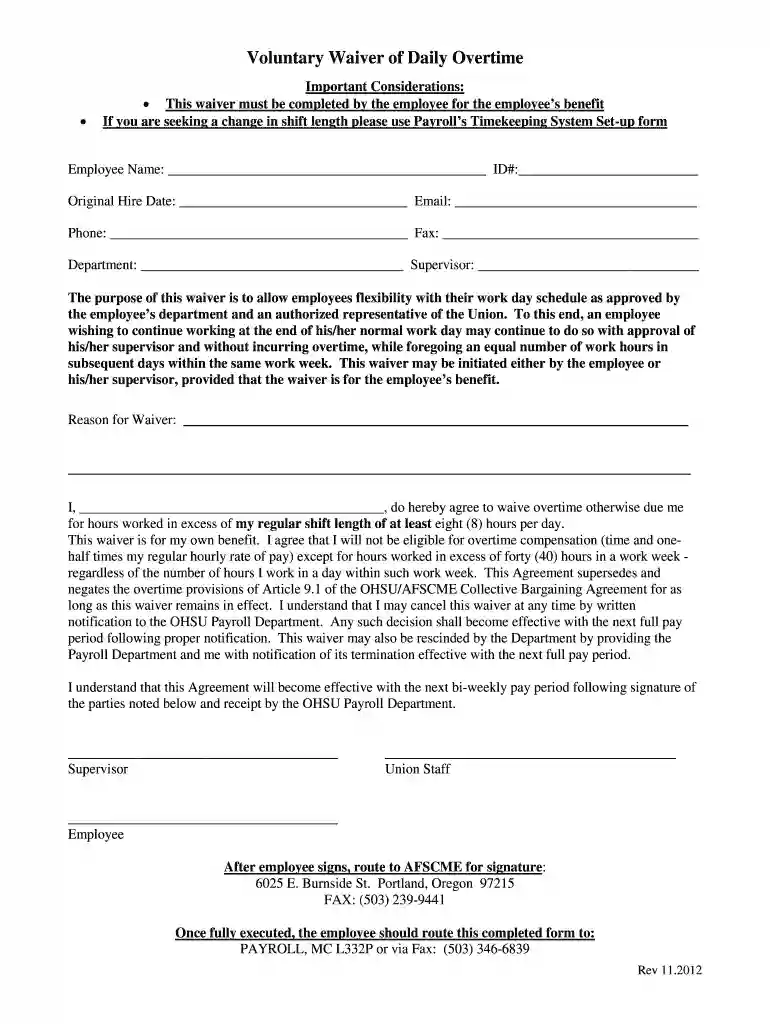
Voluntary overtime form 2012-2026

Get Form
overtime waiver form Preview on Page 1

Here's how it works

01. Edit your overtime waiver form online
Type text, add images, blackout confidential details, add comments, highlights and more.

02. Sign it in a few clicks
Draw your signature, type it, upload its image, or use your mobile device as a signature pad.

03. Share your form with others
Send it via email, link, or fax. You can also download it, export it or print it out.

How to use or fill out voluntary overtime form 2012 with our platform

Form edit decoration
9.5
Ease of Setup
DocHub User Ratings on G2
9.0
Ease of Use
DocHub User Ratings on G2
  1. Click ‘Get Form’ to open the voluntary overtime form 2012 in the editor.
  2. Begin by entering your Employee Name and ID# in the designated fields. This information is crucial for identification purposes.
  3. Fill in your Original Hire Date, Email, Phone, and Fax numbers. Ensure all contact details are accurate for effective communication.
  4. Specify your Department and Supervisor's name. This helps in routing the form correctly within your organization.
  5. In the 'Reason for Waiver' section, provide a clear explanation of why you are requesting this waiver. Be concise yet informative.
  6. Sign the agreement at the bottom of the form to confirm that you understand and agree to waive overtime compensation as outlined.
  7. Route the completed form to AFSCME for signature before submitting it to Payroll via fax or mail as instructed.

Start using our platform today to fill out your voluntary overtime form 2012 easily and for free!

See more voluntary overtime form 2012 versions

We've got more versions of the voluntary overtime form 2012 form. Select the right voluntary overtime form 2012 version from the list and start editing it straight away!
Versions Form popularity Fillable & printable
2015 4.9 Satisfied (272 Votes)
2012 4.2 Satisfied (36 Votes)
be ready to get more

Complete this form in 5 minutes or less

Get form

Got questions?

We have answers to the most popular questions from our customers. If you can't find an answer to your question, please contact us.
Contact us
What to Include in an Overtime Request Basic employee information (name, position, employee ID number, contact information, etc.) Manager name and contact information. Number of overtime hours requested. Time(s) and date(s) of requested overtime hours. Calculated total cost of overtime hours.
This is done by dividing the weekly pay of the salaried employee, by the number of hours worked that week, to come to a regular hourly rate for the salaried employee. That is the number which is multiplied by the 1.5, to see what the overtime hourly rate should be.
The form collects the employees name, ID, date, requested overtime date and time, and nature of overtime work. The employee signs the form and it is then reviewed by the HR manager and manager/medical director who comment on the work, number of hours, total payment and sign to approve the overtime request.
An employees credible testimony or other credible evidence concerning their hours worked is sufficient to prove a wage claim. The burden of proof is then on the employer to provide evidence of the precise amount of work performed or to negate the reasonableness of the inference drawn from the employees evidence.

Security and compliance

At DocHub, your data security is our priority. We follow HIPAA, SOC2, GDPR, and other standards, so you can work on your documents with confidence.

Learn more
ccpa2
pci-dss
gdpr-compliance
hipaa
soc-compliance