




Here's how it works

01. Edit your contingency removal form online
Type text, add images, blackout confidential details, add comments, highlights and more.

02. Sign it in a few clicks
Draw your signature, type it, upload its image, or use your mobile device as a signature pad.

03. Share your form with others
Send it via email, link, or fax. You can also download it, export it or print it out.
How to use or fill out ms removal contingency get with our platform

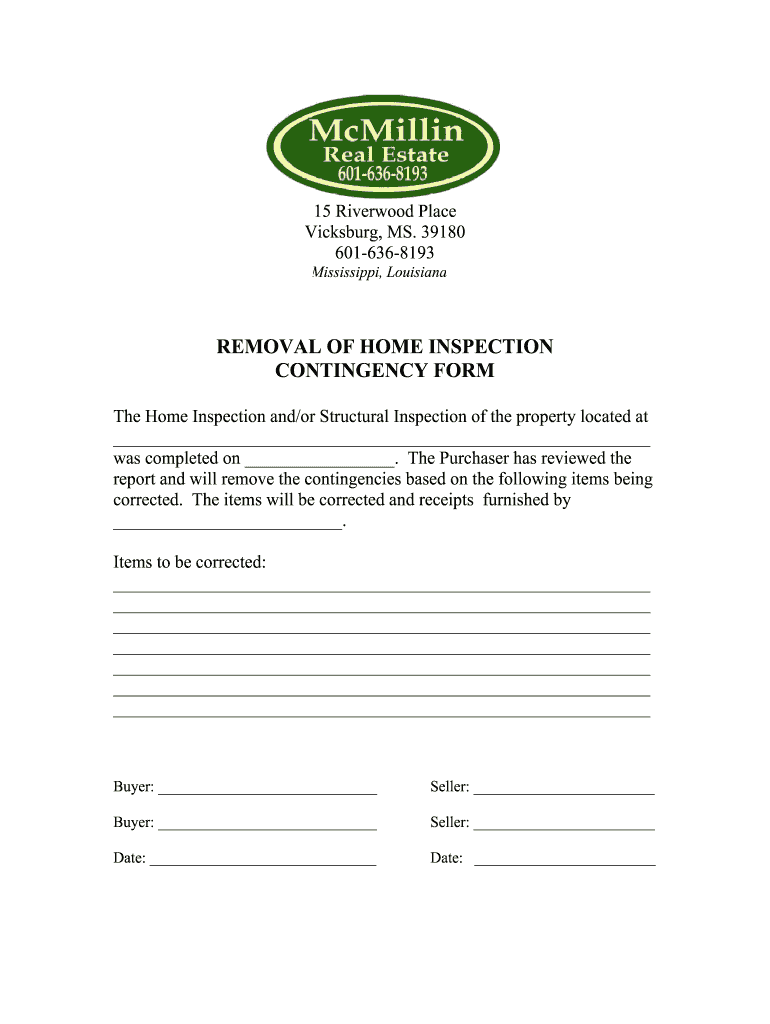
- Click ‘Get Form’ to open the ms removal contingency get in the editor.
- Begin by entering the property address in the designated field. This ensures clarity on which property the inspection pertains to.
- Next, input the date when the home inspection was completed. Accurate dates are crucial for record-keeping.
- In the section regarding items to be corrected, list all necessary repairs or issues identified during the inspection. Be thorough to avoid any misunderstandings.
- Specify who will be responsible for correcting these items and ensure their name is entered clearly in the provided space.
- Both buyers and sellers should sign and date where indicated, confirming their agreement on removing contingencies based on corrections made.
Start using our platform today for free to streamline your document editing and signing process!
Fill out ms removal contingency get online
It's free
It's free
Security and compliance
At DocHub, your data security is our priority. We follow HIPAA, SOC2, GDPR, and other standards, so you can work on your documents with confidence.
Learn more




