
Get any PDF form from the DocHub library of ready-made templates - Page 1581
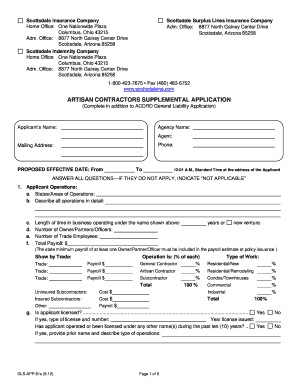
Contractors supplemental
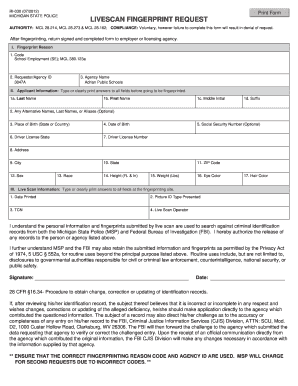
Michigan state police form 2012
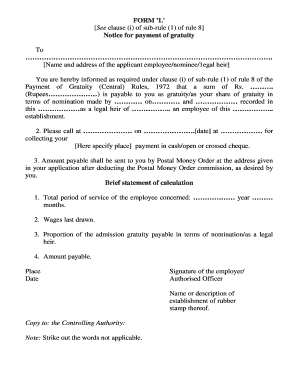
Gratuity form l pdf download

Form 8k
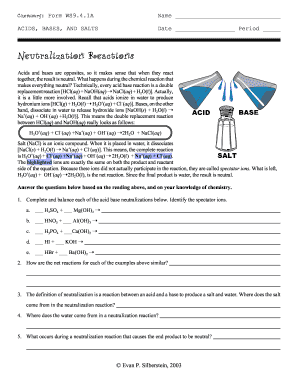
Chemistry form ws9 4 1a
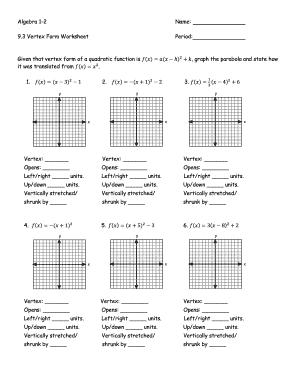
Worksheet graphing quadratics from standard form answer key
INTRODUCTION TO LINGUISTICS - SchoolRack
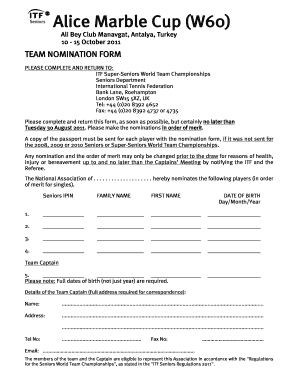
W60 3
Bosch dealership enquiry
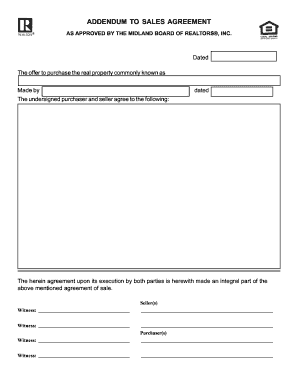
ADDENDUM TO SALES AGREEMENT AS APPROVED BY THE MIDLAND BOARD OF REALTORS, INC

Amy davis form pdf
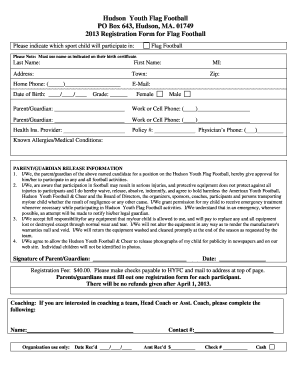
Youth football registration form

Florida law rules of procedure form 12996d 2012
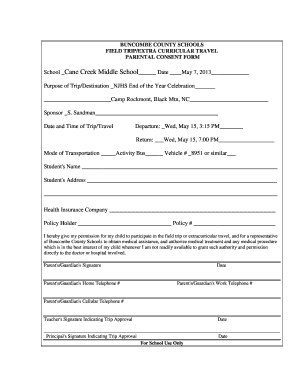
Buncombe county field trip form parental consent
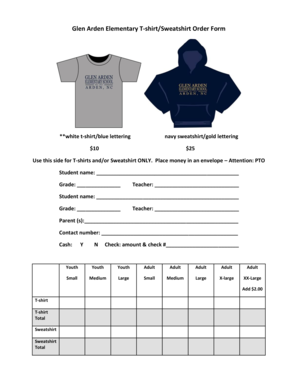
Sweatshirt order form template
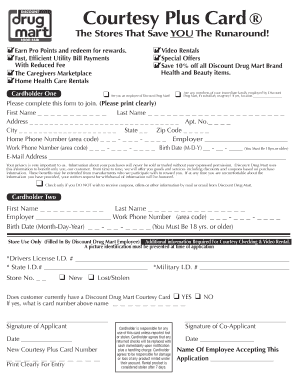
Drug mart courtesy card

Map 10 - Kentucky: Cabinet for Health and Family Services
Exercise Jogging Walking Log blank form, single ... - NEPrimer.com
Other claims - Virgin Money

Donation request form - Visalia Breakfast Rotary
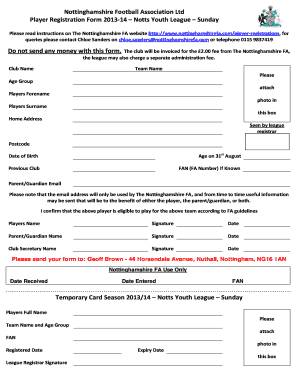
Football registration form

Services goods uvair

Mv 100 form 2008

Printable Peer Observation Form - Home - South Fremont High School
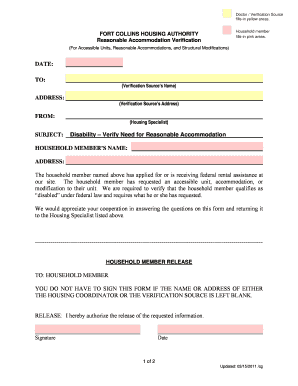
Hud reasonable accommodation request form
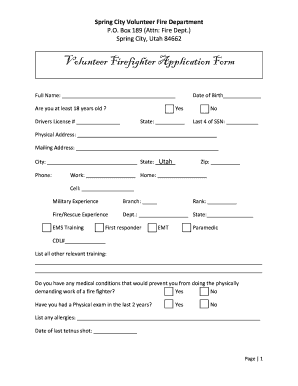
Volunteer fire department forms
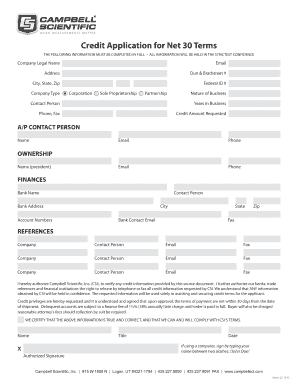
Credit Application for Net 30 Terms - Campbell Scientific
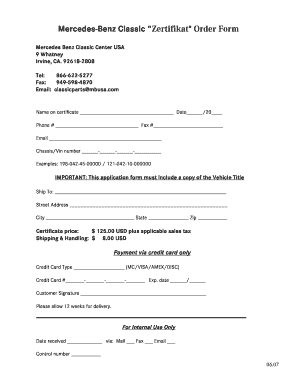
Mercedes zertifikat online
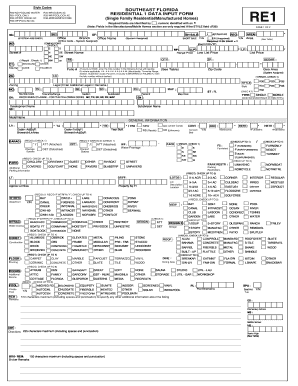
SOUTHEAST FLORIDA RESIDENTIAL 1 DATA INPUT FORM - Ubertor
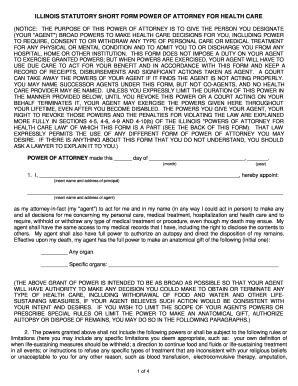
Illinois statutory short form power of attorney for health care
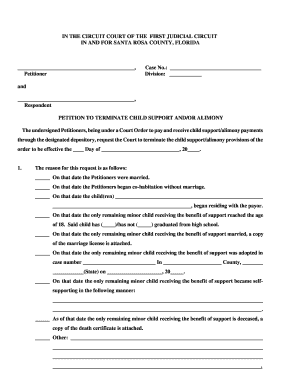
Florida terminate child support

Omb 11150057 form
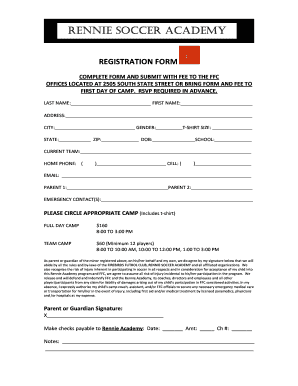
Football academy registration form template
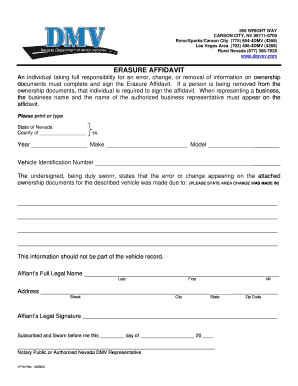
Nv erasure
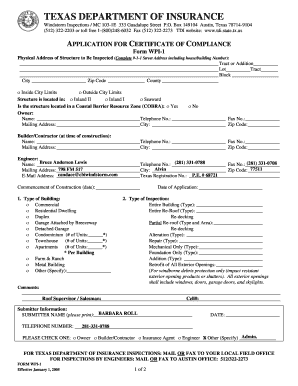
Wpi 2
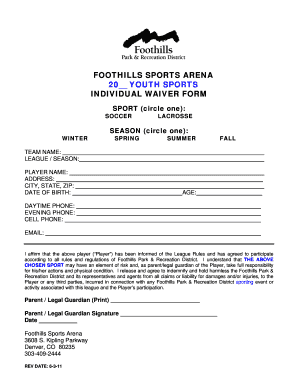
Foothills sports arena 20 youth sports individual waiver form
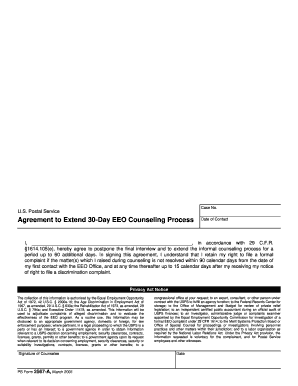
2567 a
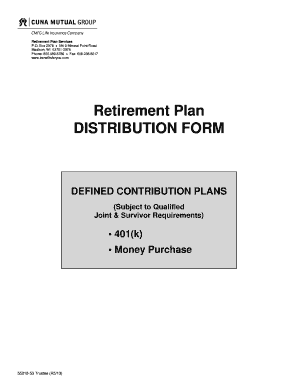
Cuna mutual 401k withdrawal form

Inventory request form
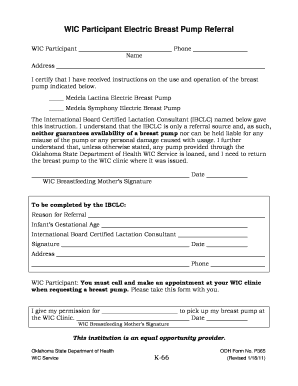
WIC Participant Electric Breast Pump Referral - OU Medicine

Humana referral authorization forms printable

Synthes wrist fusion inventory control form

Synthes rafn inventory
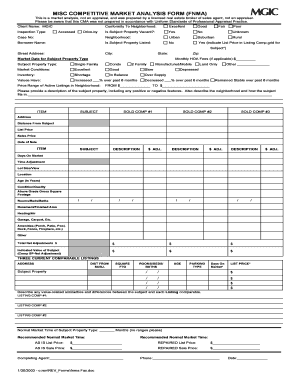
Misc competitive market analysis form (fnma) - Lou Tulga's Real ...
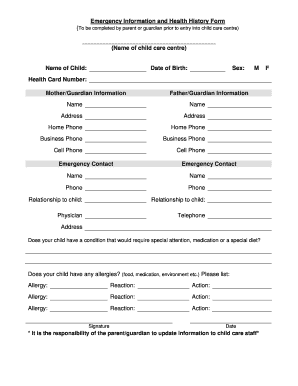
Emergency Information and Health History Form (Name of child care ...
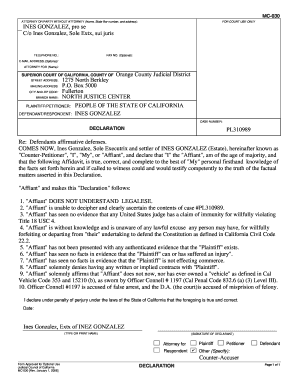
Mc 030 declaration example
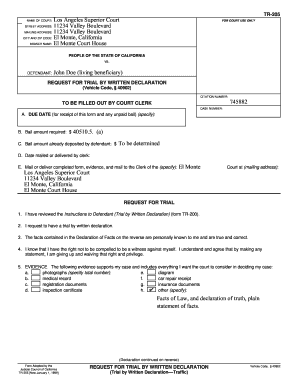
Trial by declaration
REFERRING AGENT (if any):
GAMING MACHINES ORD. - TCI Online Turks & Caicos Islands
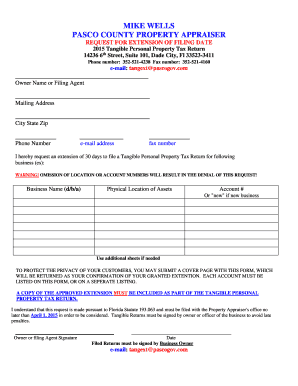
Pasco county tangible tax form
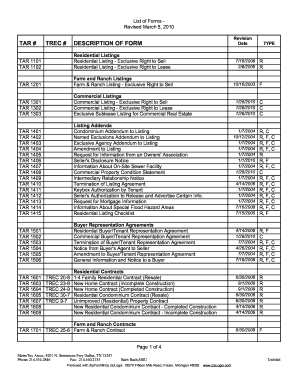
List of tar forms
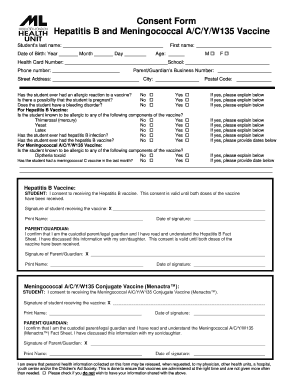
Hepatitis a forms
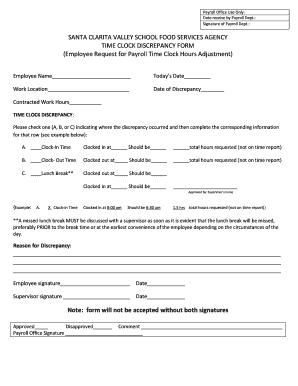
Time Clock Discrepancy - SchoolNutritionAndFitnesscom
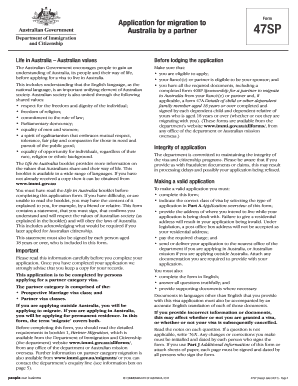
Form 47sp application for migration to australia by a partner
The Internet and Its Uses. Claim Form (CPR Part 8)
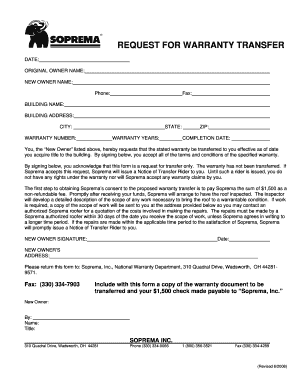
Soprema - Roofing Warranty Transfer Request Form - BuildSite.com
Prabhat satta
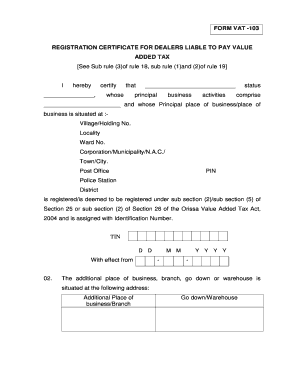
Certificate of service form
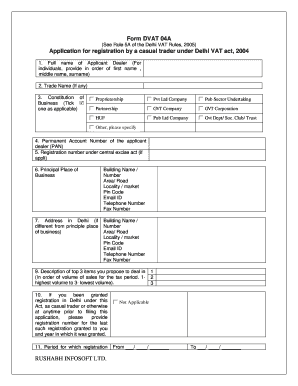
04a application pdf
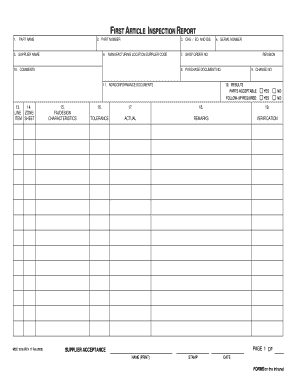
Form MDC-1016
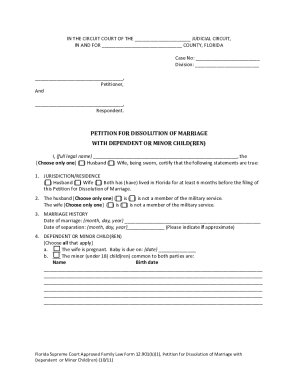
12 901 b 1
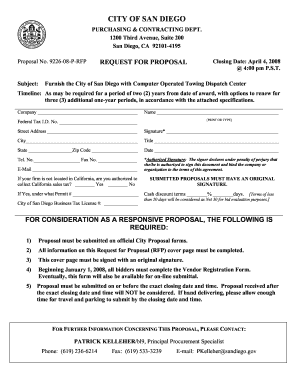
P rfpcomputer 3 download
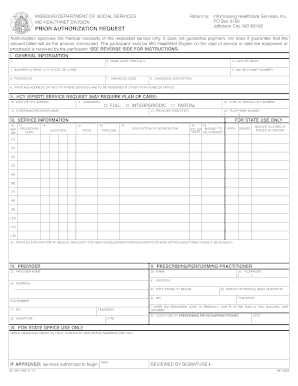
Missouri medicaid pharmacy help desk 2008 form
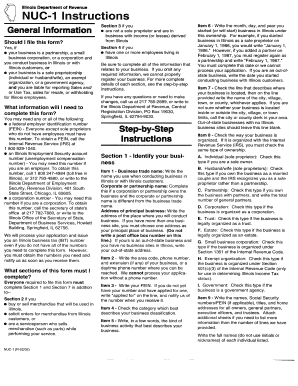
Illinois nuc 1
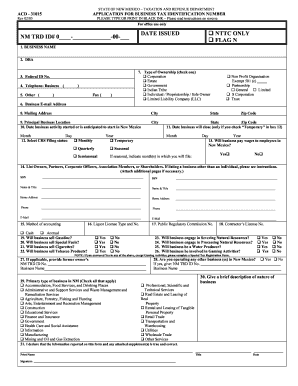
ACD-31015 STATE OF NEW MEXICO TAXATION AND RE - Intuit
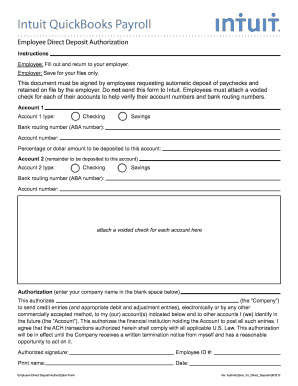
Deposit form
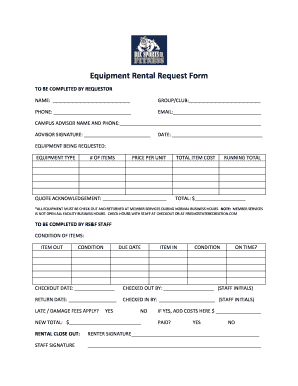
Equipment rental request form
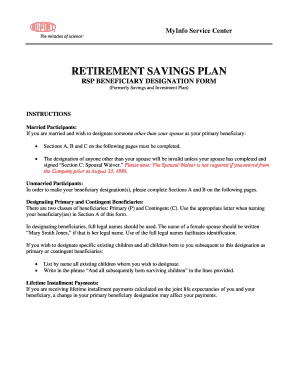
2018 lgers beneficiary form
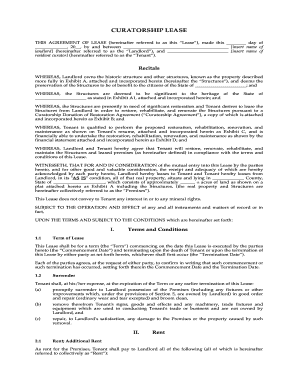
CURATORSHIP LEASE - MegaDoxcom
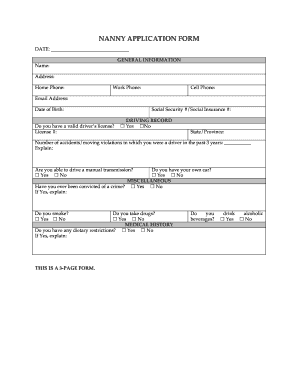
Nanny application form template
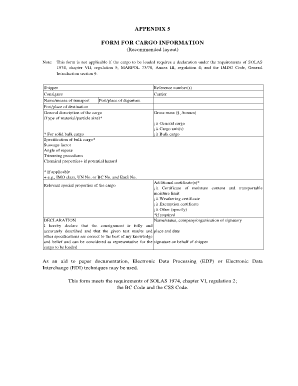
Cargo information sheet
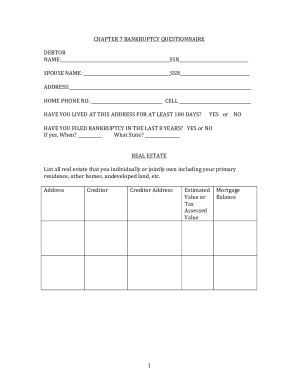
Bankruptcy Questionnaire

Patient clearance record template
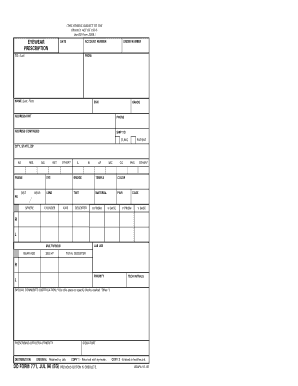
Dd form 771

Medical recommendation for flying duty da form 4186, jan 85 - Tripod

Consultation record template
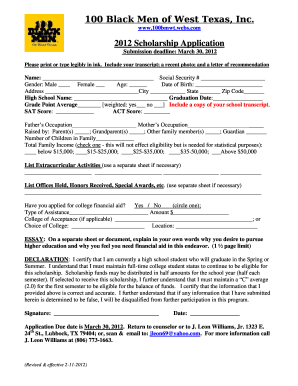
2012 scholarship form

Takaful forms proposal
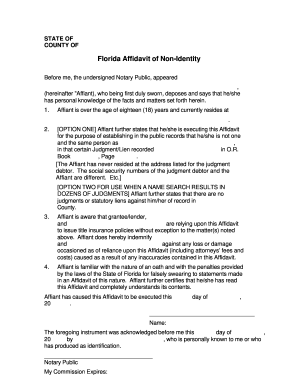
Affidavit non identity
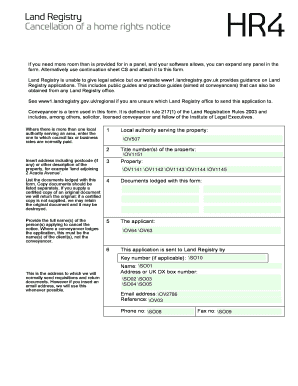
Hr4 form

N16a form
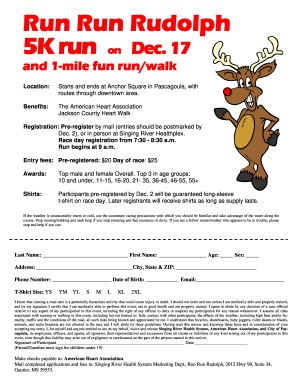
Srhscomrunrunrudolph form
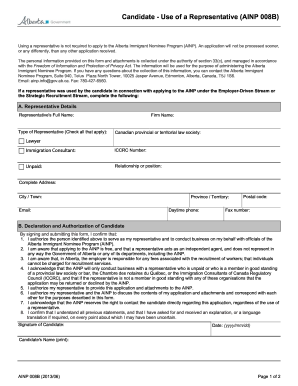
Application for a Semi-Skilled Worker (AINP 001) - Alberta,...
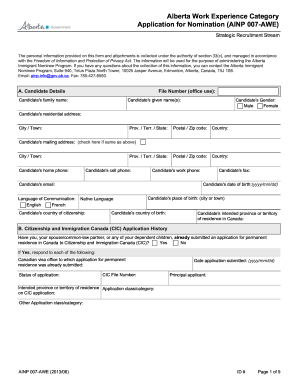
Ainp 007 form
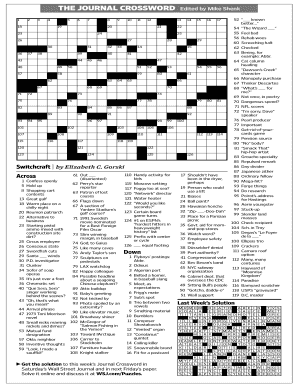
Printable acrostic puzzles
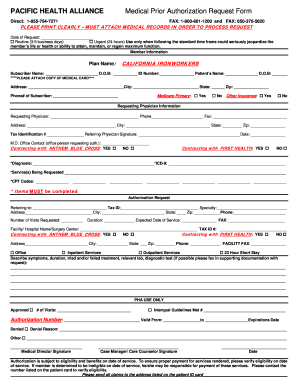
Pacific health alliance pre authorization form
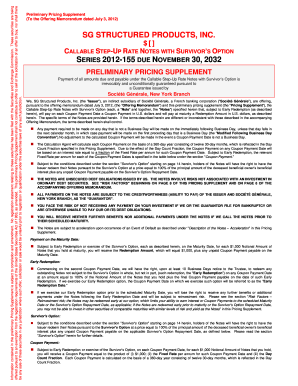
2012 november fisn
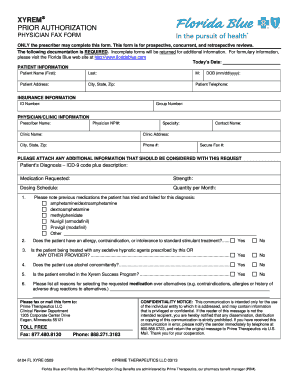
Florida blue prior authorization form
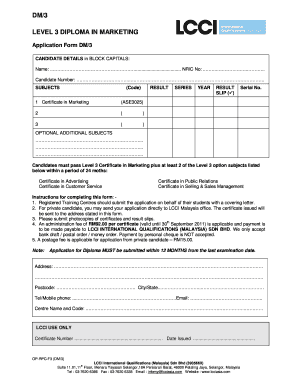
Lcci marketing
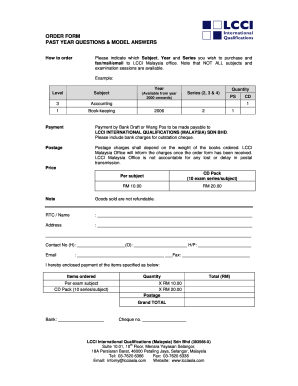
Lcci level 3 past year questions and model answers
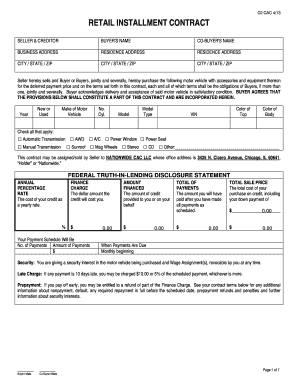
Retail installment contract
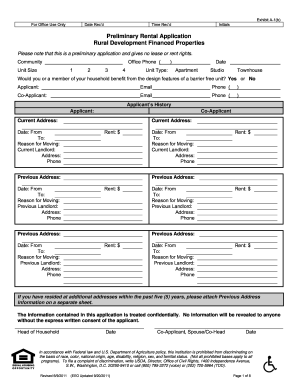
Kmg prestige human resources
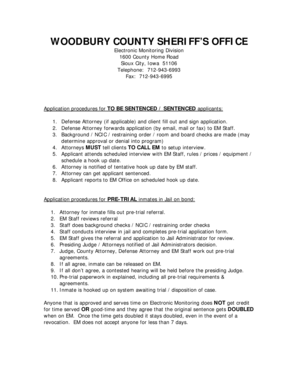
Electronic Monitoring Program - Process and Application as of 9-21 ...

What does a hardship license look like 2005 form
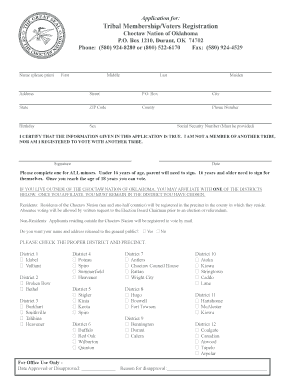
Choctaw tribal membership

Affidavit for correction
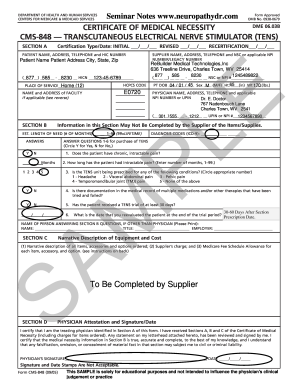
Certificate of medical necessity
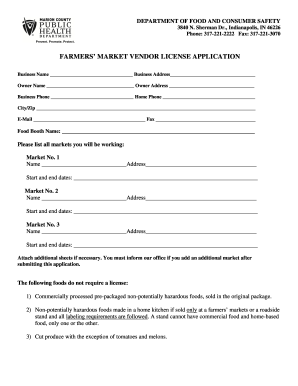
Marion county health foia request

012 service 2013 form
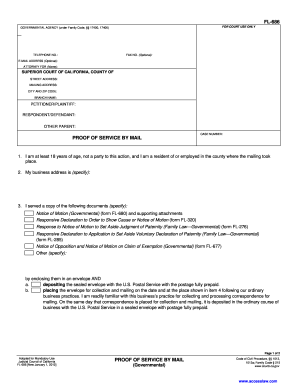
Fl 686 pdf
Benefit from the DocHub online library of fillable PDF forms
Searching the PDF forms doesn't have to be a tedious and time-consuming process. With the DocHub online library, it has become easier to find the fillable PDF forms and modify them in your browser. The service allows you to adjust the document to your needs using powerful editing tools.
You can use online document editing features to modify almost any type of document with ease. You just need to find the template of your choice, open it in the editor, and use the toolbar to make the necessary corrections.
Follow this guide to get your document done with DocHub:
- Find the PDF template you need.
- Click the Get Form button to open the file in the editor.
- Use the toolbar to fill out and edit the document.
- Easily add and highlight text, insert images, checkmarks, and symbols.
- Drop new fillable fields, and rearrange or delete pages from your file.
- Save changes and download your record.
DocHub empowers everyone to streamline document editing, signing, and distribution, and form completion. Create an account and benefit from our well-organized PDF Forms library and comprehensive editor.