
Get any PDF form from the DocHub library of ready-made templates - Page 1571
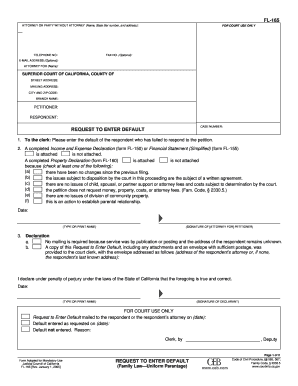
Fl165
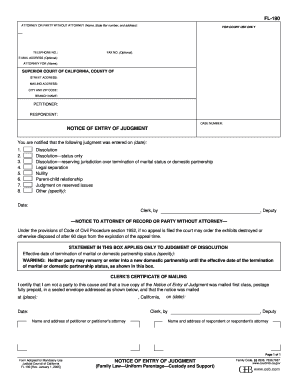
Fl 190
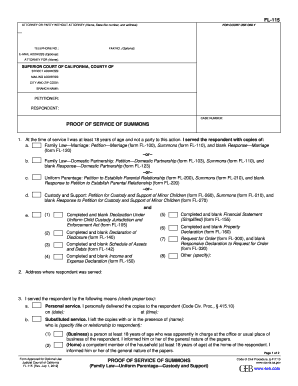
Fl 115 proof of service of summons 2012 form

Application i litigant form
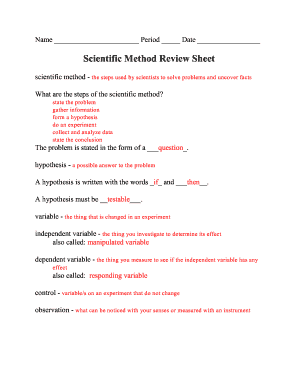
Scientific method story worksheet answer key
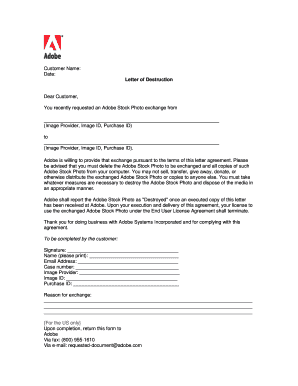
Aramex destruction letter
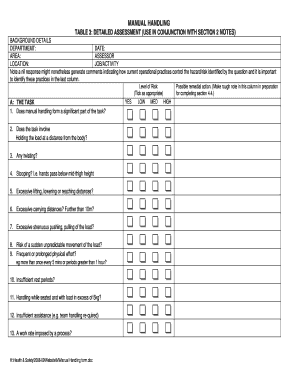
Manual Handling Assessment Form
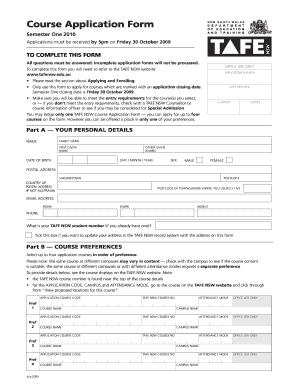
Iea college of tafe

Dra generic form
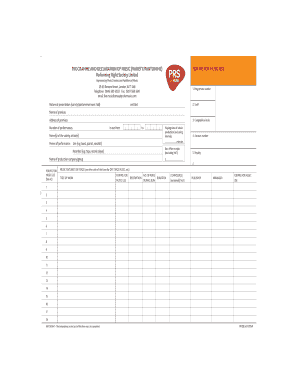
Programme Form Variety.pdf - PRS for Music
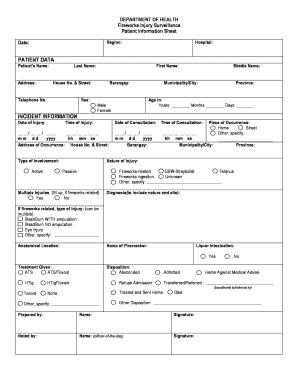
Action paputok injury reduction form
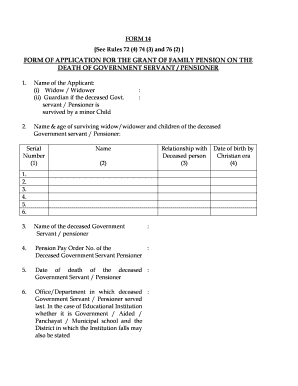
Application for grant of family pension on the death of pensioner sbi
Cd 481
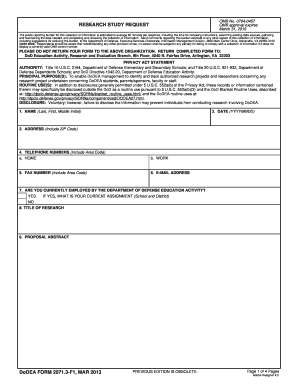
DoDEA Form 2071.3-F1, Research Study Request, March 2013 - dodea

The wind and the sun lesson plan

Dodea provision reasonable search

Dodea address change form

Dodea vaccine exemption

Army dental form

2013 schedule h form

Eft form

Application hunt fish trap

Mpd form ph1
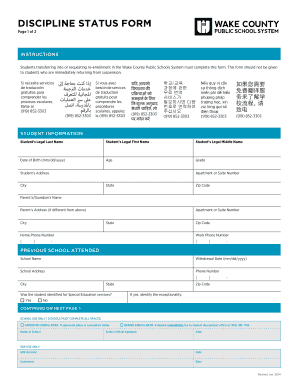
DISCIPLINE STATUS FORM - Wake County Public School System - wcpss
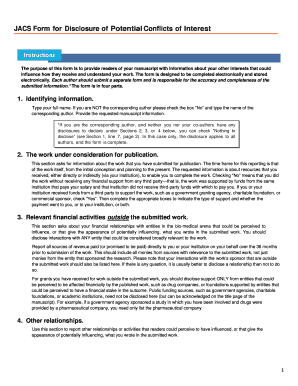
Coi form

2013 Instructions for Form 540 --California Resident Income ...
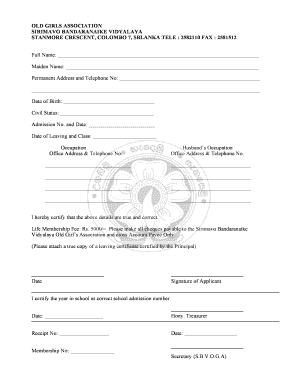
Sirimavo bandaranaike vidyalaya
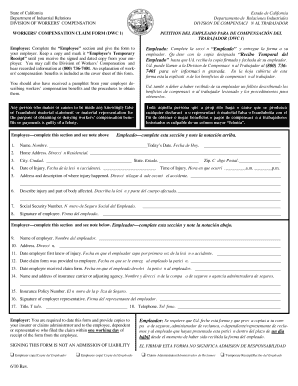
Workers compensation claim form
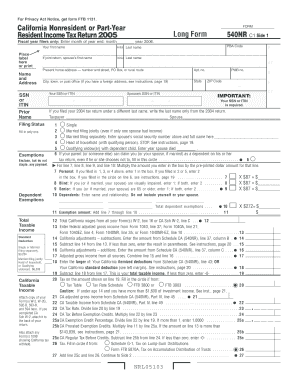
2005 California Nonresident or Part-Year Resident Income Tax Return. Long Form 540NR
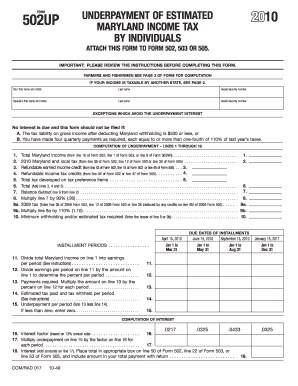
2010 UNDERPAYMENT OF ESTIMATED MARYLAND INCOME TAX BY INDIVIDUALS FORM 502UP ATTACH THIS FORM TO FORM 502, 503 OR
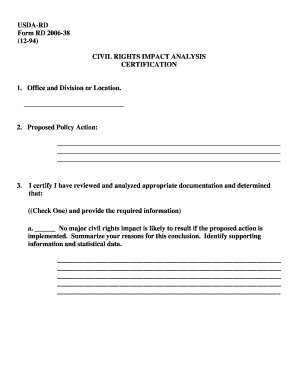
USDA-RD Form RD 2006-38 (12-94) CIVIL RIGHTS IMPACT ...
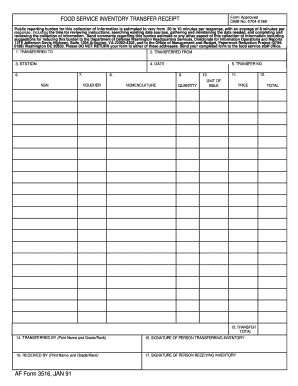
Af form 3516
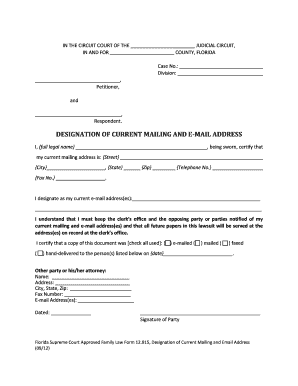
DESIGNATION OF CURRENT MAILING AND EMAIL ADDRESS (0912)

02 Family Law Non Custodial Parent Motion in Title IV D 6-2012
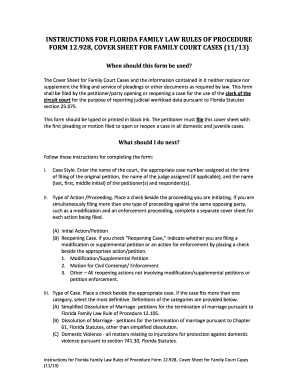
Court florida fillable online

Duly filled entry visa undertaking
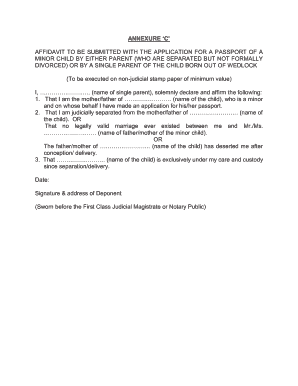
Annexure c sample filled form

Kabarak university application form

Form C7 Acknowledgement - isle-of-man org
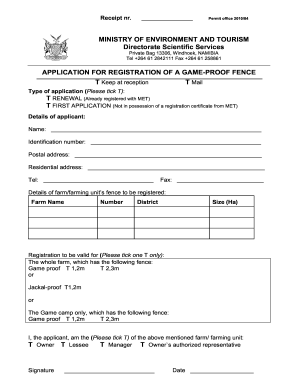
Game proof fence registration bapplicationb - Ministry of Environment bb

Application for leave form
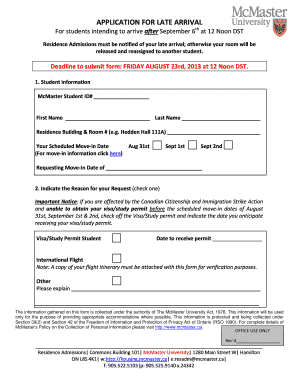
Arrival canada
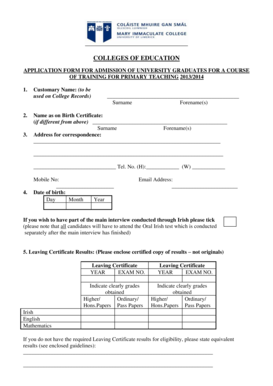
Application Form - Mary Immaculate College - University of Limerick
Ausfuhr und abnehmerbescheinigung
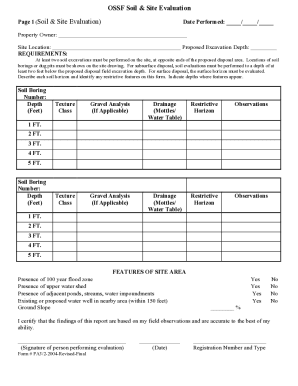
Soil Site Evaluation Sheet for Permit
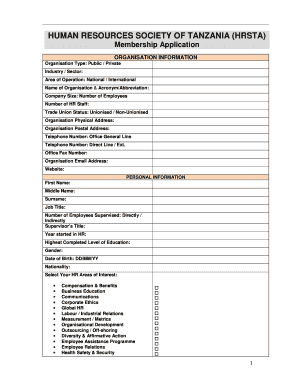
Human resource association of tanzania
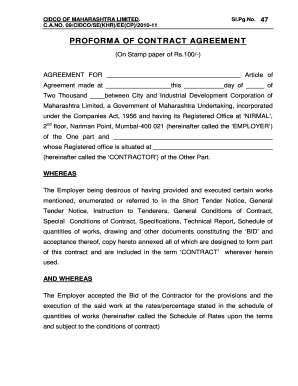
Agreement format
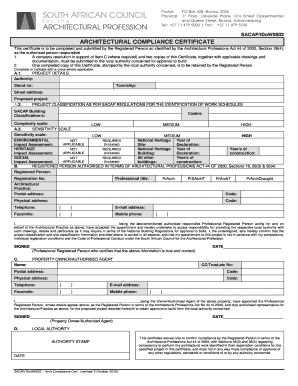
Architectural compliance certificate
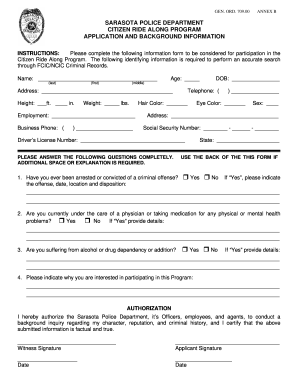
Police ride along
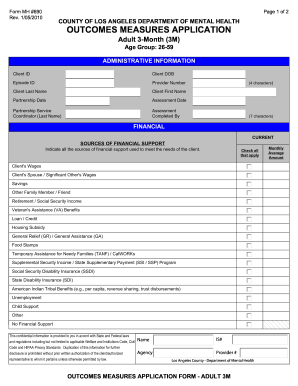
Form MH #690

Bir 2302
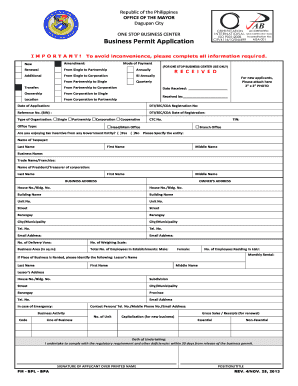
Business permit sample

Acknowledgement privacy taylor

Light duty work restrictions form
Management emcs manual pdf
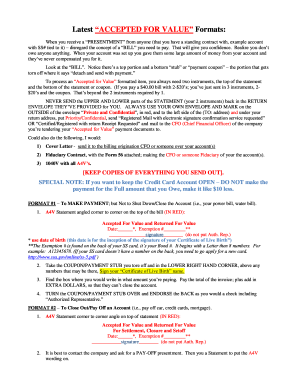
A4v

Fleet management sponsorship test 2021

Bwp-mtg-minutes-10-28-13 - Presidio Realty Inc
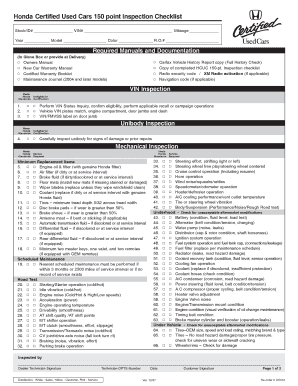
HCUC 150-Point Inspection Checklist (UC012) - ClickMotive

Olathe rotary high school

PHYSICIANPRESCRIBER PLEASE SIGN AND RETURN bb
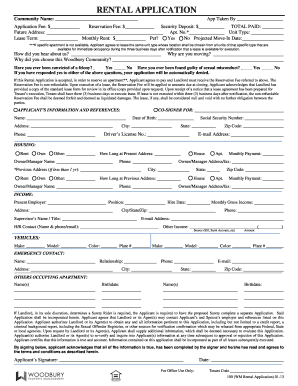
100 (WM Rental Application) 02-13

Medicare capped rental items

Ramseybend com member application
850 v4010 - Insight
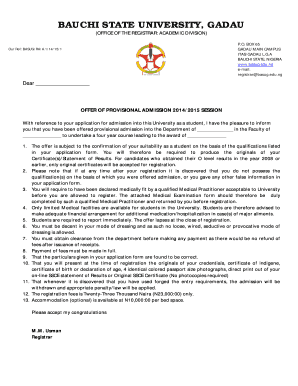
Gadau
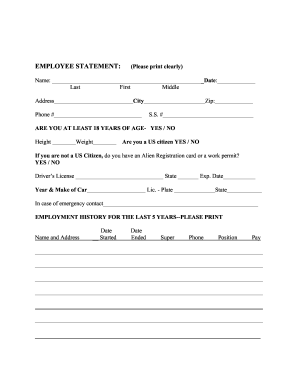
EMPLOYEE STATEMENT - Cambridge Security Services
Colorado information eoc
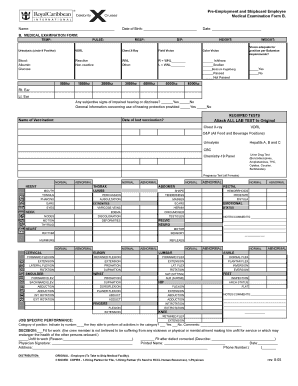
Pre-Employment and Shipboard Employee Medical Examination Form B.
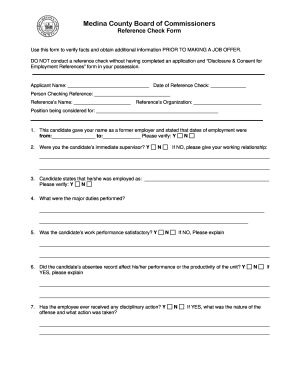
Business credit reference check form
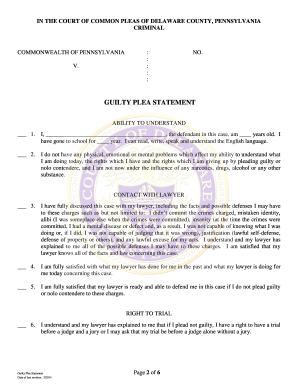
Pennsylvania plea statement form

Region of peel certificate of insurance

Navpers 1070 613 bah
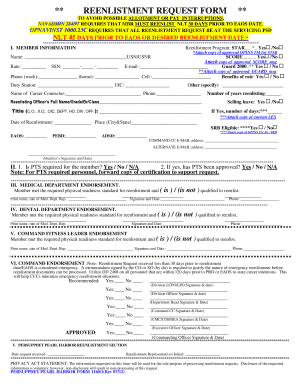
Navy reenlistment form
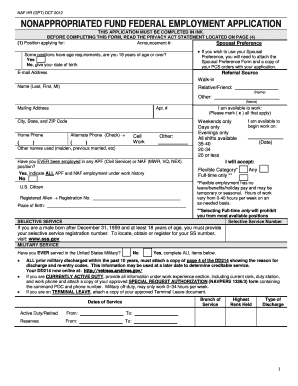
Form nonappropriated fund application
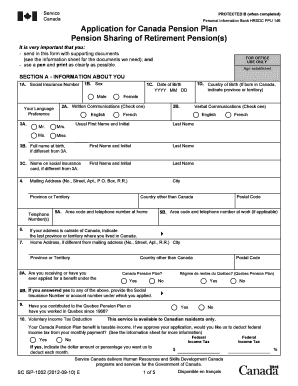
Pension service canada
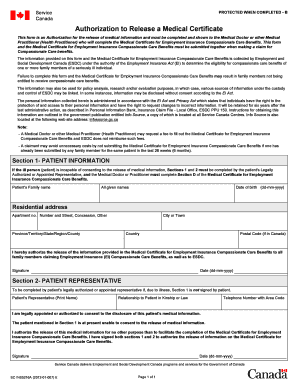
Ins5216a
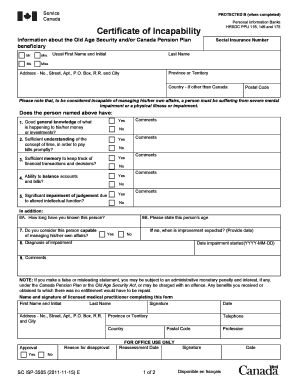
Isp3505

Western diversification program

Quit voluntary separation from employment hrsdc ins5109
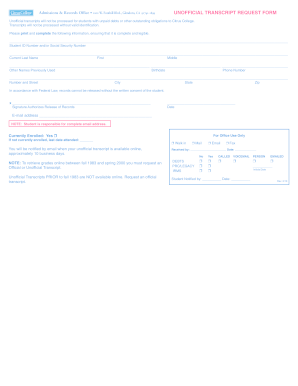
Citrus college transcript

Address change form
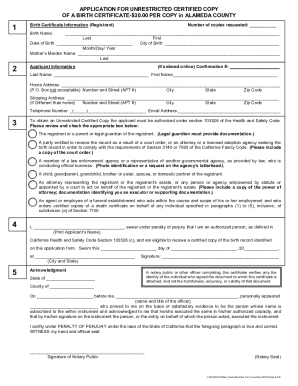
Alameda county birth certificate application form
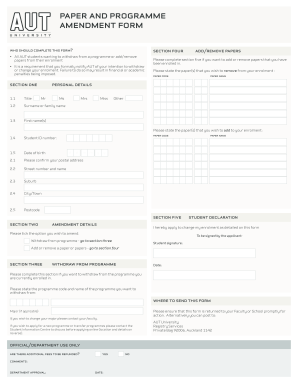
Aut form
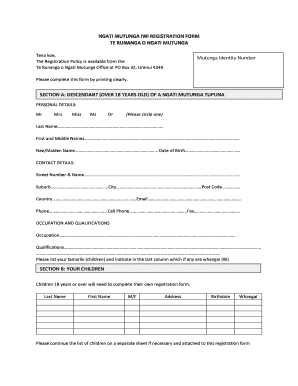
NGATI MUTUNGA IWI REGISTRATION FORM TE RUNANGA O ...
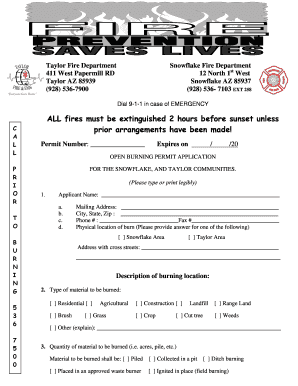
Taylor fire department
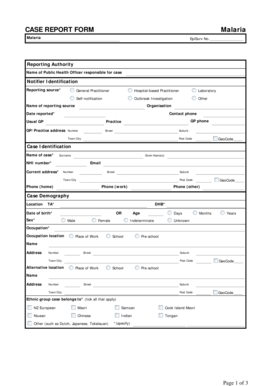
CASE REPORT FORM Malaria - Public Health Surveillance - surv esr cri

Special Constable Application Form - Dyfed Powys Police
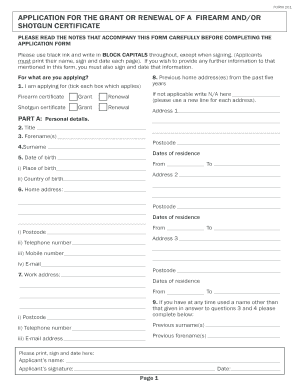
Shotgun licence derbyshire

Apprentice Declaration & Authorisation Form - Skills for Health
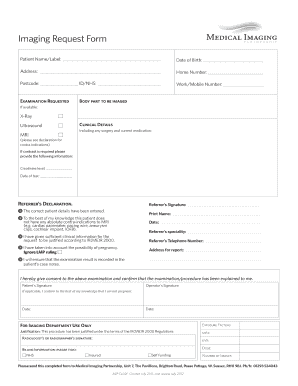
Imaging Request Form (PDF) - Centre for Health - centreforhealth org
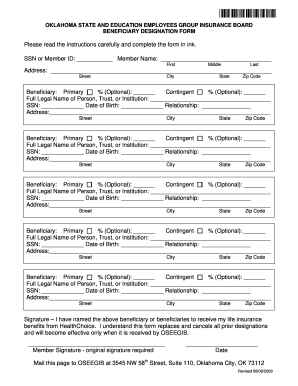
OSEEGIB Beneficiary Form
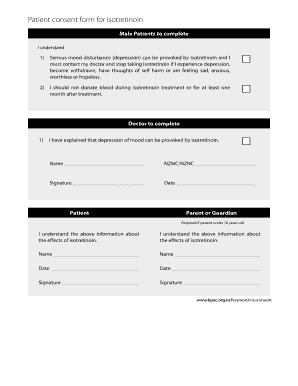
Isotretinoin waiver
New zealand grant application

Form 2 Mental Health Inquiry - Mental Health Act 2007 ... - NSW Health - health nsw gov
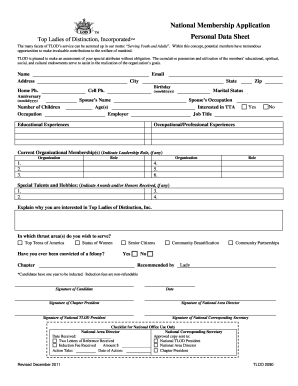
Tlod personal data sheet pdf
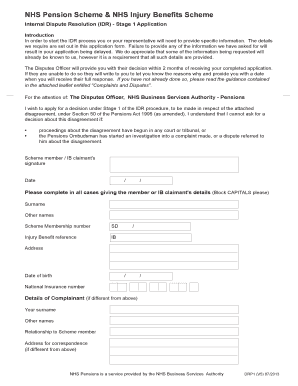
Drp1 form
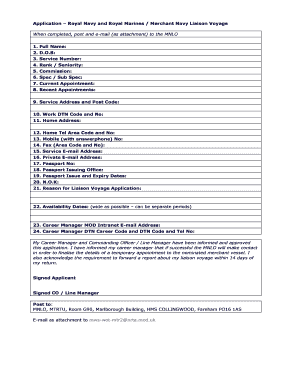
Royal navy application form pdf
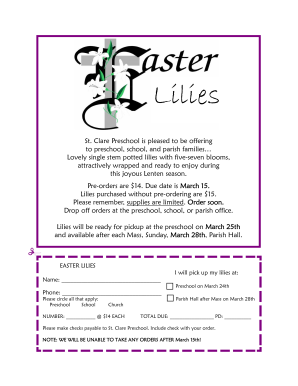
Fundraising program
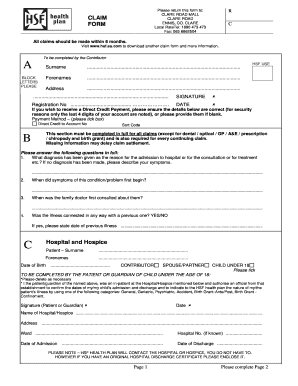
Hsf claim form
Benefit from the DocHub online library of fillable PDF forms
Searching the PDF forms doesn't have to be a tedious and time-consuming process. With the DocHub online library, it has become easier to find the fillable PDF forms and modify them in your browser. The service allows you to adjust the document to your needs using powerful editing tools.
You can use online document editing features to modify almost any type of document with ease. You just need to find the template of your choice, open it in the editor, and use the toolbar to make the necessary corrections.
Follow this guide to get your document done with DocHub:
- Find the PDF template you need.
- Click the Get Form button to open the file in the editor.
- Use the toolbar to fill out and edit the document.
- Easily add and highlight text, insert images, checkmarks, and symbols.
- Drop new fillable fields, and rearrange or delete pages from your file.
- Save changes and download your record.
DocHub empowers everyone to streamline document editing, signing, and distribution, and form completion. Create an account and benefit from our well-organized PDF Forms library and comprehensive editor.