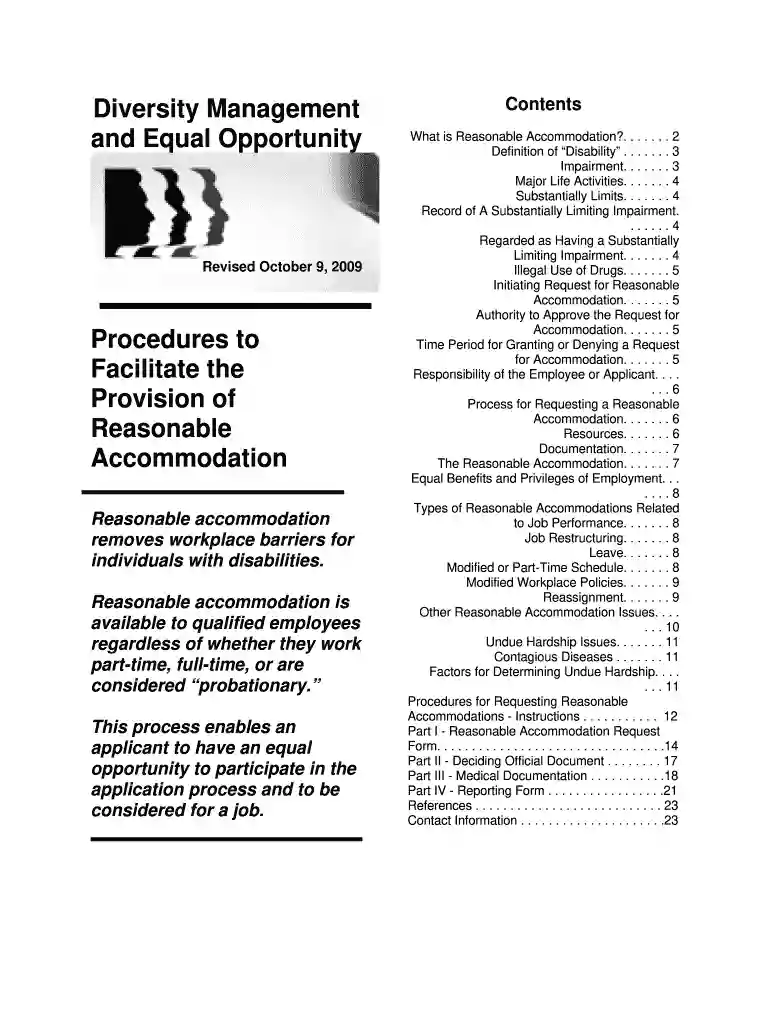
cskt intranet Preview on Page 1

Dodea provision reasonable search 2026

Here's how it works

  • 01. Edit your cskt intranet online

    Type text, add images, blackout confidential details, add comments, highlights and more.

  • 02. Sign it in a few clicks

    Draw your signature, type it, upload its image, or use your mobile device as a signature pad.

  • 03. Share your form with others

    Send dodea reasonable accommodation via email, link, or fax. You can also download it, export it or print it out.

How to use or fill out dodea provision reasonable search with our platform

Form edit decoration
9.5
Ease of Setup
DocHub User Ratings on G2
9.0
Ease of Use
DocHub User Ratings on G2
  1. Click ‘Get Form’ to open the dodea provision reasonable accommodation request form in the editor.
  2. Begin by filling in your personal details, including your name, position title, and contact information. This ensures that your request is properly attributed.
  3. Indicate the reason for your accommodation request by checking the appropriate box: whether it’s for the application process, job functions, or accessing benefits.
  4. Clearly specify the accommodations you are requesting. Be as detailed as possible to help decision-makers understand your needs.
  5. In the section provided, describe how these accommodations will assist you in performing your job effectively.
  6. Review all entered information for accuracy before submitting. Ensure that you have signed and dated the form to validate your request.

Start using our platform today to streamline your document editing and submission process for free!

be ready to get more

Complete this form in 5 minutes or less

Security and compliance

At DocHub, your data security is our priority. We follow HIPAA, SOC2, GDPR, and other standards, so you can work on your documents with confidence.

If you believe that this page should be taken down, please follow our DMCA take down process here