




01. Edit your medicare part f online
Type text, add images, blackout confidential details, add comments, highlights and more.

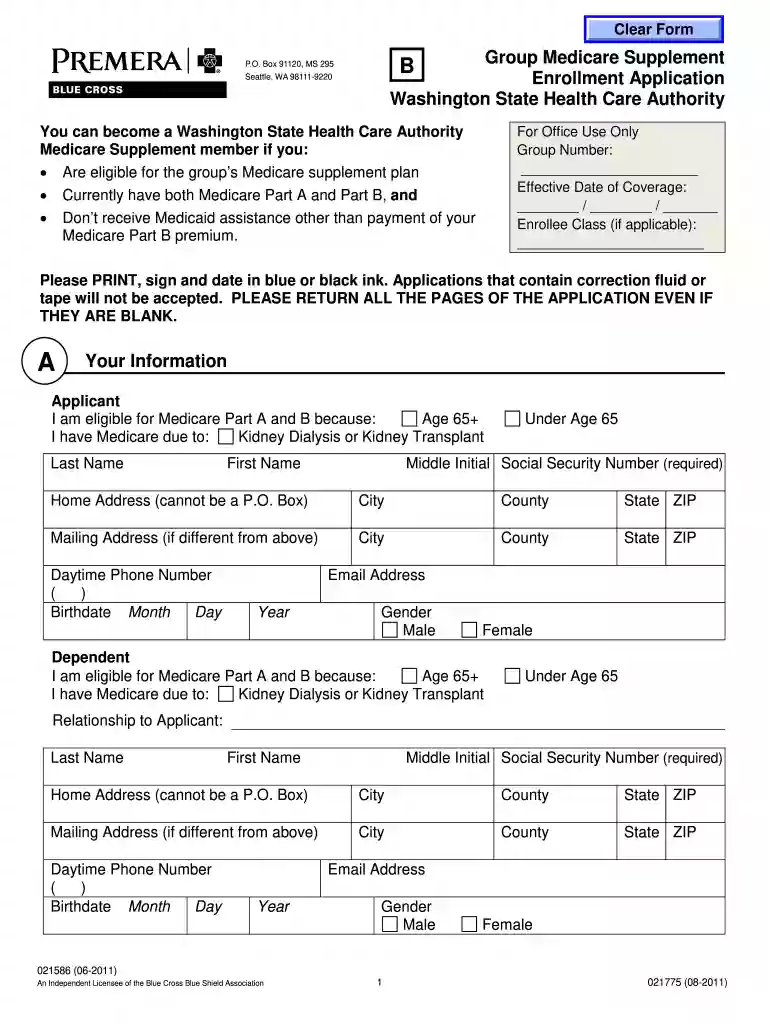
Type text, add images, blackout confidential details, add comments, highlights and more.

Draw your signature, type it, upload its image, or use your mobile device as a signature pad.

Send pbcbs med supp via email, link, or fax. You can also download it, export it or print it out.

Start using our platform today for free to complete your Medicare Supplement Plan F application effortlessly!
At DocHub, your data security is our priority. We follow HIPAA, SOC2, GDPR, and other standards, so you can work on your documents with confidence.
Molina Members are enrolled in a managed care health plan after the Health Care. Authority (HCA) determines a Member is eligible for services through AppleRead more
If enrolling in Premera Blue Cross Medicare Supplement. Plan F, submit the Group Medicare Supplement. Enrollment Application (form B). If enrolling in aRead more
You can become a Washington State Health Care Authority. Medicare Supplement member if you: Are eligible for the groups Medicare supplement plan. CurrentlyRead more


