
Get any PDF form from the DocHub library of ready-made templates - Page 1532

Sb 13546
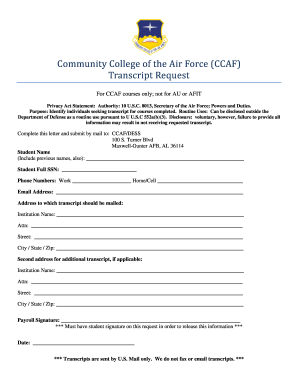
Ccaf transcript

APP INDIVIDUAL-GENERIC

Stae form 53789 2013
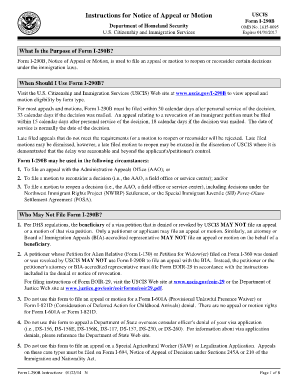
Form I-290B, Notice of Appeal or Motion, is used to file an appeal or motion to reopen or reconsider certain decisions under the immigration laws - uscis

Staying healthy assessment
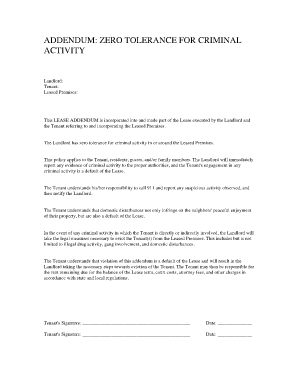
Addendum zero tolerance for criminal activity
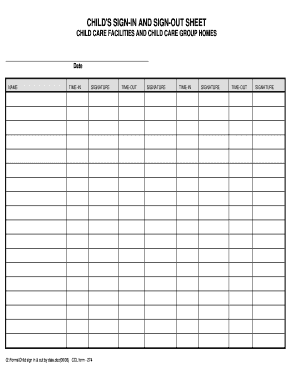
Child's Sign-In and Sign-Out Sheet by Date - azdhs
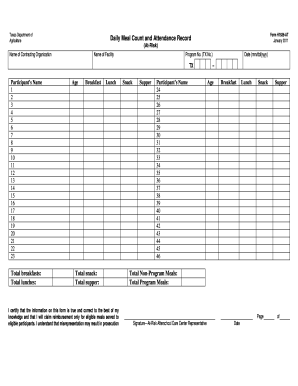
H1535 at
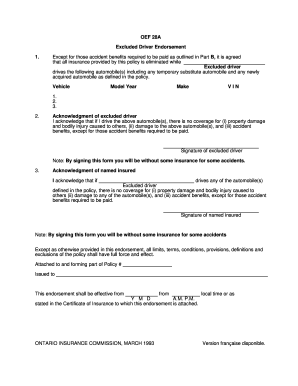
Editable csio 28a excluded driver

Dva forms d1217
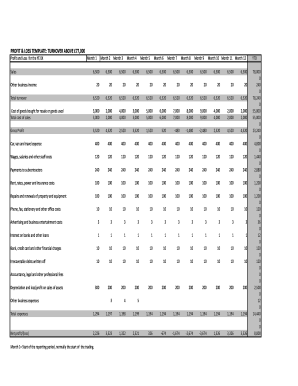
Consolidated Profit & Loss Account - Informa.com

De 8401 job seekers
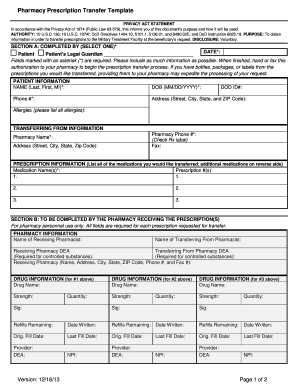
Pharmacy prescription transfer template
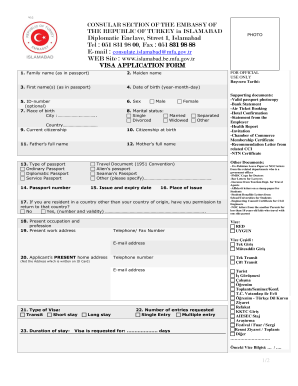
Images of visa application form from pakistan to usa

Answer for wia course suplement

1-8 Incident Report Form - Services for People with Disabilities - dspd utah
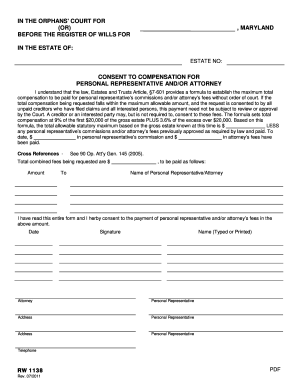
Maryland form consent
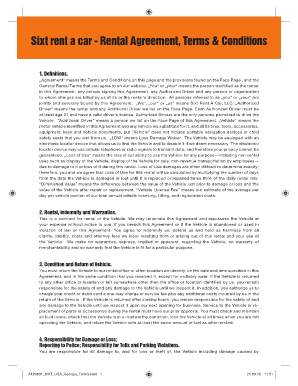
Car rental agreement terms and conditions
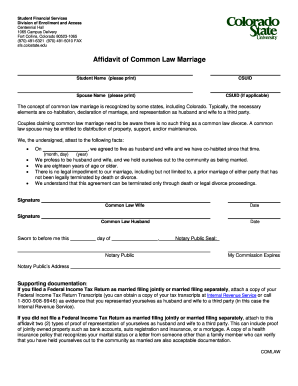
Kansas common law marriage
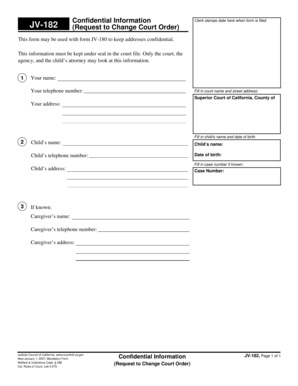
What jv 182
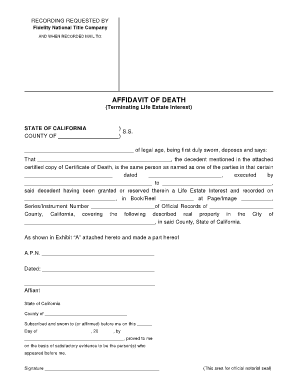
Affidavit terminating life

The goal online pdf
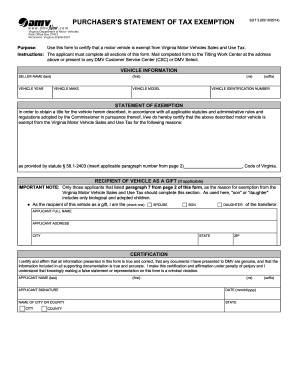
Purchaser's statement of tax exemption
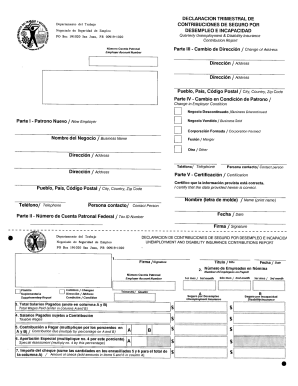
Modelo sc 1521 ssc

Motion for Order Setting Final Hearing - Marion County Clerk of Courts - marioncountyclerk

Military Status Affidavit Divorce - texasatj
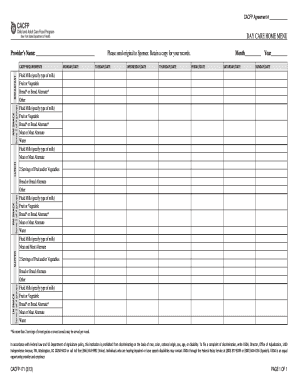
Day Care Home Menu CACFP-171 - health ny
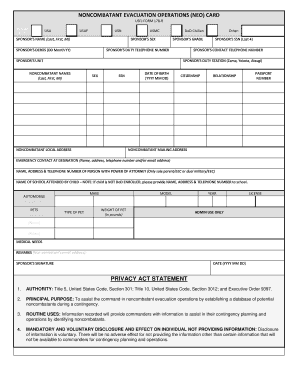
Usfj form 178 r

AIRWORTHINESS MANUAL
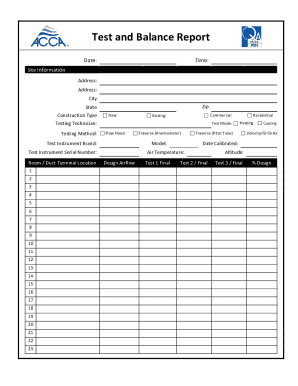
Nebb tab report forms
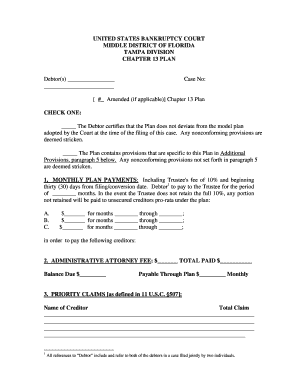
Florida chapter 13 plan

Fema 81 2009 form
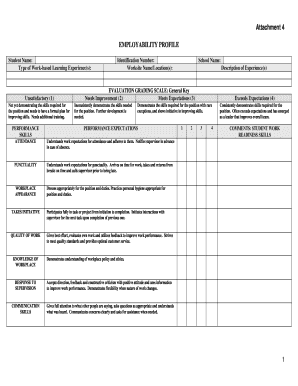
Employability profile

Nysed career plan

Elrc forms

Data Collection Form - TotalSIR
Ielts answer form
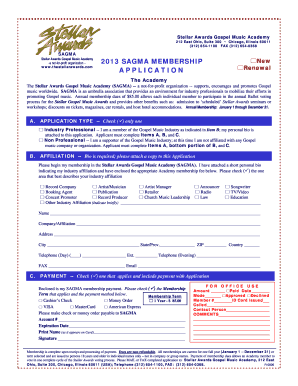
Sagma membership
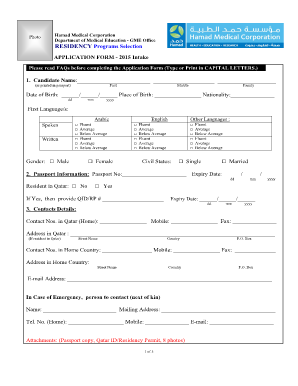
How to get medical documents from hamad medical corporation
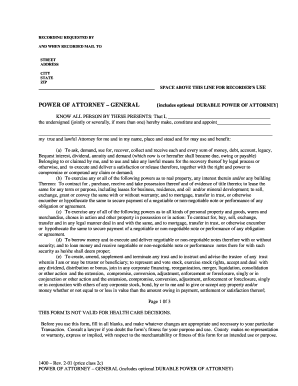
Form power attorney
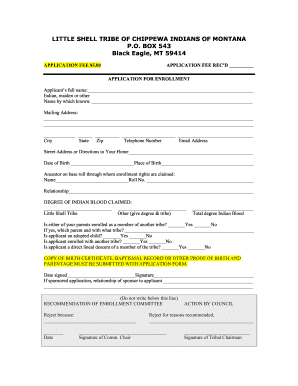
Little shell enrollment form
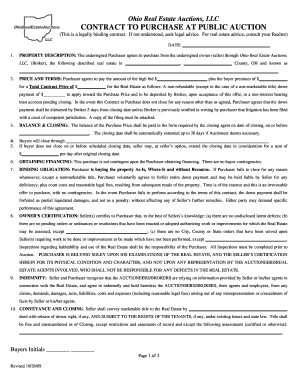
Real estate purchase land contract ohio
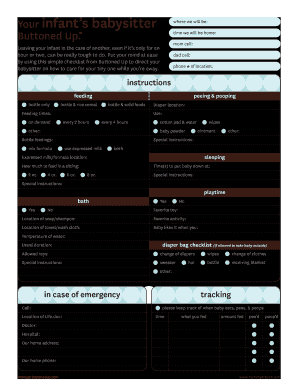
Your infant's babysitter - Mommy Tracked
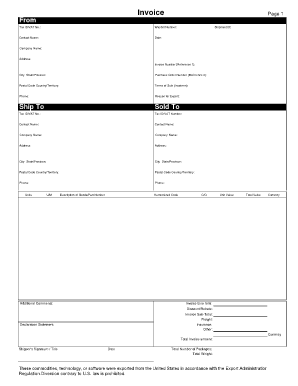
Invoiceblank_dis.PDF. DA FORM 2064, JAN 1982

Sfoconnect
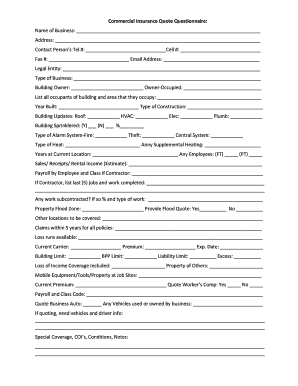
Commercial insurance quote questionnaire
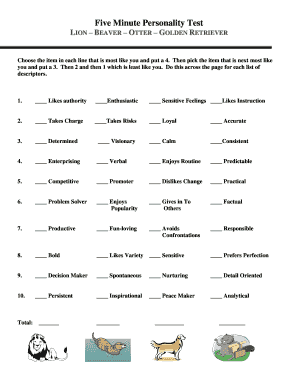
Logb personality test online
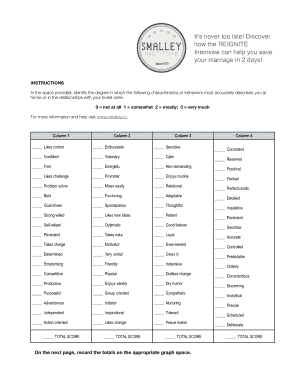
Smalley personality test
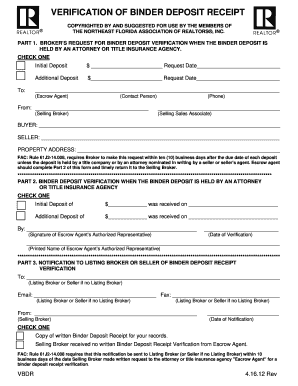
VERIFICATION OF BINDER DEPOSIT RECEIPT - NEFAR.com
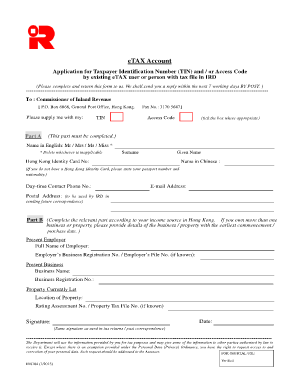
Ir6104
A fillable recording cover sheet - fidelitytitle
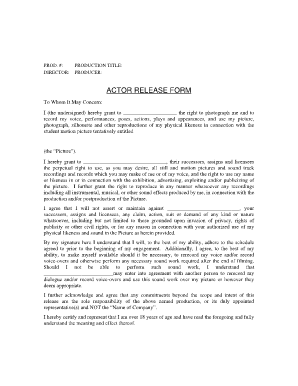
Actor release form
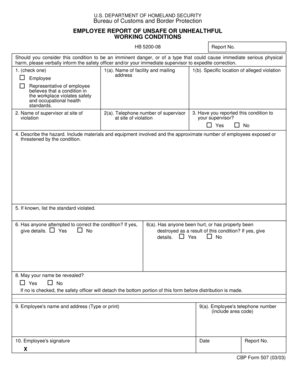
Cbp-507(employee report of unsafe conditions) - Local 2595

Form 2408 form
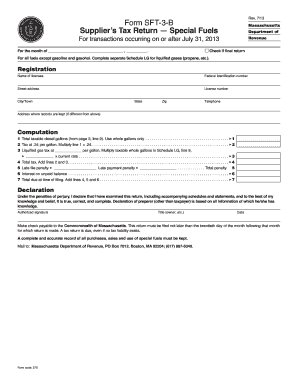
Xxxvideoshd 2013 form

Form 32a telangana
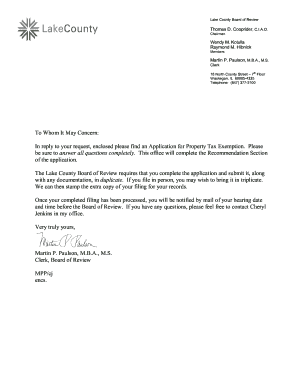
Ptax 300
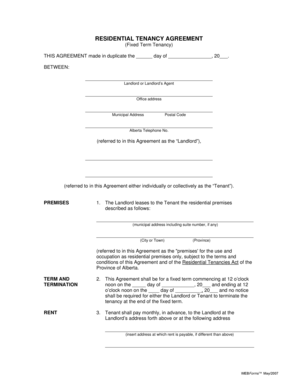
Creb residential tenancy agreement
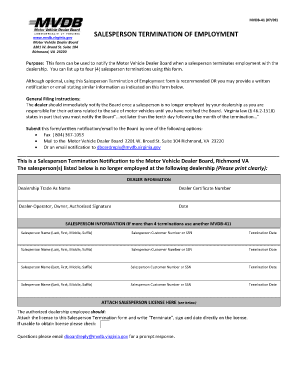
Mvdb 41
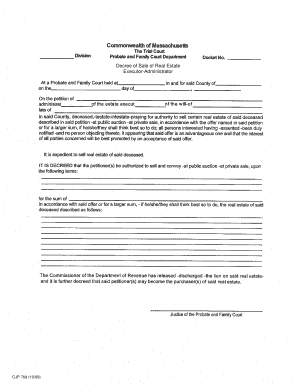
Massachusetts cjp
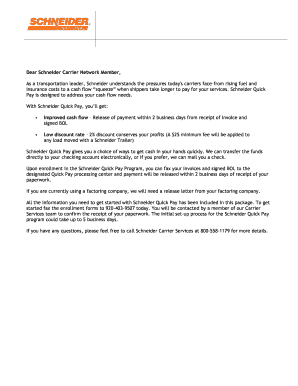
Schneider quickpay

Investigation form ppd printable

Response to Motion for Contempt - Fulton County Superior Court

Bcii 9001
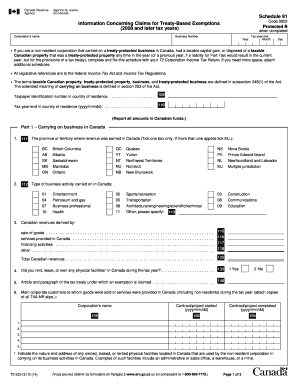
T2 based exemption form

Arkansas affidavit of inheritance

Keynes stp3000d download

INDIVIDUAL VEHICLE MILEAGE AND FUEL REPORT ALWAYS ... - dmv virginia
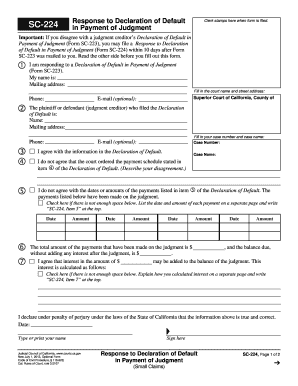
Sc224
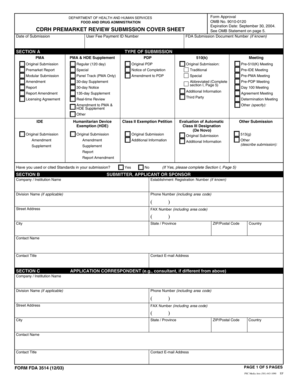
Form 3514

Certificate of incapacity form
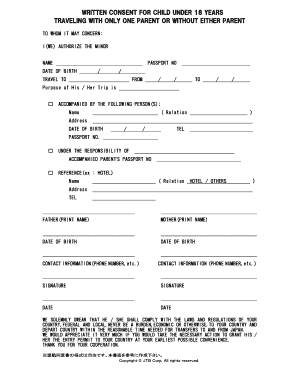
Written consent for child under 18 years
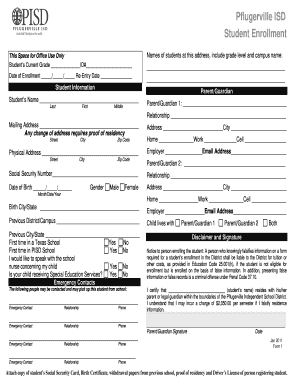
Form pflugerville isd form
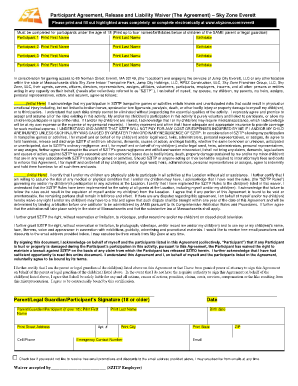
Sky zone everett
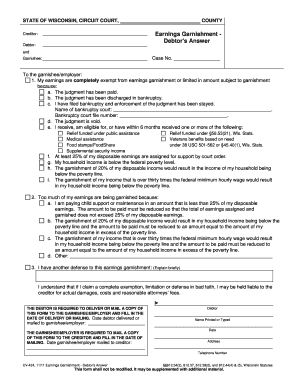
Cv 424

Marketing plan template
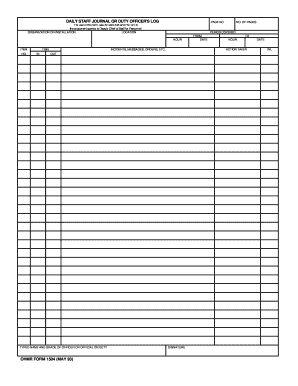
Staff duty log
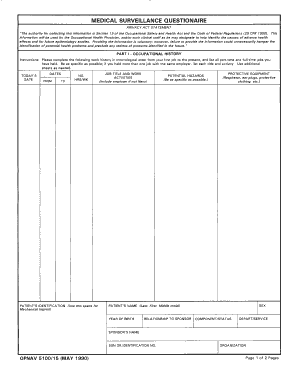
Navy medical surveillance form

Nsfas refund pdf
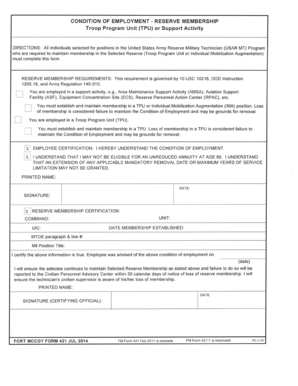
Condition of Employment - Reserve Membership - Fort McCoy
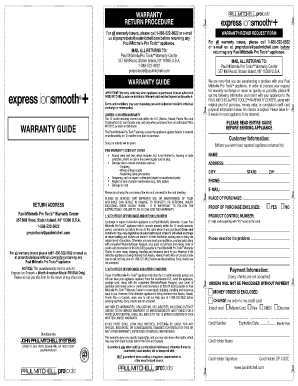
Pmprotoolspaulmitchellcom form
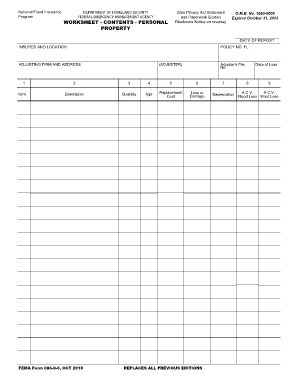
Personal property inventory worksheet

Form GN-3120 - Wisconsin Court System - wicourts
IDPH Vaccine Management Plan Template - Illinois Department of ... - idph state il
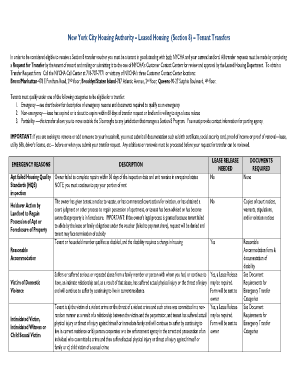
REPAIR CERTIFICATION FORM - nyc

Prequalifications tx
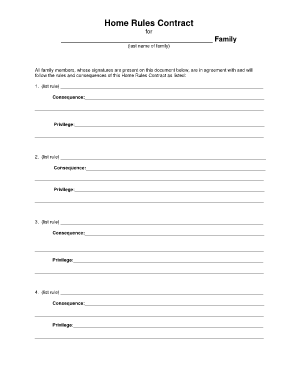
Home rules contract pdf
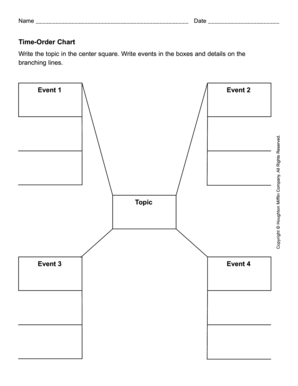
Time order chart
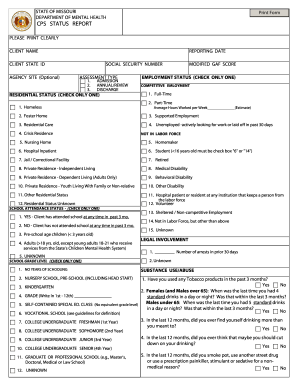
Missouri status report

Mv104

Apush bagpipe themes
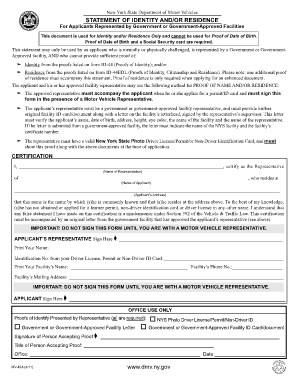
Mv45
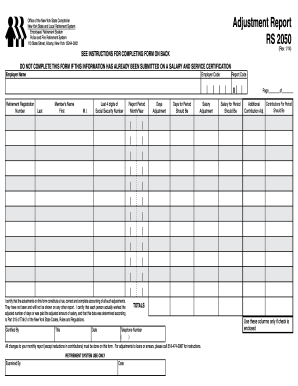
Adjustment report

Assignment first page blank
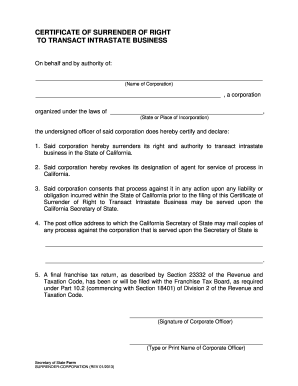
Certificate of Surrender - California Secretary of State - State of ... - sos ca
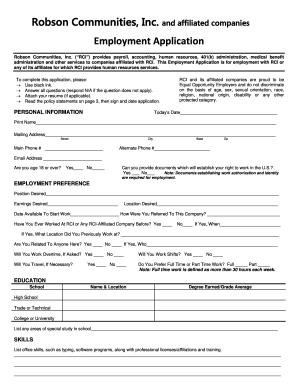
Robson application
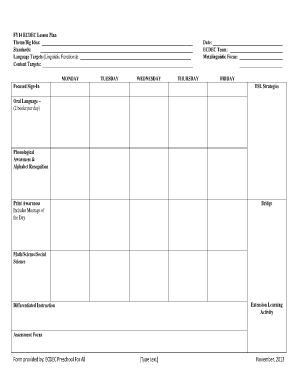
Toddler lesson plans pdf

Addendum for coastal area property
Monthly spill bucket inspection log
Benefit from the DocHub online library of fillable PDF forms
Searching the PDF forms doesn't have to be a tedious and time-consuming process. With the DocHub online library, it has become easier to find the fillable PDF forms and modify them in your browser. The service allows you to adjust the document to your needs using powerful editing tools.
You can use online document editing features to modify almost any type of document with ease. You just need to find the template of your choice, open it in the editor, and use the toolbar to make the necessary corrections.
Follow this guide to get your document done with DocHub:
- Find the PDF template you need.
- Click the Get Form button to open the file in the editor.
- Use the toolbar to fill out and edit the document.
- Easily add and highlight text, insert images, checkmarks, and symbols.
- Drop new fillable fields, and rearrange or delete pages from your file.
- Save changes and download your record.
DocHub empowers everyone to streamline document editing, signing, and distribution, and form completion. Create an account and benefit from our well-organized PDF Forms library and comprehensive editor.