




01. Edit your file restraining order online alaska online
Type text, add images, blackout confidential details, add comments, highlights and more.

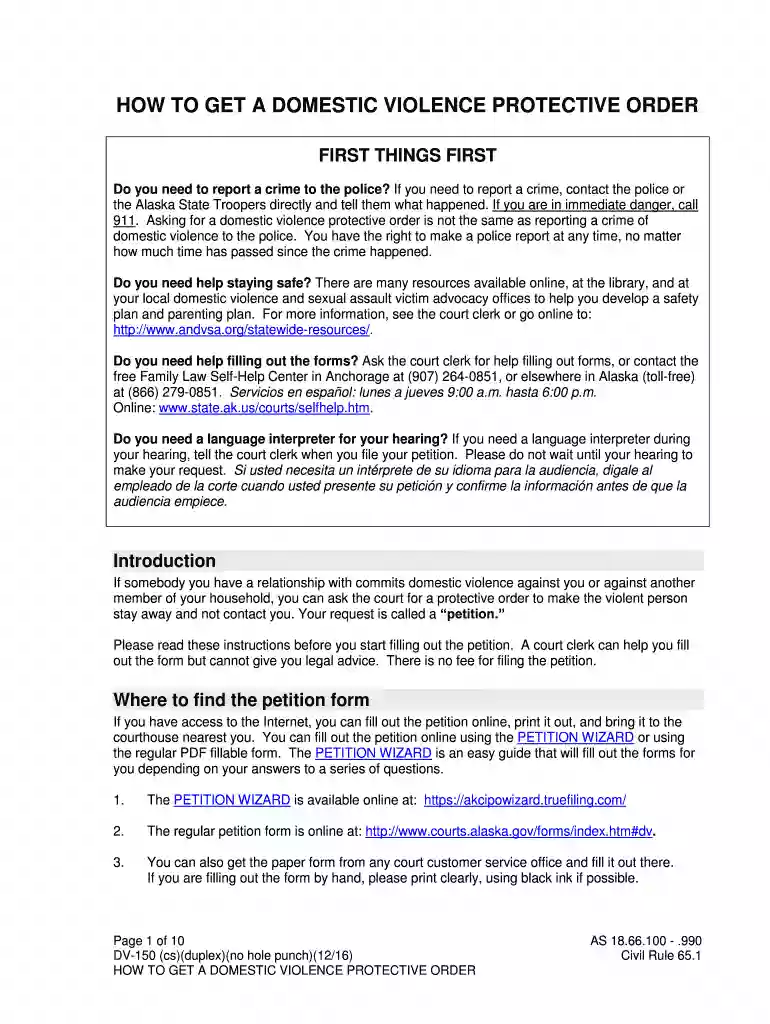
Type text, add images, blackout confidential details, add comments, highlights and more.

Draw your signature, type it, upload its image, or use your mobile device as a signature pad.

Send restraining order via email, link, or fax. You can also download it, export it or print it out.

Start filling out your Alaska Protective Order today using our platform for free!
We've got more versions of the file restraining order online alaska form. Select the right file restraining order online alaska version from the list and start editing it straight away!
At DocHub, your data security is our priority. We follow HIPAA, SOC2, GDPR, and other standards, so you can work on your documents with confidence.
Sep 25, 2025 Alaska LNG Pipeline (AKLNG), also known as Alaska Nikiski LNG Project Pipeline, is a proposed natural gas pipeline in the United States.[1]
by SR Buchman 2020 The Alaska legislature has codified, in section 18.66.100 of the Alaska Statutes, a process through which petitioners can seek a domestic violence
The Anchorage court has extended hours at the Boney Courthouse, 303 K St., for protective order petitions Monday Friday 8 am 8 pm, Saturday and Sunday noonRead more


