
Get any PDF form from the DocHub library of ready-made templates - Page 1443
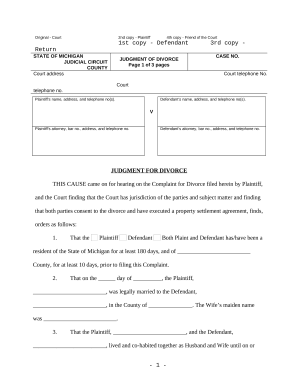
Michigan judgment

Michigan pay rent
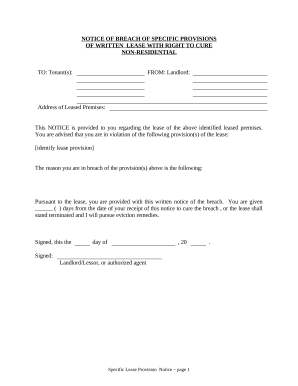
Michigan violating
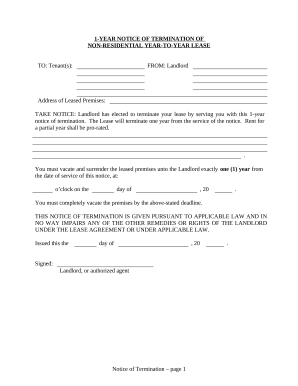
Michigan termination lease
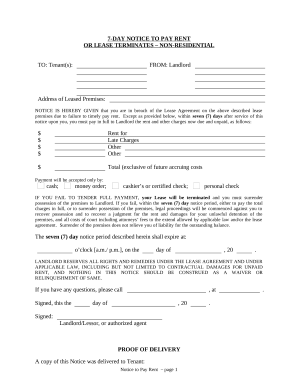
Michigan 7 day notice

Fencing Contract for Contractor - North Dakota
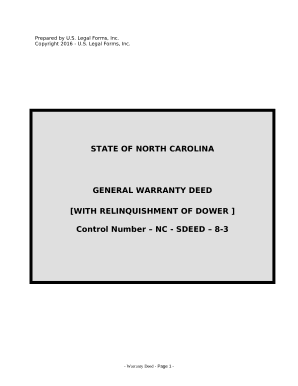
Relinquishment
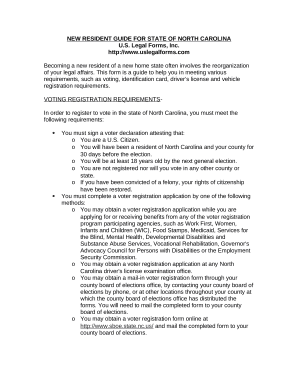
New Resident Guide - North Carolina

Amendment of Lease Package - North Carolina
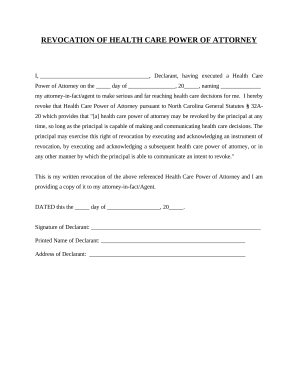
Revocation power attorney

Revocation power attorney

Consent for form

Nc note
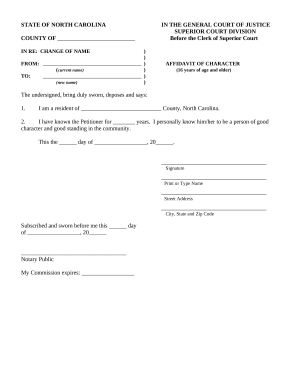
Affidavit character
North carolina annual file
Nc affidavit form
Limited liability company

North carolina proprietorship
Amendment to Lease or Rental Agreement - North Carolina
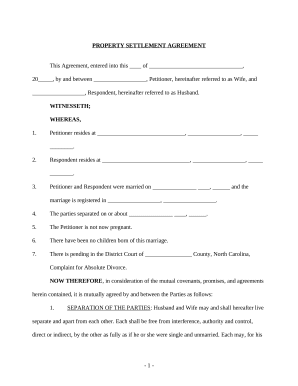
North carolina property
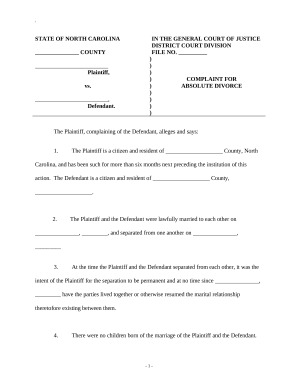
North carolina absolute divorce

Nc 10 day notice
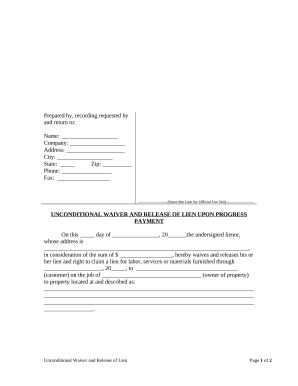
North carolina lien

Letter from Landlord to Tenant as Notice to remove unauthorized inhabitants - North Carolina
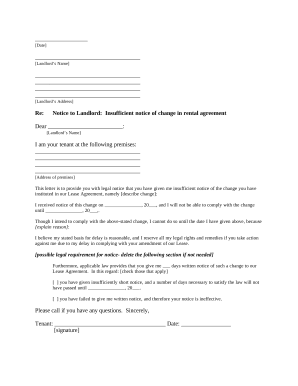
Letter rental increase
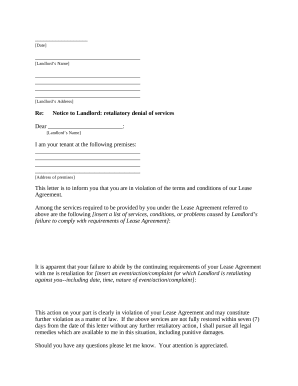
Nc tenant landlord

Rent increase letter pdf
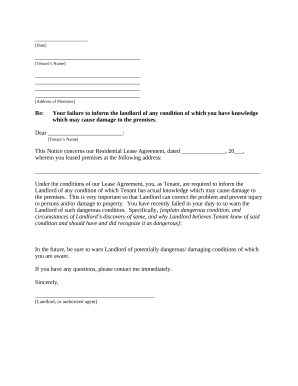
North carolina tenant notice
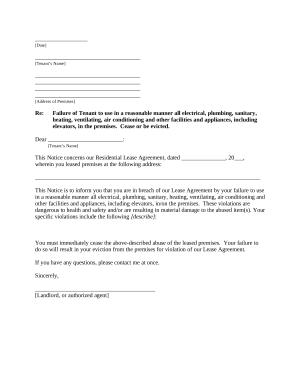
Letter landlord in

Nc landlord tenant

Letters of rent from landlord
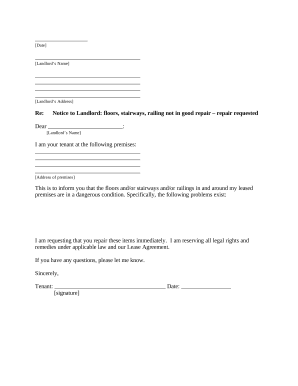
Letter tenant form
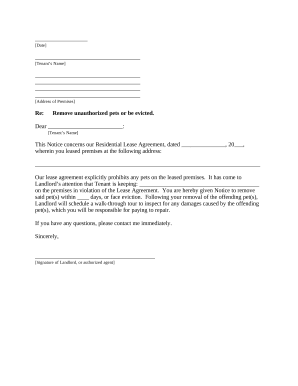
Nc letter notice
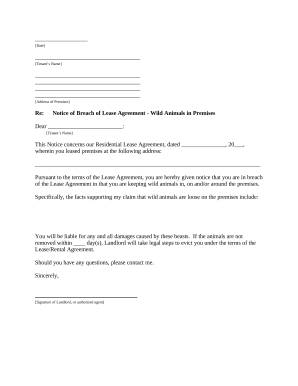
Nc landlord notice
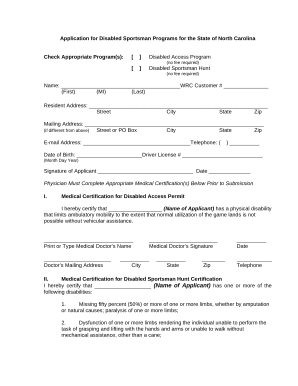
North carolina disabled
General warranty deed pdf

Interrogatories
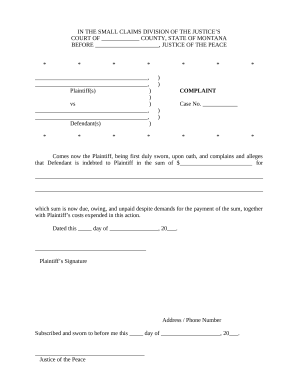
Montana complaint

Order of Name Change for Adult - Montana
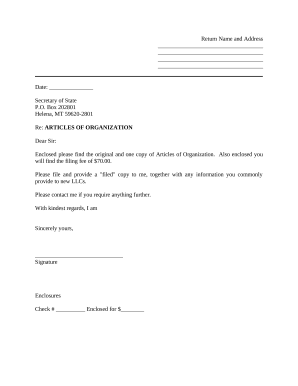
Sample Cover Letter for Filing of LLC Articles or Certificate with Secretary of State - Montana
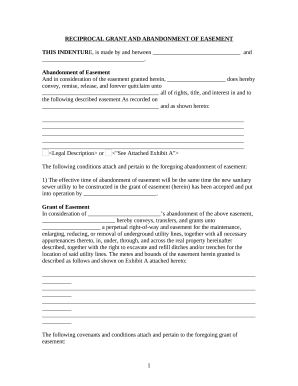
Montana easement
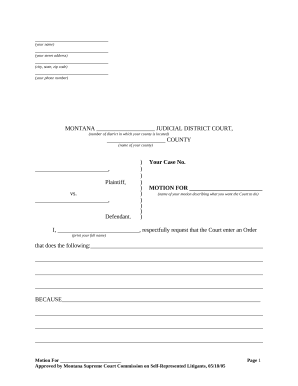
Montana civil procedure
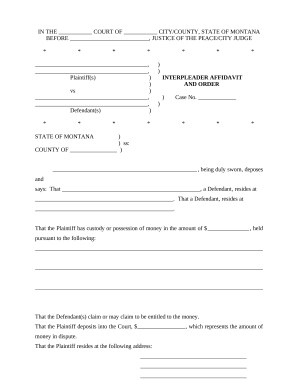
Interpleader Affidavit and Order - Montana
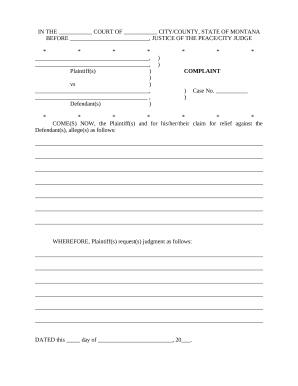
Montana civil court
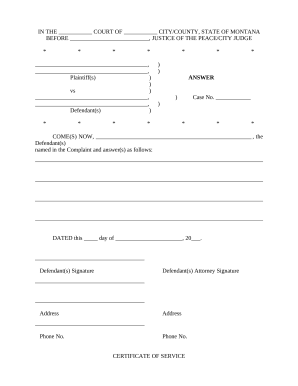
Montana answer
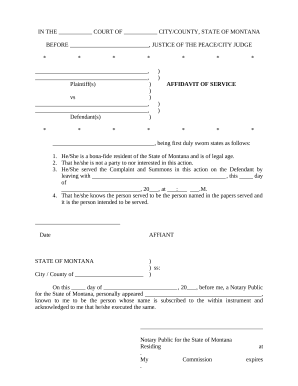
Montana affidavit agreement
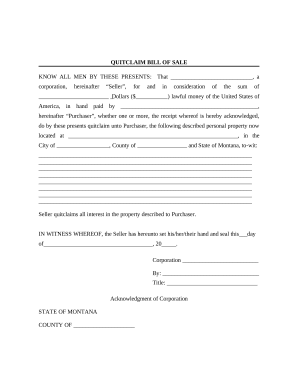
Bill of Sale without Warranty by Corporate Seller - Montana
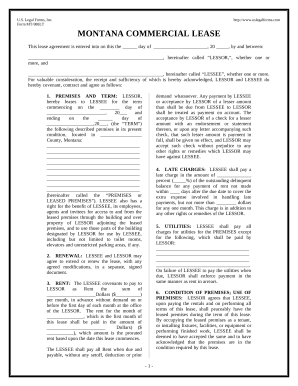
Commercial Building or Space Lease - Montana
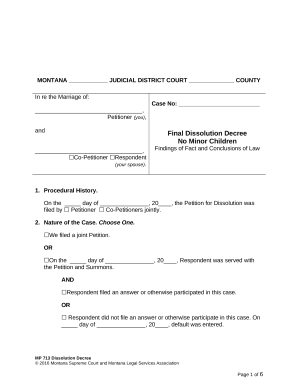
Findings law form

Residential or Rental Lease Extension Agreement - Montana

Montana disclosure form
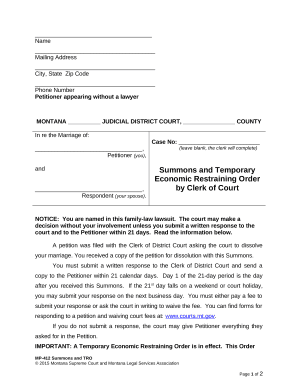
Montana restraining order
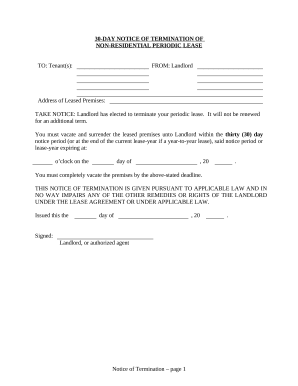
Montana landlord tenant
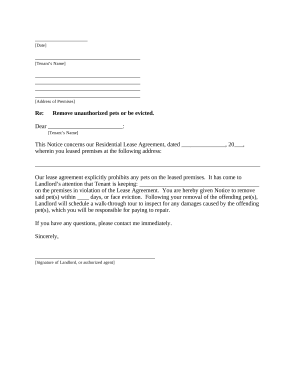
Letter from Landlord to Tenant as Notice to remove unauthorized pets from premises - Montana
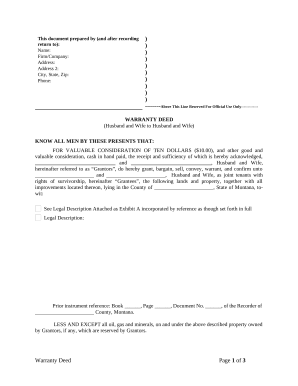
Montana warranty deed
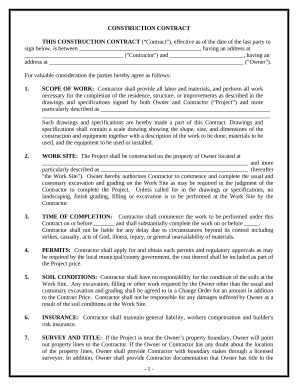
Construction Contract Cost Plus or Fixed Fee - Montana
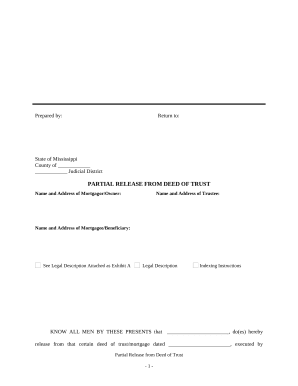
Partial Release of Property From Deed of Trust for Corporation - Mississippi

Ms theft
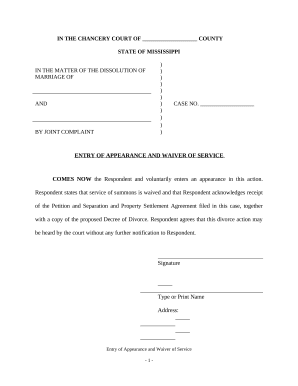
Mississippi waiver form
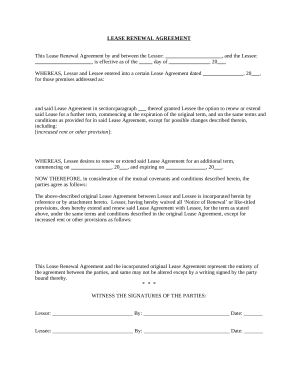
Mississippi residential lease agreement
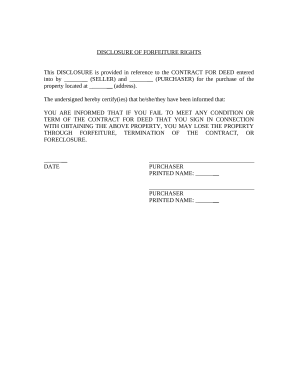
South carolina disclosure

Identity Theft Prevention Package - Rhode Island
Siding Contractor Package - Rhode Island

Security Contractor Package - Rhode Island

Sheetrock Drywall Contractor Package - Rhode Island
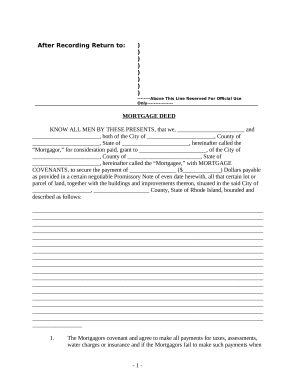
Rhode island deed

Residential or Rental Lease Extension Agreement - Rhode Island
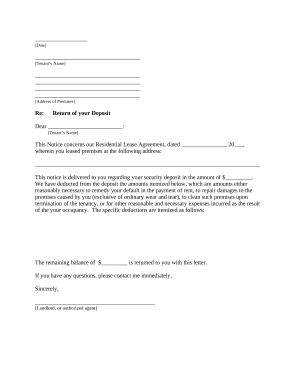
Letter from Landlord to Tenant Returning security deposit less deductions - Rhode Island
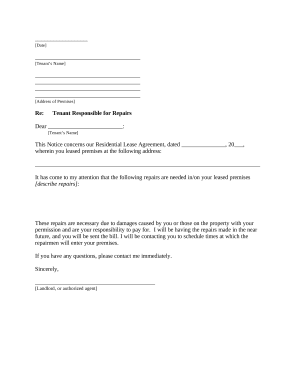
Letter from Landlord to Tenant as Notice to tenant to repair damage caused by tenant - Rhode Island

Letter from Landlord to Tenant about Intent to increase rent and effective date of rental increase - Rhode Island

Rhode island law
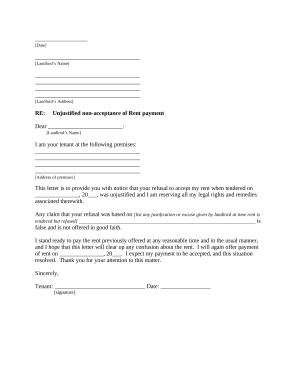
Letter tenant rent
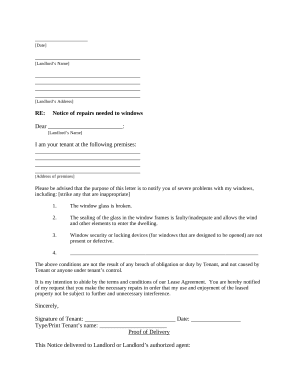
Rhode island tenant
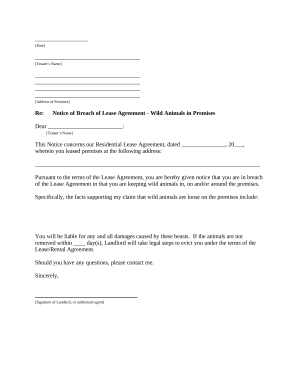
Rhode island landlord notice

Warranty Deed from Husband and Wife to Corporation - Rhode Island
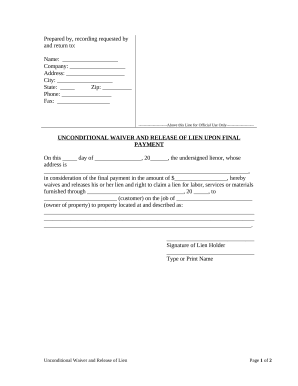
Ri unconditional

Rhode island marriage
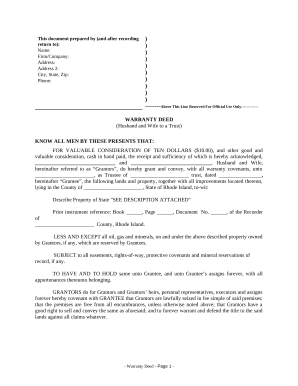
Warranty Deed from Husband and Wife to a Trust - Rhode Island
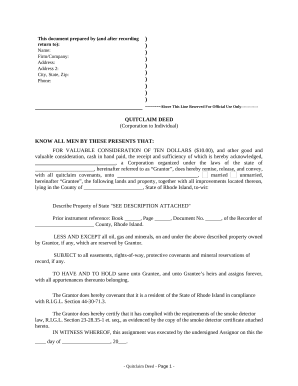
Quitclaim Deed from Corporation to Individual - Rhode Island
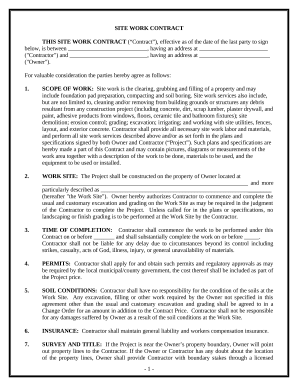
Site Work Contract for Contractor - Rhode Island

Pa will

Partial release mortgage template
Pennsylvania work contractor
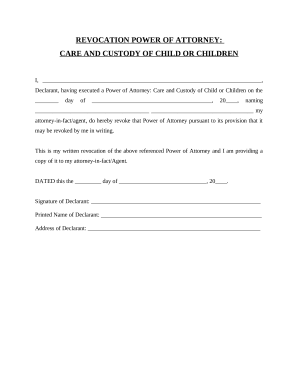
Pa revocation
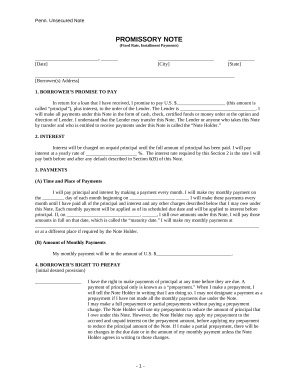
Promissory note template pennsylvania

Pennsylvania name change form
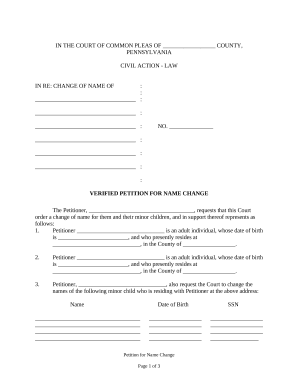
Petition change name

Pennsylvania family court
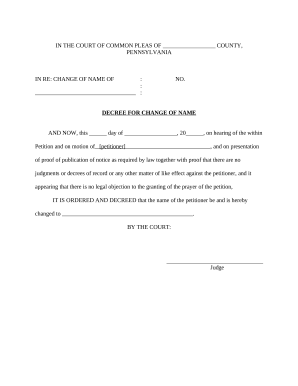
Pennsylvania name change
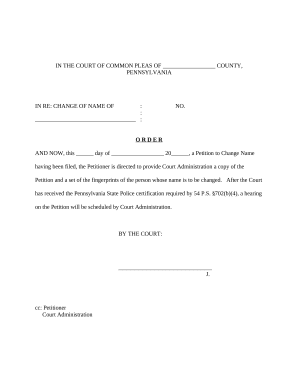
Information name change

Pennsylvania name change

Petition change form pennsylvania

Pennsylvania civil

Sample transmittal letter
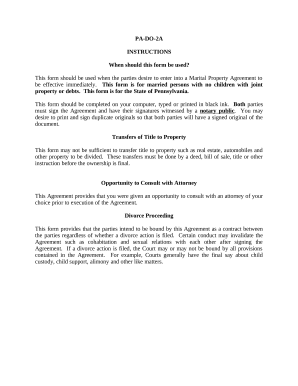
Pa marital property

Name Affidavit of Seller - Pennsylvania
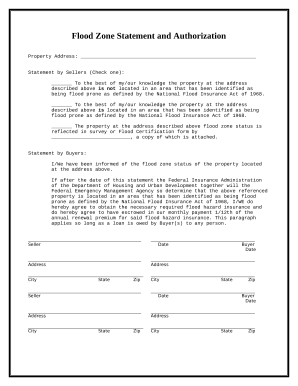
Flood Zone Statement and Authorization - Pennsylvania
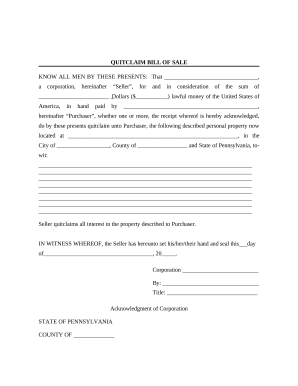
Bill sale form
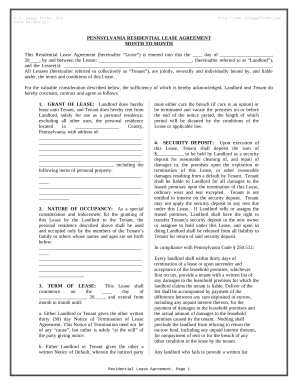
Pennsylvania lease
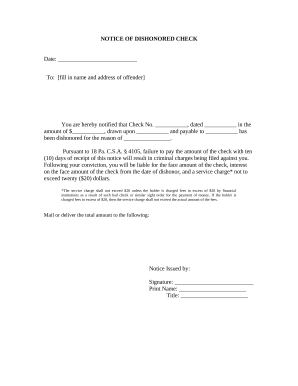
Notice check bad
Benefit from the DocHub online library of fillable PDF forms
Searching the PDF forms doesn't have to be a tedious and time-consuming process. With the DocHub online library, it has become easier to find the fillable PDF forms and modify them in your browser. The service allows you to adjust the document to your needs using powerful editing tools.
You can use online document editing features to modify almost any type of document with ease. You just need to find the template of your choice, open it in the editor, and use the toolbar to make the necessary corrections.
Follow this guide to get your document done with DocHub:
- Find the PDF template you need.
- Click the Get Form button to open the file in the editor.
- Use the toolbar to fill out and edit the document.
- Easily add and highlight text, insert images, checkmarks, and symbols.
- Drop new fillable fields, and rearrange or delete pages from your file.
- Save changes and download your record.
DocHub empowers everyone to streamline document editing, signing, and distribution, and form completion. Create an account and benefit from our well-organized PDF Forms library and comprehensive editor.