




01. Edit your form online
Type text, add images, blackout confidential details, add comments, highlights and more.

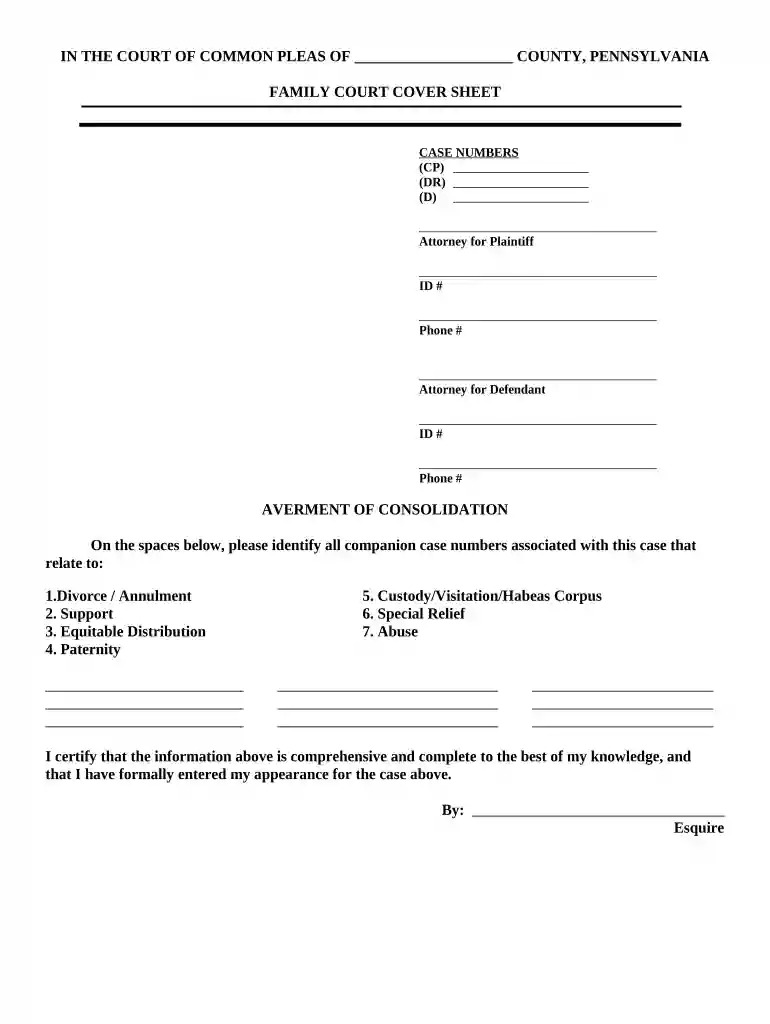
Type text, add images, blackout confidential details, add comments, highlights and more.

Draw your signature, type it, upload its image, or use your mobile device as a signature pad.

Send it via email, link, or fax. You can also download it, export it or print it out.

Start using our platform today to streamline your document editing and ensure a smooth filing process!
With DocHub, you can easily approve your pennsylvania family court or any other document on iOS, even without installing extra applications. You can access your DocHub account from any web-connected browser and fill out and sign your document in any preferred method with just a few clicks.
In case your go-to electronic mail service is Gmail, you can easily integrate your DocHub editor in your work. Edit your pennsylvania family court with DocHub tools and attach it to your drafts in Gmail. See how easy it is to exchange papers and collaborate with a swift PDF editing solution at hand.
At DocHub, your data security is our priority. We follow HIPAA, SOC2, GDPR, and other standards, so you can work on your documents with confidence.


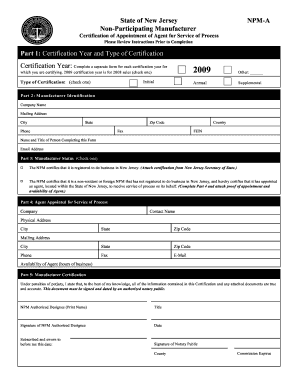



A court of this Commonwealth has temporary emergency jurisdiction if the child is present in this Commonwealth and the child has been abandoned or it isRead more
Pay fines, costs, and restitution to the Commonwealth of Pennsylvanias Common Pleas and Magisterial District courts. Court Services and Information. ADA Policy.Read more


