




01. Edit your quitclaim deed ri online
Type text, add images, blackout confidential details, add comments, highlights and more.

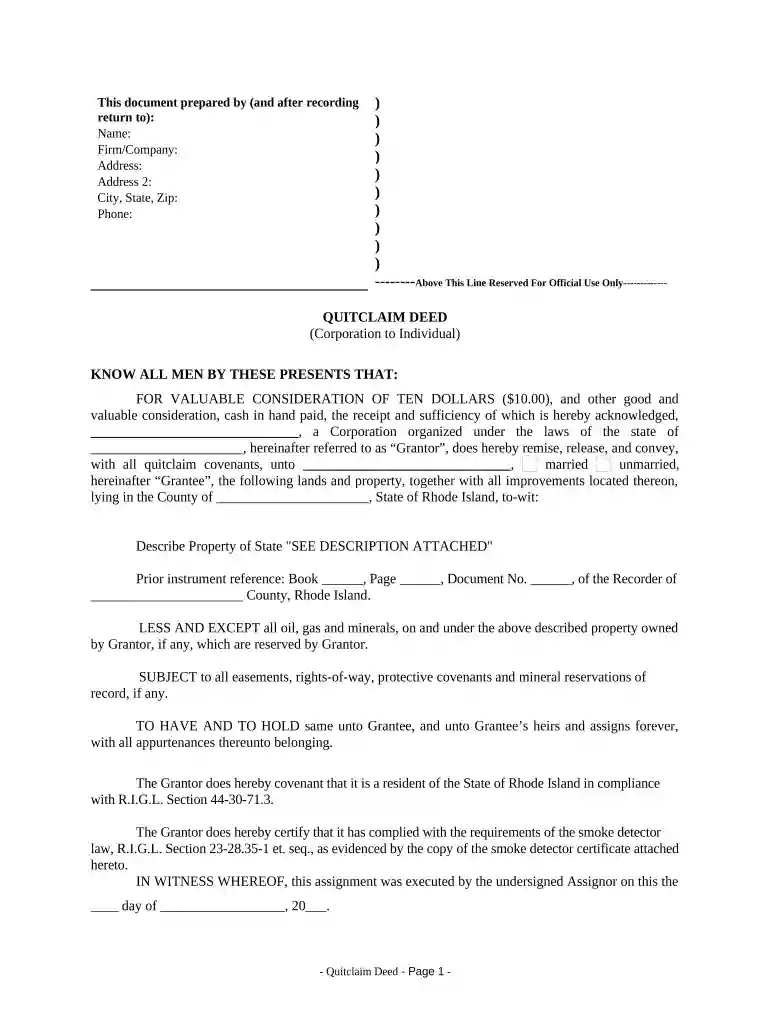
Type text, add images, blackout confidential details, add comments, highlights and more.

Draw your signature, type it, upload its image, or use your mobile device as a signature pad.

Send rhode island quit claim deed via email, link, or fax. You can also download it, export it or print it out.

Start using our platform today to streamline your Quitclaim Deed process for free!
At DocHub, your data security is our priority. We follow HIPAA, SOC2, GDPR, and other standards, so you can work on your documents with confidence.




by J Manning 2023 June 7, 2017, Jordan Realty transferred the property via quitclaim deed to a Rhode Island limited liability company, Smart Homes,. LLC, for the sale price ofRead more
A tax is imposed on each deed, instrument, or writing by which interests in real estate are conveyed to a purchaser when the consideration paid exceeds $100.Read more


