




01. Edit your rhode island marriage certificate copy online
Type text, add images, blackout confidential details, add comments, highlights and more.

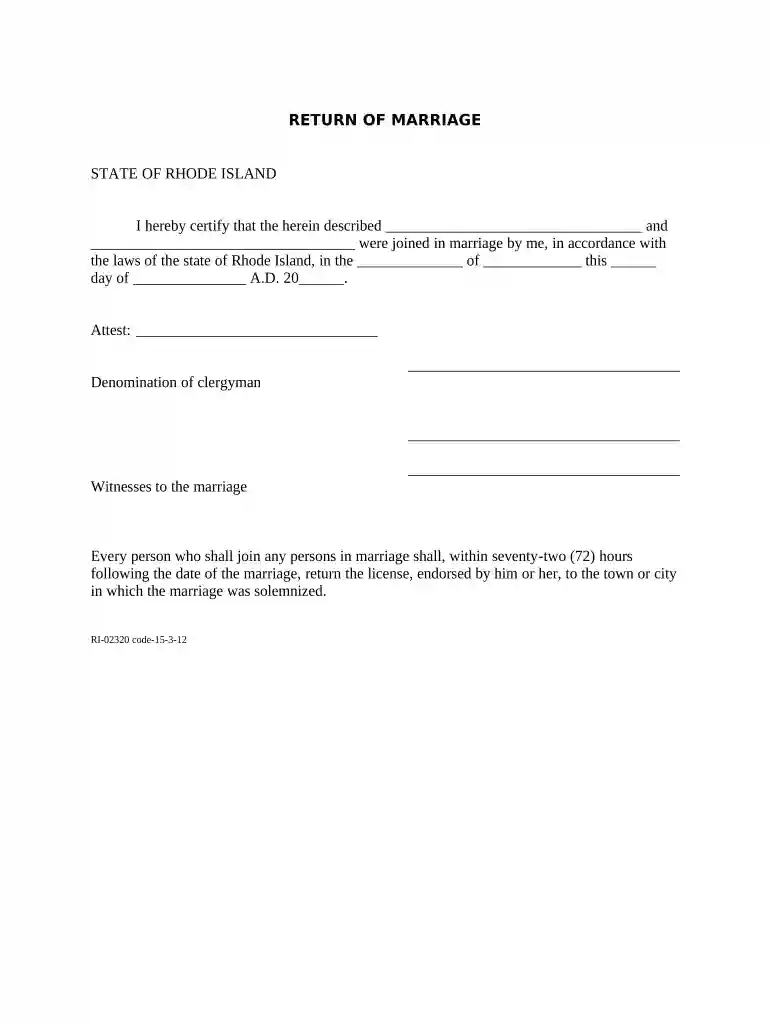
Type text, add images, blackout confidential details, add comments, highlights and more.

Draw your signature, type it, upload its image, or use your mobile device as a signature pad.

Send marriage license application form pdf via email, link, or fax. You can also download it, export it or print it out.

Start using our platform today to easily complete your Rhode Island Marriage form online for free!
At DocHub, your data security is our priority. We follow HIPAA, SOC2, GDPR, and other standards, so you can work on your documents with confidence.


Apr 21, 2026 Two people who are eligible to marry may get a marriage license. Same-sex marriage is legal in Rhode Island, therefore Rhode Island no longer allows couples toRead more
Persons intending to be married in Rhode Island must first obtain a marriage license from: 1. If both persons live in Rhode Island, they may apply for a


