
Get any PDF form from the DocHub library of ready-made templates - Page 1441
Roofing Contractor Package - New Mexico
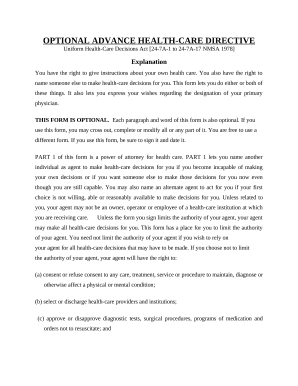
Nm statutory
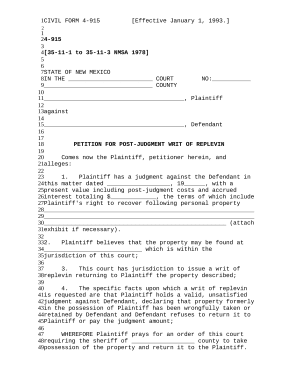
Replevin
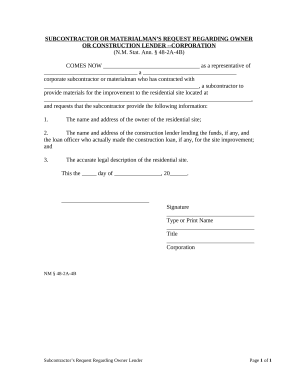
Llc limited liability
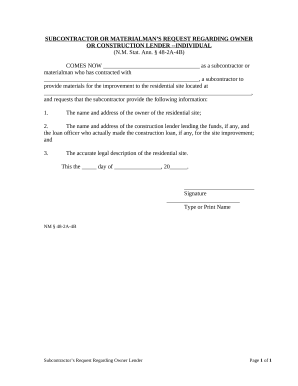
Nm owner
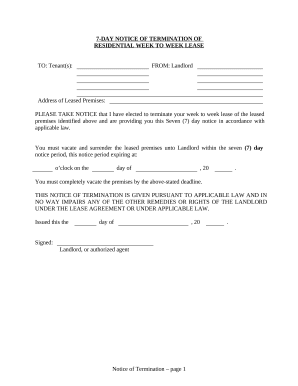
New mexico tenant
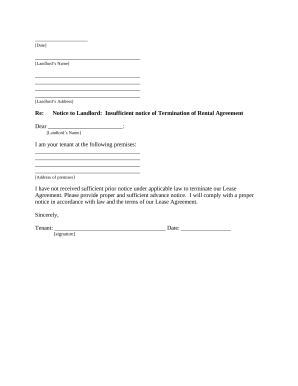
Letter from Tenant to Landlord about Insufficient Notice to Terminate Rental Agreement - New Mexico
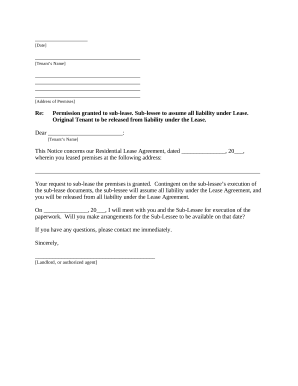
Nm landlord
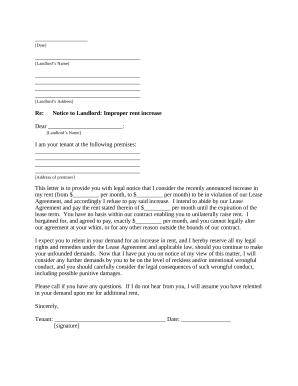
Landlord rent increase
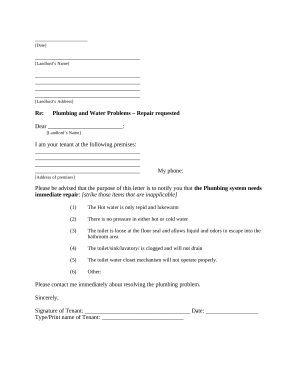
Nm tenant landlord
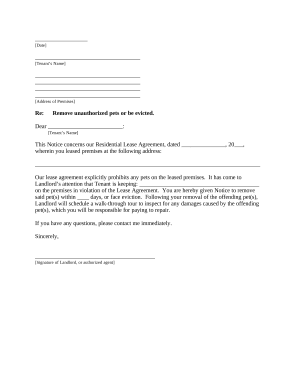
Nm landlord notice

New mexico estate
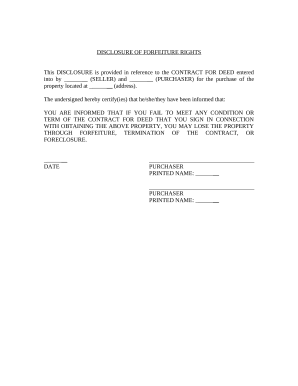
New mexico disclosure
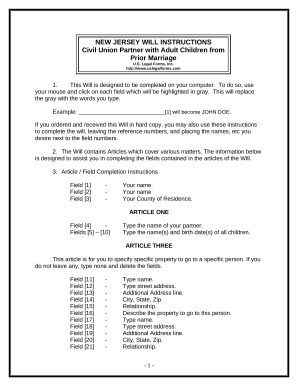
New jersey will
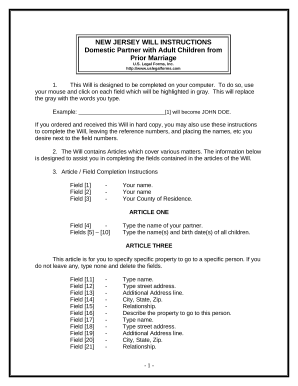
Legal adult children
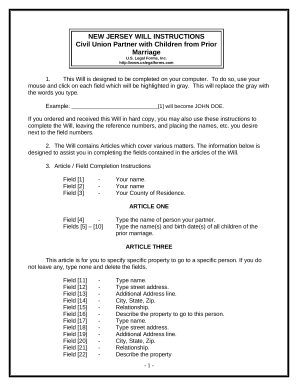
New jersey civil union
New jersey assignment
Nj personal injury form
New jersey summary judgment

Name change application

Special civil part nj

Demand jury form
Dog bite
New jersey landlord
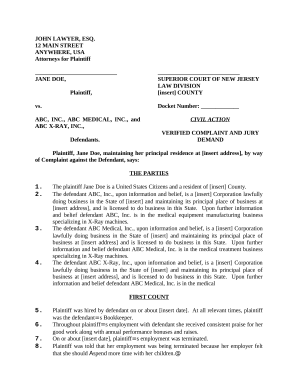
Pregnancy discrimination

Nj superior court
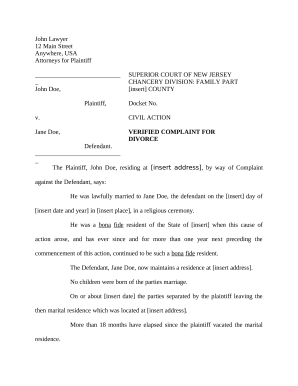
New jersey divorce
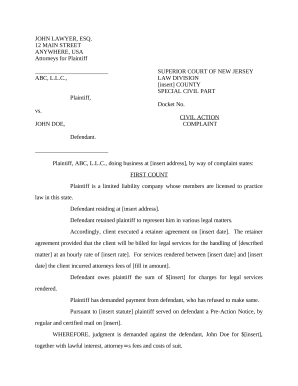
New jersey law
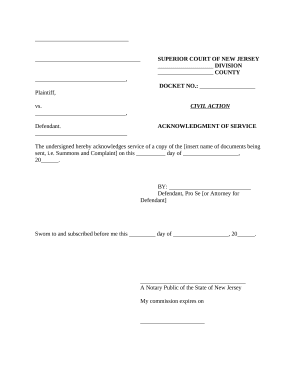
New jersey acknowledgment
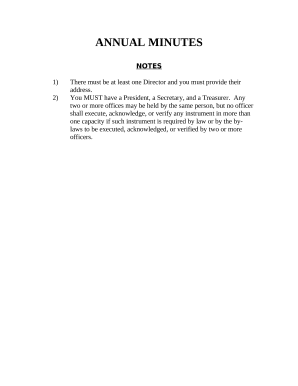
Nj annual report
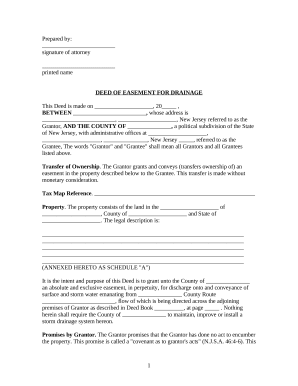
Easement real estate
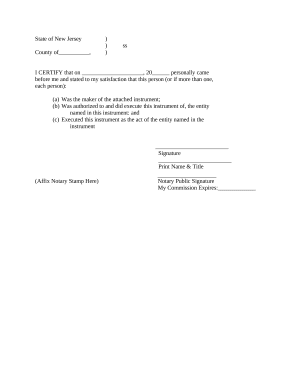
New jersey corporation

Tenant reference form

Nj equitable distribution

New jersey complaint divorce

Nj divorce

Divorce with form

New jersey divorce

Marital property agreement

Nj complaint divorce

Landlord rules
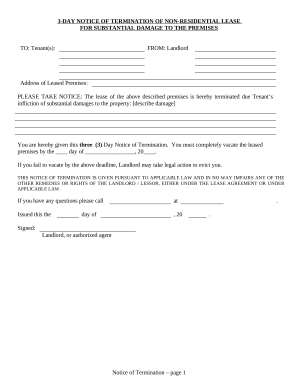
New jersey termination

New jersey waiver
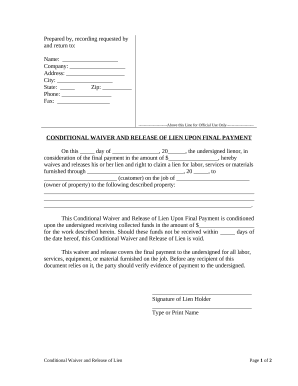
New jersey waiver
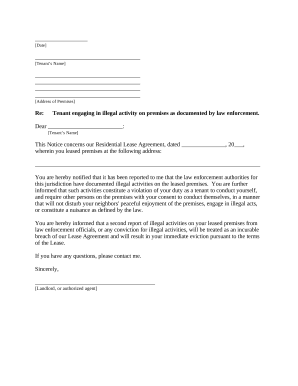
New jersey letter landlord
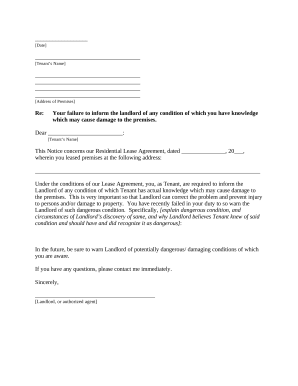
Nj letter notice

Letter from Landlord to Tenant as Notice to Tenant of Tenant's Disturbance of Neighbors' Peaceful Enjoyment to Remedy or Lease Terminates - New Jersey

Letter landlord tenant
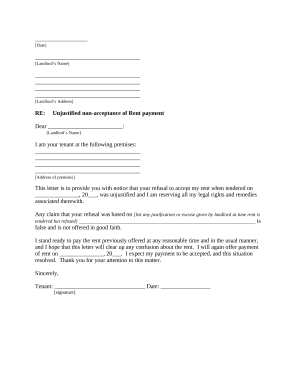
Letter notice rent
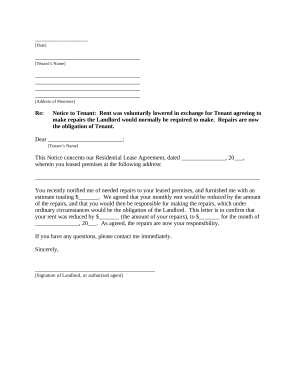
Letter landlord rent
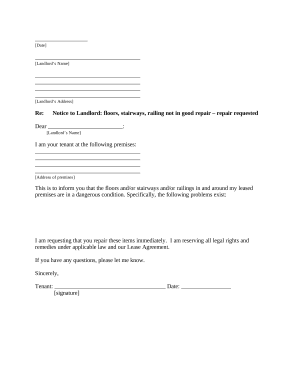
Letter tenant landlord
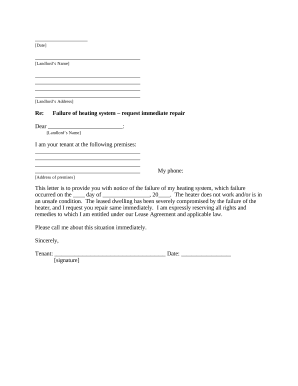
Letter tenant landlord template
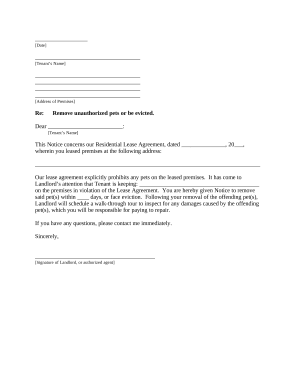
Letter tenant notice

Written Request by Contractor to Provide List - Mechanic Liens - Individual - New Jersey
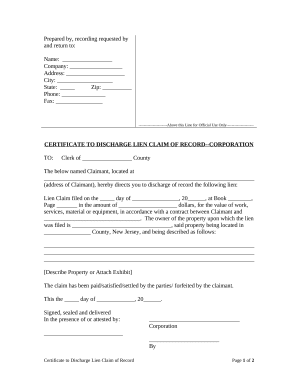
New jersey lien
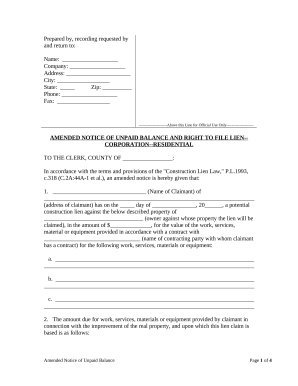
New jersey llc
Non profit corporation
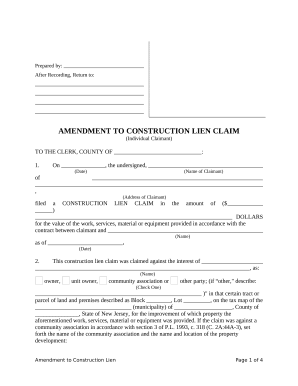
Nj construction lien

Agreement to Install Solar Panels on Roof - Self-Employed - New Jersey
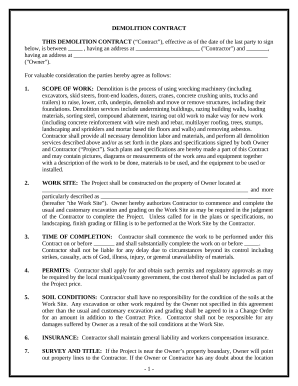
Demolition contract template

Nh codicil
Landlord Tenant Sublease Package - New Hampshire

Flooring Contractor Package - New Hampshire
Plumbing Contractor Package - New Hampshire

General Partnership Package - New Hampshire
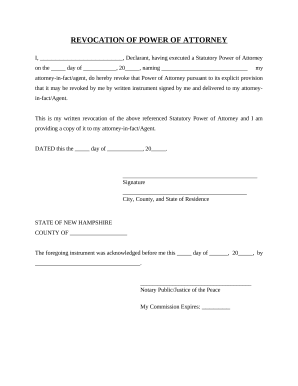
Revocation of General Durable Power of Attorney - New Hampshire
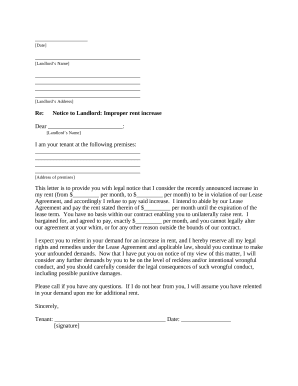
New hampshire letter
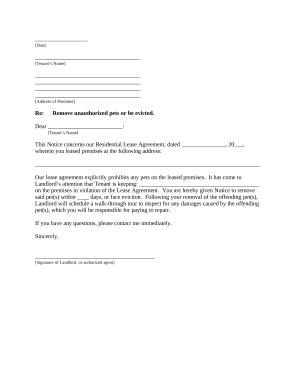
Letter tenant notice
New hampshire deed
New hampshire deed search

New hampshire seller
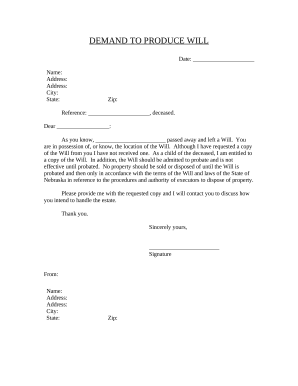
Nebraska copy
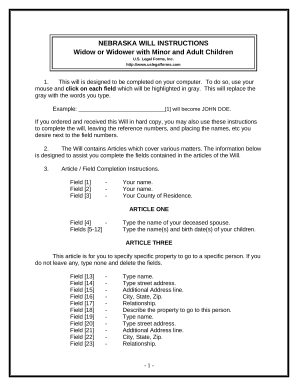
Legal Last Will and Testament Form for a Widow or Widower with Adult and Minor Children - Nebraska
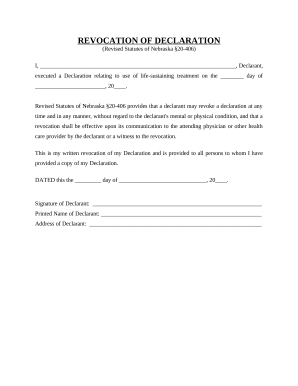
Revocation declaration form

Marital Domestic Separation and Property Settlement Agreement Minor Children no Joint Property or Debts where Divorce Action Filed - Nebraska
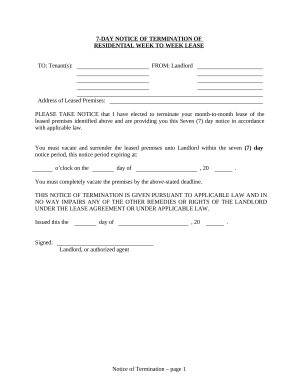
7 day form
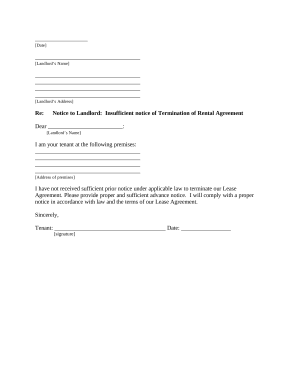
Letter from Tenant to Landlord about Insufficient Notice to Terminate Rental Agreement - Nebraska
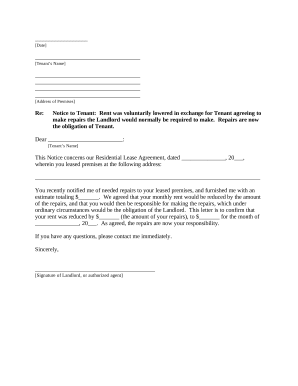
Letter from Landlord to Tenant as Notice that rent was voluntarily lowered in exchange for tenant agreeing to make repairs normally required of landlord - Nebraska
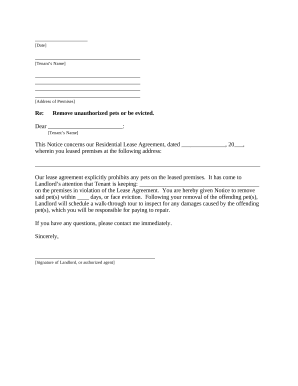
Nebraska landlord
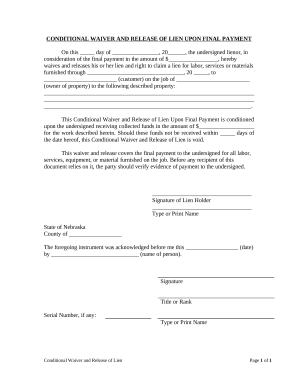
Unconditional Waiver and Release of Lien Upon Final Payment - Nebraska

Nebraska prenuptial agreement

Satisfaction, Release or Cancellation of Mortgage by Individual - North Dakota
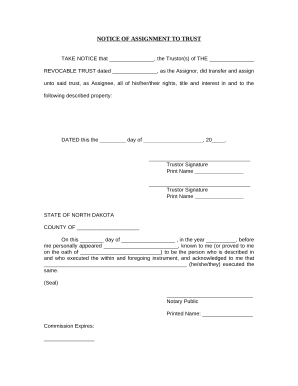
Notice of Assignment to Living Trust - North Dakota
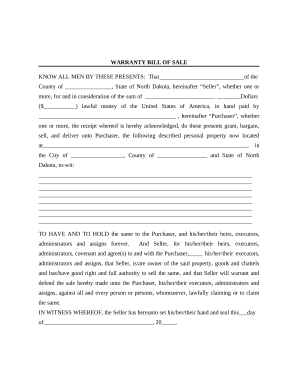
Bill of Sale with Warranty by Individual Seller - North Dakota
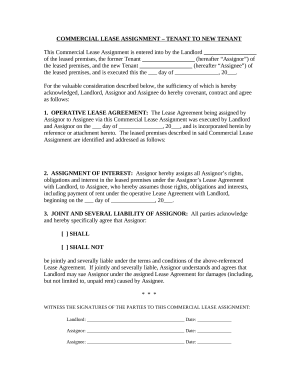
Commercial Lease Assignment from Tenant to New Tenant - North Dakota

Nd decree divorce
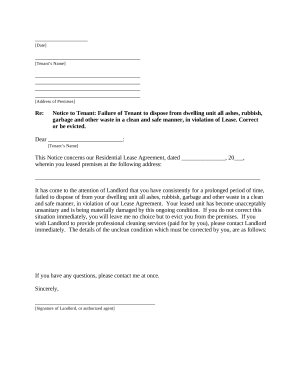
Trash violation letter template
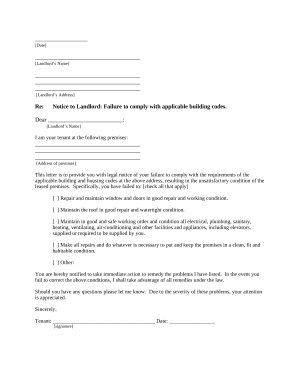
North dakota tenant
North dakota mineral deed

North dakota agreement

Quitclaim Deed from Corporation to Corporation - North Dakota
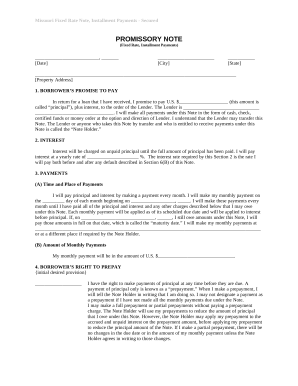
Promissory note template missouri
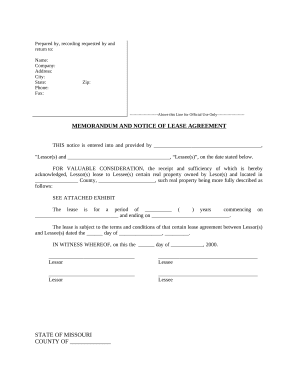
Missouri notice form
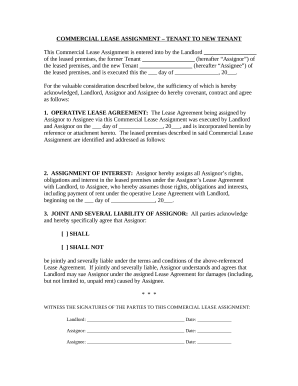
Commercial Lease Assignment from Tenant to New Tenant - Missouri

Agreed Cancellation of Lease - Missouri
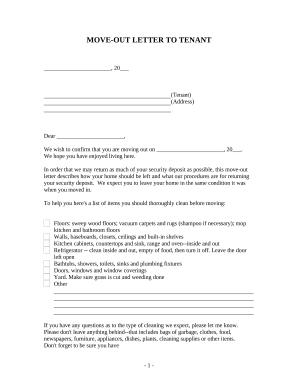
Letter from Landlord to Tenant with Directions regarding cleaning and procedures for move out - Missouri

Missouri summons
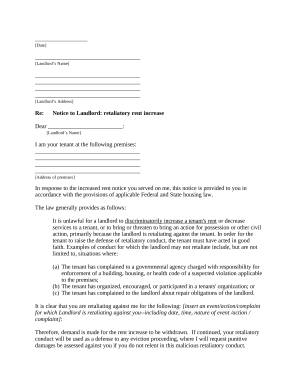
Letter from Tenant to Landlord containing Notice to landlord to withdraw retaliatory rent increase - Missouri

Missouri notice rent increase
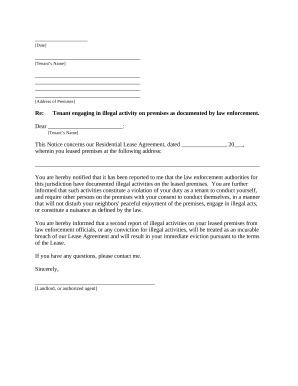
Mo illegal
Benefit from the DocHub online library of fillable PDF forms
Searching the PDF forms doesn't have to be a tedious and time-consuming process. With the DocHub online library, it has become easier to find the fillable PDF forms and modify them in your browser. The service allows you to adjust the document to your needs using powerful editing tools.
You can use online document editing features to modify almost any type of document with ease. You just need to find the template of your choice, open it in the editor, and use the toolbar to make the necessary corrections.
Follow this guide to get your document done with DocHub:
- Find the PDF template you need.
- Click the Get Form button to open the file in the editor.
- Use the toolbar to fill out and edit the document.
- Easily add and highlight text, insert images, checkmarks, and symbols.
- Drop new fillable fields, and rearrange or delete pages from your file.
- Save changes and download your record.
DocHub empowers everyone to streamline document editing, signing, and distribution, and form completion. Create an account and benefit from our well-organized PDF Forms library and comprehensive editor.