




Here's how it works

01. Edit your no contact order montana online
Type text, add images, blackout confidential details, add comments, highlights and more.

02. Sign it in a few clicks
Draw your signature, type it, upload its image, or use your mobile device as a signature pad.

03. Share your form with others
Send how to get a no contact order in montana via email, link, or fax. You can also download it, export it or print it out.
How to use or fill out Montana Restraining Order with our platform

- Click ‘Get Form’ to open the Montana Restraining Order in the editor.
- Begin by filling in your name and mailing address at the top of the form. Ensure that all information is accurate to avoid any delays.
- Next, enter your city, state, and zip code, followed by your phone number. If you are representing yourself without a lawyer, indicate this clearly.
- In the case number section, leave it blank; this will be completed by the Clerk of Court once filed.
- Proceed to fill in the names of both parties involved: yourself as the Petitioner and your spouse as the Respondent.
- Review the sections regarding financial limitations and responsibilities carefully. Make sure you understand what actions are restricted under this temporary order.
- Finally, ensure you sign and date the document before submission. This confirms your acknowledgment of the terms outlined in the restraining order.
Start using our platform today for free to complete your Montana Restraining Order efficiently!
Fill out montana restraining order online
It's free
It's free
Security and compliance
At DocHub, your data security is our priority. We follow HIPAA, SOC2, GDPR, and other standards, so you can work on your documents with confidence.
Learn more


Related forms
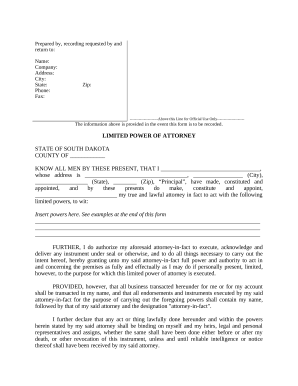
Limited Power of Attorney where you Specify Powers with Sample Powers Included - South Dakota
Limited Power of Attorney where you Specify Powers with Sample Powers Included - South Dakota
The document is a Limited Power of Attorney form for the state of South Dakota, allowing a designated attorney-in-fact t ...


