




01. Edit your form online
Type text, add images, blackout confidential details, add comments, highlights and more.

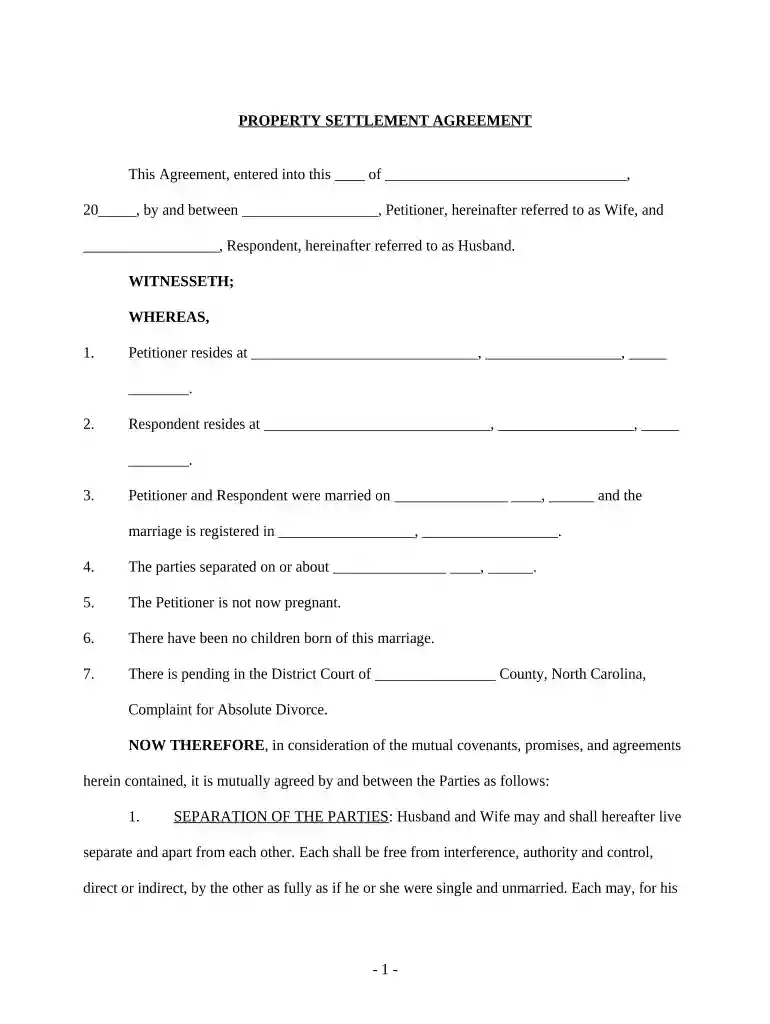
Type text, add images, blackout confidential details, add comments, highlights and more.

Draw your signature, type it, upload its image, or use your mobile device as a signature pad.

Send it via email, link, or fax. You can also download it, export it or print it out.

Start using our platform today to streamline your document editing and signing process for free!
At DocHub, your data security is our priority. We follow HIPAA, SOC2, GDPR, and other standards, so you can work on your documents with confidence.


The following note explains the major laws impacting landowners liability in North Carolina and the responsibilities landowners have for invited and uninvitedRead more
State Property manages state property transactions on behalf of state agencies through deeds, leases, easements, licenses, eminent domain, or otherwise.Read more
The Yellow House on Plott Creek Road, located in Waynesville, North Carolina, is a local bed and breakfast that offers ten units that can be reserved by


