




01. Edit your form online
Type text, add images, blackout confidential details, add comments, highlights and more.

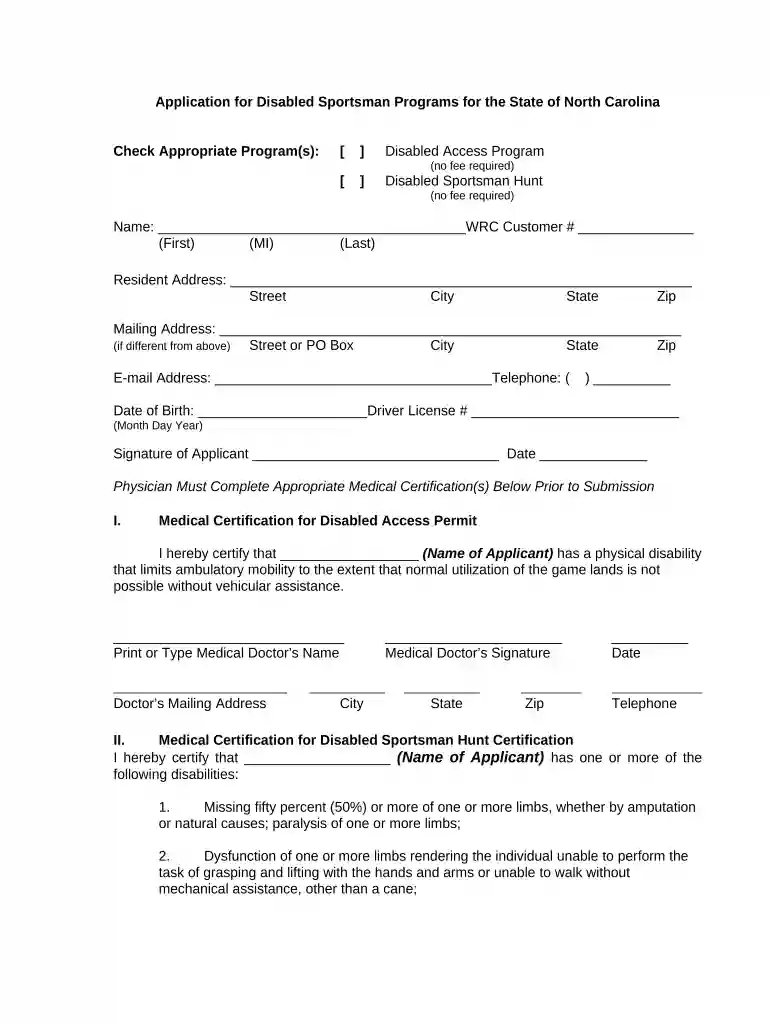
Type text, add images, blackout confidential details, add comments, highlights and more.

Draw your signature, type it, upload its image, or use your mobile device as a signature pad.

Send it via email, link, or fax. You can also download it, export it or print it out.

Start filling out your North Carolina Disabled Application online for free today!
At DocHub, your data security is our priority. We follow HIPAA, SOC2, GDPR, and other standards, so you can work on your documents with confidence.





Overall, general disability rates in North Carolina are in the second lowest category compared to the rest of the U.S.. Map produced October 2019 based on 2013-Read more
North Carolina. Downwind. Fort Fisher - Carolina Beach 7 mi either direction - can be extended by how much you can paddle upwind atRead more
DDS is responsible for obtaining medical evidence and making the initial determination on whether that person, or a claimant, is disabled or blind under theRead more


