
Get any PDF form from the DocHub library of ready-made templates - Page 1439

Add owner to llc in mi
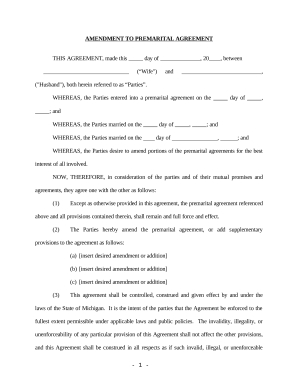
Amendment to Prenuptial or Premarital Agreement - Michigan
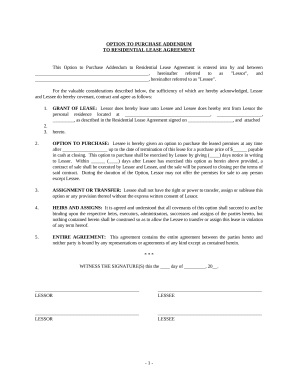
Option to Purchase Addendum to Residential Lease - Lease or Rent to Own - Michigan

Final Notice of Default for Past Due Payments in connection with Contract for Deed - Michigan
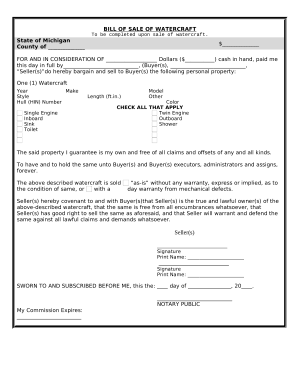
Bill of Sale for WaterCraft or Boat - Michigan
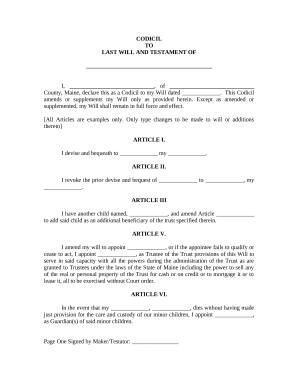
Codicil form

Legal Last Will and Testament Form for a Single Person with Minor Children - Maine
Maine warranty deed
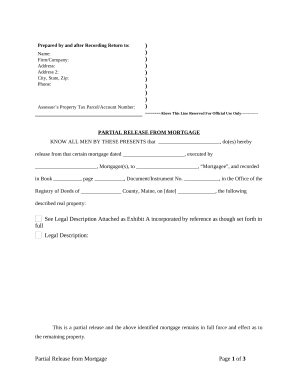
Partial Release of Property From Mortgage by Individual Holder - Maine

Limited Power of Attorney for Stock Transactions and Corporate Powers - Maine
Trim Carpentry Contractor Package - Maine
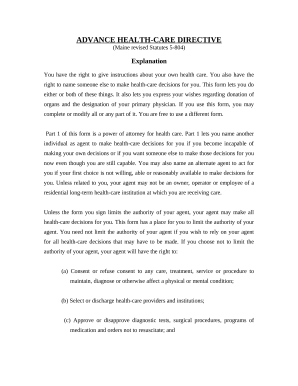
Health care directive
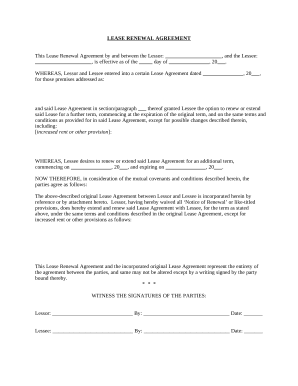
Residential Lease Renewal Agreement - Maine
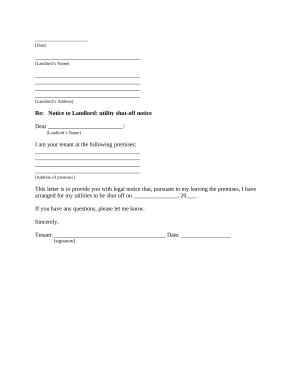
Tenant utility notice
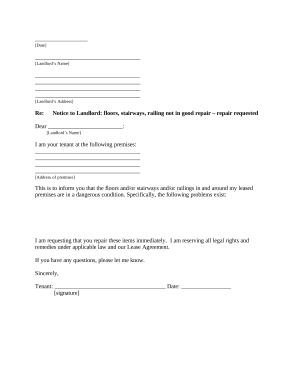
Letter tenant landlord repair
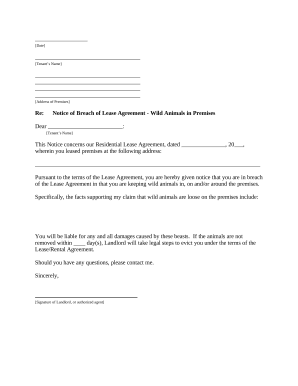
Maine landlord notice
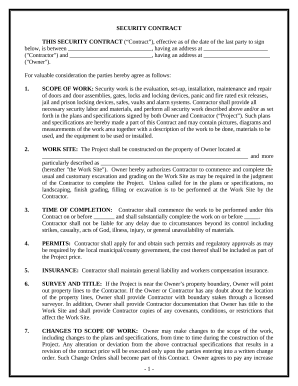
Security Contract for Contractor - Maine
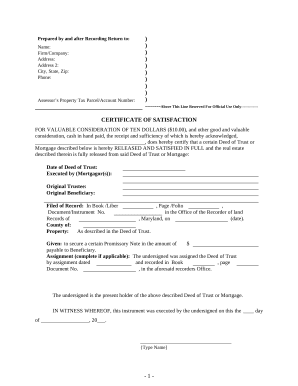
Maryland satisfaction certificate
Maryland annual file

Md general attorney
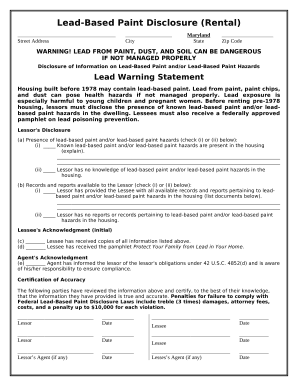
Lead Based Paint Disclosure for Rental Transaction - Maryland
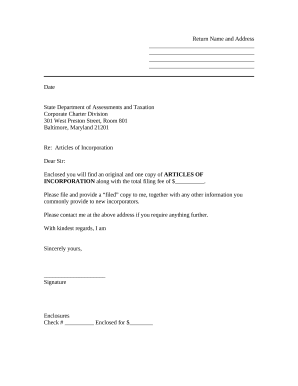
Sample transmittal letter

Md marital property

Md occupancy
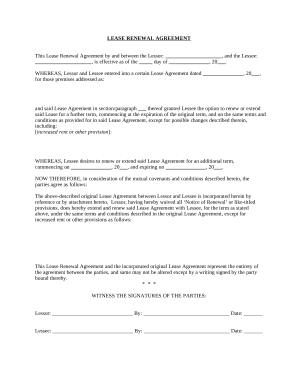
Residential Lease Renewal Agreement - Maryland
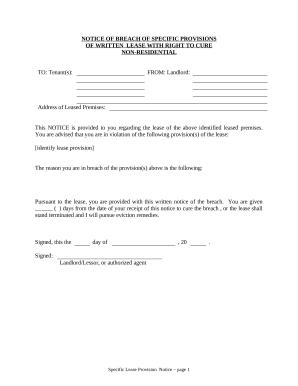
Notice breach lease
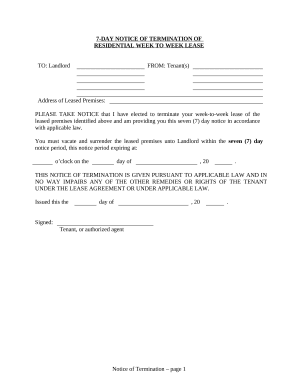
Maryland lease residential
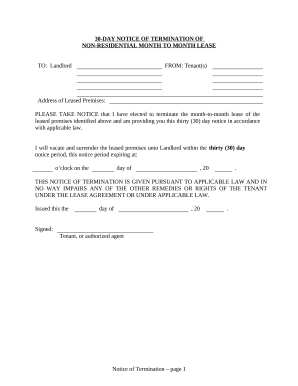
30 day notice

Md tenant landlord
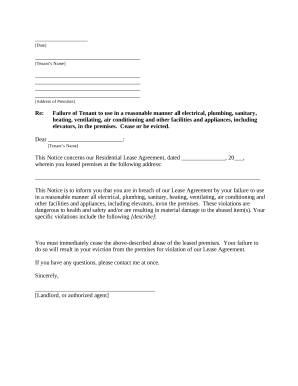
Maryland letter landlord
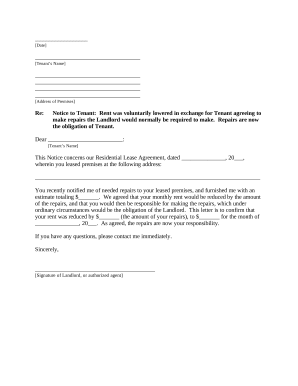
Md letter landlord
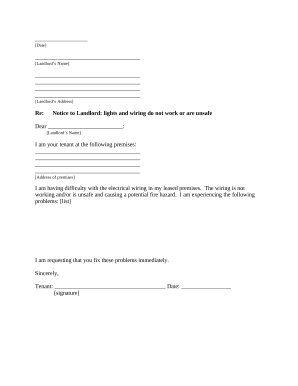
Maryland tenant landlord agreement
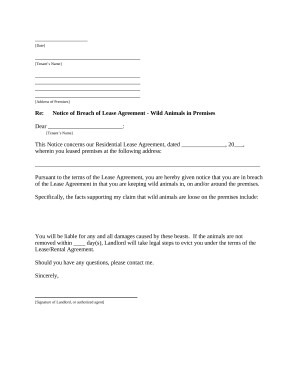
Letter tenant notice

Maryland release form
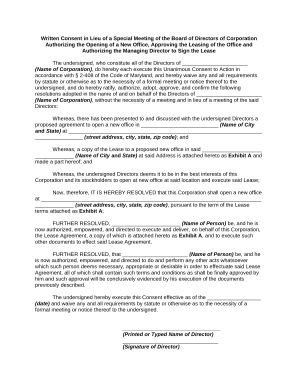
Maryland lieu of
Maryland deed trust
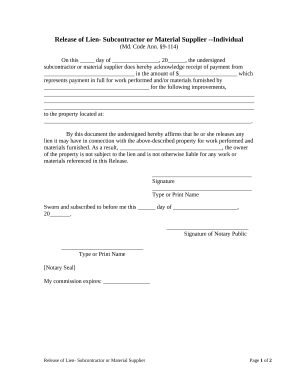
Md lien

Garnishment wages
Warranty Deed from Husband and Wife to a Trust - Maryland
Maryland llc
Residential with contract

Ma will form
Massachusetts legal married

Massachusetts legal will
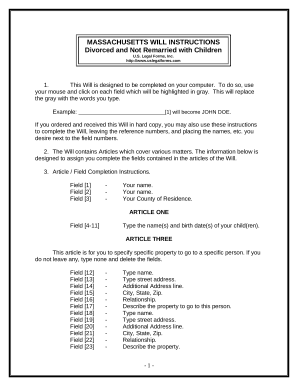
Massachusetts last will testament
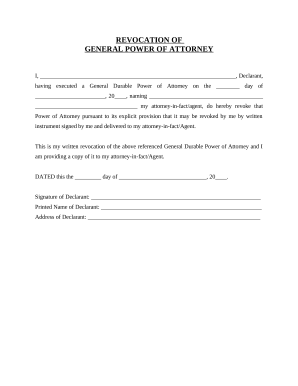
Revocation of General Durable Power of Attorney - Massachusetts
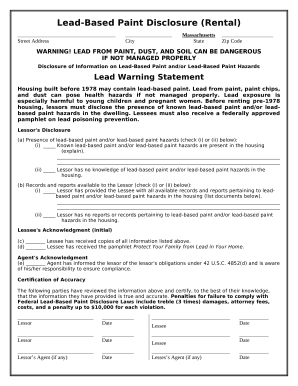
Lead Based Paint Disclosure for Rental Transaction - Massachusetts
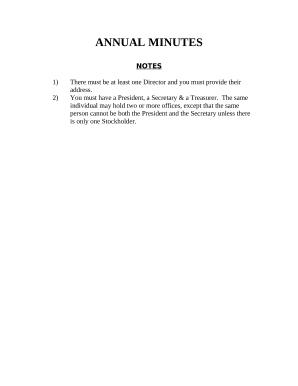
Massachusetts annual file
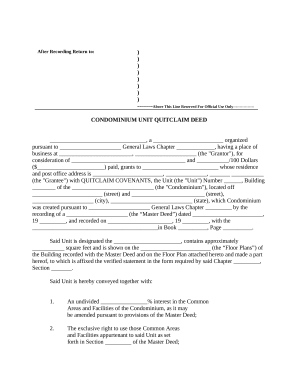
Condominium

Massachusetts marital
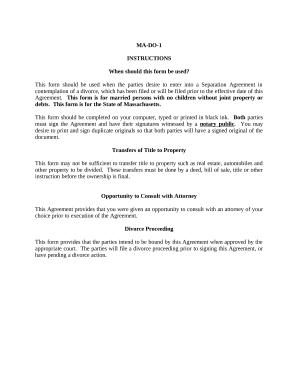
Ma marital
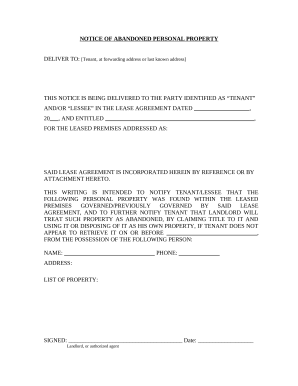
Letter from Landlord to Tenant as Notice of Abandoned Personal Property - Massachusetts

Massachusetts separation agreement

Utility shut off notice template
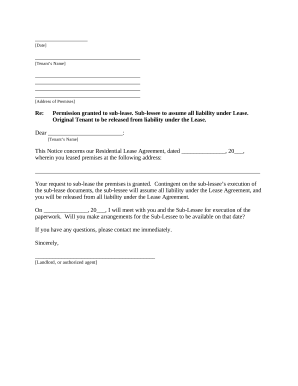
Massachusetts rent paid
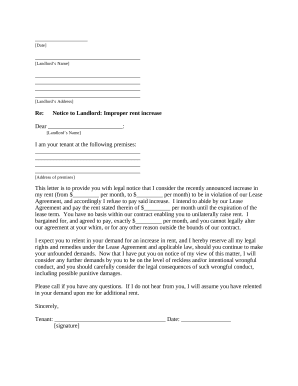
Letter tenant notice rent

Ma letter tenant
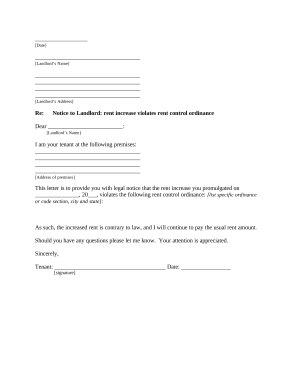
Massachusetts violation
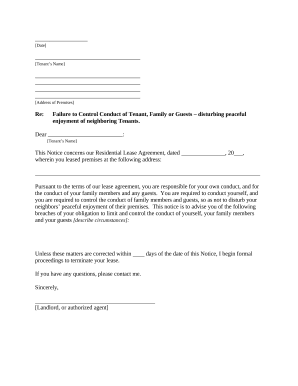
Letter landlord tenant
Satakmatak com
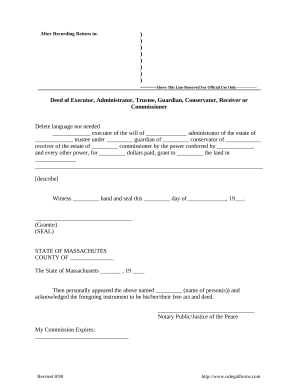
Massachusetts deed
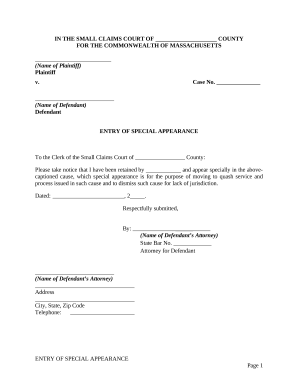
Entry of Special Appearance - Massachusetts

Motion withdraw
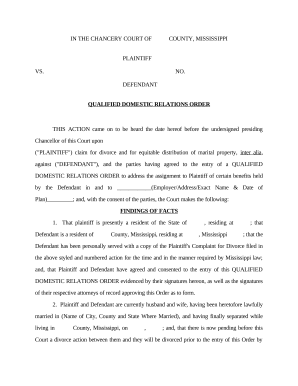
Qualified domestic relations order form

Separation settlement agreement
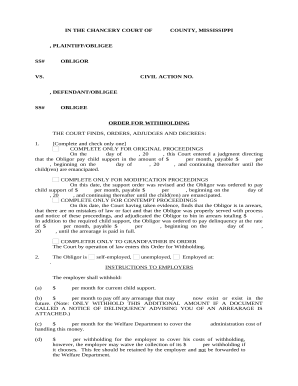
Ms withholding form
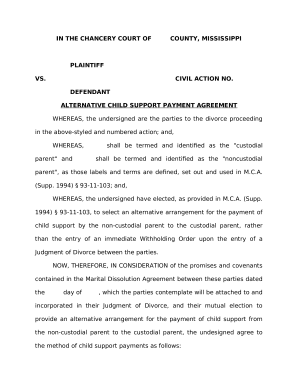
Mississippi child support
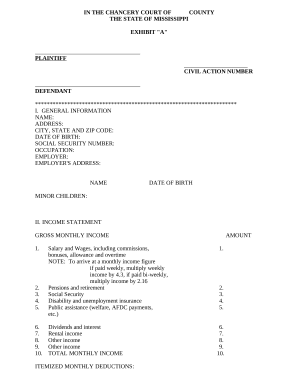
Financial statement 805

Mississippi duces tecum form
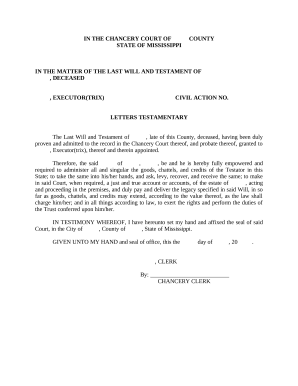
Letter of testamentary mississippi
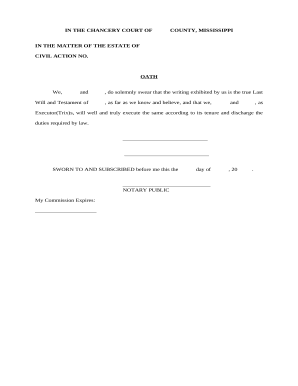
Mississippi estate form
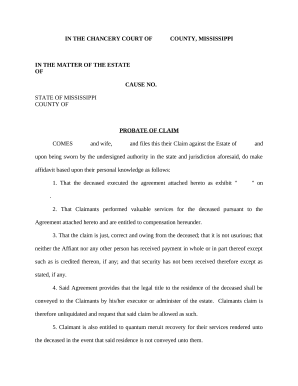
Mississippi probate claim
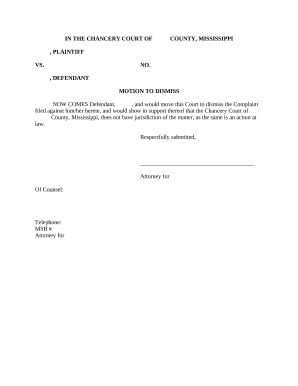
Motion to Dismiss - Mississippi

Ms summons

Ms judgment

Subpoena
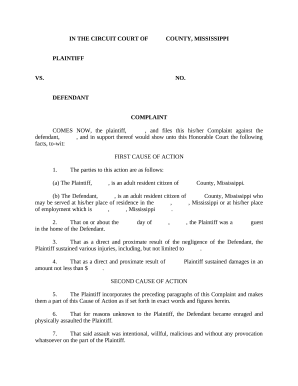
Mississippi civil complaint
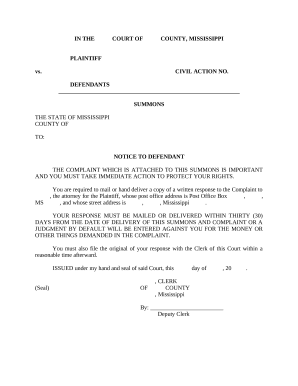
Mississippi summons form
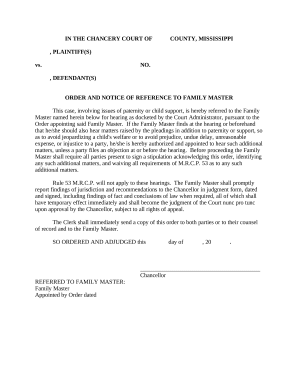
Mississippi family
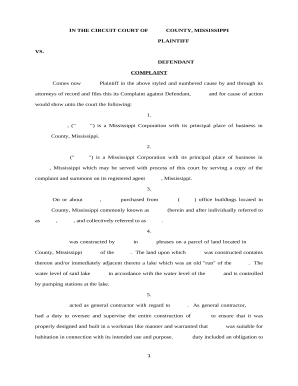
Complaint - Mississippi
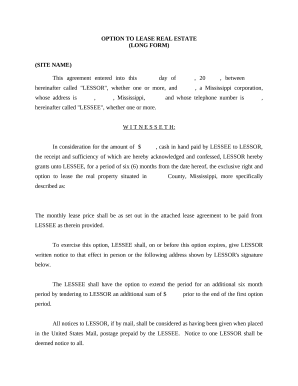
Mississippi real estate form
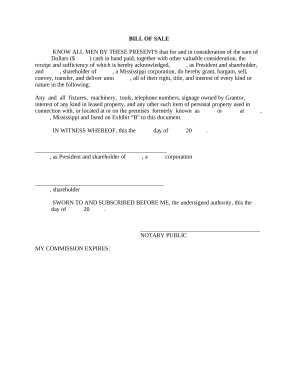
Ms bill sale

Complaint for Injunctive Relief, Breach of Contract and Fiduciary Duty - Mississippi
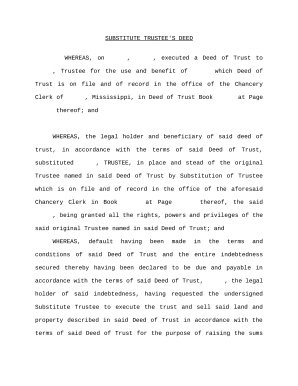
Substitute deed

Mississippi garnishment forms
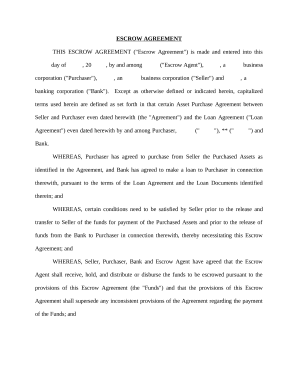
Escrow Agreement involving Bank Loan - Mississippi

Eminent domain
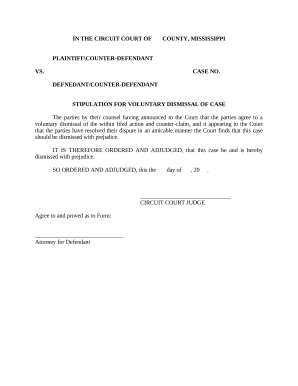
Dismissal case
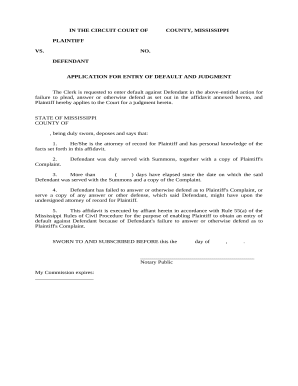
Application for Entry of Default Judgment - Mississippi
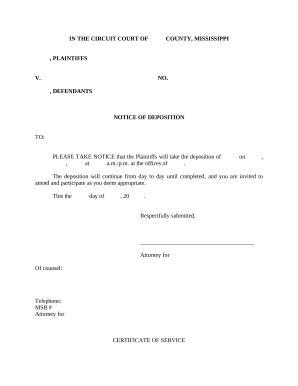
Notice deposition

Bill sale form
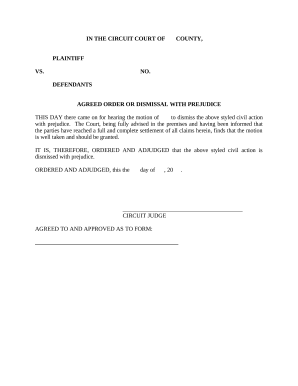
Agreed order dismissal
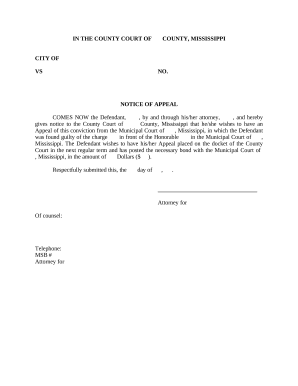
Mississippi appeal form
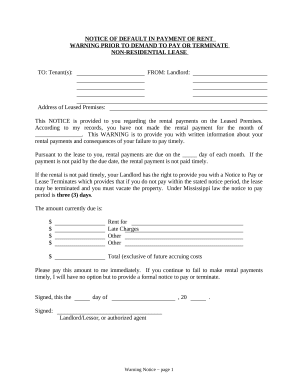
Notice demand pay
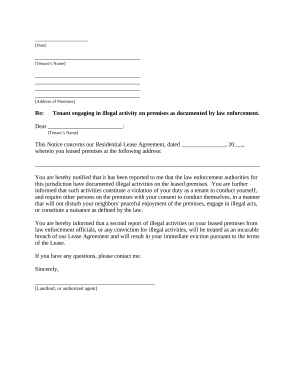
Mississippi about law
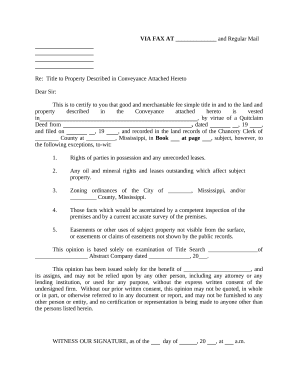
Mississippi title property
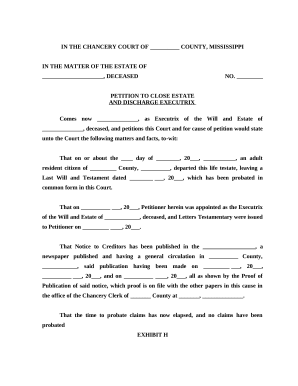
Close estate
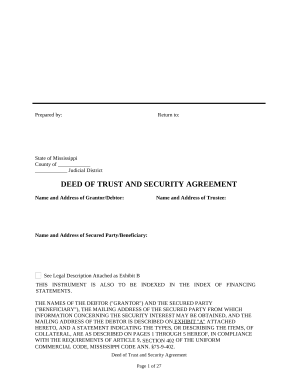
Mississippi deed

Justice court
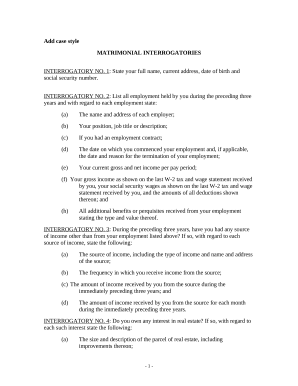
Discovery interrogatories divorce
Benefit from the DocHub online library of fillable PDF forms
Searching the PDF forms doesn't have to be a tedious and time-consuming process. With the DocHub online library, it has become easier to find the fillable PDF forms and modify them in your browser. The service allows you to adjust the document to your needs using powerful editing tools.
You can use online document editing features to modify almost any type of document with ease. You just need to find the template of your choice, open it in the editor, and use the toolbar to make the necessary corrections.
Follow this guide to get your document done with DocHub:
- Find the PDF template you need.
- Click the Get Form button to open the file in the editor.
- Use the toolbar to fill out and edit the document.
- Easily add and highlight text, insert images, checkmarks, and symbols.
- Drop new fillable fields, and rearrange or delete pages from your file.
- Save changes and download your record.
DocHub empowers everyone to streamline document editing, signing, and distribution, and form completion. Create an account and benefit from our well-organized PDF Forms library and comprehensive editor.