
Get any PDF form from the DocHub library of ready-made templates - Page 1254
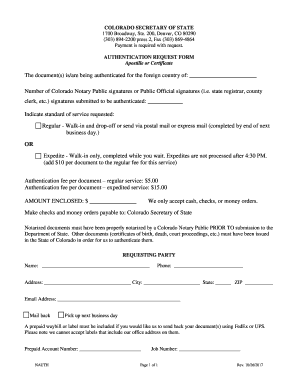
Colorado authentication

Cm 010 form
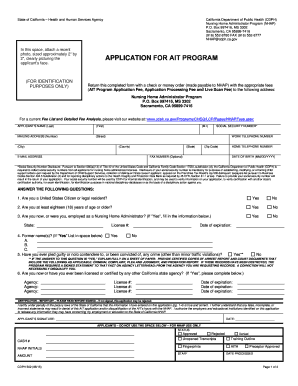
Application ait form
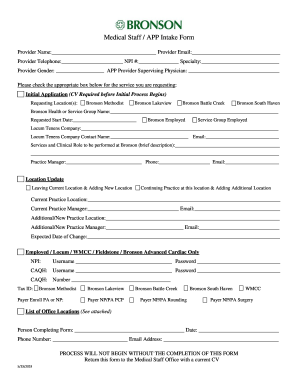
Medical Staff / APP Intake Form - Bronson Health

Applying To Hong Kong Banks? Results After Visiting 20 in 2 ...
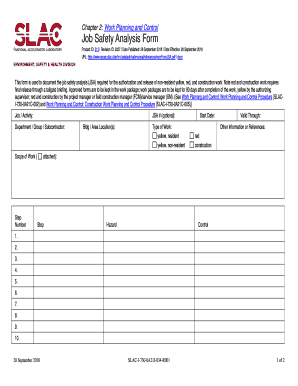
Crane pre use inspection

Vsnip application
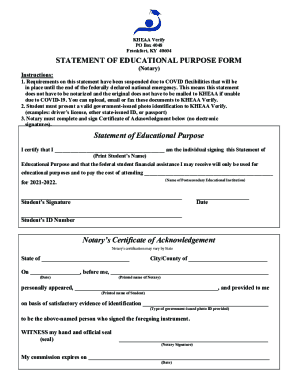
Statement of Educational Purpose - KHEAA
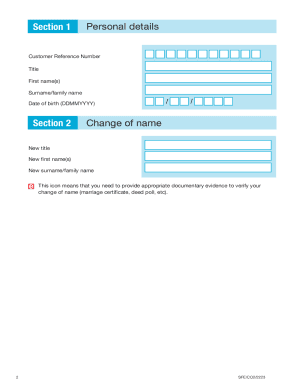
Uk student finance england
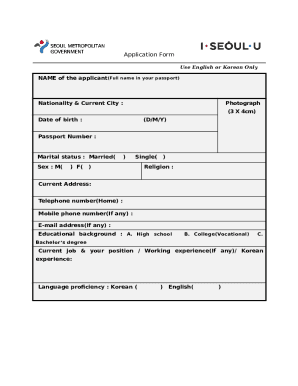
Koreaonlinevisa application-formSouth Korea Visa Application Form: Apply for a Korean ETA

3877 and 3878 forms

Washington release interest

Australia medicare provider number
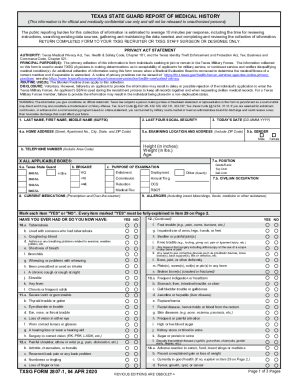
TX TXSG Form 2807-1
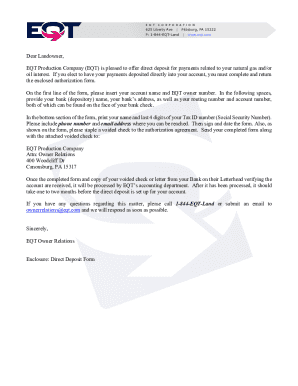
Authorization direct deposits ach
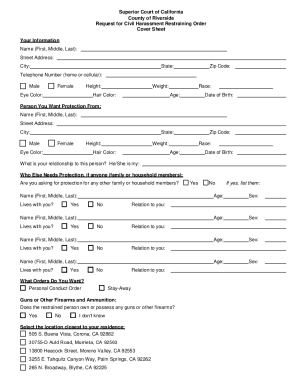
California superior court riverside

Tarps application

Tuition payment agreement

Ohio daycare medical form

SSC Player Agreement for 202021.docx
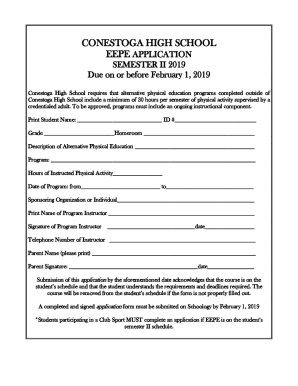
Extended Experience for PE / EEPE Forms
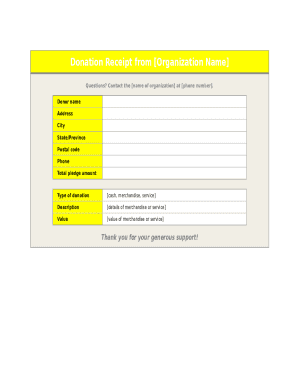
Organization donation receipt
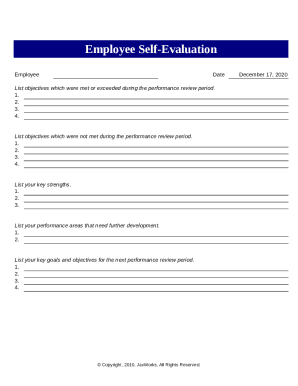
Performance self evaluation
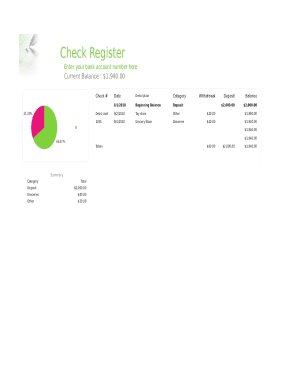
Check template fillable document

2022 attendance calendar
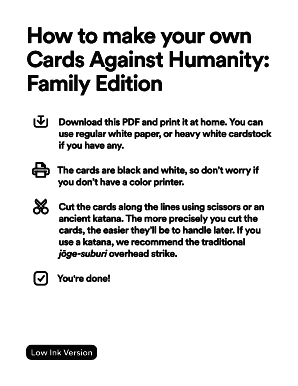
How to make your own Cards Against Humanity: Family Edition
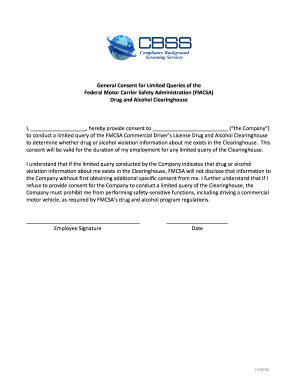
Clearinghouse consent form pdf
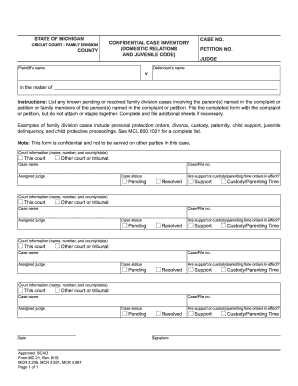
Confidential case inventory michigan

Form cd 030

PGT-M Requisition Form

Fillable Online Application for a Boat Title Fax Email ...
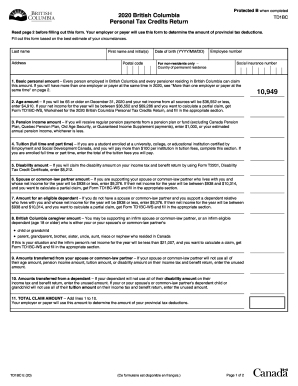
Td1bc 2022

Ohio quit claim deed property
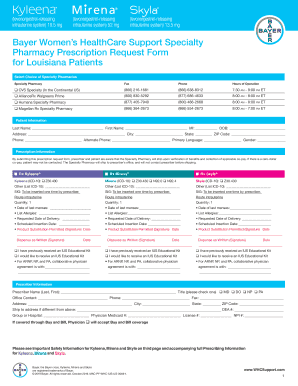
Bayer women's healthcare support specialty pharmacy prescription request form
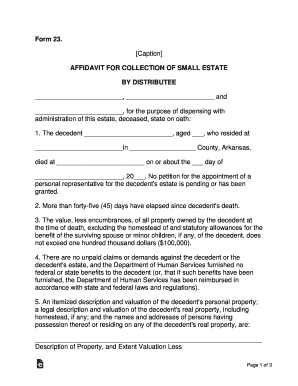
Arkansas small estate affidavit form 23
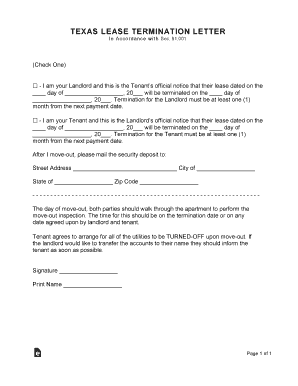
Texas Lease Termination Letter Form 30-Day Notice ...
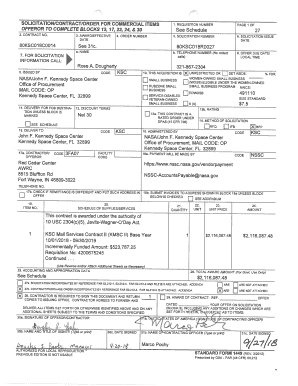
2018 mail
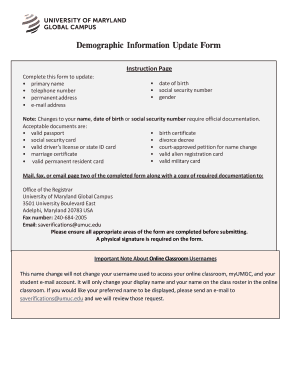
Information update form
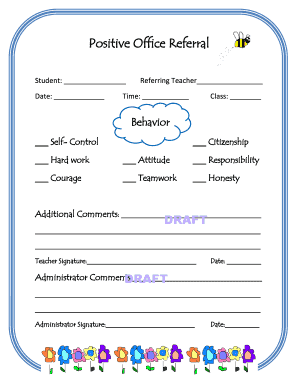
Positive Office Referral

Chemistry lab manual answers

Ondini high school
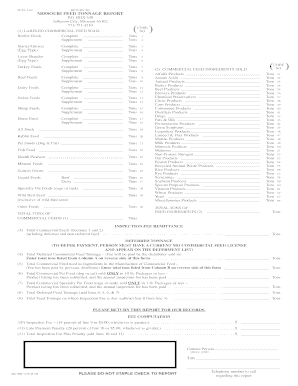
Missouri feed tonnage report - Missouri Department of ...
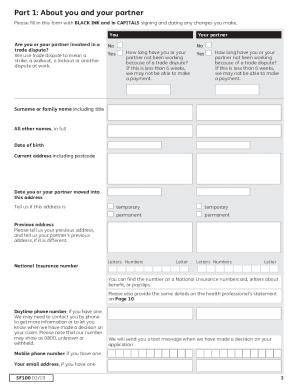
Maternity grant form

Minnesota divorce
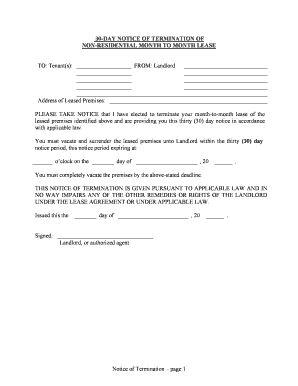
30 day notice
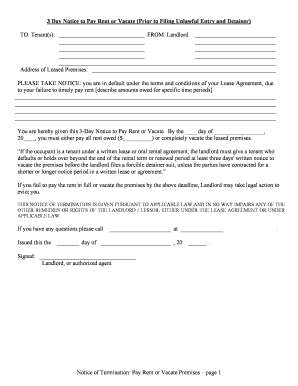
Texas 3 day notice
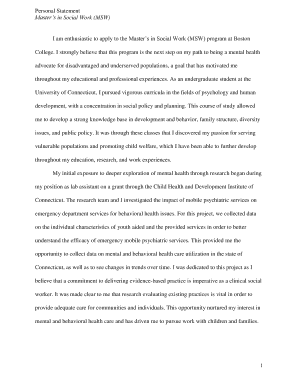
Personal Statement Master's in Social Work (MSW) - UConn ...
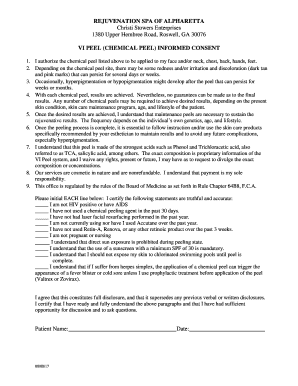
CHEMICAL PEEL TREATMENT CONSENT FORM
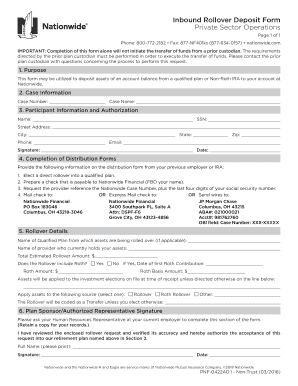
Inbound Rollover Deposit Form Private Sector Operations
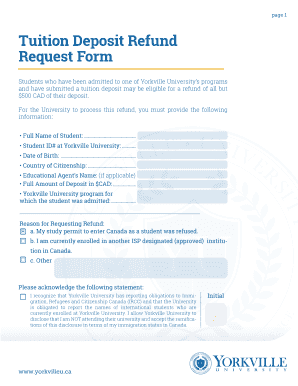
Yorkville university refund policy
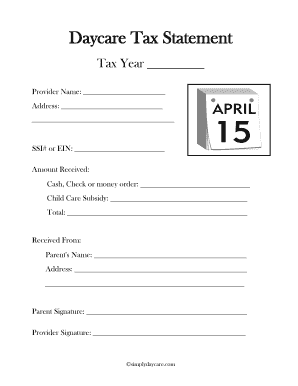
Printable daycare tax forms for parents
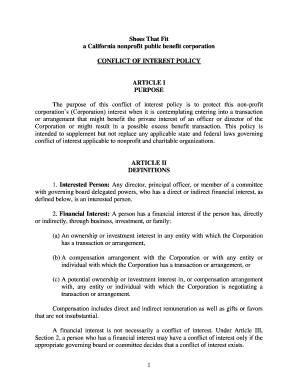
Sample conflict-of-interest policy statement - Vanguard
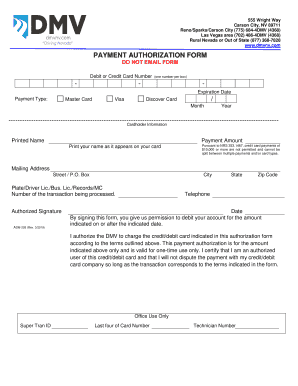
Nevada authorization form
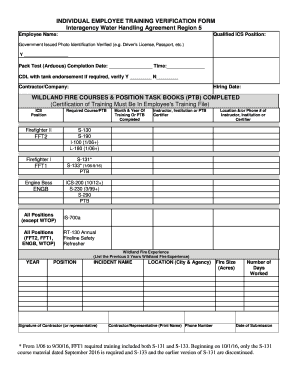
INDIVIDUAL EMPLOYEE TRAINING VERIFICATION FORM ...
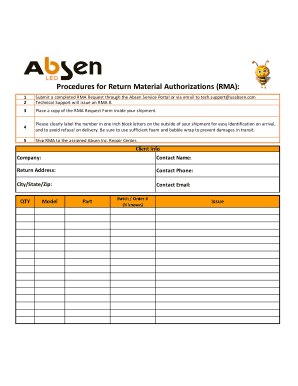
Usabsen
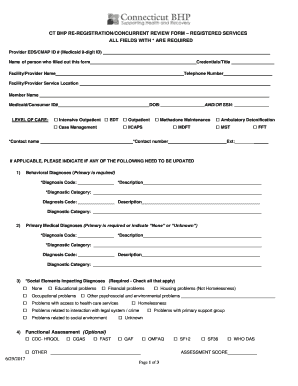
Connecticut re registration form

TUBERCULOSIS PRESCRIPTION / MEDICATION REQUEST FORM

Dd 214 military form

PY210S(03-14)XX.pdf

Dtf 17 application

The Magnolia Electric Power Association Flexpay program allows...
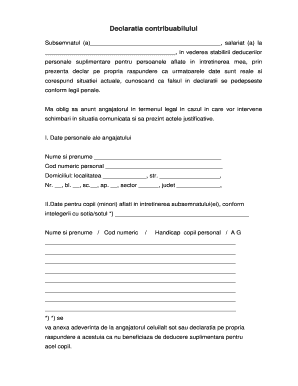
Model declaratie deducere personala 2022
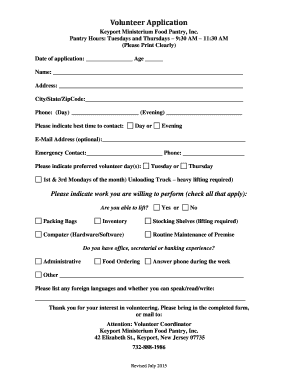
Fpma past papers pdf download
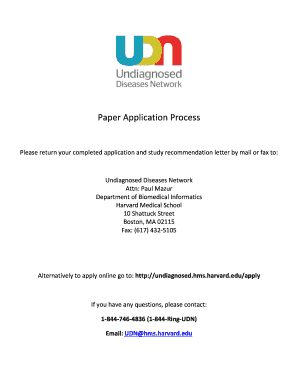
Paper Application - Undiagnosed Diseases Network
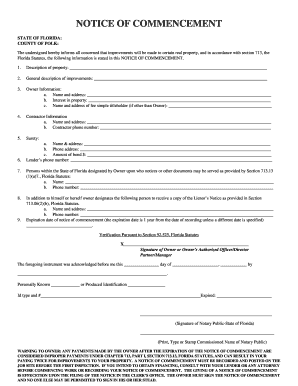
Notice of commencement - Haines City
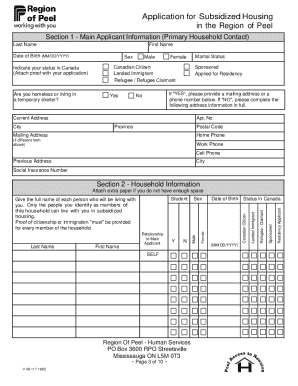
Peel housing application

Oversize and Overweight Vehicles Details - Will County Illinois
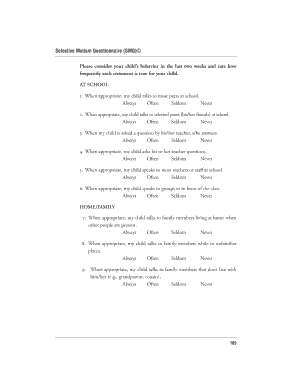
Selective mutism checklist pdf
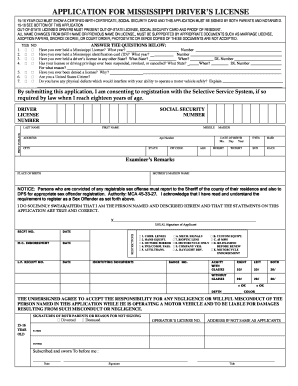
Ms driver's license application
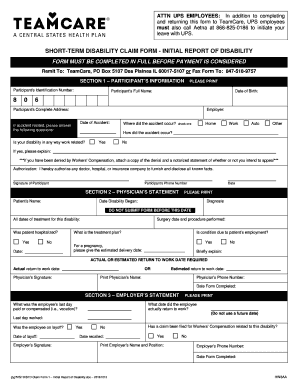
8668250186
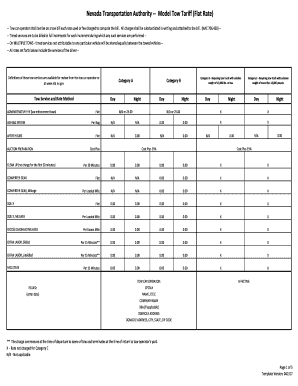
Nta
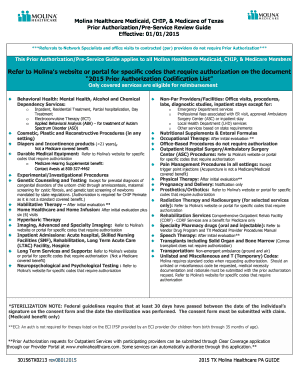
Molina Healthcare Medicaid, CHIP, & Medicare of Texas

Phone repair form
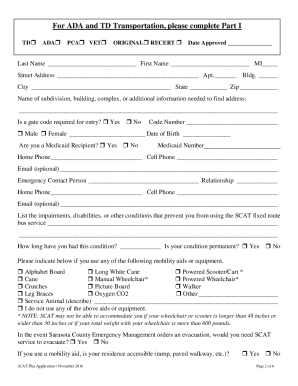
Scat plus application

Tuncurry Market - Stallholder Application Form. Tuncurry Market - Stallholder Application Form
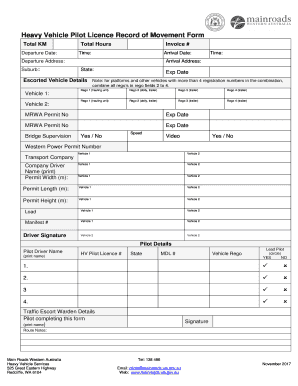
Movement form
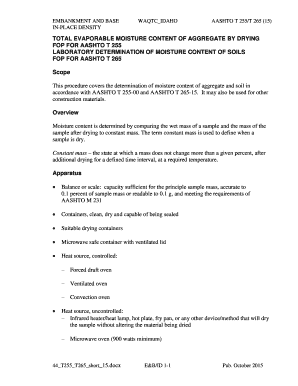
Aashto t265

Cpea past papers

Genius scan online
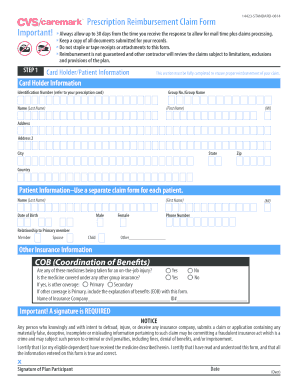
CVS Caremark Prescription Reimbursement Claim Form. CVS Caremark Prescription Reimbursement Claim Form

Sample beneficial ownership form

Baker County Concealed Handgun License Application

Eyeglass Order Form - jakopticallaboratories.com

Priorityletter hilton com

Classic Corporate Sets from Atlas
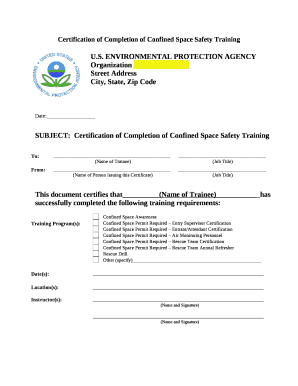
Confined space training certificate template
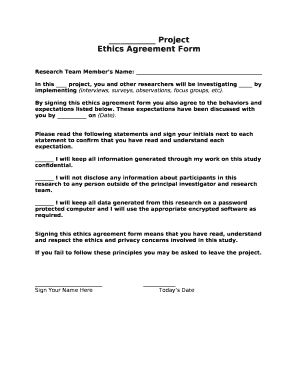
Ethical agreement sample

INTERVIEW MATRIX

Aftercare plan template

Sample Due Process Complaint Notice Form
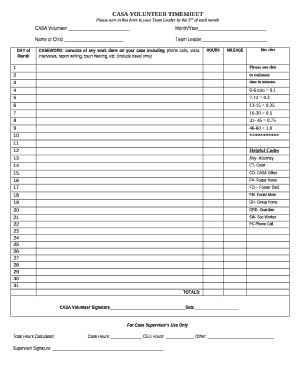
CASA VOLUNTEER TIMESHEET

Probity declaration form
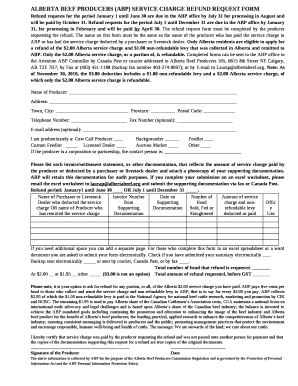
Alberta beef producers refund

Waste management plan template word
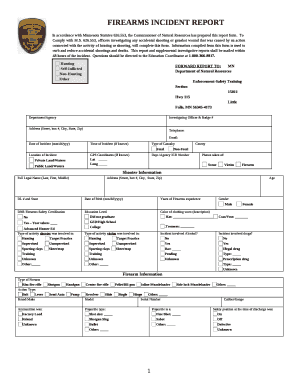
FIREARMS INCIDENT REPORT
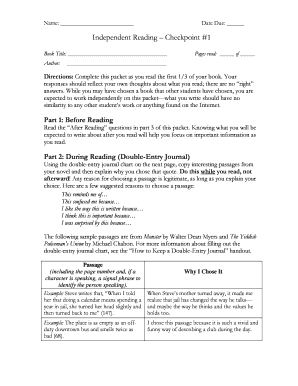
Independent Reading Checkpoint #1
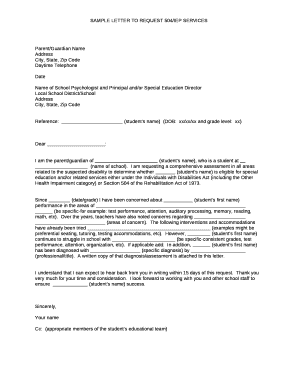
SAMPLE LETTER TO REQUEST 504/IEP SERVICES
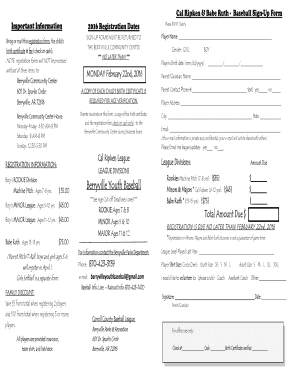
Cal Ripken & Babe Ruth - Baseball Sign-Up Form

Grand sierra resort map
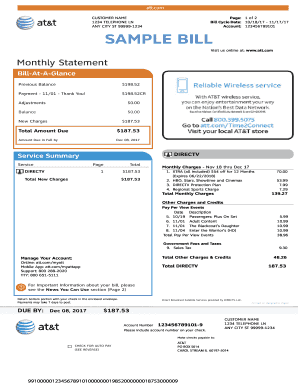
ANY CITY ST 99999-1234
Benefit from the DocHub online library of fillable PDF forms
Searching the PDF forms doesn't have to be a tedious and time-consuming process. With the DocHub online library, it has become easier to find the fillable PDF forms and modify them in your browser. The service allows you to adjust the document to your needs using powerful editing tools.
You can use online document editing features to modify almost any type of document with ease. You just need to find the template of your choice, open it in the editor, and use the toolbar to make the necessary corrections.
Follow this guide to get your document done with DocHub:
- Find the PDF template you need.
- Click the Get Form button to open the file in the editor.
- Use the toolbar to fill out and edit the document.
- Easily add and highlight text, insert images, checkmarks, and symbols.
- Drop new fillable fields, and rearrange or delete pages from your file.
- Save changes and download your record.
DocHub empowers everyone to streamline document editing, signing, and distribution, and form completion. Create an account and benefit from our well-organized PDF Forms library and comprehensive editor.