




Here's how it works

01. Edit your dd214 example online
Type text, add images, blackout confidential details, add comments, highlights and more.

02. Sign it in a few clicks
Draw your signature, type it, upload its image, or use your mobile device as a signature pad.

03. Share your form with others
Send form dd214 example via email, link, or fax. You can also download it, export it or print it out.
How to use or fill out dd 214 form 2008 with our platform

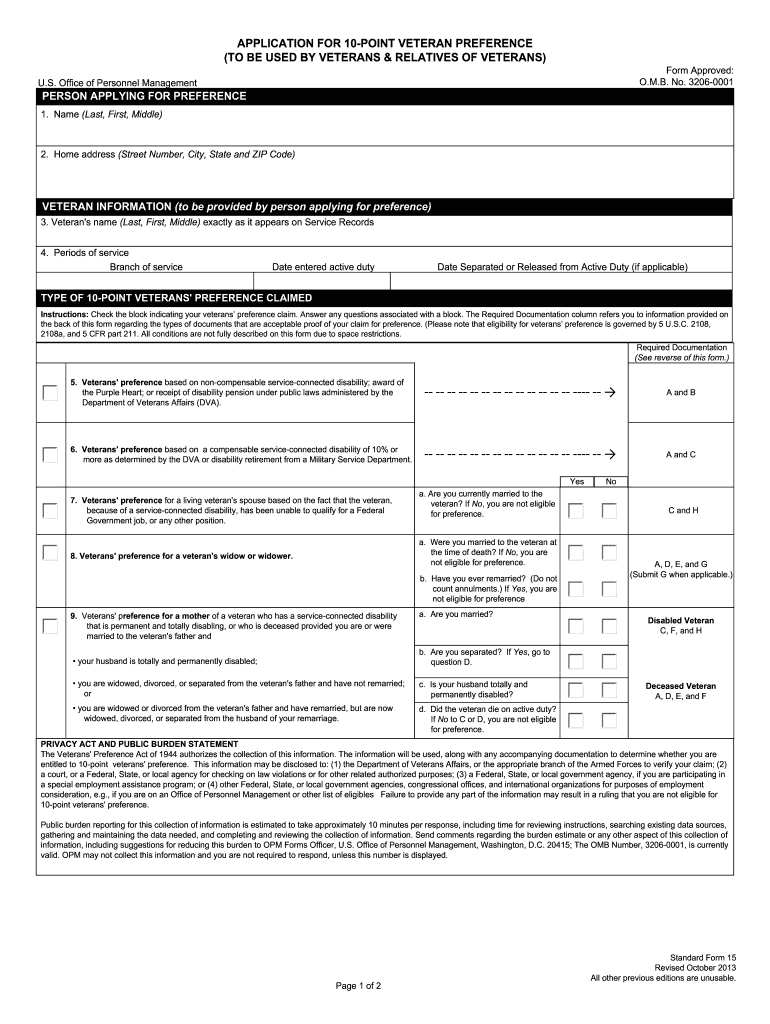
- Click ‘Get Form’ to open the dd 214 form 2008 in the editor.
- Begin by entering your name in the first section, ensuring you include your last, first, and middle names as required.
- Fill in the home address section with your complete street number, city, state, and ZIP code.
- Provide details about your veteran status by entering the veteran's name exactly as it appears on service records.
- Indicate the VA claim number if applicable and specify the periods of service including branch of service and dates.
- Select the type of 10-point preference claimed by checking the appropriate box and answering any associated questions.
- Review all sections for accuracy before saving or printing your completed form using our platform’s features.
Start filling out your dd 214 form 2008 today for free with our easy-to-use editor!
Fill out dd 214 form 2008 online
It's free
See more dd 214 form 2008 versions
We've got more versions of the dd 214 form 2008 form. Select the right dd 214 form 2008 version from the list and start editing it straight away!
Security and compliance
At DocHub, your data security is our priority. We follow HIPAA, SOC2, GDPR, and other standards, so you can work on your documents with confidence.
Learn more


Related forms

Form m 1
The document outlines the Schedules M-1 and M-2 for Form 1120-F, which are used by foreign corporations to reconcile the ...

8801
Form 8801 is a tax form used by individuals, estates, and trusts to claim a credit for prior year minimum tax. It includ ...

480 2 planilla
The document is the Formulario 480.2(CPT) Rev. 10.19, an informational tax form for Special Corporations owned by worker ...
Odva form 599
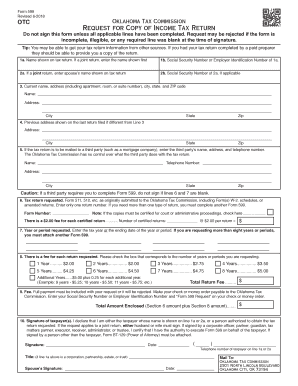
Form 599 is a request form from the Oklahoma Tax Commission for obtaining a copy of an income tax return. It requires th ...
Schedule m1c
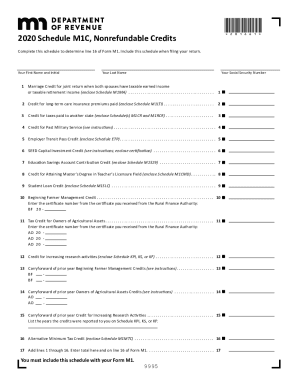
The document is the 2020 Schedule M1C for Nonrefundable Credits, which provides instructions for taxpayers in Minnesota ...

Form-2-Instructions Montana Individual Income Tax (Form 2 ...
The document is the 2019 Montana Individual Income Tax Return form, which provides a detailed structure for taxpayers to ...
Printable 2020 Montana Form EST-I (Underpayment of Estimated Tax by Individuals and Fiduciaries)
Printable 2020 Montana Form EST-I (Underpayment of Estimated Tax by Individuals and Fiduciaries)
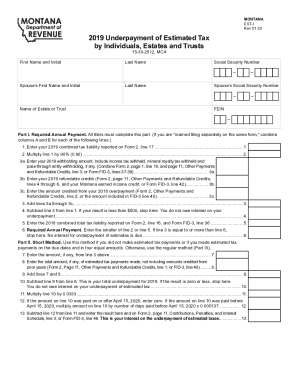
The document is the Montana Form EST-I for the year 2019, which is used by individuals, estates, and trusts to calculate ...
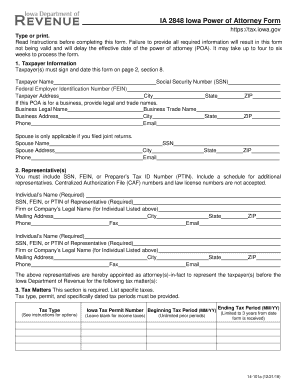
Iowa 2848
The IA 2848 Iowa Power of Attorney Form allows taxpayers to authorize representatives to act on their behalf regarding t ...