




Here's how it works

01. Edit your tm1 form online
Type text, add images, blackout confidential details, add comments, highlights and more.

02. Sign it in a few clicks
Draw your signature, type it, upload its image, or use your mobile device as a signature pad.

03. Share your form with others
Send fdny tm1 via email, link, or fax. You can also download it, export it or print it out.
How to use or fill out fdny tm1 with our platform

- Click ‘Get Form’ to open the fdny tm1 in the editor.
- Begin by indicating whether this is a new submission or a resubmission. Check the appropriate box and provide the FDNY Reference Number if applicable.
- Fill in the Design and Installation Document Type by checking the relevant boxes for Fire Alarm, Fire Suppression, or other types as required.
- Complete the Premises Information section with details such as BIN, building number, street name, borough, and occupancy classification.
- In the Applicant Information section, enter your name, license number, business contact details, and select your role from the provided options.
- Provide information about the Filing Representative if different from yourself. Include their registration number and contact details.
- Indicate Building Characteristics including height, stories, and fire protection features. Specify if fully or partially sprinklered.
- For Classification of Work, check whether it’s new work or modifications. Provide a detailed job description in Section 10.
- Finally, ensure all required signatures are completed in both Applicant's Statement and Property Owner's Statement sections before submitting.
Start using our platform today to streamline your fdny tm1 form completion for free!
Fill out fdny tm1 online
It's free
See more fdny tm1 versions
We've got more versions of the fdny tm1 form. Select the right fdny tm1 version from the list and start editing it straight away!
Security and compliance
At DocHub, your data security is our priority. We follow HIPAA, SOC2, GDPR, and other standards, so you can work on your documents with confidence.
Learn more


Related forms
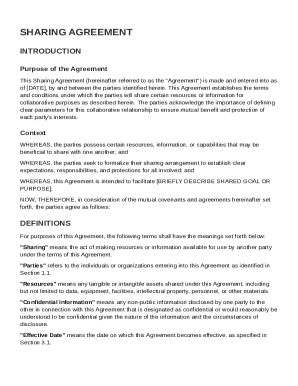
Sharing Agreement Template
The Sharing Agreement outlines the terms and conditions for collaboration between two parties, detailing the sharing of ...
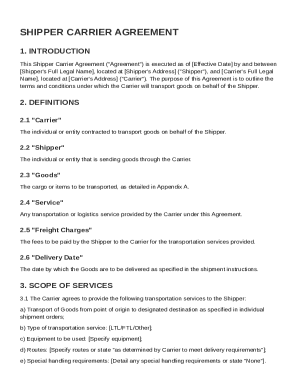
Shipper Carrier Agreement Template
The Shipper Carrier Agreement outlines the terms and conditions for the transportation of goods by a Carrier on behalf o ...
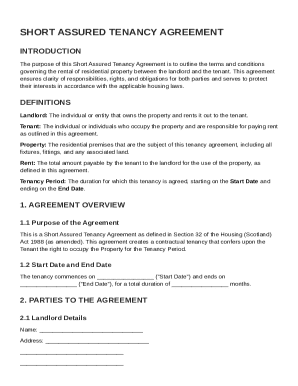
Short Assured Tenancy Agreement Template
The Short Assured Tenancy Agreement outlines the terms and conditions for renting residential property between a landlor ...
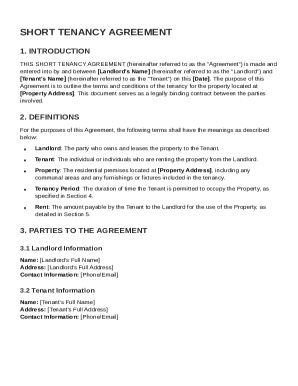
Short Tenancy Agreement Template
The document is a Short Tenancy Agreement between a Landlord and Tenant, outlining the terms and conditions of renting a ...
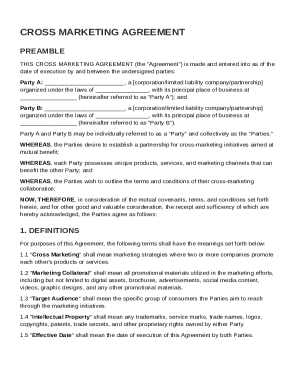
Cross Marketing Agreement Template
The Cross Marketing Agreement outlines a partnership between two parties (Party A and Party B) for collaborative marketi ...

Silent Partner Agreement Template
The Silent Partner Agreement outlines the terms between an Active Partner, who manages a business, and a Silent Partner, ...

Seo Contract Template
The document is an SEO Contract Template that outlines the agreement between a Client and a Service Provider for SEO ser ...
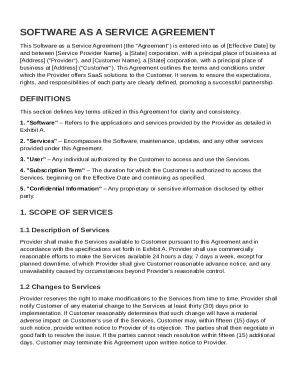
Software As a Service Agreement Template
The Software as a Service Agreement outlines the terms and conditions between a service provider and a customer for the ...