




01. Edit your form online
Type text, add images, blackout confidential details, add comments, highlights and more.

Type text, add images, blackout confidential details, add comments, highlights and more.

Draw your signature, type it, upload its image, or use your mobile device as a signature pad.

Send it via email, link, or fax. You can also download it, export it or print it out.

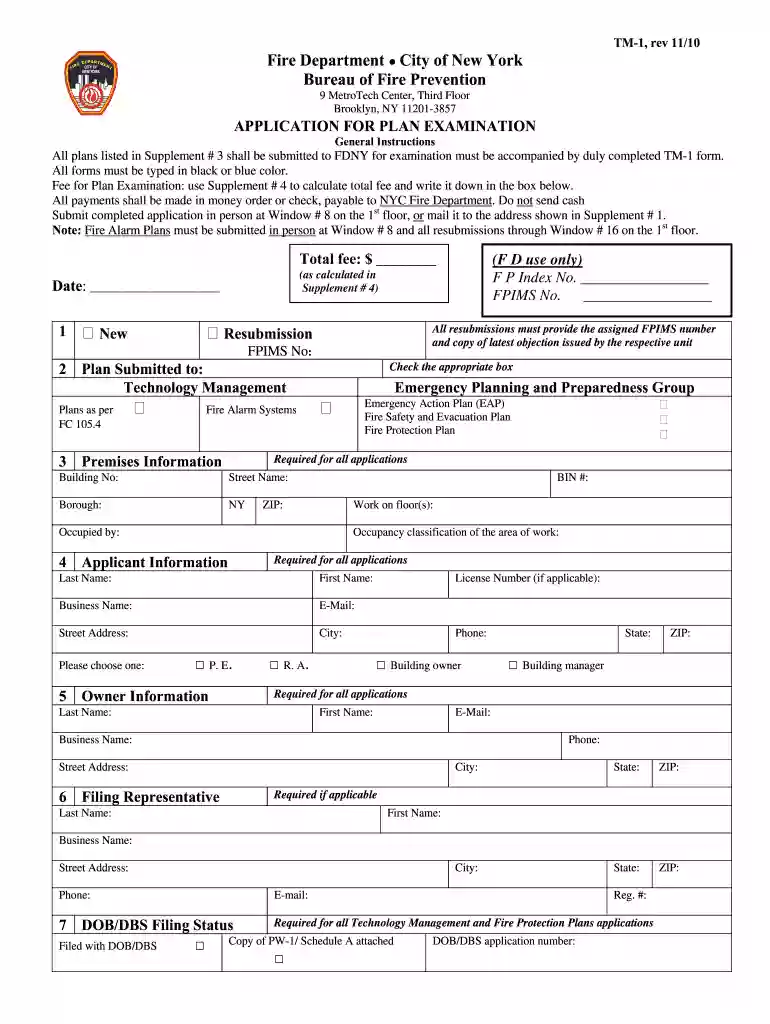
Start filling out your TM-1 form today using our platform for free!
We've got more versions of the tm 1 form nyc 2010 form. Select the right tm 1 form nyc 2010 version from the list and start editing it straight away!
Of course, you’ll find numerous applications for this on the web. Nonetheless, if you need to eSign your tm 1 form nyc 2010 without installing additional software, DocHub is the optimum choice you can make. This robust editor works on mobile devices just as on desktops. Open our editor in any internet browser, register or log in to your account, and start processing your forms.
It is a no-brainer on a computer or via a mobile phone to fill out a tm 1 form nyc 2010 with DocHub. All you need to do is open any installed internet browser on your smartphone and proceed to the DocHub site. Once authenticated, add your file and open it in editing mode. Use our toolbar to make your edits and save adjustments. Optionally, keep your file in your files or send it to a recipient immediately.
At DocHub, your data security is our priority. We follow HIPAA, SOC2, GDPR, and other standards, so you can work on your documents with confidence.
CBD gummy watermelon refers to chewable edibles infused with cannabidiol, typically flavored to taste like fresh watermelon slices. Most contain 10 to 50 mg ofRead more
Free crowd-sourced Model Railroad database and collection management system for Marklin other model train and accessory manufacturers.
Completed TM-1 application; Copy of PW-1 application (if applicable); Copy of Certificate of Occupancy/Approved Schedule A; Letter of Approval for the fireRead more


