
Google lunch Order Forms
Enhance productivity with our modifiable Google lunch Order Forms templates. Modify and customize forms to fit your specific business needs in just a few steps.

Create a new Google lunch Order Form
Missouri food stamp application
Mc 005
Subpoena texas
Da form 1687 jan 82 1982

Beo template

Personal training questionnaire for clients pdf
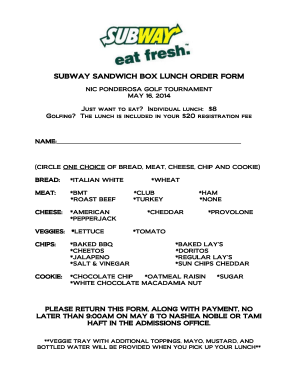
Subway box lunch order form

Printable starbucks menu
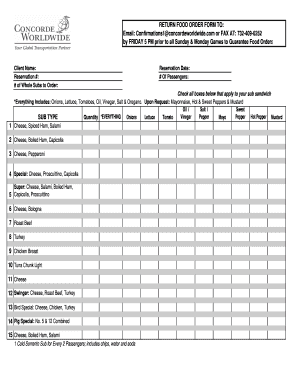
Restaurant order guide template excel

School lunch application
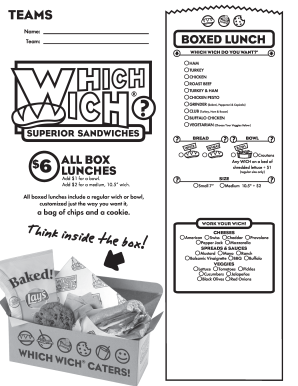
Which wich menu pdf
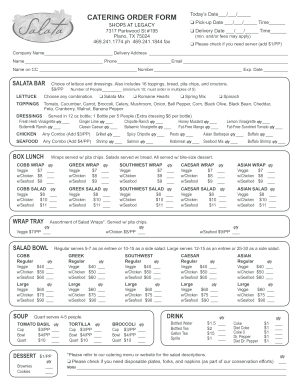
Fillable catering form
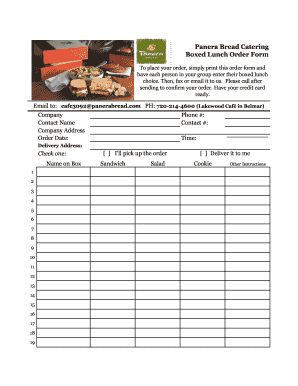
Panera bread printable menu pdf
Self certification form
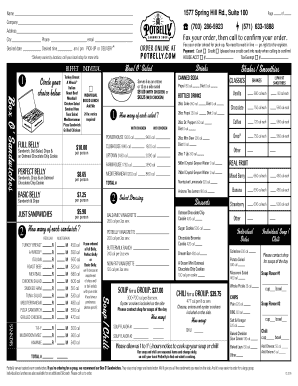
Potbelly order form

Massachusetts oil burner permit
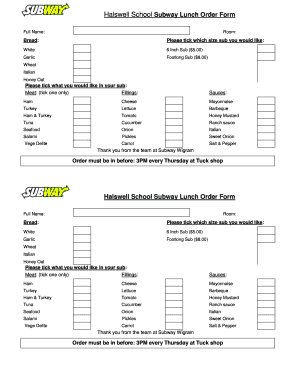
Lunch order form template word

Michigan child care food program

Eagle Scout Scholarship Application - Middle Tennessee Council - mtcbsa
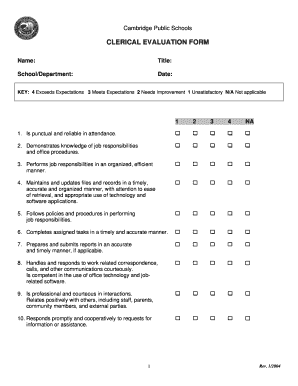
Lunch aide evaluation form

Subway order form 2021 pdf

Lunch Hour Self-Reflection Form - mychandlerschools
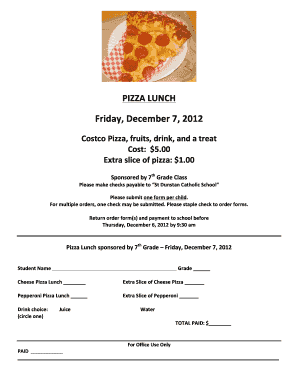
Pizza Hot Lunch Order Form - St Dunstan Catholic School - st-dunstan

Lunch Order Form - Crossroads Christian School - ccscolts
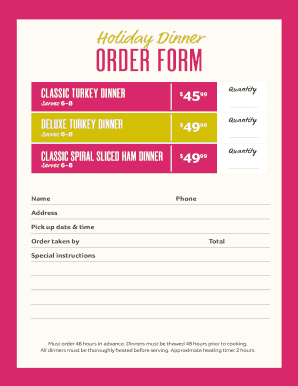
Holiday Dinner ORDER FORM - winndixie.com
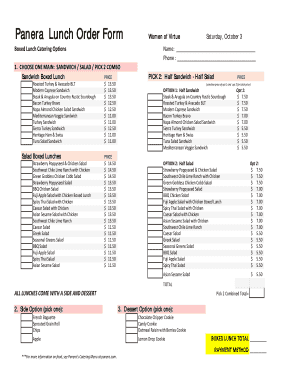
Panera catering menu pdf
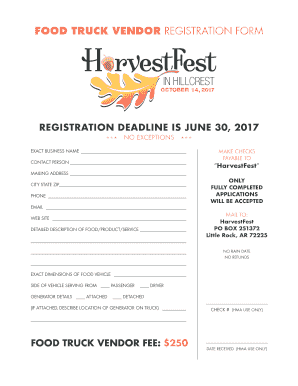
FOOD TRUCK VENDOR REGISTRATION FORM
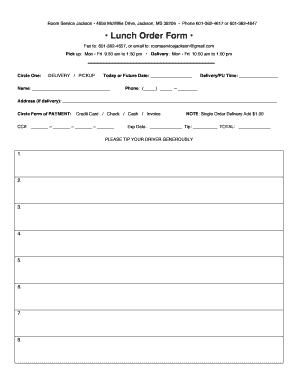
Room service order form
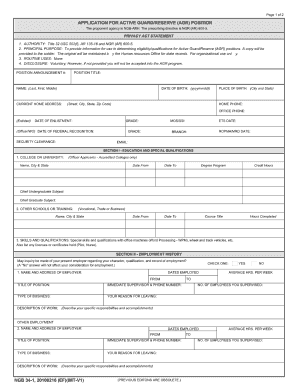
Ngb 34 1
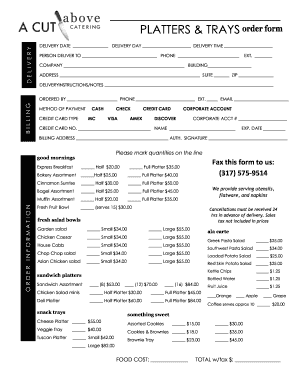
Catering order forms
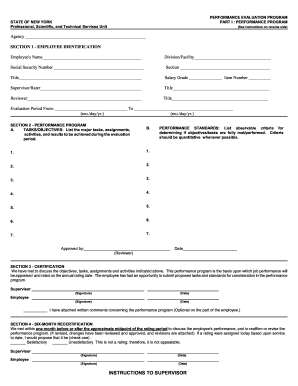
Pef performance evaluation
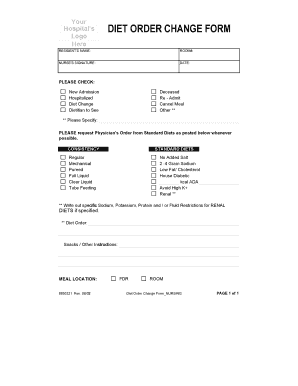
Diet order form
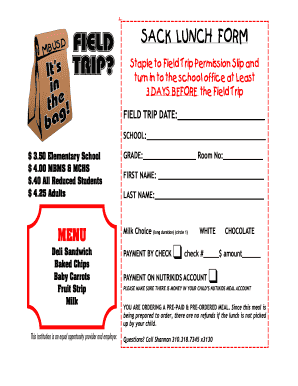
FIELD TRIP Lunch Order Form.pdf - School Nutrition and Fitness
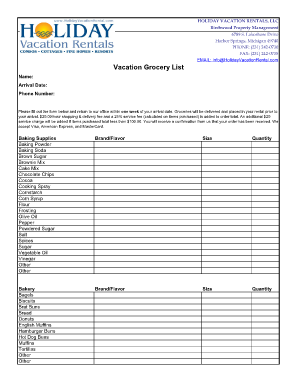
Vacation grocery list template
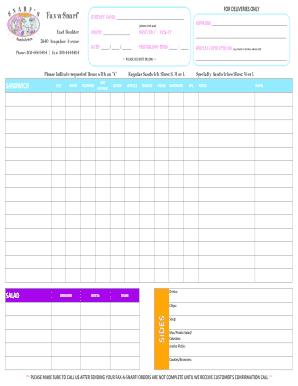
Sandwiches order form
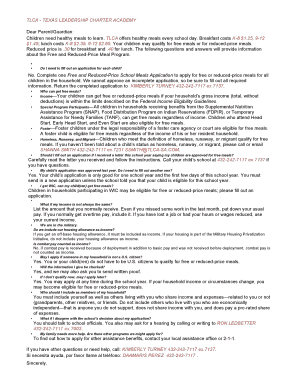
Tlca lunch menu
-
1
- 2
Manage Google lunch Order Forms quickly online
Document administration can overwhelm you when you can’t find all the documents you need. Luckily, with DocHub's vast form categories, you can get all you need and promptly take care of it without changing between applications. Get our Google lunch Order Forms and begin working with them.
Using our Google lunch Order Forms using these simple steps:
- Check Google lunch Order Forms and choose the form you need.
- Preview the template and then click Get Form.
- Wait for it to open in our online editor.
- Change your document: include new information and images, and fillable fields or blackout some parts if required.
- Fill out your document, conserve changes, and prepare it for delivering.
- When all set, download your form or share it with your contributors.
Try out DocHub and browse our Google lunch Order Forms category with ease. Get your free account today!
Video Guide on Google lunch Order Forms management

Commonly Asked Questions about Google lunch Order Forms
Is lunch at Google free?
Google staff will no longer be able to get eat from its buffet-style spreads, The New York Times. As staff return to offices, they will instead get free boxed meals and individually packaged snacks. Googles massage rooms, fitness centers, and shuttle buses will also be off limits.
Can I make an order form in Google Forms?
Visit Google Forms (forms.google.com) and either create a new form or select an existing one. Click on the + Blank button to initiate a new order form.
Does Google have an order form template?
Create an online order form using Google Form. Or get started with a template from Neartails Google Forms Order Form gallery.
How do I use Google Forms for intake forms?
How to create a Google intake form in Google Forms Navigate to Google Forms and click the plus sign. Click in the Untitled form header box and type a name. In the Form description field, enter a simple description. Click into the Untitled Question box. Click in the dropdown menu to select the type of answer field.
Does Google Forms have a template?
Google Form templates are versatile, easy to use, and beneficial for many business needs. However, there are some limitations worth noting: Limited customization and design: The advanced design options can be restrictive if you need highly customized forms.
How to make a Google Form for food orders?
How to make a purchase order form in Google Forms Step 1: Create a form. Step 2: Add the relevant purchase order details. Step 3: Download Payable Forms from Google Marketplace. Step 4: Adjust your sharing details. Step 5: Embed and share your form. No dedicated payment field. Fees on every purchase.
How do I create a Google Form for clothing orders?
How to Make a Shirt Order Form on Google Forms Launch Google Forms. Create a new form by clicking the + Blank or Blank Form option. Give Your Form a Name and Description. Add T-Shirt Order Questions. Customize Question Types. Personalize Your Forms Appearance. Share Your T-Shirt Order Form. Keep Tabs on Incoming Order.
How to make a fillable order form?
Steps to Create an Order Form Decide what to sell. Choose a form builder tool. Customize the template with proper fields. Add photos of the products. Customize the order form with branding. Set up a payment method. Set up a success message. Share the order form.
Related Templates

File Date for ACU use only
The document outlines the Illinois Denial of Parentage form, which is to be completed by parties who were married or in ...

Meridian prior authorization form pdf
The document is a Medication Prior Authorization Request form for Illinois, requiring detailed patient and prescriber in ...

Agencies request comment on anti-money laundering
The Anti-Money Laundering Compliance Guide by North American Money Order Company, Inc. provides essential guidelines for ...

IOWA NOTARY ACKNOWLEDGMENTS
The document outlines the procedures for notarizing acknowledgments in Iowa, specifically for individual and corporate s ...

Immunization Requirement Form - The Q
The document is an Immunization Requirement Form for Quinsigamond Community College, outlining the necessary vaccination ...

Form a 12
The document is a Form A12 for the Annual Summary of Financial Affairs required by associations under the Associations I ...

Transcript Request Form-TRF-Degree160906
The document is a Transcript Request Form for students to request their academic transcripts from previous high schools ...

Mexico Customs Broker Appointment Form
The document outlines the procedure for granting and revoking authority to a customs agent for conducting foreign trade ...