
Cutomize Order Forms
Preserve time and effort with our comprehensive selection of business-specific Cutomize Order Forms. Pick from a variety of pre-made templates or personalize your own.

Create a new Cutomize Order Form
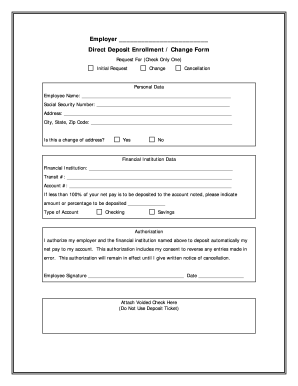
Direct deposit form
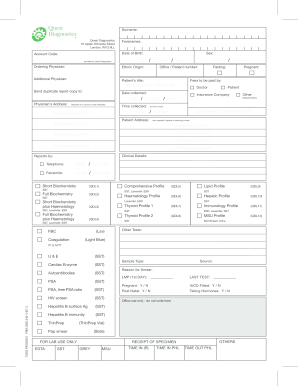
Quest requisition form
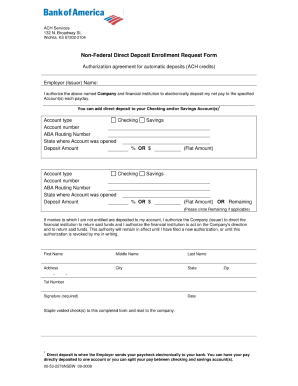
Direct deposit enrollment request form

No trespass order vermont

Quest supply order form pdf
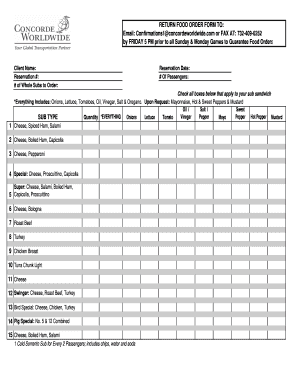
Restaurant order guide template excel
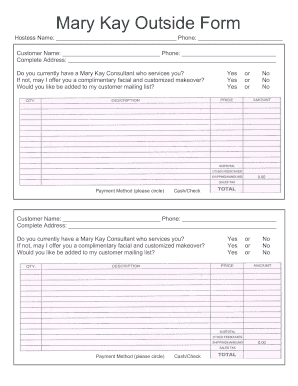
Mary kay outside order form
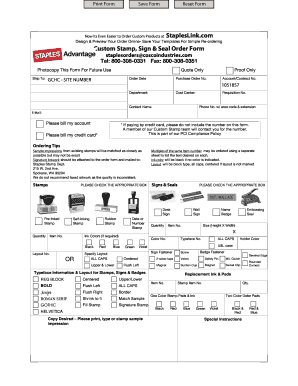
Staples advantage custom stamp order form
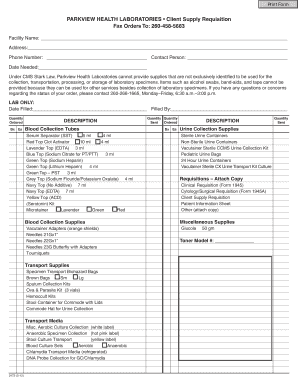
Lab slip template
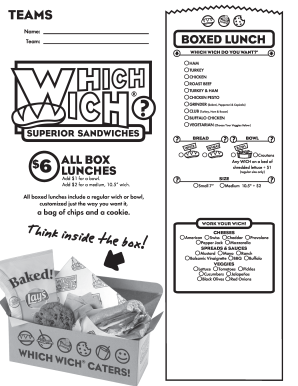
Which wich menu pdf

Form eme 2621

Form w3x
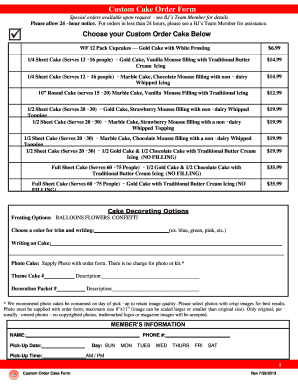
Bjs cake order form
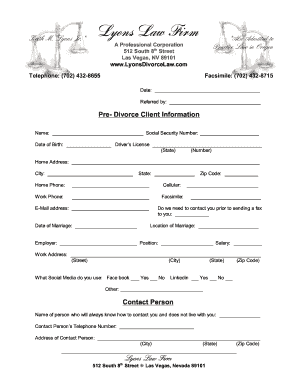
Law firm client intake form
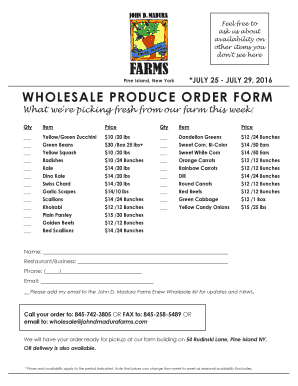
Produce order form

Forms for hospitals
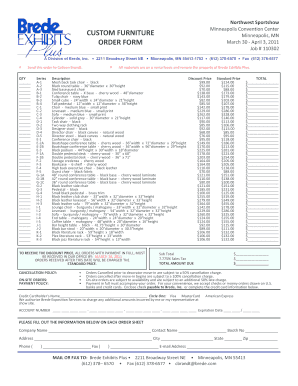
Furniture order form
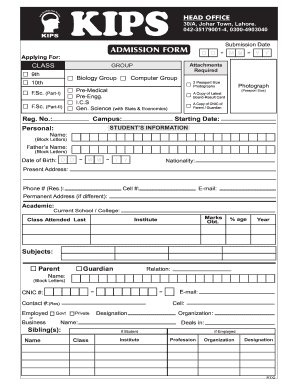
Academy admission form
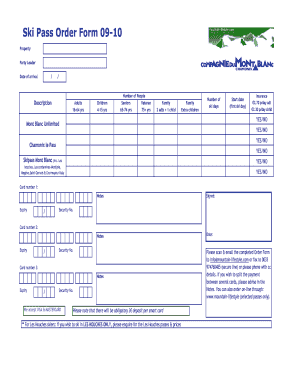
Ski Pass Order Form - bMountainb bBaseb
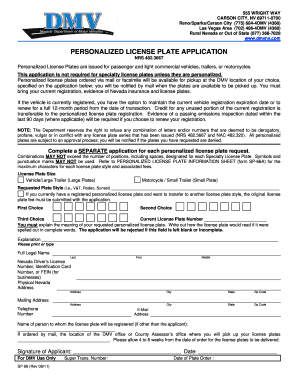
Nevada personalized license form
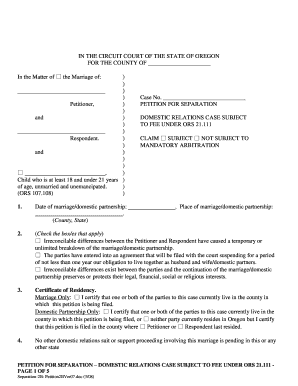
Oregon petition separation
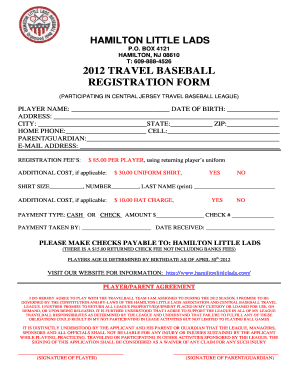
2012 TRAVEL BASEBALL REGISTRATION FORM
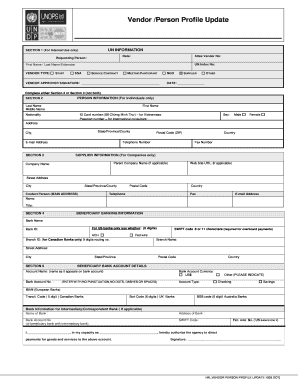
Profile update form
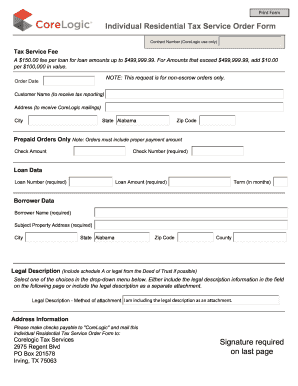
Individual Residential Tax Service Order Form ... - CoreLogic
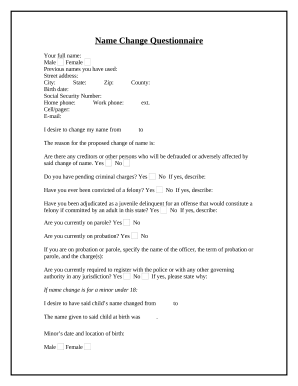
Name change questionnaire
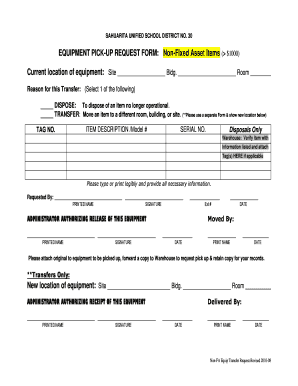
Item pick up form template
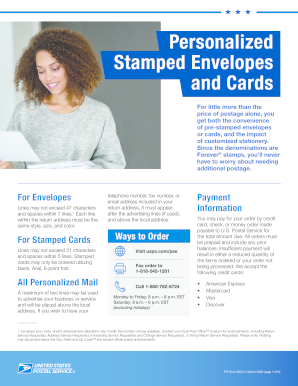
Stamp fulfillment services order form 2022

Nyc 200v
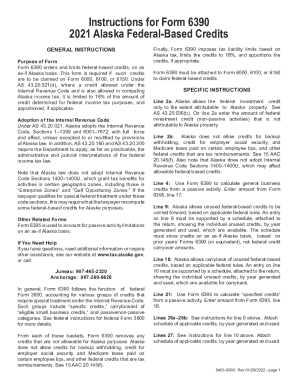
Alaska Form 6390i (Federal-based Credits Instructions)

Authorisation Letter for Mobile Equipment Collection
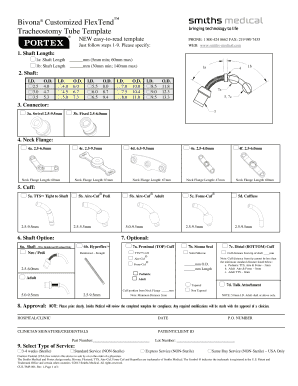
Fixed smith medical custom printable trach template
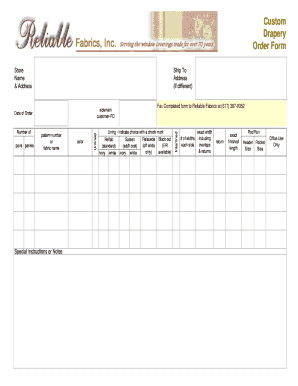
Drapery work order template
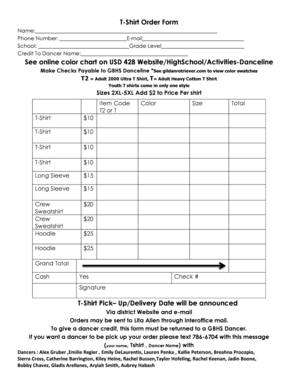
T-Shirt Order Form See online color chart on USD 428 Website
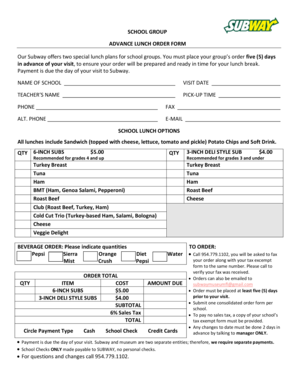
Subway group order form

Supplement sheet order template

TOT-Designated-Exemption-Application-Form
-
1
- 2
Boost your efficiency with Cutomize Order Forms
Record management occupies to half of your office hours. With DocHub, you can reclaim your time and effort and enhance your team's efficiency. Get Cutomize Order Forms online library and discover all templates related to your day-to-day workflows.
Effortlessly use Cutomize Order Forms:
- Open Cutomize Order Forms and use Preview to obtain the suitable form.
- Click Get Form to start working on it.
- Wait for your form to open in our online editor and begin editing it.
- Add new fillable fields, symbols, and pictures, change pages order, and many more.
- Complete your form or prepare it for other contributors.
- Download or deliver the form by link, email attachment, or invite.
Speed up your day-to-day file management using our Cutomize Order Forms. Get your free DocHub profile today to discover all templates.
Video Guide on Cutomize Order Forms management

Commonly Asked Questions about Cutomize Order Forms
How to create digital forms?
Use Acrobats Prepare Form to quickly and easily create fillable documents that can be distributed, managed, tracked, and controlled in whatever way suits your needs. Let the form wizard build out the details, or take control and edit form properties with advanced tools to customize the look and feel of your form.
What is a custom form on a website?
The Custom Form feature allows your site visitors to submit a contact form, which is then sent to you by email. Generally this form is set to include name, email, and message fields; but it can be further customized.
How do I create a custom form in Access?
To create a form from a table or query in your database, in the Navigation Pane, click the table or query that contains the data for your form, and on the Create tab, click Form. Access creates a form and displays it in Layout view.
How can you create a customized form?
Login to your Canva account and search for form templates. Pick a design or start with a blank template. Choose a pre-made form template design. Customize your form. Edit your form by adding text, labels, logos, and other graphic elements. Download and print. Publish and share your form.
How can I create a form?
Create a form using a template Start at forms.office.com. Select My forms. Select a template. Select PreviewComputer or Mobile. Select Back to choose another template or edit the selected template. To edit a template, select a question to edit. Edit the question and/or the options specific to each type of question.
How to create custom order forms?
Steps to Create an Order Form Decide what to sell. Choose a form builder tool. Customize the template with proper fields. Add photos of the products. Customize the order form with branding. Set up a payment method. Set up a success message. Share the order form.
How to create an easy online order form?
How to create an order form in Google Forms. Log in to your Google account and open Google Forms. Click the Blank button to create a new form. Add fields for the essential information you need to gather from your buyers, such as their name, business address, contact information, and preferred contact method.
Is there an app for order forms?
Whether you are a small business or a large-scale company, you can use forms. apps free purchase order form templates and collect online orders with much information such as contact information, address, and whatever data you need to collect per order.
Related Templates

CommercialTitle Insurance Order Form (Ontario) CommercialTitle Insurance Order Form (Ontario)
CommercialTitle Insurance Order Form (Ontario) CommercialTitle Insurance Order Form (Ontario)
The document is a Commercial Title Insurance Order Form for Ontario, intended for use by law firms when ordering title i ...
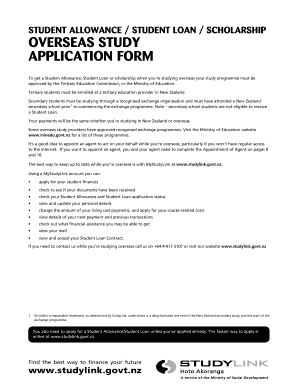
Students form study link
The document is an application form for students seeking financial assistance, including Student Allowance, Student Loan ...

Cheerleading Tryouts Judging Sheet Judges Signature: Number Gymnastics (10) Jumps (10) Individual Ch
Cheerleading Tryouts Judging Sheet Judges Signature: Number Gymnastics (10) Jumps (10) Individual Ch
The document is a judging sheet for cheerleading tryouts, outlining the criteria and scoring system for various performa ...

BNE 034 - Report of Receipt of a Controlled Chemical Substance - ag ca
The document outlines the requirements for reporting the receipt of controlled chemical substances from out-of-state sou ...