
Create custom work Order Forms
Save time and effort with our comprehensive selection of industry-specific Create custom work Order Forms. Pick from a selection of pre-made templates or personalize your own.

Create a new Create custom work Order Form
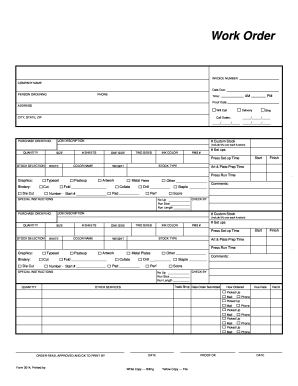
Blank work order

Screen printing order form template
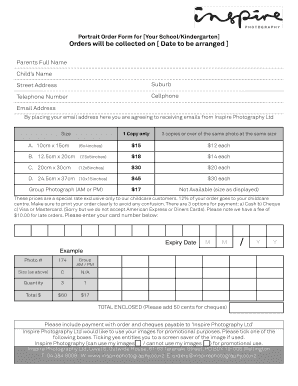
Picture order form
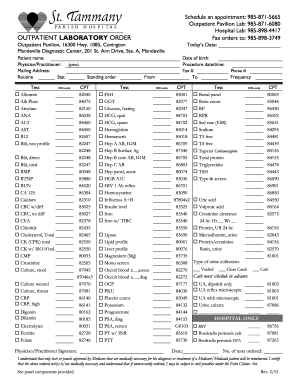
Generic lab order form
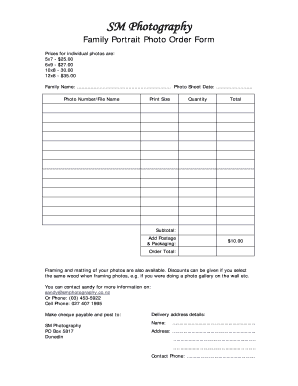
Photo order form template
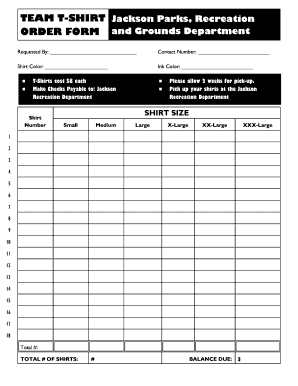
Editable t shirt order form
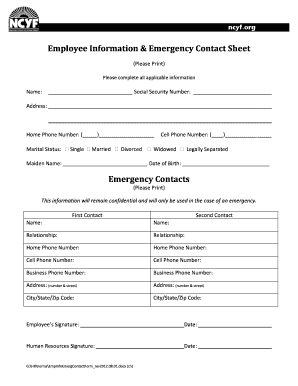
Employee contacts sheet form
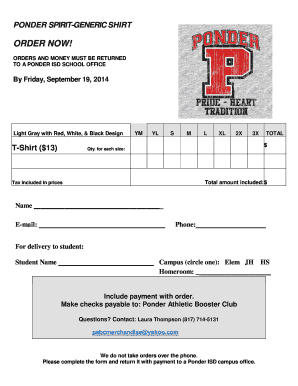
Tshirt order forms templates
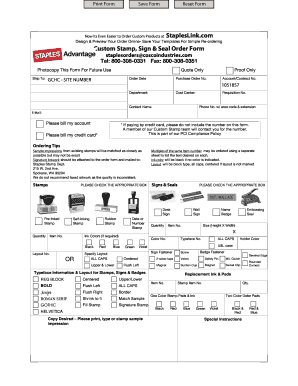
Staples advantage custom stamp order form
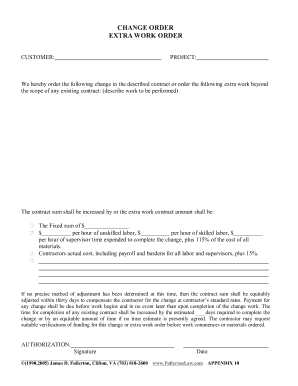
Work order change form

Change order form
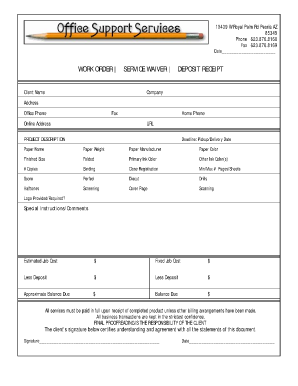
Job order receipt

Construction work ticket template
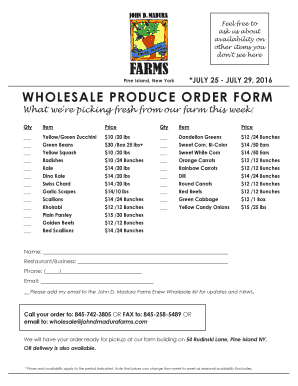
Produce order form
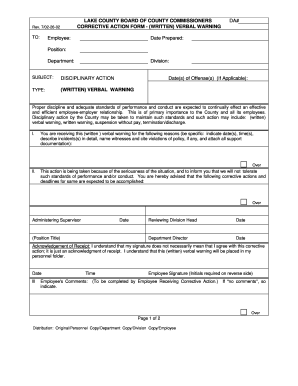
Verbal order form template
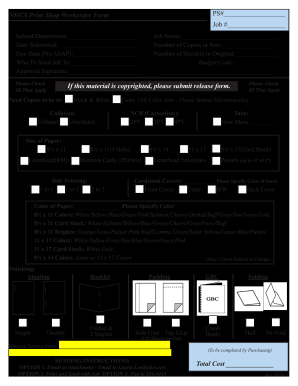
Print order form
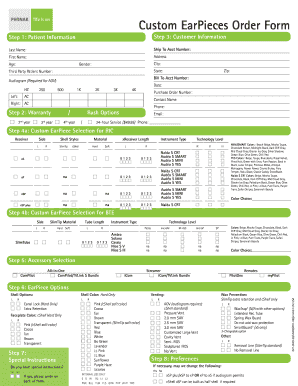
Custom EarPieces Order Form - Phonak
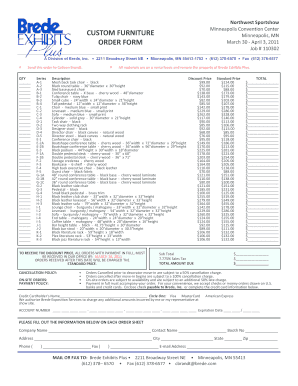
Furniture order form
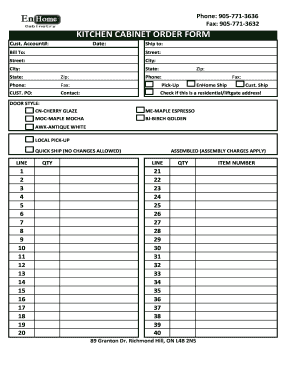
Kitchen cabinet order form
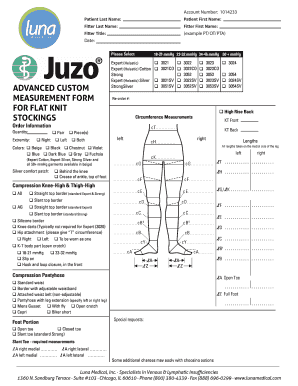
Juzo custom order form
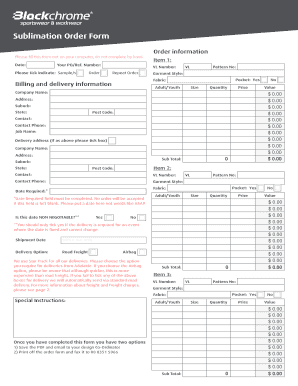
Sublimation order forms

Job application lippert
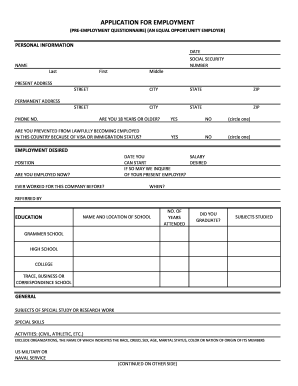
Printable job application for employment

Client list form
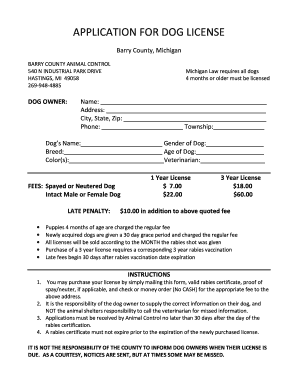
Barry county dog license
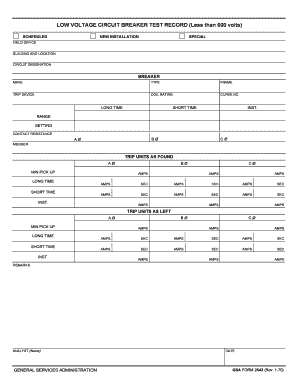
Circuit Breaker Tester - Circuit Breaker Test Equipment ...
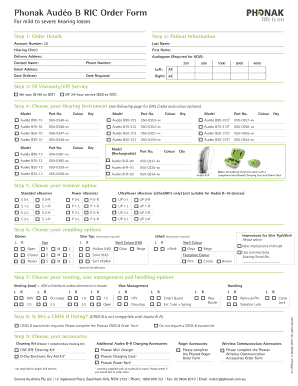
Phonak order forms

Resound earmold order form

Work experience application form

Custom Flashing Order Form - rollfab metal products
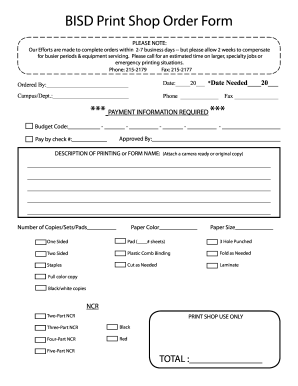
Print shop order form
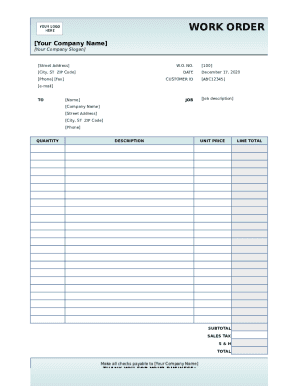
Work order template form
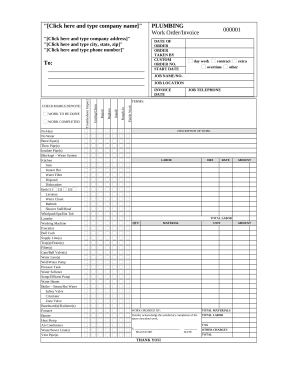
Plumber's Work Order - Invoice
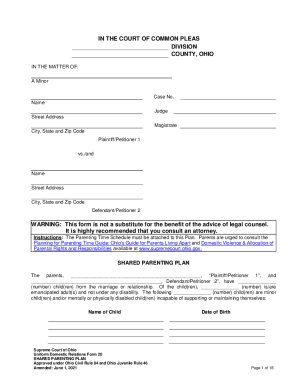
Ohio shared parenting plan

/ / CUSTOM TEST REQUEST FORM - Regional Pathology ...
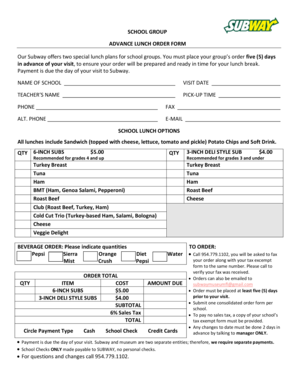
Subway group order form
-
1
- 2
Get and handle Create custom work Order Forms online
Boost your form managing with the Create custom work Order Forms category with ready-made form templates that meet your needs. Get your form, alter it, complete it, and share it with your contributors without breaking a sweat. Start working more effectively together with your documents.
How to use our Create custom work Order Forms:
- Open our Create custom work Order Forms and look for the form you require.
- Preview your form to ensure it’s what you want, and click Get Form to begin working on it.
- Modify, add new text, or point out important information with DocHub features.
- Prepare your form and save the modifications.
- Download or share your document template with other recipients.
Discover all the opportunities for your online document administration using our Create custom work Order Forms. Get a totally free DocHub profile today!
Video Guide on Create custom work Order Forms management

Commonly Asked Questions about Create custom work Order Forms
Is there an app for order forms?
Whether you are a small business or a large-scale company, you can use forms. apps free purchase order form templates and collect online orders with much information such as contact information, address, and whatever data you need to collect per order.
What is an example of a work order?
For example, setting up a new piece of equipment or hauling away an old asset would fall under the standard work order category. What is a Work Order?: Maintenance Work Orders Made Simple Maintenance Connection resources Maintenance Connection resources
How can I create an order form in Google forms?
How to make a purchase order form in Google Forms Step 1: Create a form. Step 2: Add the relevant purchase order details. Step 3: Download Payable Forms from Google Marketplace. Step 4: Adjust your sharing details. Step 5: Embed and share your form. No dedicated payment field. Fees on every purchase.
How do I create my own order form?
Steps to Create an Order Form Decide what to sell. Choose a form builder tool. Customize the template with proper fields. Add photos of the products. Customize the order form with branding. Set up a payment method. Set up a success message. Share the order form.
How can I make my own order form?
Steps to Create an Order Form Decide what to sell. Choose a form builder tool. Customize the template with proper fields. Add photos of the products. Customize the order form with branding. Set up a payment method. Set up a success message. Share the order form. How to Create an Order Form - With free templates - MightyForms MightyForms blog how-to-create-an MightyForms blog how-to-create-an
How to make a work order form?
A standard work order template includes: Work order number: A unique identifier for the service ticket. Contact name: The name of the person requesting the work. Contact information: The requestors contact information. Description of work: A description of the work that needs to be done.
How do I create a work order program?
Eight Steps to Creating a Work Order Management Process Understand and Implement the Right Maintenance Plan. Evaluate Paper vs. Implement CMMS Software. Create Work Orders for All Tasks. Use SOP Templates. Prioritize Work Orders. Automate Work Orders for Recurring PMs. Develop a Work Order Review Process. How to Create a Work Order System (That Works) Maintenance MaintainX blog how-to-create-a- MaintainX blog how-to-create-a-
How do you create a work order format?
To create a work order: Include company details, recipient information, and the date. Specify Work Order in the subject line. Describe the work, timeline, costs, and payment terms. Include terms and conditions, authorization, and attachments as needed. Work Order Formats: Optimize Projects With Best Templates Vyapar App work-order-format Vyapar App work-order-format
Related Templates

Caregiver Skills Checklist - local homehelpershomecare
The document is a Caregiver Skills Checklist designed to assess the skills and comfort levels of caregivers in various a ...

Waste profile sheet
The document is a Waste Material Profile Sheet designed for generators to provide detailed information about waste mater ...

FIREFIGHTER MEDICAL CLEARANCE FORM - Bozrah - bozrahfire
The document is a Firefighter Medical Clearance Form for Bozrah Volunteer Fire Co. Inc., which requires completion by th ...

Agreement of Financial Responsibility
The document is an Agreement of Financial Responsibility outlining the patient's acknowledgment of not having verifiable ...
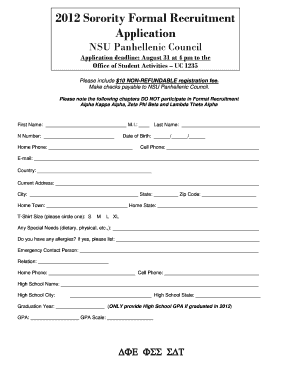
Sorority application
The document is an application form for the 2012 Sorority Formal Recruitment organized by the NSU Panhellenic Council. I ...

2011 horse show entry form - ircha
The document is the entry form for the 37th Annual IRCHA Futurity, Derby & Horse Show held from October 18-23, 2011. It ...

Exosomes for Hair Restoration Aftercare + Consent Form
The document outlines the procedure, aftercare, and consent for exosome therapy aimed at hair restoration. It differenti ...