
Adams Order Forms
Enhance your document management with DocHub's Adams Order Forms templates. Edit, send, and securely save your order documents hassle-free.

Create a new Adams Order Form
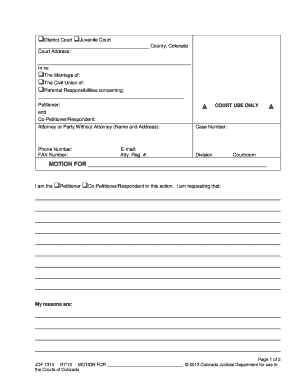
Jdf 1314
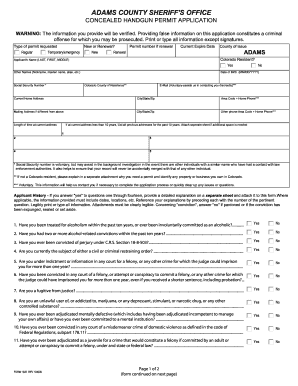
Colorado adams form concealed application
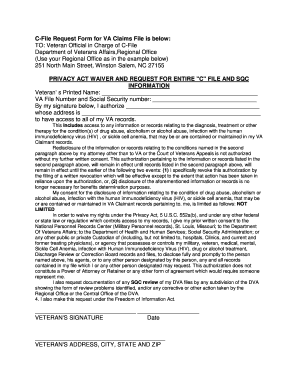
Va c file
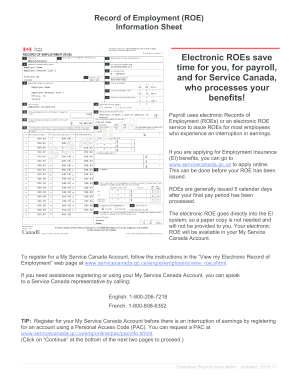
How to fill out roe

CPS BACKGROUND/ADAM WALSH BACKGROUND CLEARANCE REQUEST

Adams county concealed carry permit

Printable starbucks menu
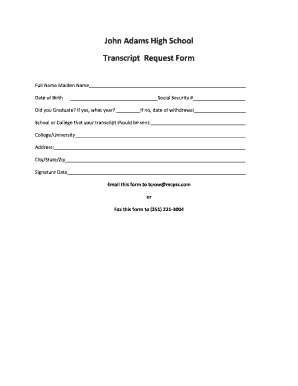
John adams virtual high school transcript request
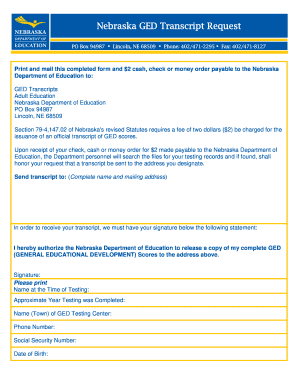
Nebraska ged transcript request
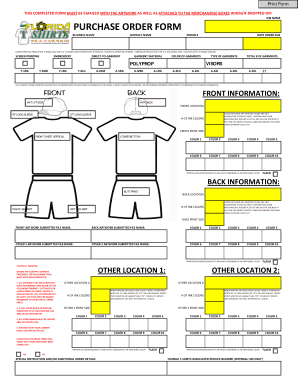
Bpurchase order formb - Ft Lauderdale Custom T-Shirts Screen bb - floridatshirts
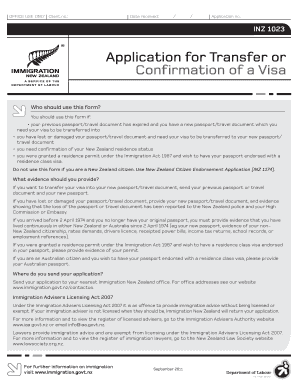
Nz application for trwnsfer oor confirmation of a visa 1023 2011 form
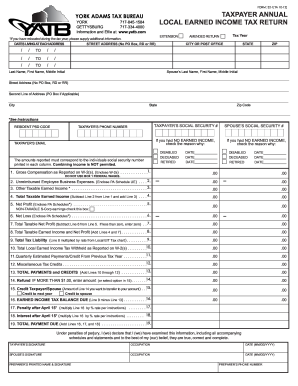
York adams tax bureau completed form 2012

Adam and eve return form
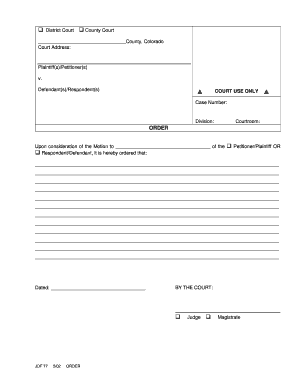
Court jdf form
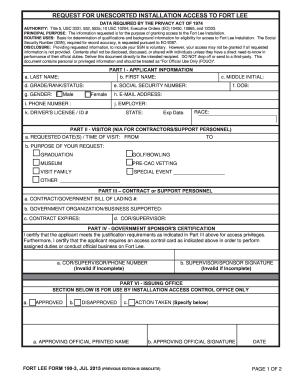
Fort Lee Form 190-3 - lee army
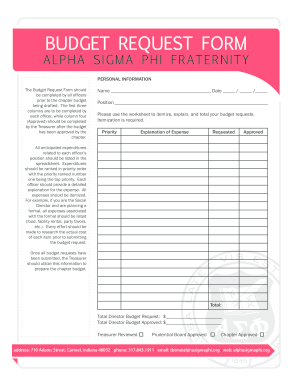
Budget request form

Edgemont transcript request form
Illinois form court reporting

MPH Collaborating Organization Form - Bloomberg American ...

Wholesale application template
Request for Title Commitment - Blank doc

Dogs victoria forms
A4v
Office supply order form
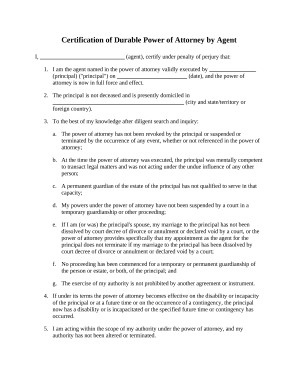
Power attorney form

PERSONNEL SECURITY SYSTEM ACCESS REQUEST (PSSAR)

Mdoc lein form

MC rural Address Request Form (PDF) - MC GIS RA Request Form Ver. 016 (PDF)201606240941060710.pdf
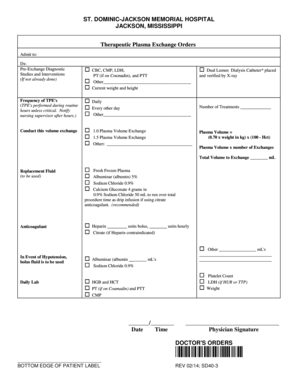
Plasmapheresis order set

Sensaphonics Order Form ONLINE
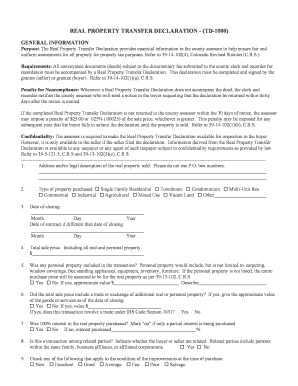
Real property transfer declaration - (td-1000) - Adams County - co adams co
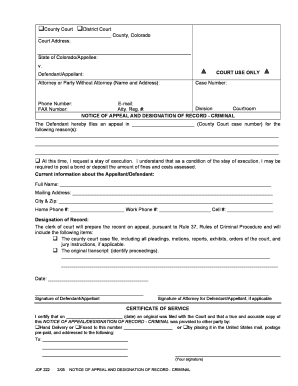
Jdf 222
Adams Radio Group Internship Application
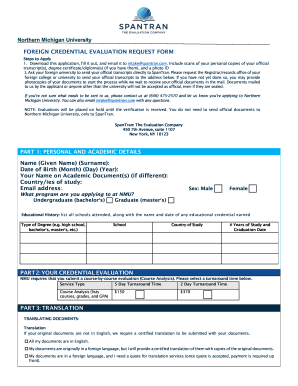
Official Transcript Request Form - Northern Michigan University
Get and manage Adams Order Forms online
Speed up your file operations with our Adams Order Forms collection with ready-made form templates that meet your requirements. Get the document template, alter it, fill it, and share it with your contributors without breaking a sweat. Begin working more effectively together with your documents.
The best way to manage our Adams Order Forms:
- Open our Adams Order Forms and find the form you need.
- Preview your form to ensure it’s what you want, and click on Get Form to begin working on it.
- Change, include new text, or point out important information with DocHub tools.
- Fill out your form and save the changes.
- Download or share your form template with other recipients.
Discover all of the opportunities for your online document management with the Adams Order Forms. Get your free free DocHub account right now!
Video Guide on Adams Order Forms management

Commonly Asked Questions about Adams Order Forms
What are order forms?
What is an order form? An order form is a document that records one or more business transactions between a buyer and a seller. It may also be called a business order form, sales order form, online order form, procurement order form, inventory order form, or service order form.
How do I fill in an order form?
Must-have components for creating an order form. Contact information. Name, email address, phone number, and shipping address are necessary pieces of information to gather from your buyers. Product description. Payment information. Shipping and handling. Order summary. Terms and conditions. Visuals. Order confirmation.
Is an order form the same as a contract?
Purchase orders are commercial documents, while contracts are legally bound documents. Purchase orders only become legally binding documents once the seller accepts them, whereas a contract is the primary legal document from the start of each project.
Who uses order forms?
An order form is a document buyers submit to a wholesaler, manufacturer, or retailer requesting products or services. They are mostly used in two scenarios: for large amount business purchases and for high-priced products. Aside from selling goods, an order form may be used to sell services.
What does an order form show?
Order forms are documents that describe requests for products or services. These forms can also be used as service request forms, that signal everything a service needs to be complete. An order form must be informational. It must capture any information that is required for a purchase or service.
Related Templates

AUTHORIZATION FOR CHANGE OF ADDRESS Directions
The document is an 'Authorization for Change of Address' form for individuals to request a change of address with the Pu ...

Notary Public Change of Address Form - North Stonington
The document is an 'Authorization for Change of Address' form used by individuals to request the Pueblo of Laguna Tribal ...

Landlord waiver and consent form
The document is a 'Landlord Waiver and Consent' agreement in which the landlord consents to Radiance Capital LLC leasing ...
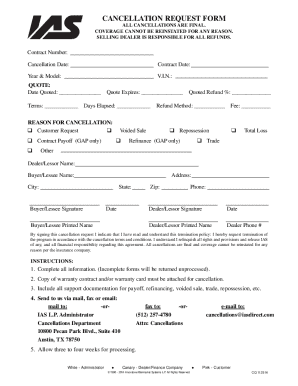
Cancellation Request Form Email
The document is a Cancellation Request Form outlining the procedures and requirements for canceling a warranty or insura ...

COMMUNITY ACKNOWLEDGEMENT OF FILL
The document is a form from the Department of Homeland Security's Federal Emergency Management Agency (FEMA) for communi ...
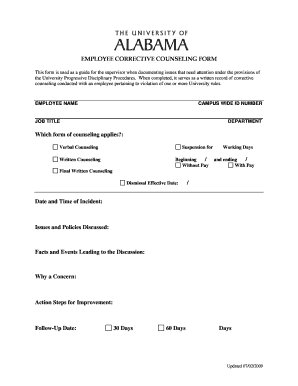
Employee counseling form
The document is an Employee Corrective Counseling Form used by supervisors to document and address employee violations o ...

FEMA Contract Work Summary Record
The document is a Federal Emergency Management Agency (FEMA) Contract Work Summary Record, which outlines the requiremen ...

PCP Provider Manual 8-1-12 doc
The Personal Choice Program Provider Manual outlines the framework for a self-directed long-term care service for Medica ...