
1096 and 1099 Order Forms - Page 2
Ensure your company's productivity with 1096 and 1099 Order Forms templates. Choose order forms, adjust and send them with your customers in a few clicks.


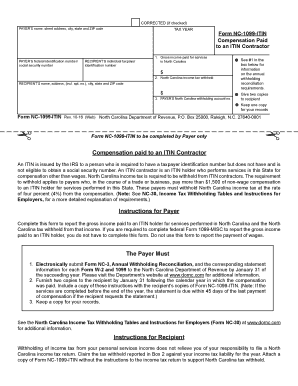
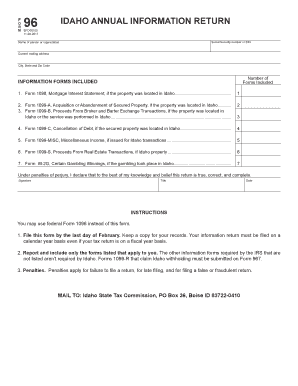
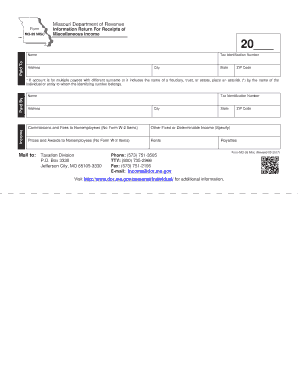
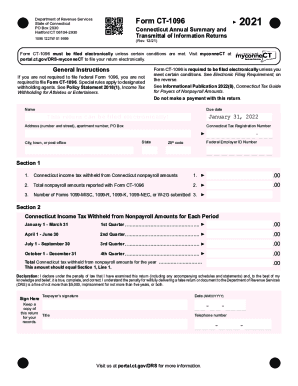
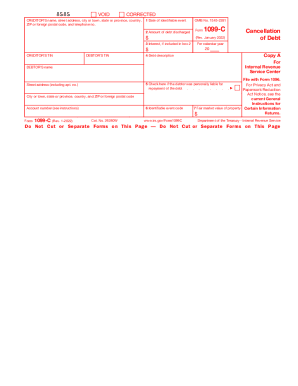
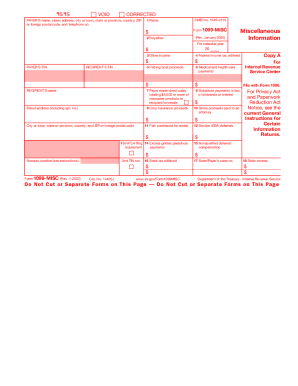

- 1
-
2
Handle 1096 and 1099 Order Forms quickly online
Document management can overwhelm you when you can’t discover all of the documents you require. Fortunately, with DocHub's extensive form library, you can discover all you need and quickly handle it without the need of changing among apps. Get our 1096 and 1099 Order Forms and start utilizing them.
Using our 1096 and 1099 Order Forms using these simple steps:
- Browse 1096 and 1099 Order Forms and select the form you require.
- Review the template and then click Get Form.
- Wait for it to upload in our online editor.
- Change your document: add new information and images, and fillable fields or blackout some parts if needed.
- Prepare your document, preserve alterations, and prepare it for delivering.
- When all set, download your form or share it with other contributors.
Try out DocHub and browse our 1096 and 1099 Order Forms category without trouble. Get a free profile today!
Video Guide on 1096 and 1099 Order Forms management

Commonly Asked Questions about 1096 and 1099 Order Forms
Do I mail 1099-NEC and 1096 together?
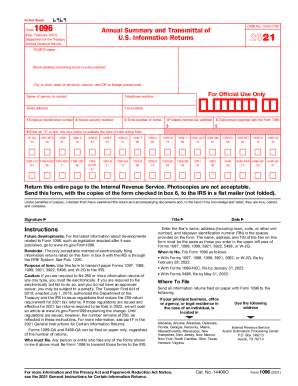
If you file Forms 1099-NEC on paper you must submit them with Form 1096, Annual Summary and Transmittal of U.S. Information Returns.
How to order 1099 and 1096 forms from IRS?
If you are an employer or business needing to order information returns (all series of forms W-2, W-3, W-4, 1096, 1097, 1098, 1099, 3922, 5498, and other products), please visit our ordering page for employer and information returns at Online Ordering for Information Returns and Employer Returns or call 800-829-3676.
Forms to send What forms do I send with my 1096?
What is Form 1096? Form 1096, Annual Summary and Transmittal of U.S. Information Returns, is a document that summarizes information returns you file with the IRS, such as Forms 1099-MISC and 1099-NEC. Form 1096: What it Is, Filing Instructions, and More patriotsoftware.com blog accounting patriotsoftware.com blog accounting
What is the difference between a 1099 and a 1096?
Like Form W-2, Form 1099-NEC shows workers how much they were paid. And like Form W-3, Form 1096 summarizes the payments you made to independent contractors. Form 1096 is also used to summarize other returns, like Forms 1099-DIV and 1099-INT. You must complete a separate Form 1096 for each kind of return you file.
Can 1099 and 1096 forms be handwritten?
Can you handwrite 1096 tax forms? Yes, it is possible to handwrite Form 1096. However, the handwriting must be clear. It is highly recommended to print your answers for legibility and to ensure greater accuracy.
What forms do I send with my 1096?
Use this form to transmit paper Forms 1097, 1098, 1099, 3921, 3922, 5498, and W-2G to the IRS. Caution: Form 5498-QA can only be filed on paper, regardless of the number of returns. Who must file. Any person or entity who files any form checked in box 6 above must file Form 1096 to transmit those forms to the IRS.
Do 1096 forms need to be mailed separately?
Form 1096 is also used to summarize other returns, like Forms 1099-DIV and 1099-INT. You must complete a separate Form 1096 for each kind of return you file. For example, if you need to give a Form 1099-MISC to 20 people and a Form 1099-DIV to one person, you must prepare two separate Forms 1096 to send to the IRS.
Where can I get a printable 1096 form?
To order official IRS information returns, which include a scannable Form 1096 for filing with the IRS, visit .IRS.gov/orderforms. Click on Employer and Information Returns, and well mail you the forms you request and their instructions, as well as any publications you may order.
What forms go with the 1096?
Use Form 1096 to transmit paper Forms 1097, 1098, 1099, 3921, 3922, 5498, and W-2G to the Internal Revenue Service. Do not use this form to transmit electronically. For electronic submissions, see Publication 1220, Specifications for Filing Forms 1097, 1098, 1099, 3921, 3922, 5498, 8935, and W-2G Electronically PDF.
Related Templates

Application form pub 1319
The document is a certification form (MVD-10056) from the New Mexico Taxation & Revenue Department for registering a 'Ho ...

SURRENDER WITHDRAWAL FORM FOR INVESTMENT - LINKED POLICY
The document is a Surrender/Withdrawal Form for Investment-Linked Policies (ILP) issued by Singapore Life Ltd. It outlin ...

NHS Low Income Scheme
The document outlines the requirements for self-employed individuals applying for assistance with health costs through t ...
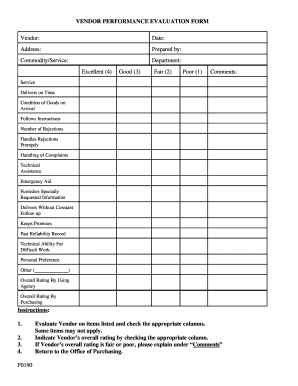
F0190 Vendor Performance Evaluation Form
The document is a Vendor Performance Evaluation Form designed to assess and rate vendors based on various criteria such ...

It's Great to Work for New York State - SUNY Oswego
The document is an application form for New York Disability Benefits and Paid Family Leave Insurance, detailing the requ ...
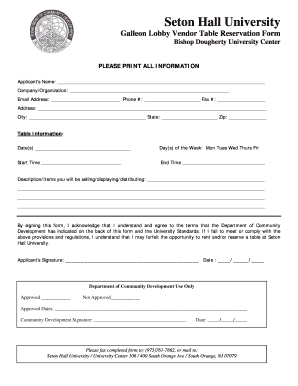
Galleon Lobby Vendor Table Reservation Form - Seton Hall University - shu
The document is a reservation form for vendor tables at Seton Hall University's Galleon Lobby, detailing the application ...
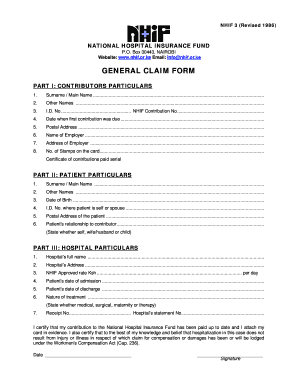
Nhif certificate download pdf download
The document is a General Claim Form for the National Hospital Insurance Fund (NHIF) in Kenya, revised in 1986. It inclu ...

Lodger Application
The document is a Lodger Application form that collects personal information from individuals seeking lodging. It requir ...