
Paystub Canada Forms
Find business Paystub Canada Forms and effortlessly customize them with DocHub flexible document editing tools. Complete and share your forms with other collaborators in a few clicks.

Create a new Paystub Canada Form
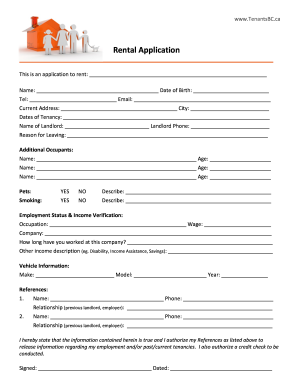
Bc rental application
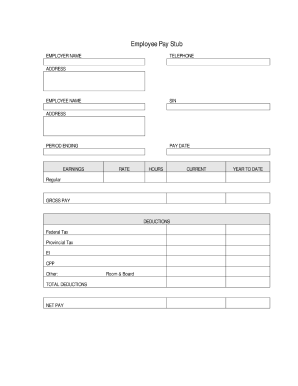
Fillable pay stub pdf

En firearms
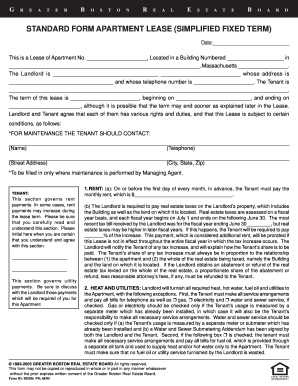
Standard form apartment lease simplified fixed term
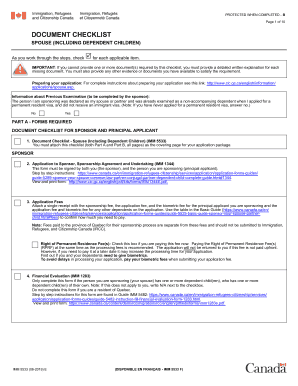
Imm 5533
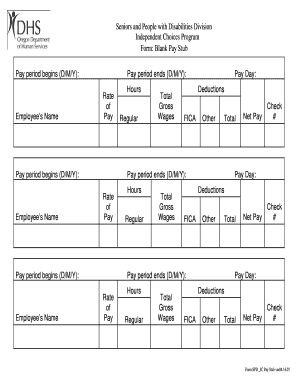
Paystub generator no watermark
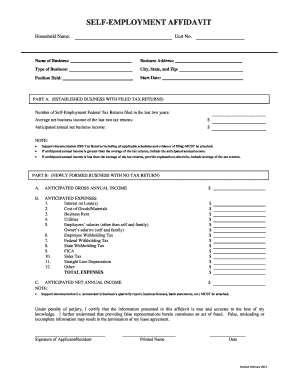
Self employment affidavit
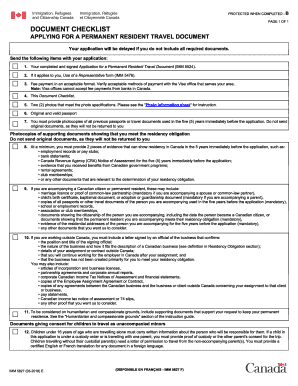
Canada document checklist travel
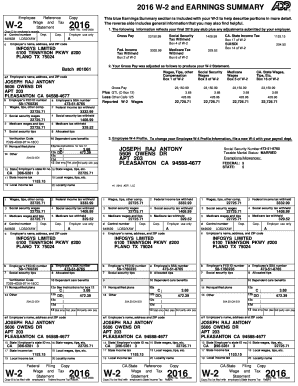
Paystubplus

711 paystub
Aanz form
Ibc claim 8 hst
Payroll wage and hour division
Dscb 15 statement domestication form
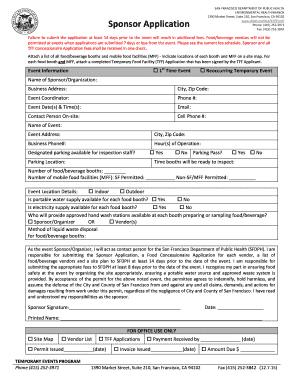
Ca san sponsor application form
Mortgage application form
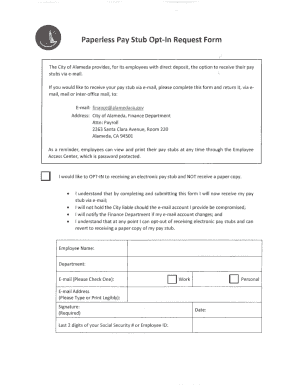
Paperless Pay Stub Opt-In Request Form
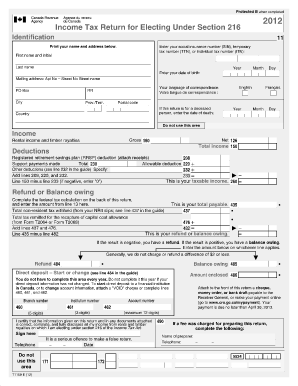
Blank roe form canada

Ups w2 online 2021
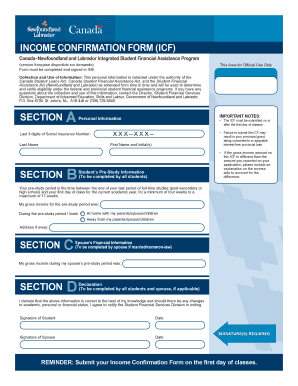
Canada income form
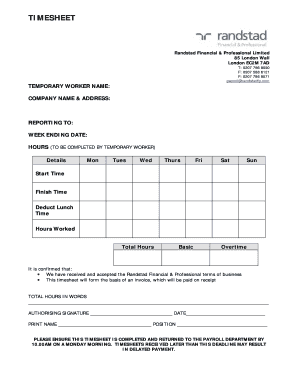
Ranstad timesheet

Retroactive Distribution of Funding is the process of changing the funding account charged for payroll expenses after the fact for the purpose of

2015 1040 se form
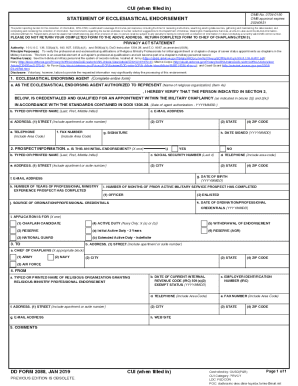
DD Form 2088, Statement of Ecclesiastical Endorsement - Executive

Canadian pay stub template
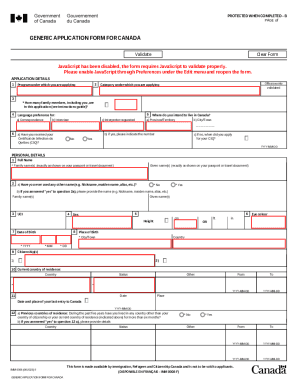
Canadian immigration formsIssue #15946mozilla pdf js
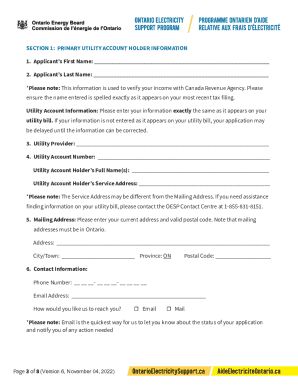
Canada Ontario Electricity Support Program Application Form

Direct Deposit Enrolment Change Request - Alberta Health Services
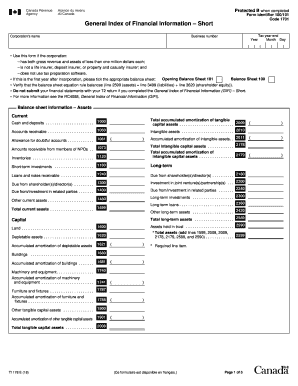
T1178

T1213 Request to Reduce Tax Deductions at Source
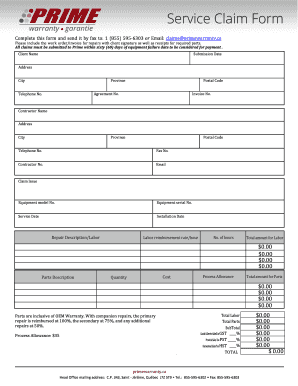
Prime Warranty Claim Form
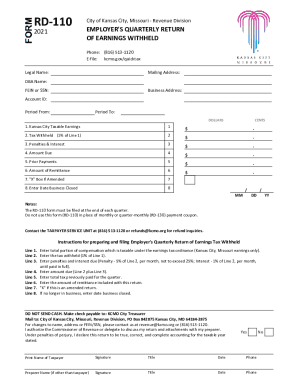
OF EARNINGS WITHHELD

Contractor Electrical Work Permit Application (F500-093-000) Contractor Electrical Work Permit Appli
Manage Paystub Canada Forms effortlessly online
Document management can stress you when you can’t locate all of the documents you need. Fortunately, with DocHub's substantial form collection, you can find all you need and promptly take care of it without switching among programs. Get our Paystub Canada Forms and start utilizing them.
The best way to manage our Paystub Canada Forms using these simple steps:
- Check Paystub Canada Forms and choose the form you need.
- Review the template and click on Get Form.
- Wait for it to upload in our online editor.
- Modify your document: add new information and pictures, and fillable fields or blackout some parts if needed.
- Complete your document, conserve modifications, and prepare it for sending.
- When ready, download your form or share it with other contributors.
Try out DocHub and browse our Paystub Canada Forms category with ease. Get a free profile right now!
Video Guide on Paystub Canada Forms management

Commonly Asked Questions about Paystub Canada Forms
How do I get proof of employment in Canada?
ROEs are always available online and employees can view or print copies using My Service Canada Account. Payroll service providers can now add new clients to their account online and are not required to fax a copy of the Employer Consent Form to Service Canada. ROE Web is a secure application.
What is a TD1 form in Canada?
What is a TD1? TD1, Personal Tax Credits Return, is a form used to determine the amount of tax to be deducted from an individuals employment income or other income, such as pension income.
Can I find my pay stubs online?
You typically submit a request to your bank and it can retrieve the pay stub for you. You can also retrieve your pay stub directly from your employers employee website or from the payroll department.
Is it illegal to not give pay stubs in Canada?
Employers must provide a statement of earnings or pay stub on each pay day and when making payments of wage adjustments. They must also maintain payroll records required by the legislation. The statement of earnings must be separate from the wage cheque.
What are T4 forms in Canada?
A T4 slip identifies all of the remuneration paid by an employer to an employee during a calendar year. You can get a Form T4 slip in a PDF or PDF fillable/saveable format to file on paper.
How do I get my pay stubs in Canada?
The simplest way to view and download your pay stubs is through MyGCPay. Alternatively, you can also access pay stubs through Phoenix self-service and Compensation Web Application. These applications are only accessible through a Government of Canada network and need your myKEY username and password.
Is it legal to email pay stubs in Canada?
If you distribute by email, you must receive consent from employees or recipients, in writing or in electronic format, before sending the slips by email.
What is the difference between T4 and T4A?
The T4A is a Statement of Pension, Retirement, Annuity, and Other Income. If you have received any self-employment income throughout the past year, you report it as a T4A vs. T4. While the T4 and T4A slips may seem similar, the T4 includes more detail around various payroll contributions that you have as an employee.