
Data Business Forms
Remain compliant with state-specific Data Business Forms. Ensure that your business procedures are accurate and secure, and comply with local and international regulations.

Create a new Data Business Form
Telkom cancellation form
F 1385
Doing business data form
Universal data form
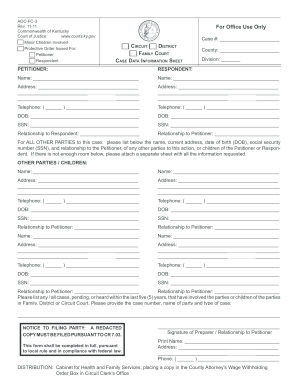
Case data sheet ky

Client data form

Ccim data form

Residential Data Form - South Carolina Home Corporation
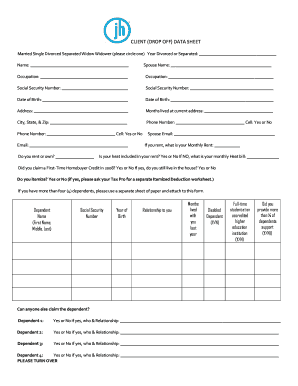
Jackson hewitt client data sheet
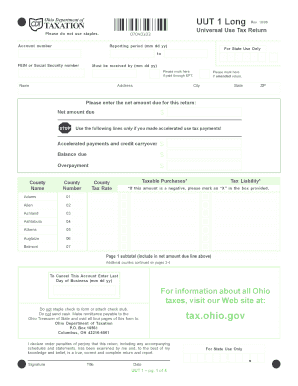
Form uut 1
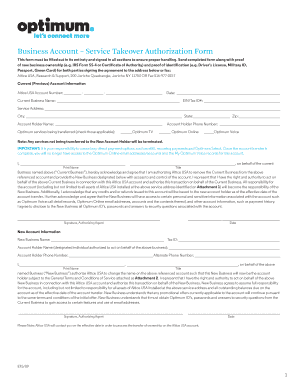
Optimum business name change form

THE AMERICAN LEGION MEMBER DATA FORM - txlegion447
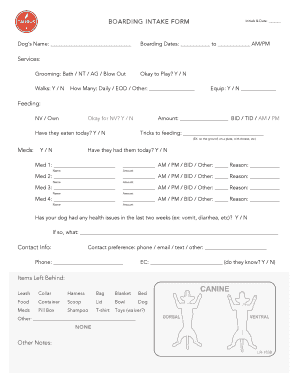
BOARDING INTAKE FORM - Taurus Academy
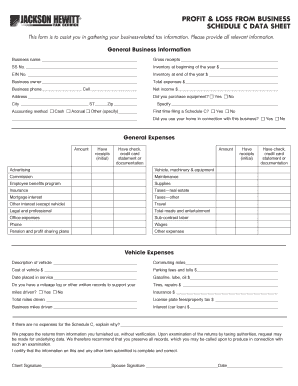
PROFIT & LOSS FROM BUSINESS SCHEDULE C DATA SHEET
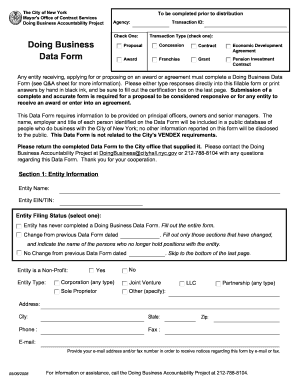
Download nycedc doing business data form
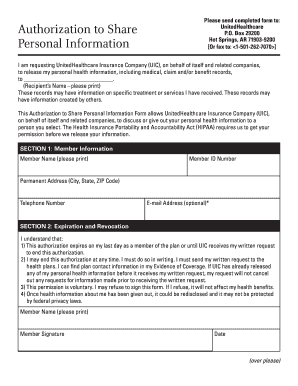
Personal data form template download
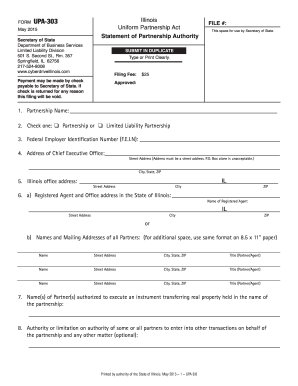
FORM UPA-303 - Illinois Secretary of State
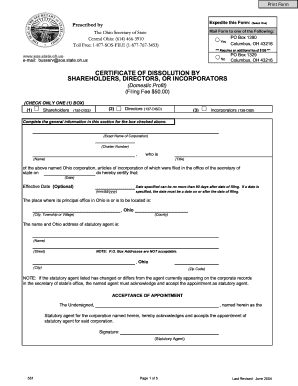
Ohio secretary of state business search 2004 form
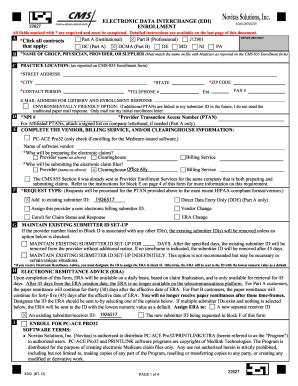
Electronic Data Interchange (EDI) Enrollment (8292 form) - Office Ally

Montana Department of Revenue Business Registration
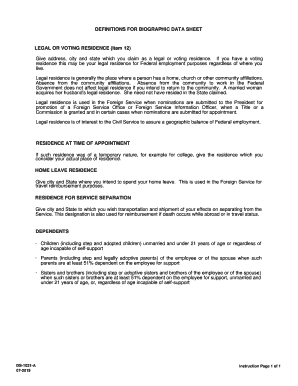
Biographic data
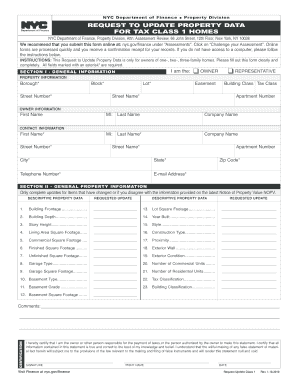
Ny update property data form

Mis report dot
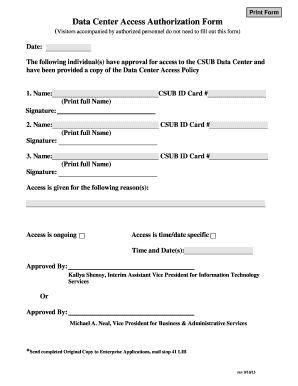
Data Center Access Authorization Form - csub
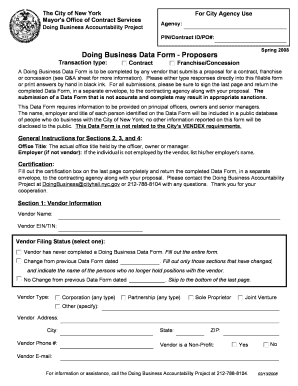
Nyc doing business data form
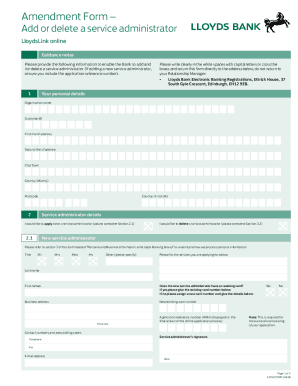
Useful formsBusiness - Lloyds Bank
Spark Business Phone Change of Ownership Spark Business Phone Change of Ownership
F104 proficiency testing data submission form
Personal data sheet revised 2017
Pa personal data sheet

Applicant data form - AMA International University Bahrain - amaiu edu

Kembel tax data online
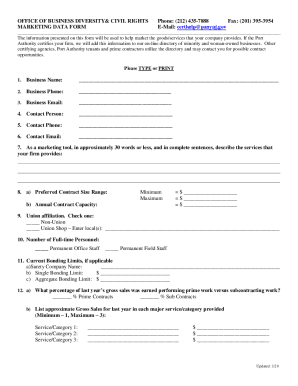
395-3954 MARKETING DATA FORM Phone

Reloading log book pdf
Enhance your output with Data Business Forms
Form management consumes to half of your office hours. With DocHub, it is easy to reclaim your time and effort and improve your team's productivity. Get Data Business Forms online library and discover all document templates related to your daily workflows.
Effortlessly use Data Business Forms:
- Open Data Business Forms and utilize Preview to obtain the relevant form.
- Click Get Form to begin working on it.
- Wait for your form to open in our online editor and begin editing it.
- Add new fillable fields, icons, and images, modify pages order, etc.
- Complete your document or prepare it for other contributors.
- Download or deliver the form by link, email attachment, or invite.
Improve your daily file management with the Data Business Forms. Get your free DocHub account right now to explore all templates.
Video Guide on Data Business Forms management

Commonly Asked Questions about Data Business Forms
Which data is an example of a business form?
Final answer: A timesheet is an example of a business form. Select the correct answer. Which data is an example of a business form Brainly question Brainly question
What is a student Dataform?
A student contact information form is a document that collects essential information about a student, such as their address, phone number, and emergency contacts. Schools use this form to ensure they can contact students or their parents in case of an emergency or to send important updates.
What is a data entry form for?
Provides a record of information collected via a form, log, or electronic submission that is used for data entry into a database or spreadsheet. May include financial data, research data, employee information, survey responses, questionnaires, student information, etc.
What is a data form?
A data form provides a convenient means to enter or display one complete row of information in a range or table without scrolling horizontally. You may find that using a data form can make data entry easier than moving from column to column when you have more columns of data than can be viewed on the screen. Add, edit, find, and delete rows by using a data form - Microsoft Support Microsoft Support en-us office add-edit- Microsoft Support en-us office add-edit-
What does Dataform do?
Dataform lets you create repositories to manage your code In a Dataform repository, you use Dataform core, an extension of SQL, to write SQLX files in which you define your workflow. Dataform repositories support version-control.
How do you create a Dataform?
Steps to Create a Form in Excel Step 1: Add Data Entry Form Option. You will notice that there actually is no option or tab to create a data entry form on the toolbar at the top. Step 2: Create a Table. Step 3: Enter Form Data. Step 4: Data Validation. Step 5: How to Search for Records. Step 6: Data Collection.
Related Templates

Medical Assisting Program Application Information Packet
The document is a Program Application Information Packet for the Medical Assisting program at Southern State Community C ...
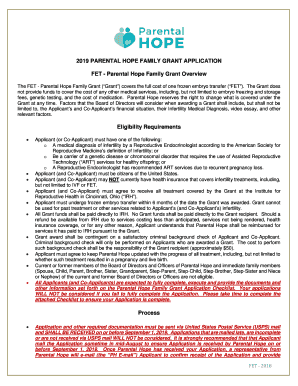
Parental hope family grant
The 2019 Parental Hope Family Grant Application provides financial assistance for one frozen embryo transfer (FET) to el ...
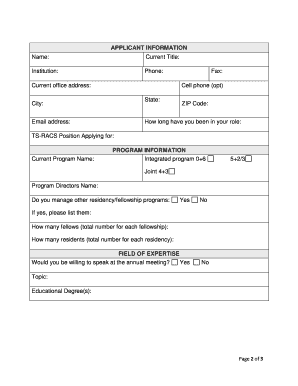
BylawsSTS - Society of Thoracic Surgeons
The document provides application instructions for the Executive Committee of the Thoracic Surgery Residency Administrat ...

Podiatrists professional liability insurance - Bailey Special Risks
The document is an application form for professional liability insurance specifically designed for individual podiatrist ...

Medmarc application
The document is an insurance application for distributors seeking coverage under a Claims Made policy from Medmarc Casua ...
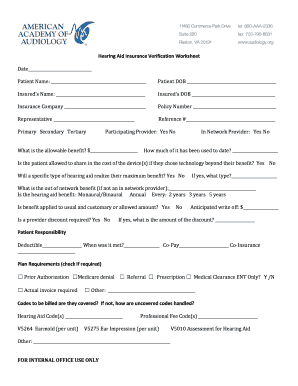
Hearing Aid Insurance Verification Worksheet - Audiology - audiology
The document is a Hearing Aid Insurance Verification Worksheet designed to collect and verify essential information rega ...

Student Name DOB (DD MM YY)
The document outlines the immunization requirements for incoming UC students, mandating specific vaccines and tuberculos ...

Excess and or Subrogation Statement of Facts
The document is an Excess and/or Subrogation Statement of Facts, which collects information from a participant regarding ...