
Calneder Booking Templates
Gain easy-to-customize Calneder Booking Templates and simplify your reservation workflows and avoid issues. Modify, fill out, and securely store your documents all in one location with DocHub account.

Create a new Calneder Booking Template

Dmv application for permit
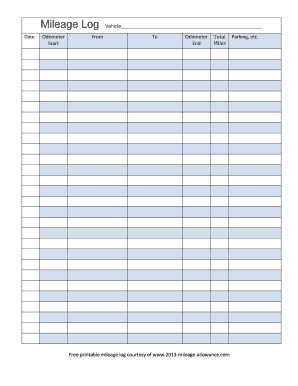
Mileage log
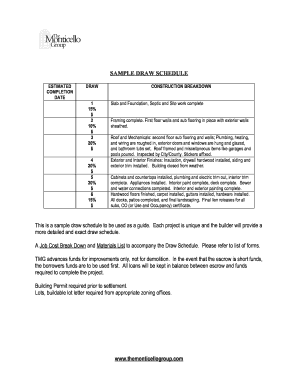
Draw schedule template
Comfort Suites by Choice HotelsOfficial Site - Book Now!
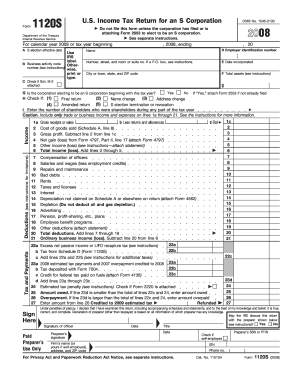
2008 1120s form
Washington state 4 h book

Appointment slip fillable form
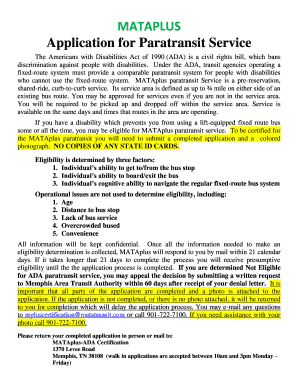
Mata plus application
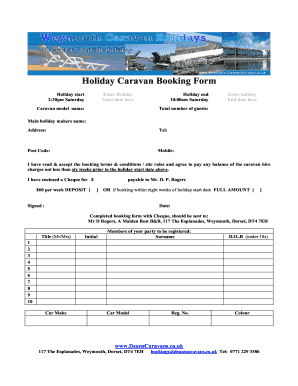
Caravan booking form template
Monthly bill organizer pdf
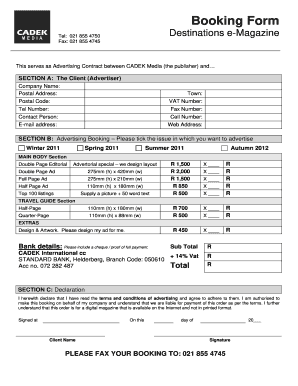
Order booking format
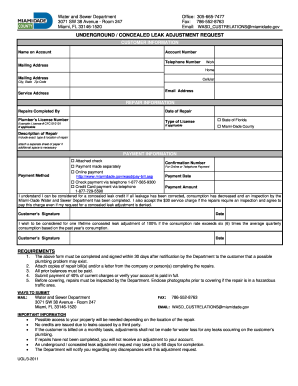
Florida underground dade
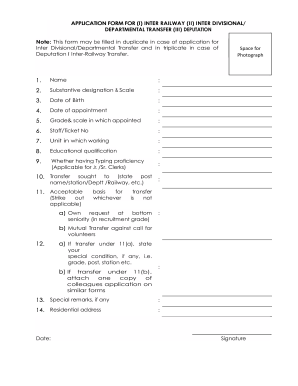
Railway reservation form in excel
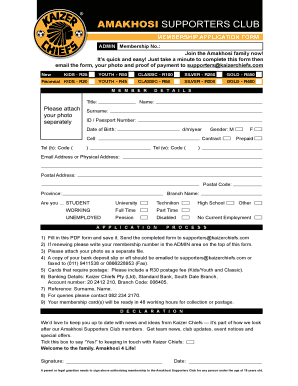
Upcoming soccer trials in johannesburg 2022

Stall booking form template

Blank payment form irs

Oath of professional teachers

Dvbnachcs form
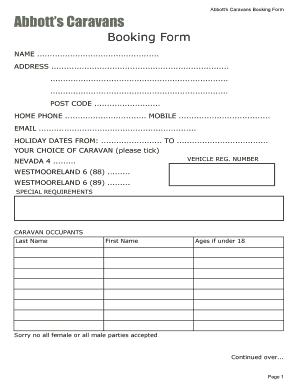
Caravan booking form template
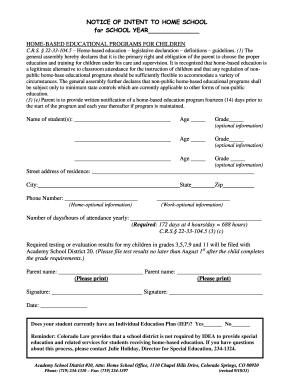
Intent to Homeschool - Academy District 20

AV Loans Booking Form.doc - sydney edu

Eagle Ridge At Lancaster Lot Reservation Form

REQUEST FORM FOR NMR FACILITY TRAINING - NUS - chemistry nus edu
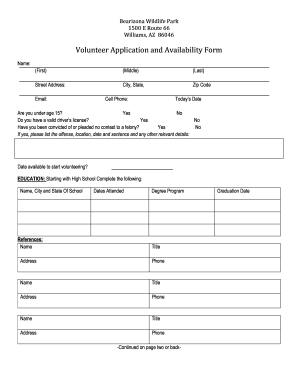
Availability form

Italy national los angeles consulate
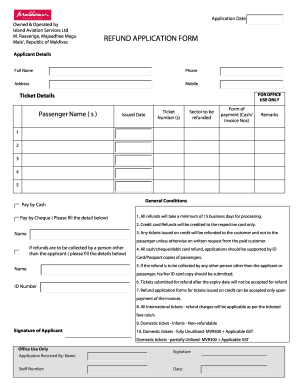
Aero refund form
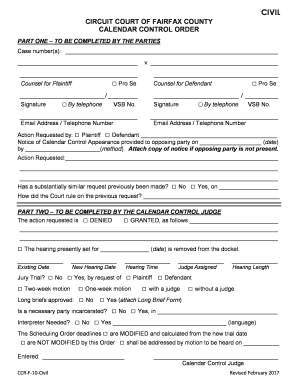
Fairfax circuit court calendar control

Rpi readmission

Weddong booking forns form
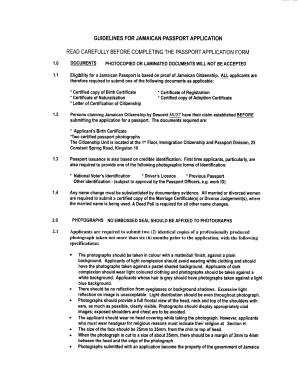
Jamaican Passport Application Form - Jamaican High Commission
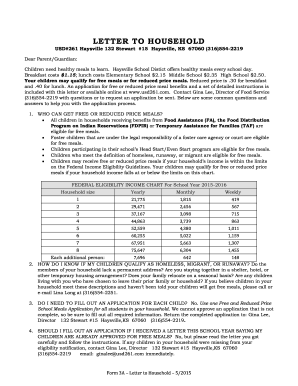
USD261 Haysville 132 Stewart 15 Haysville KS 67060 316 - usd261
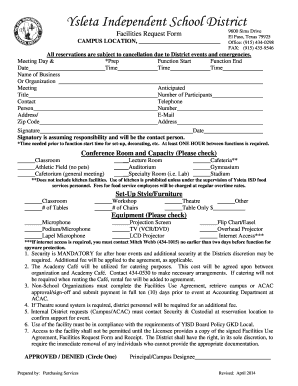
Ysleta Independent School District Facilities Request Form CAMPUS LOCATION, 9600 Sims Drive El Paso, Texas 79925 Office: (915) 4340298 FAX: (915) 4359546 All reservations are subject to cancellation due to District events and emergencies

Cruise booking form
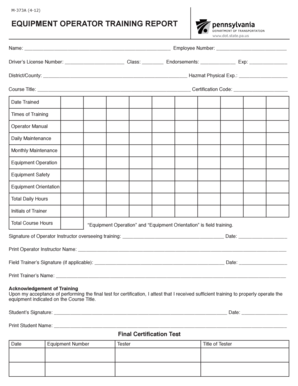
EQUIPMENT OPERATOR TRAINING REPORT - PennDOT
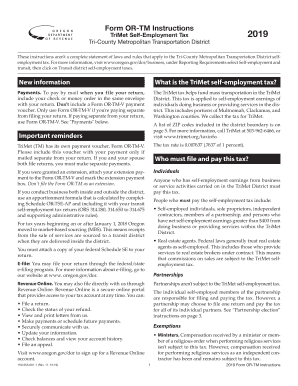
2015 Instructions for Form 709 - Internal Revenue Service
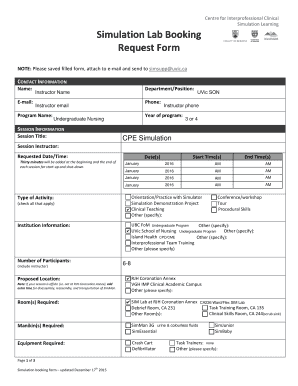
Simulation booking
-
1
- 2
Supercharge your production with Calneder Booking Templates
Document managing occupies to half of your office hours. With DocHub, it is possible to reclaim your time and increase your team's productivity. Get Calneder Booking Templates collection and check out all form templates related to your daily workflows.
The best way to use Calneder Booking Templates:
- Open Calneder Booking Templates and utilize Preview to get the appropriate form.
- Click Get Form to begin working on it.
- Wait for your form to open in the online editor and begin editing it.
- Add new fillable fields, symbols, and images, adjust pages, and many more.
- Complete your file or prepare it for other contributors.
- Download or deliver the form by link, email attachment, or invite.
Boost your daily file managing with the Calneder Booking Templates. Get your free DocHub account right now to explore all forms.
Video Guide on Calneder Booking Templates management

Commonly Asked Questions about Calneder Booking Templates
Can I use Google Calendar as a booking system?
An appointment schedule in Google Calendar allows you to create a shareable booking page that lets others book time with you. Open your internet browser and go to calendar.google.com. Click Create. Then, click Appointment schedule from the dropdown menu.
Does Google have a scheduling tool?
On your computer, you can create an appointment schedule in Google Calendar. Important: If you use Calendar with a personal account, you can create a single booking page and accept unlimited appointments at no charge.
How do I create a booking form in Google Calendar?
Create an appointment schedule On a computer, open Google Calendar. At the top left, click Create . Click Appointment schedule. Enter a title. To set an appointment duration, click the down arrow . Set the date, time, and time zone of your appointments.
How to create a booking calendar?
Create a new appointment schedule. On a computer, open Google Calendar. At the top left, click create. Enter appointment details. Enter a title. Set your appointment duration. Share your booking page. Once created, click the appointment schedule on the calendar grid to get a link to the booking page to share with others.
Related Templates
Navmc 11381
The document is a U.S. Department of Defense form (NAVMC 11381) used for reporting Class V(W) ammunition expenditures. I ...
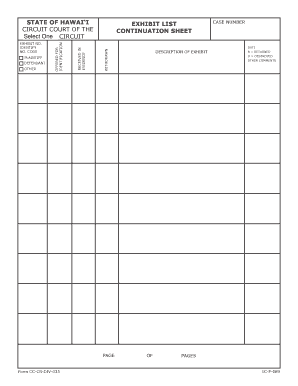
Exhibit list continuation
The document is an exhibit list for a court case in the State of Hawai‘i, detailing the identification and status of var ...

Hrap hourly form get
The document is a sample of Form 8a, an hourly worksheet used for tracking activities related to non-indigent representa ...
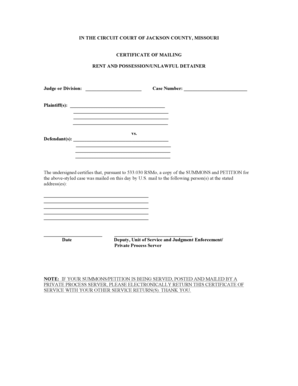
BCertificateb of Mailing - 16th Circuit Court of Jackson County Missouri - 16thcircuit
The document is a Certificate of Mailing from the Circuit Court of Jackson County, Missouri, related to a Rent and Posse ...
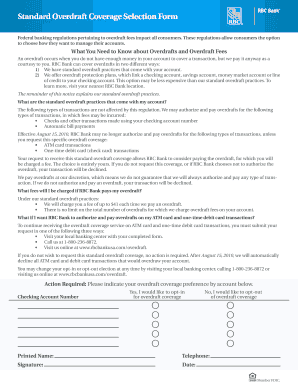
Rbc standard overdraft
The document is a Standard Overdraft Coverage Selection Form from RBC Bank, outlining federal regulations regarding over ...
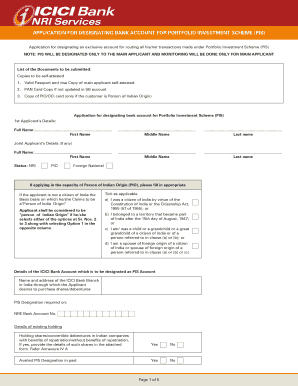
Icici scheme form download
The document is an application form for designating a bank account under the Portfolio Investment Scheme (PIS) for routi ...
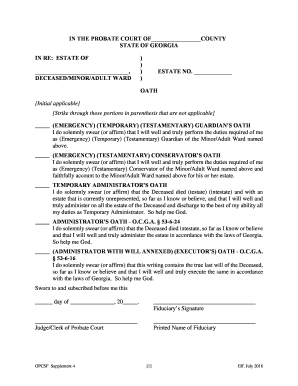
Ga supplement 4 oath form
The document is a series of oaths required for individuals acting as guardians, conservators, or administrators in proba ...
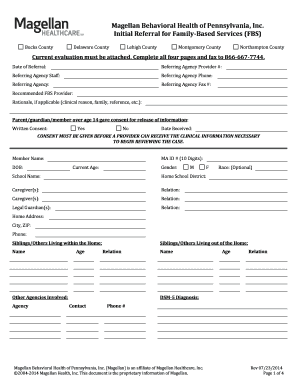
Initial Referral for Family Based Services - Magellan Provider's
The document is a referral form for Family-Based Services (FBS) provided by Magellan Behavioral Health of Pennsylvania, ...